
How to Use Arduino WiFly Shield: Examples, Pinouts, and Specs
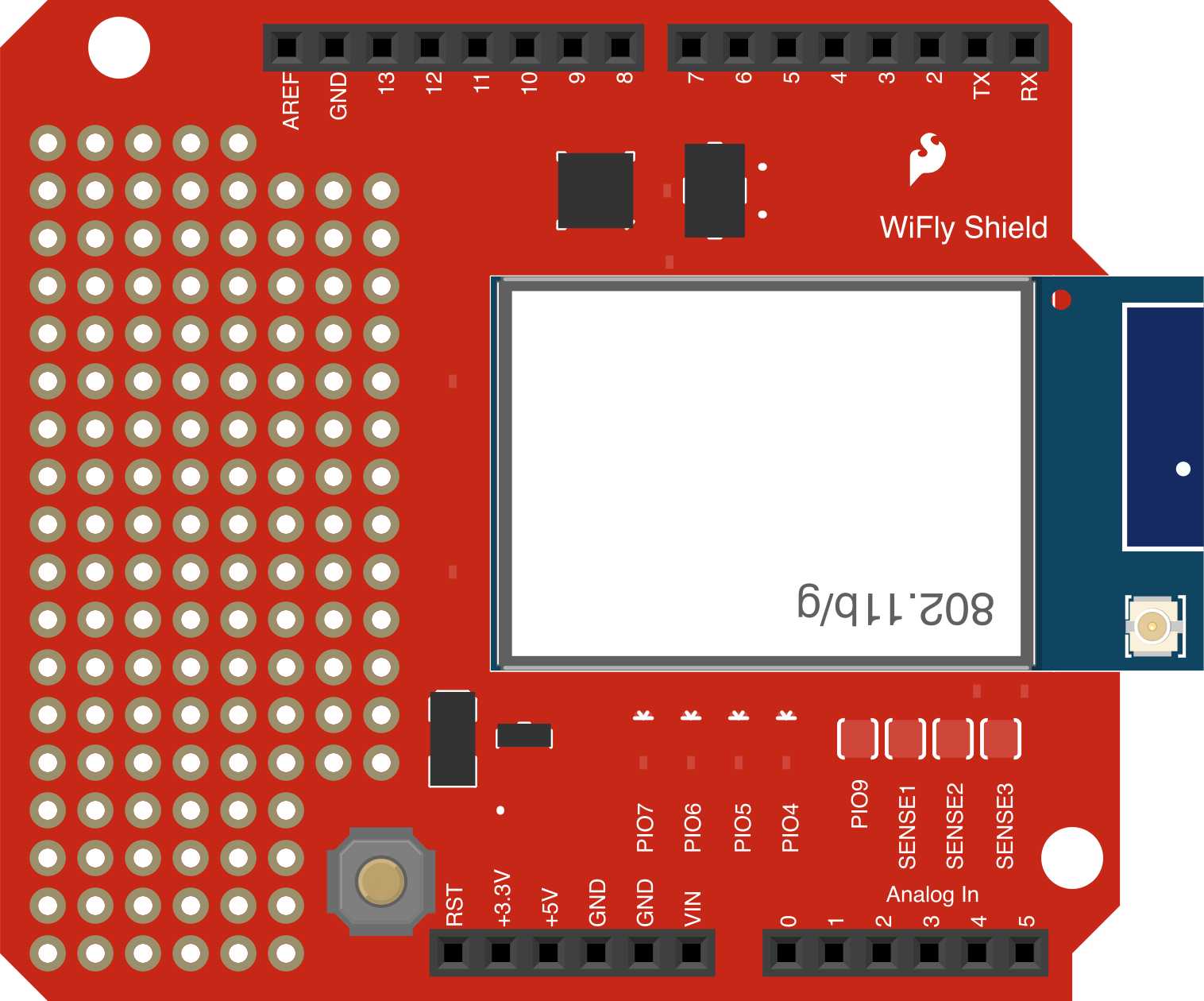
 Design with Arduino WiFly Shield in Cirkit Designer
Introduction
The Arduino WiFly Shield is a Wi-Fi communication module designed to provide wireless connectivity to Arduino boards. It is based on the RN-131C Wi-Fi module and allows Arduino projects to connect to wireless networks, enabling Internet of Things (IoT) applications. With its simple integration and robust features, the WiFly Shield is ideal for projects requiring remote monitoring, data logging, or wireless control.
Explore Projects Built with Arduino WiFly Shield
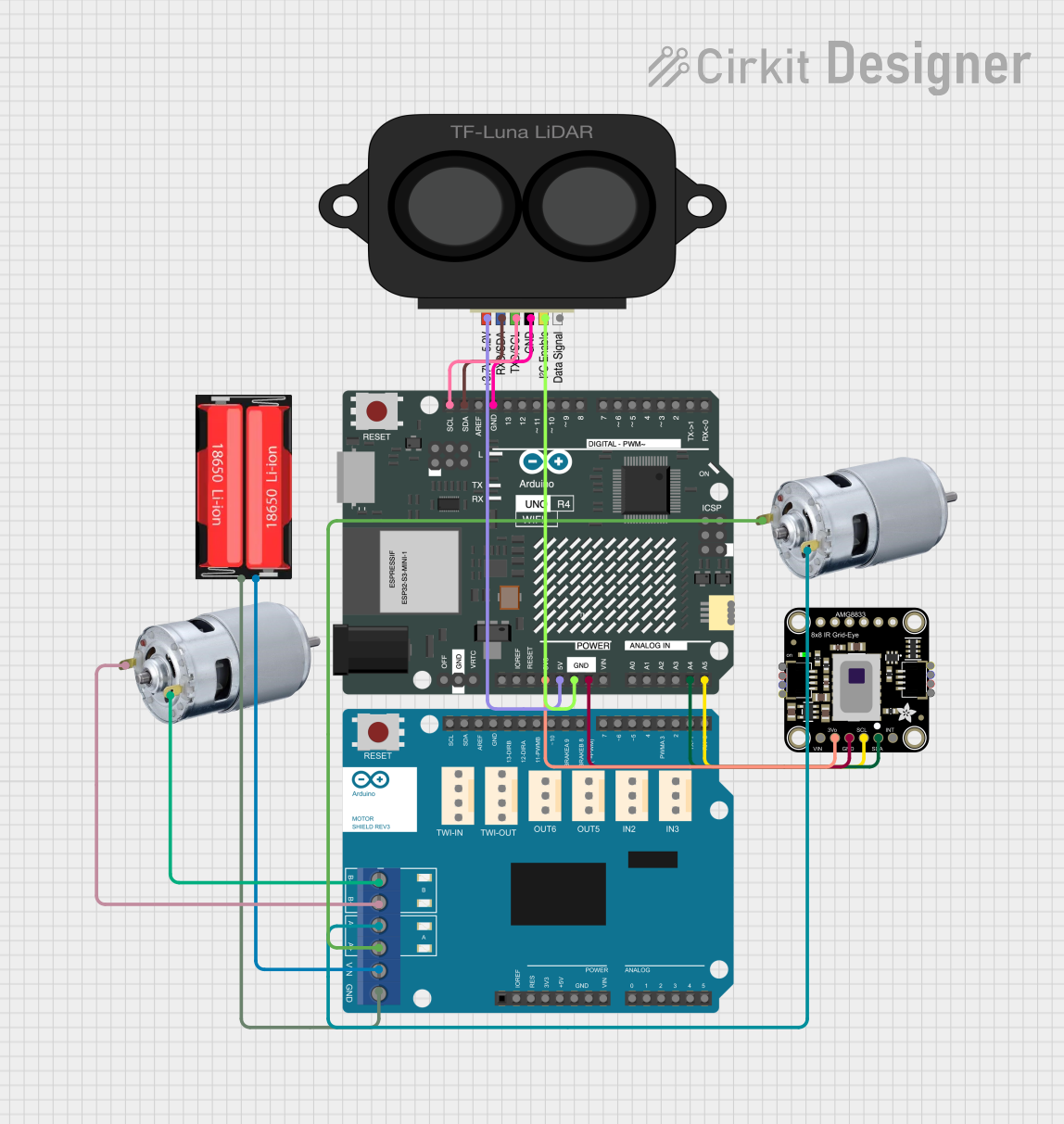 Open Project in Cirkit Designer
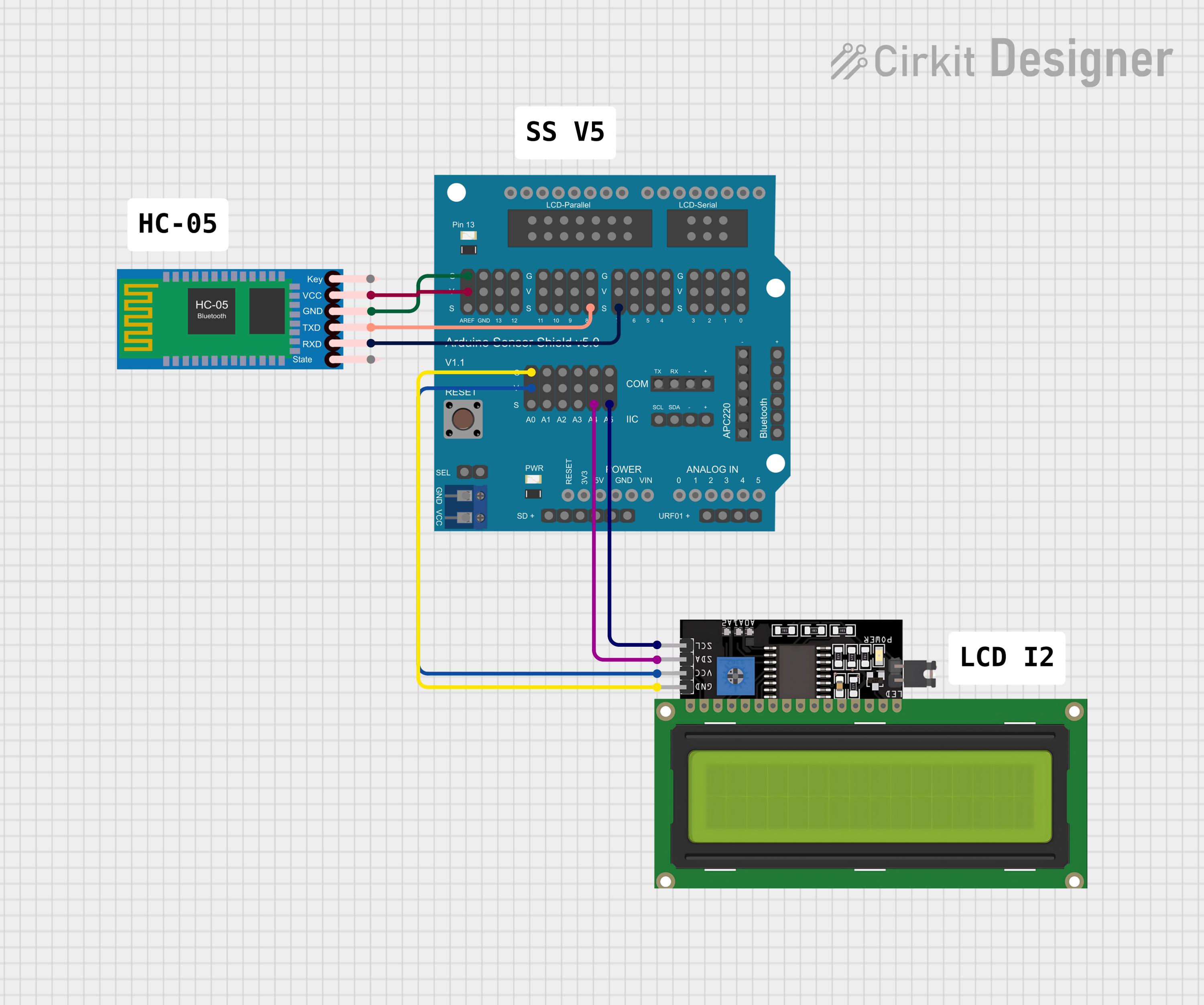 Open Project in Cirkit Designer
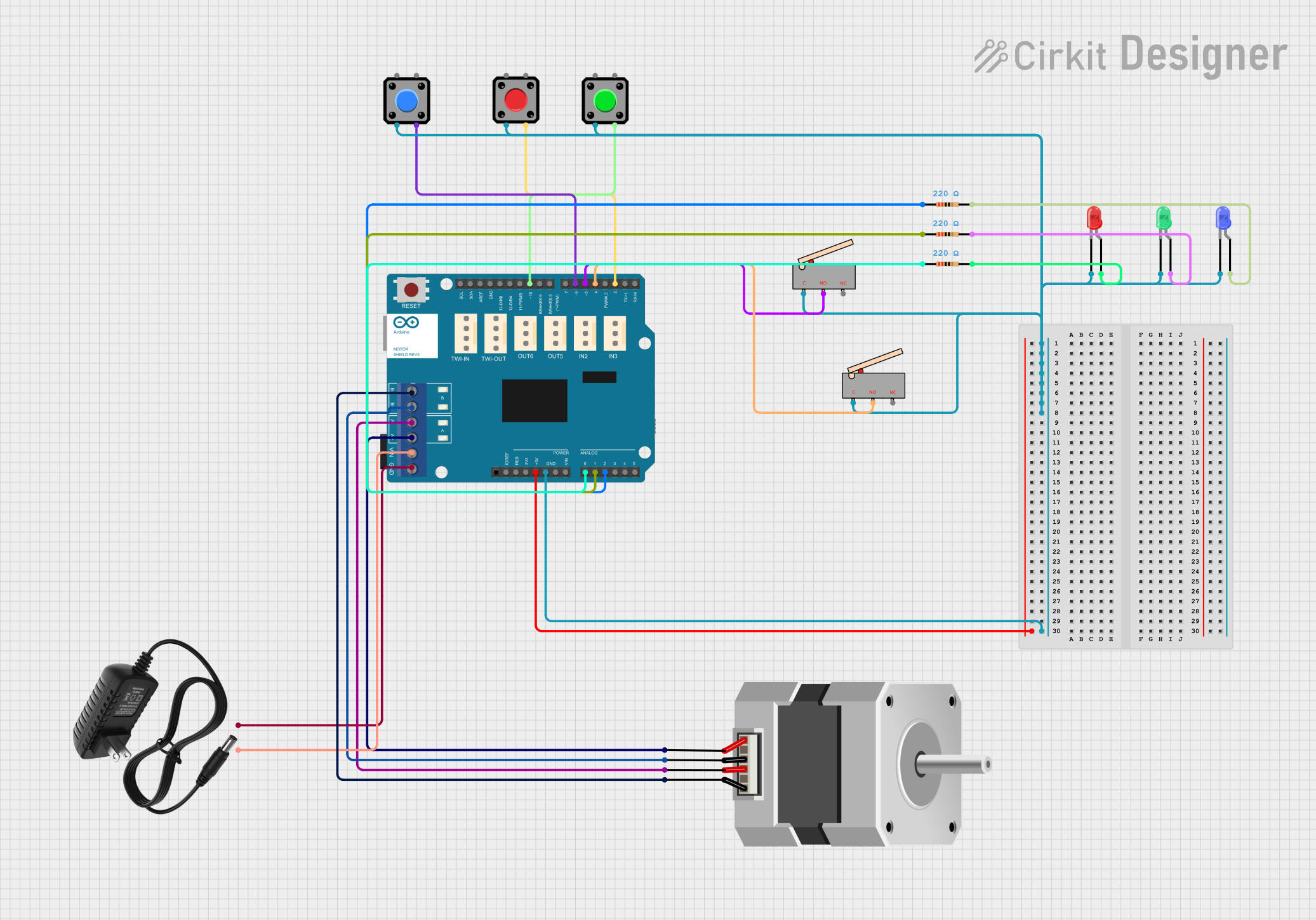 Open Project in Cirkit Designer
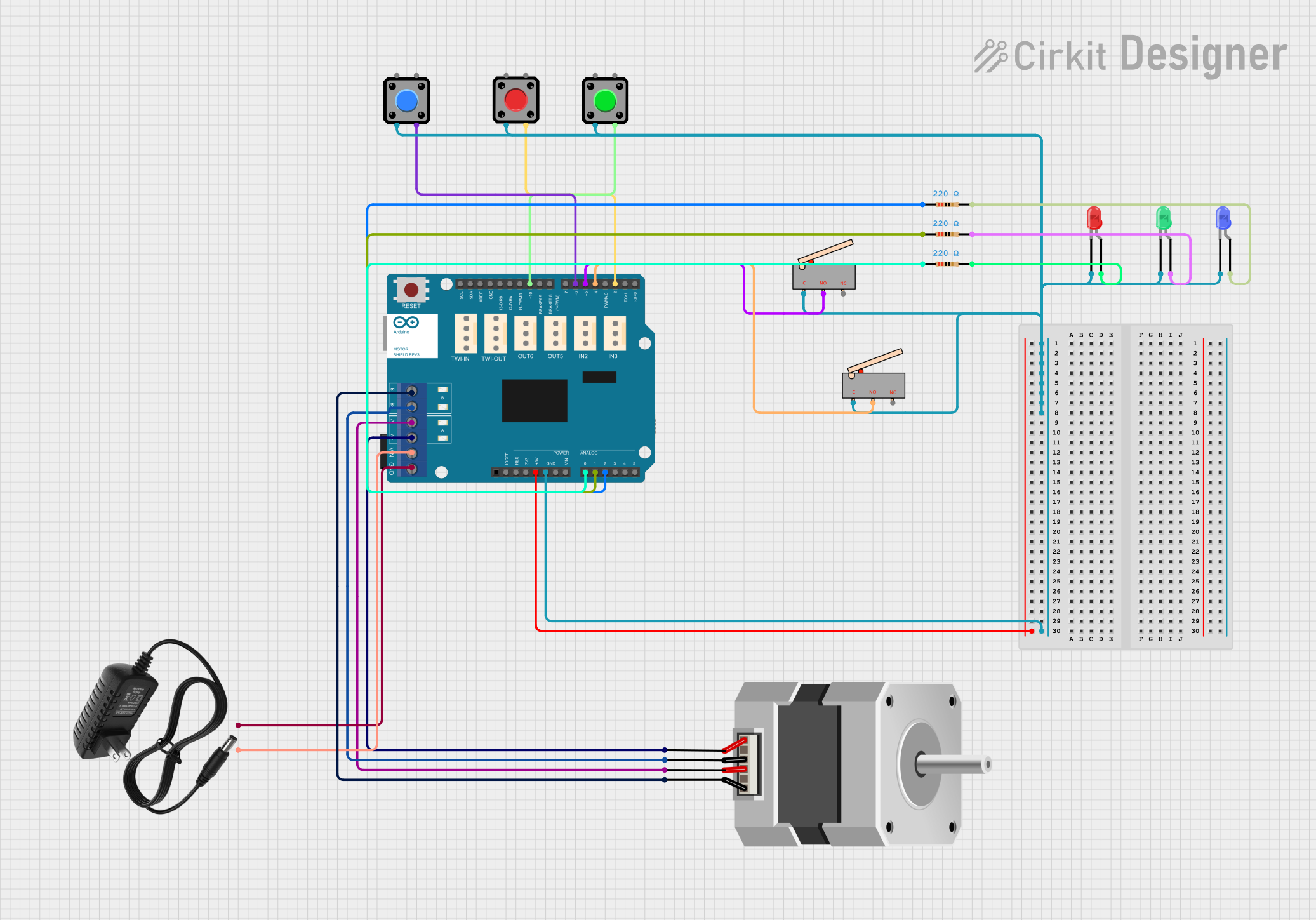 Open Project in Cirkit Designer
Explore Projects Built with Arduino WiFly Shield
Open Project in Cirkit DesignerOpen Project in Cirkit DesignerOpen Project in Cirkit DesignerOpen Project in Cirkit DesignerCommon Applications and Use Cases
- IoT devices and smart home automation
- Wireless sensor networks
- Remote data logging and monitoring
- Wireless control of robots or other devices
- Web-based Arduino projects
Technical Specifications
The Arduino WiFly Shield is equipped with the RN-131C module and provides the following key specifications:
| Specification | Details |
|---|---|
| Wi-Fi Standard | IEEE 802.11b/g |
| Frequency | 2.4 GHz |
| Encryption | WEP-128, WPA-PSK (TKIP), WPA2-PSK (AES) |
| Supply Voltage | 3.3V (regulated from Arduino board) |
| Power Consumption | 40 mA (typical), 200 mA (peak during transmission) |
| Data Rate | Up to 54 Mbps |
| Communication Protocol | UART (default baud rate: 9600 bps) |
| Operating Temperature | -40°C to +85°C |
| Dimensions | Standard Arduino shield form factor |
Pin Configuration and Descriptions
The WiFly Shield connects to the Arduino board via its standard headers. Below is the pin configuration:
| Pin | Description |
|---|---|
| D0 (RX) | UART Receive pin (used for communication with the Arduino board) |
| D1 (TX) | UART Transmit pin (used for communication with the Arduino board) |
| D2 | Factory reset pin (active low) |
| D3 | GPIO pin (can be used for custom applications) |
| D4 | GPIO pin (can be used for custom applications) |
| D5 | GPIO pin (can be used for custom applications) |
| D6 | GPIO pin (can be used for custom applications) |
| 3.3V | Power supply pin (regulated from the Arduino board) |
| GND | Ground pin |
Usage Instructions
How to Use the WiFly Shield in a Circuit
- Attach the Shield: Plug the WiFly Shield onto your Arduino board, ensuring the pins align correctly.
- Power the Arduino: Connect the Arduino to a power source (USB or external power supply).
- Connect to Wi-Fi:
- Use the UART interface to send AT commands to configure the Wi-Fi settings.
- Set the SSID and password of your wireless network.
- Program the Arduino: Write a sketch to communicate with the WiFly Shield and send/receive data over Wi-Fi.
Example Code for Arduino UNO
Below is an example sketch to connect the WiFly Shield to a Wi-Fi network and send data to a server:
#include <SoftwareSerial.h>

// Define RX and TX pins for SoftwareSerial
SoftwareSerial WiFly(2, 3); // RX = pin 2, TX = pin 3

void setup() {
  Serial.begin(9600); // Start Serial Monitor for debugging
  WiFly.begin(9600);  // Start communication with WiFly Shield

  // Send initialization commands to WiFly Shield
  WiFly.println("set wlan ssid YourNetworkSSID"); // Set Wi-Fi SSID
  delay(1000); // Wait for the command to process
  WiFly.println("set wlan pass YourNetworkPassword"); // Set Wi-Fi password
  delay(1000);
  WiFly.println("join"); // Connect to the Wi-Fi network
  delay(2000);

  // Check connection status
  Serial.println("WiFly Shield initialized and connected to Wi-Fi.");
}

void loop() {
  // Example: Send data to a server
  WiFly.println("open 192.168.1.100 80"); // Open connection to server
  delay(1000);
  WiFly.println("GET /data HTTP/1.1"); // Send HTTP GET request
  WiFly.println("Host: 192.168.1.100");
  WiFly.println(); // End of HTTP request
  delay(2000);

  // Read response from server
  while (WiFly.available()) {
    char c = WiFly.read();
    Serial.print(c); // Print server response to Serial Monitor
  }
}
Important Considerations and Best Practices
- Power Supply: Ensure the Arduino board provides sufficient power for the WiFly Shield, especially during peak transmission.
- Baud Rate: The default baud rate for the WiFly Shield is 9600 bps. Ensure your Arduino sketch matches this setting.
- Antenna Placement: Avoid placing the shield near metal objects or other sources of interference to maintain a strong Wi-Fi signal.
- Firmware Updates: Check for firmware updates for the RN-131C module to ensure compatibility and access to the latest features.
Troubleshooting and FAQs
Common Issues and Solutions
WiFly Shield Not Connecting to Wi-Fi:
- Verify the SSID and password are correct.
- Ensure the Wi-Fi network is operating on the 2.4 GHz band (not 5 GHz).
- Check if the shield is receiving sufficient power.
No Response from the Shield:
- Confirm the RX and TX pins are correctly connected.
- Ensure the baud rate in your sketch matches the shield's default baud rate (9600 bps).
Intermittent Wi-Fi Connection:
- Check for sources of interference (e.g., other wireless devices).
- Ensure the shield's antenna is properly positioned.
Unable to Send Data to Server:
- Verify the server's IP address and port number.
- Ensure the server is configured to accept incoming connections.
FAQs
Q: Can the WiFly Shield connect to WPA2-secured networks?
A: Yes, the shield supports WPA2-PSK (AES) encryption for secure connections.
Q: Can I use the WiFly Shield with Arduino Mega?
A: Yes, but you may need to use SoftwareSerial or reconfigure the hardware UART pins.
Q: How do I reset the WiFly Shield to factory settings?
A: Hold the reset pin (D2) low for at least 10 seconds while powering on the shield.
Q: Does the WiFly Shield support 5 GHz Wi-Fi networks?
A: No, the shield only supports 2.4 GHz Wi-Fi networks.
By following this documentation, you can effectively integrate the Arduino WiFly Shield into your projects and troubleshoot common issues.