
How to Use Soil RK520-01: Examples, Pinouts, and Specs
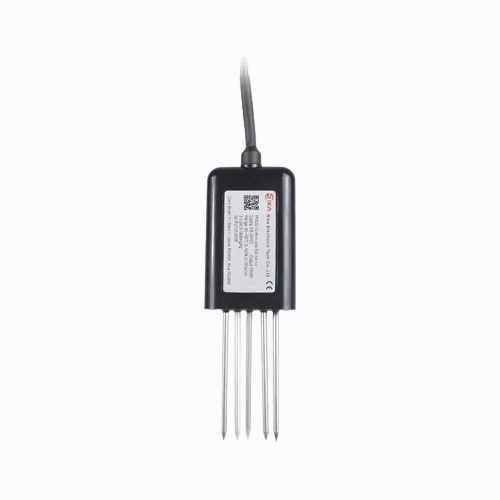
 Design with Soil RK520-01 in Cirkit Designer
Introduction
The Soil RK520-01 is a robust soil moisture sensor designed to gauge the volumetric water content in soil. This sensor is an indispensable tool for agriculture, landscaping, and environmental science, providing real-time data to optimize irrigation schedules, conserve water, and monitor plant health.
Explore Projects Built with Soil RK520-01
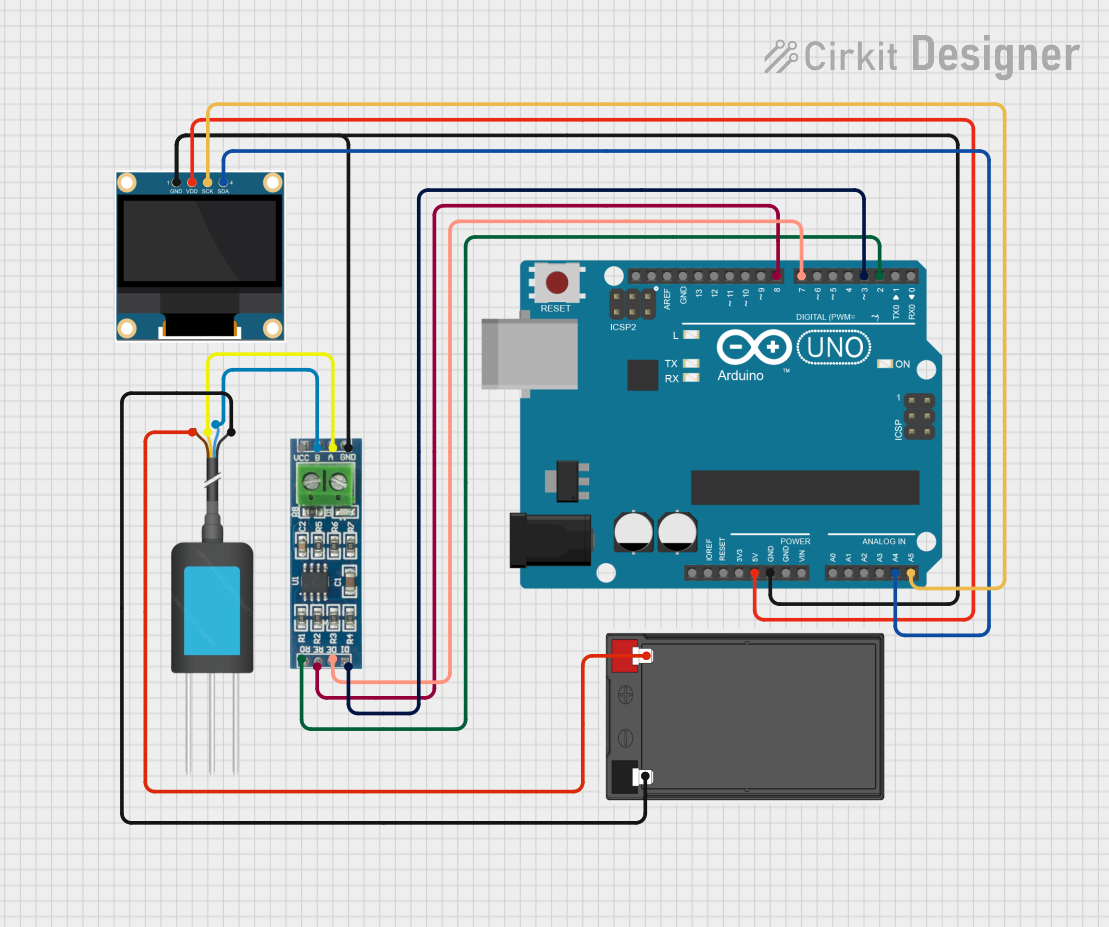 Open Project in Cirkit Designer
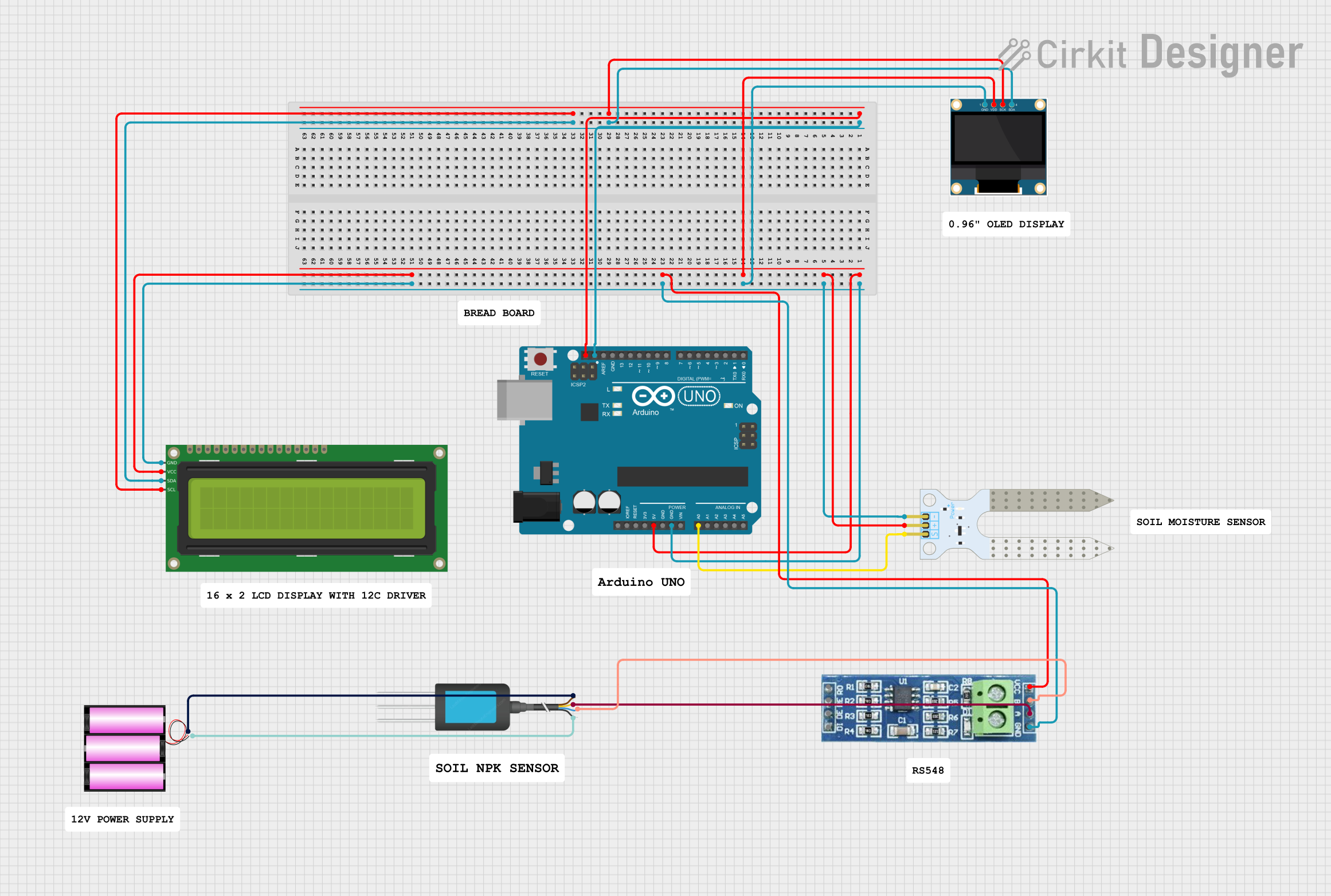 Open Project in Cirkit Designer
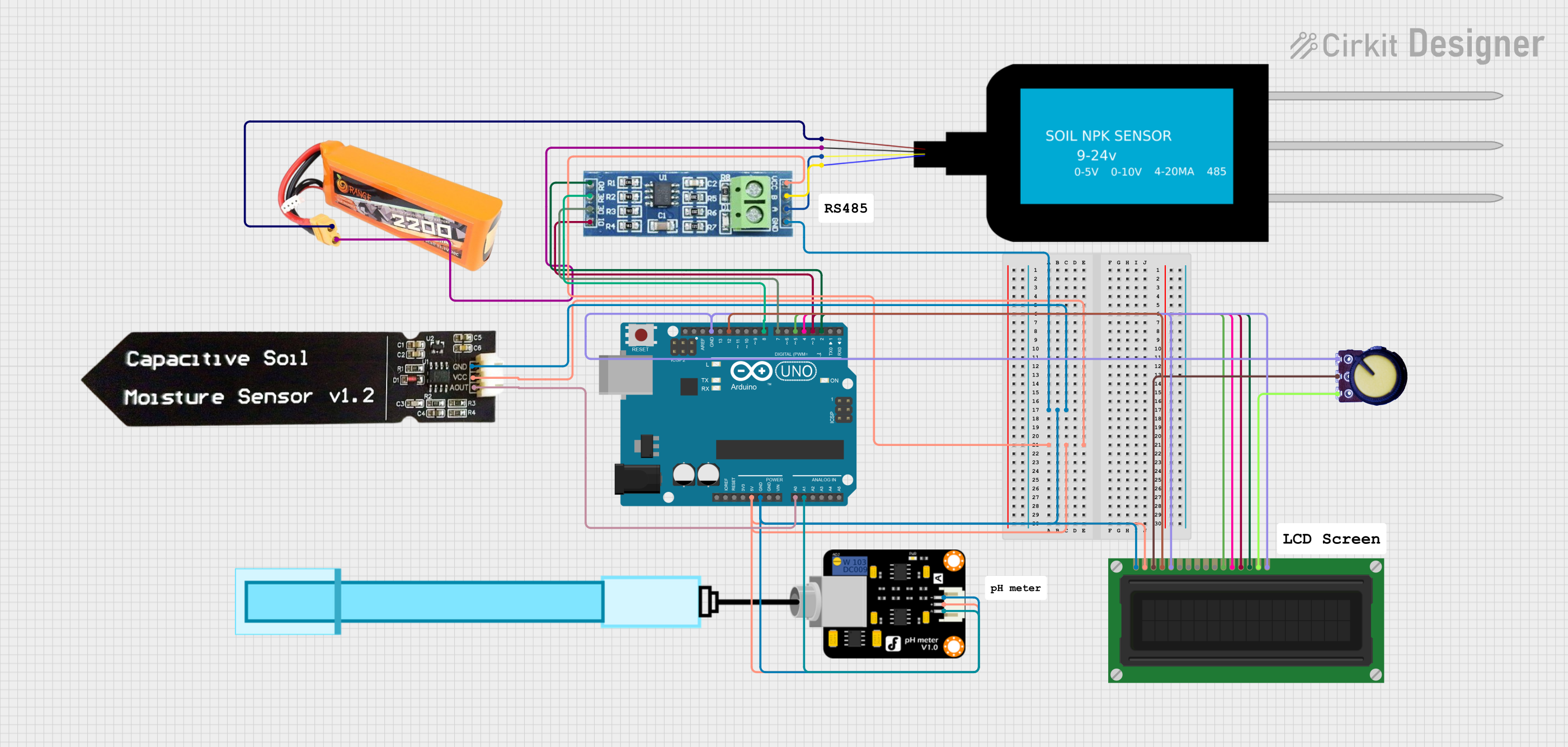 Open Project in Cirkit Designer
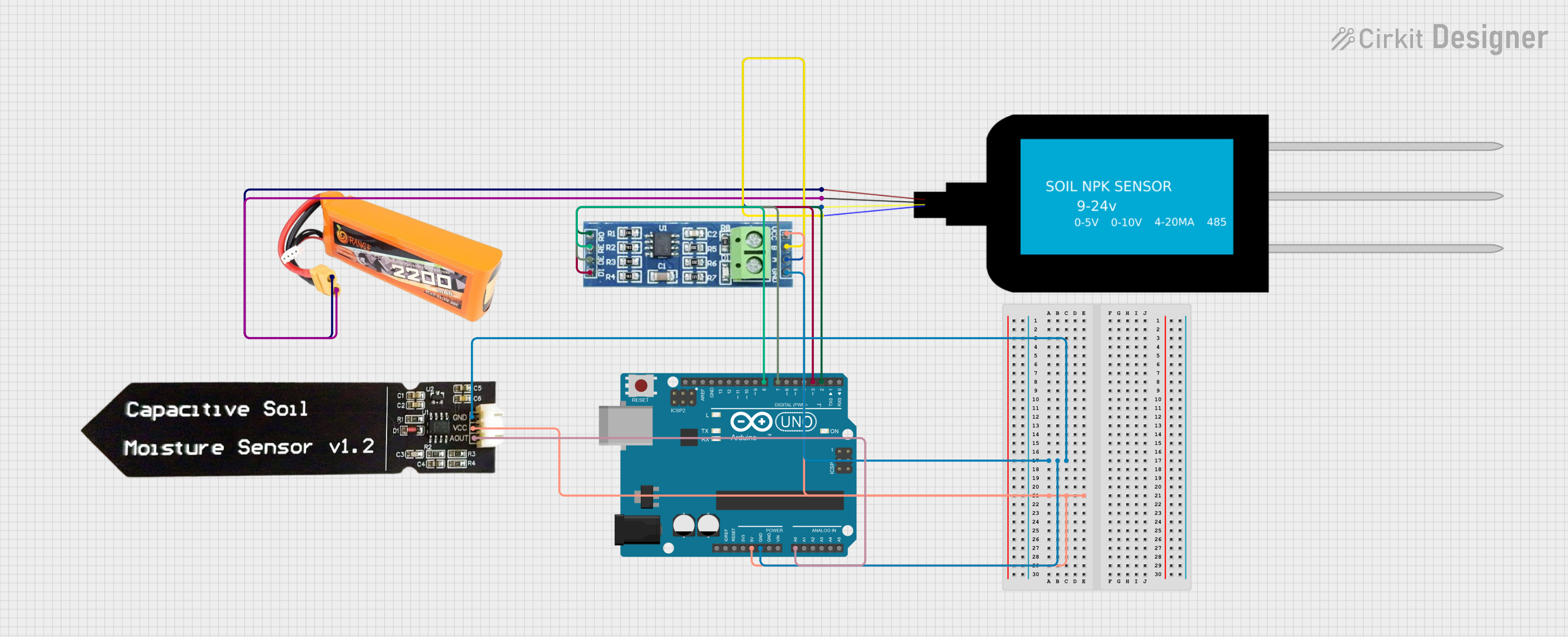 Open Project in Cirkit Designer
Explore Projects Built with Soil RK520-01
Open Project in Cirkit DesignerOpen Project in Cirkit DesignerOpen Project in Cirkit DesignerOpen Project in Cirkit DesignerCommon Applications and Use Cases
- Agriculture: Monitoring soil moisture for optimal crop growth.
- Landscaping: Ensuring proper irrigation of lawns and gardens.
- Environmental Science: Studying soil moisture levels in different ecosystems.
- Smart Gardening: Integrating with automated watering systems in smart homes.
Technical Specifications
Key Technical Details
- Operating Voltage: 3.3V to 5V DC
- Output Voltage: 0V to 3.0V DC
- Current Consumption: 35mA (typical)
- Measurement Range: 0 to 100% volumetric water content
- Accuracy: ±3%
- Operating Temperature: -40°C to +85°C
- Probe Material: Corrosion-resistant
Pin Configuration and Descriptions
| Pin Number | Name | Description |
|---|---|---|
| 1 | VCC | Power supply (3.3V to 5V DC) |
| 2 | GND | Ground connection |
| 3 | AOUT | Analog output voltage |
| 4 | DOUT | Digital output (threshold set by onboard potentiometer) |
Usage Instructions
How to Use the Component in a Circuit
- Power Connection: Connect the VCC pin to a 3.3V or 5V power supply and the GND pin to the ground.
- Output Connection: Connect the AOUT pin to an analog input on your microcontroller to read the moisture level.
- Threshold Adjustment: If using the digital output, adjust the onboard potentiometer to set the desired moisture threshold.
Important Considerations and Best Practices
- Avoid submerging the electronic components of the sensor; only the probe should be inserted into the soil.
- For accurate readings, ensure the probe is inserted into the soil up to the indicated depth line.
- Calibrate the sensor for the specific soil type if precise measurements are required.
- Use a pull-up resistor if the sensor is located far from the microcontroller to prevent signal degradation.
Example Code for Arduino UNO
// Soil RK520-01 Soil Moisture Sensor Example for Arduino UNO

const int MOISTURE_SENSOR_PIN = A0; // Analog input pin connected to AOUT

void setup() {
  Serial.begin(9600); // Initialize serial communication at 9600 baud rate
}

void loop() {
  int sensorValue = analogRead(MOISTURE_SENSOR_PIN); // Read the soil moisture value
  float moisturePercent = (sensorValue / 1023.0) * 100; // Convert to percentage

  Serial.print("Soil Moisture Level: ");
  Serial.print(moisturePercent);
  Serial.println("%");

  delay(1000); // Wait for a second before reading again
}
Troubleshooting and FAQs
Common Issues
- Inaccurate Readings: Ensure the probe is fully inserted into the soil and the sensor is calibrated for the soil type.
- No Readings: Check the power supply and wiring connections to the sensor.
- Sensor Corrosion: Avoid leaving the sensor in the soil for extended periods when not in use.
Solutions and Tips for Troubleshooting
- Calibration: Perform a calibration using a known moisture reference to improve accuracy.
- Wiring Check: Verify that all connections are secure and free from corrosion.
- Power Supply: Ensure the sensor is receiving the correct voltage as per the technical specifications.
FAQs
Q: Can the sensor be left in the soil permanently? A: It is not recommended to leave the sensor in the soil permanently as prolonged exposure to moisture can lead to corrosion.
Q: Is the sensor waterproof? A: The probe is water-resistant, but the electronic components are not waterproof. Care should be taken to prevent exposure to water.
Q: How do I clean the sensor? A: Gently clean the probe with water and a soft brush. Do not use any harsh chemicals or abrasives.
Q: Can the sensor be used with any microcontroller? A: Yes, the sensor can be used with any microcontroller that has analog input capabilities.