
How to Use COPERNICUS-DIP: Examples, Pinouts, and Specs
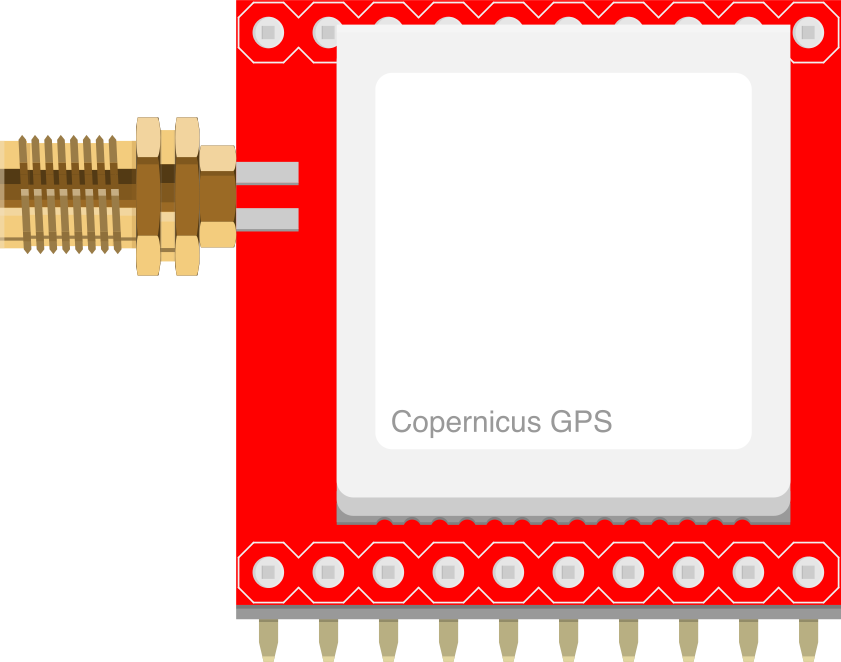
 Design with COPERNICUS-DIP in Cirkit Designer
Introduction
The COPERNICUS-DIP is a dual in-line package (DIP) version of the COPERNICUS microcontroller, specifically designed for embedded applications. It features low power consumption and integrated peripherals, making it an ideal choice for efficient processing in a wide range of projects. Its DIP form factor allows for easy prototyping and integration into breadboards and through-hole PCBs.
Explore Projects Built with COPERNICUS-DIP
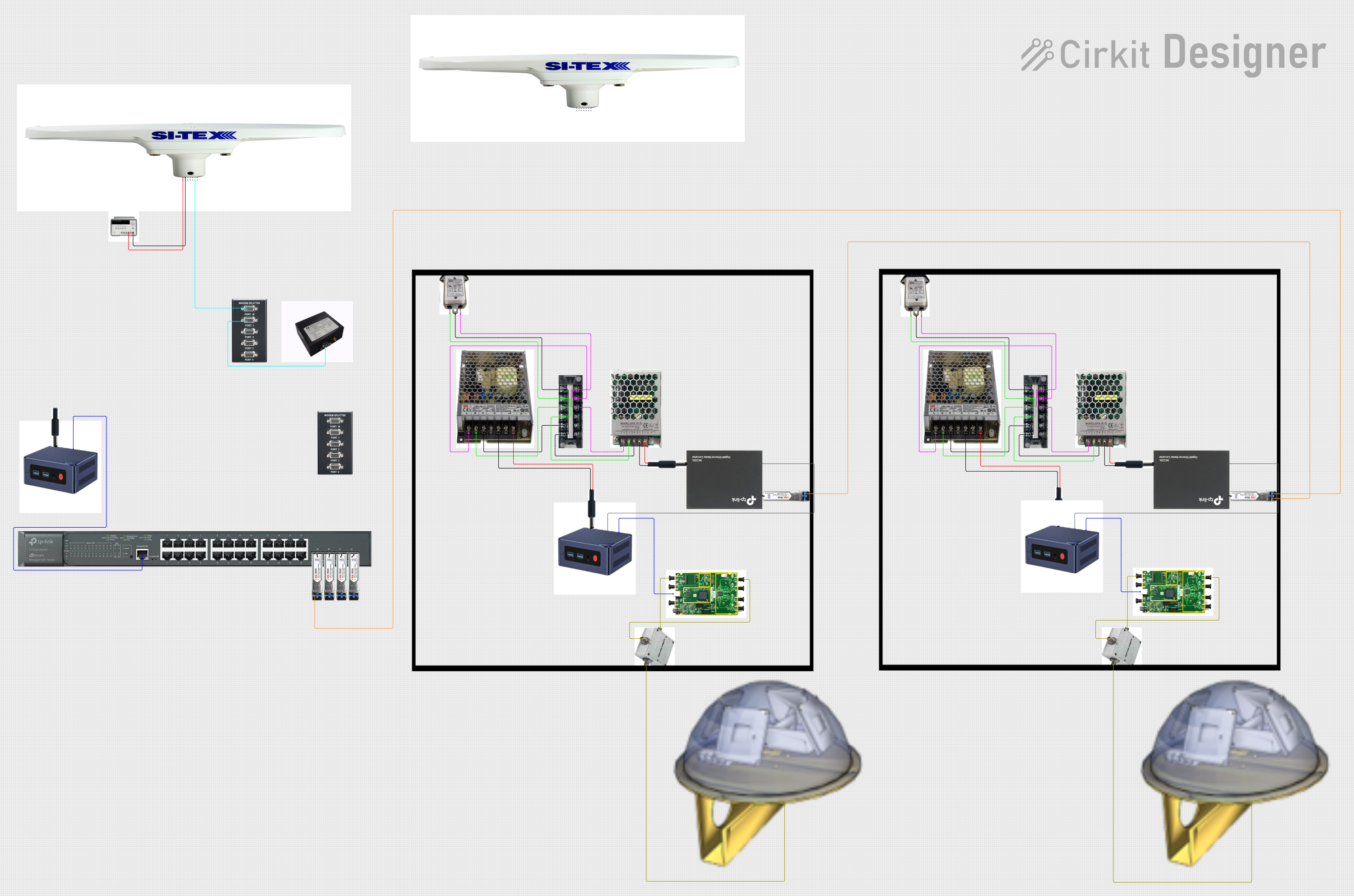 Open Project in Cirkit Designer
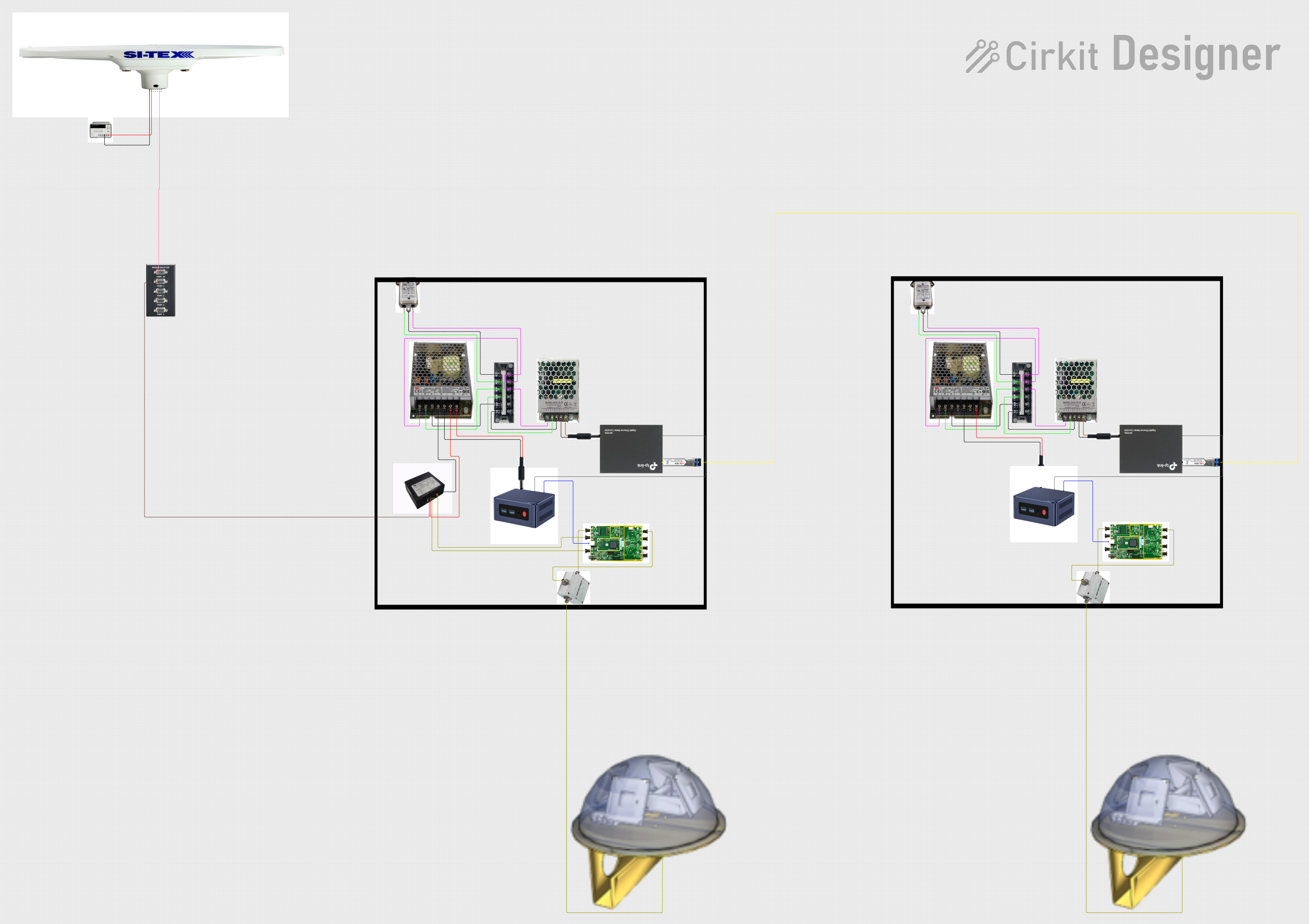 Open Project in Cirkit Designer
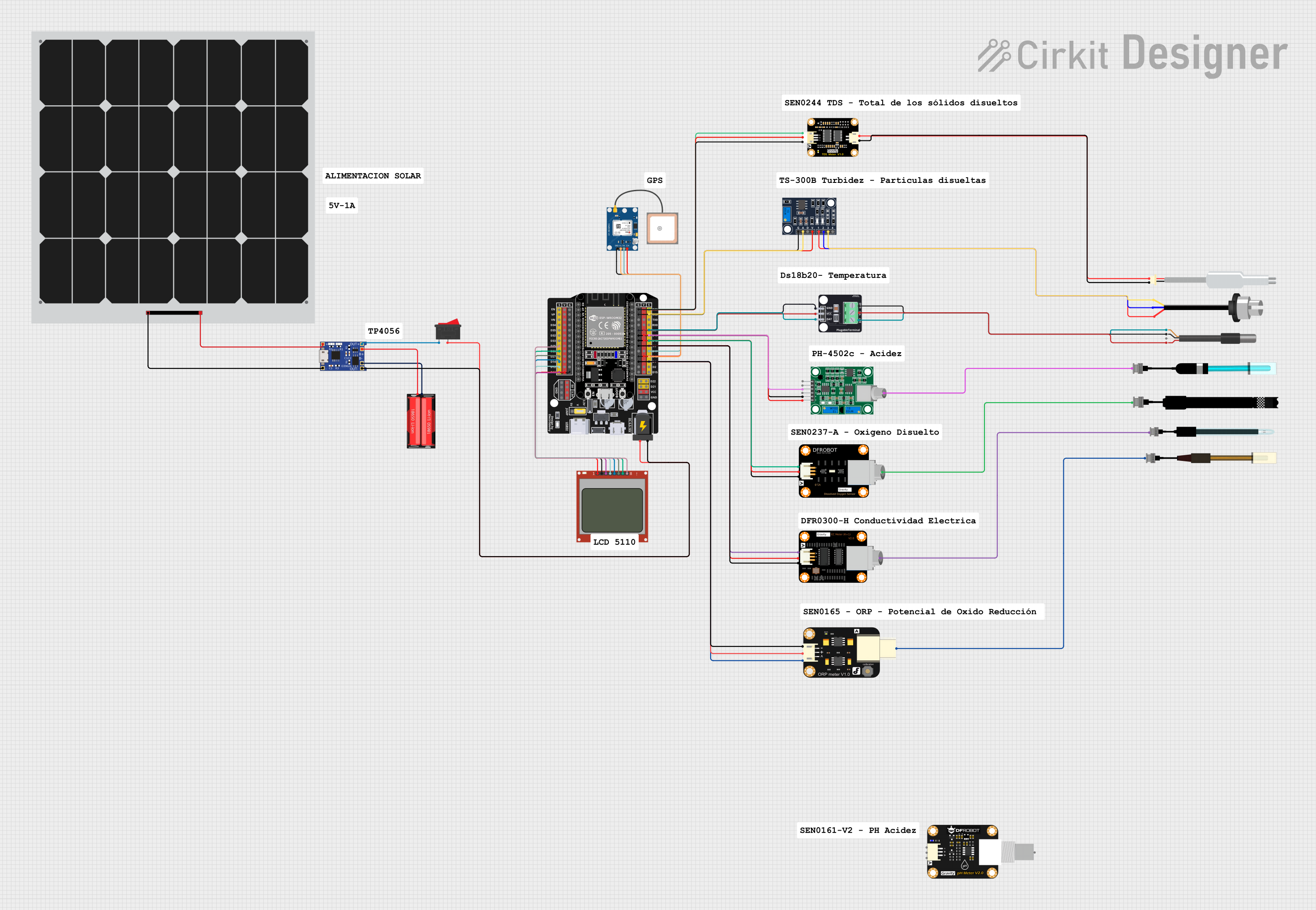 Open Project in Cirkit Designer
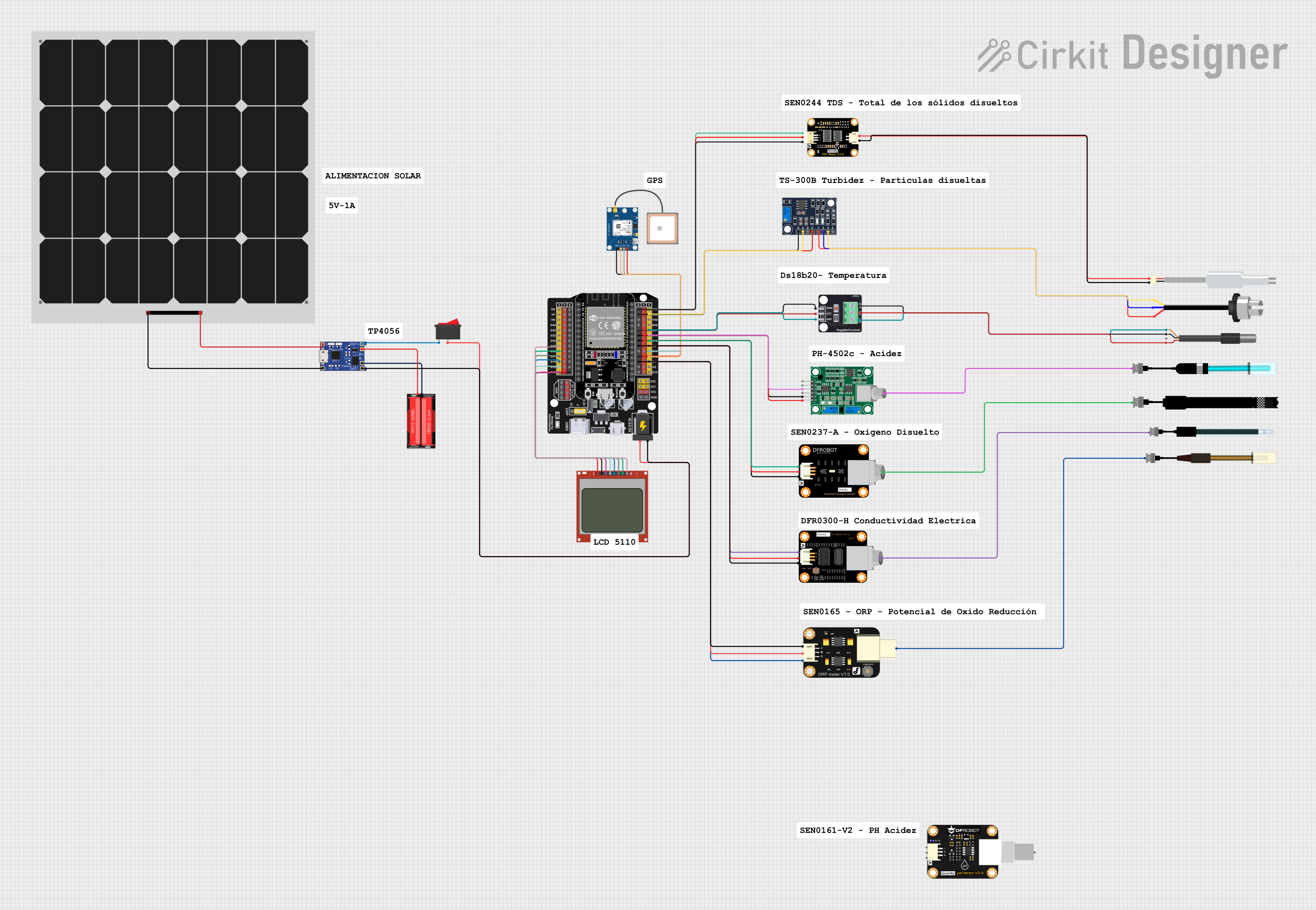 Open Project in Cirkit Designer
Explore Projects Built with COPERNICUS-DIP
Open Project in Cirkit DesignerOpen Project in Cirkit DesignerOpen Project in Cirkit DesignerOpen Project in Cirkit DesignerCommon Applications and Use Cases
- Home automation systems
- IoT (Internet of Things) devices
- Robotics and motor control
- Data acquisition systems
- Educational and prototyping projects
Technical Specifications
The COPERNICUS-DIP microcontroller offers a robust set of features tailored for embedded systems. Below are its key technical specifications:
General Specifications
| Parameter | Value |
|---|---|
| Architecture | 32-bit RISC |
| Operating Voltage | 2.7V - 5.5V |
| Clock Speed | Up to 48 MHz |
| Flash Memory | 64 KB |
| SRAM | 8 KB |
| GPIO Pins | 20 |
| Communication Interfaces | UART, SPI, I2C |
| ADC Resolution | 10-bit |
| Power Consumption | < 1 mA in low-power mode |
| Package Type | 28-pin DIP |
Pin Configuration and Descriptions
The COPERNICUS-DIP has 28 pins, each serving specific functions. Below is the pinout and description:
| Pin Number | Pin Name | Function Description |
|---|---|---|
| 1 | VCC | Power supply (2.7V - 5.5V) |
| 2 | GND | Ground |
| 3 | RESET | Active-low reset input |
| 4 | GPIO0 | General-purpose I/O pin |
| 5 | GPIO1 | General-purpose I/O pin |
| 6 | GPIO2 | General-purpose I/O pin |
| 7 | GPIO3 | General-purpose I/O pin |
| 8 | GPIO4 | General-purpose I/O pin |
| 9 | GPIO5 | General-purpose I/O pin |
| 10 | GPIO6 | General-purpose I/O pin |
| 11 | GPIO7 | General-purpose I/O pin |
| 12 | UART_TX | UART Transmit |
| 13 | UART_RX | UART Receive |
| 14 | SPI_MOSI | SPI Master Out Slave In |
| 15 | SPI_MISO | SPI Master In Slave Out |
| 16 | SPI_SCK | SPI Clock |
| 17 | I2C_SDA | I2C Data Line |
| 18 | I2C_SCL | I2C Clock Line |
| 19 | ADC_IN0 | Analog-to-Digital Converter Input 0 |
| 20 | ADC_IN1 | Analog-to-Digital Converter Input 1 |
| 21 | PWM_OUT0 | PWM Output 0 |
| 22 | PWM_OUT1 | PWM Output 1 |
| 23 | XTAL_IN | External Crystal Oscillator Input |
| 24 | XTAL_OUT | External Crystal Oscillator Output |
| 25 | GPIO8 | General-purpose I/O pin |
| 26 | GPIO9 | General-purpose I/O pin |
| 27 | GPIO10 | General-purpose I/O pin |
| 28 | GPIO11 | General-purpose I/O pin |
Usage Instructions
How to Use the COPERNICUS-DIP in a Circuit
- Power Supply: Connect the VCC pin to a regulated power source (2.7V - 5.5V) and the GND pin to ground.
- Reset: Use the RESET pin to initialize the microcontroller. Pull it low momentarily to reset the device.
- GPIO Pins: Configure the GPIO pins as input or output in your code, depending on your application.
- Communication Interfaces: Use UART, SPI, or I2C pins for communication with other devices.
- External Oscillator: If higher precision timing is required, connect an external crystal oscillator to the XTAL_IN and XTAL_OUT pins.
Important Considerations and Best Practices
- Decoupling Capacitors: Place a 0.1 µF ceramic capacitor close to the VCC and GND pins to reduce noise.
- Pull-up Resistors: Use pull-up resistors on the I2C lines (SDA and SCL) for proper operation.
- Unused Pins: Leave unused GPIO pins unconnected or configure them as inputs with internal pull-ups enabled.
- Low-Power Mode: Utilize the low-power mode for battery-operated applications to extend battery life.
Example: Connecting to an Arduino UNO
The COPERNICUS-DIP can be interfaced with an Arduino UNO for additional functionality. Below is an example of using the UART interface:
Arduino Code Example
// Example: Communicating with COPERNICUS-DIP via UART
// Connect COPERNICUS-DIP UART_TX to Arduino RX (Pin 0)
// Connect COPERNICUS-DIP UART_RX to Arduino TX (Pin 1)

void setup() {
  Serial.begin(9600); // Initialize UART communication at 9600 baud
  delay(1000);        // Wait for the COPERNICUS-DIP to initialize
  Serial.println("Hello, COPERNICUS-DIP!"); // Send a message
}

void loop() {
  if (Serial.available()) {
    // Read data from COPERNICUS-DIP and echo it back
    char data = Serial.read();
    Serial.print("Received: ");
    Serial.println(data);
  }
}
Troubleshooting and FAQs
Common Issues and Solutions
Microcontroller Not Powering On
- Ensure the VCC and GND pins are properly connected.
- Verify the power supply voltage is within the 2.7V - 5.5V range.
No Communication via UART
- Check the connections between the UART_TX and UART_RX pins.
- Ensure the baud rate in your code matches the COPERNICUS-DIP's configuration.
GPIO Pins Not Responding
- Verify the pin mode (input/output) is correctly configured in your code.
- Check for loose connections or short circuits.
High Power Consumption
- Ensure the microcontroller is in low-power mode if applicable.
- Disconnect unused peripherals or components.
FAQs
Q: Can I use the COPERNICUS-DIP with a 3.3V system?
A: Yes, the COPERNICUS-DIP operates within a voltage range of 2.7V to 5.5V, making it compatible with 3.3V systems.
Q: What is the maximum clock speed of the COPERNICUS-DIP?
A: The maximum clock speed is 48 MHz.
Q: Do I need an external oscillator?
A: The COPERNICUS-DIP has an internal oscillator, but you can use an external crystal oscillator for higher precision if needed.
Q: How many PWM outputs are available?
A: The COPERNICUS-DIP provides two PWM outputs: PWM_OUT0 and PWM_OUT1.