
How to Use RCA: Examples, Pinouts, and Specs
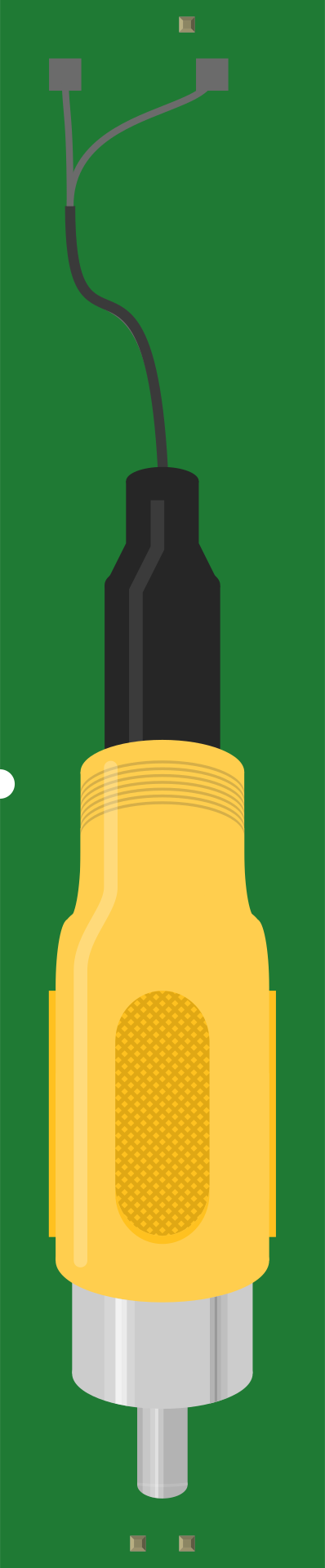
 Design with RCA in Cirkit Designer
Introduction
RCA (Radio Corporation of America) connectors are widely used for transmitting analog audio and video signals. These connectors are characterized by their cylindrical shape and color-coded plugs: red and white for stereo audio (right and left channels, respectively) and yellow for composite video. RCA connectors are commonly found in consumer electronics such as televisions, DVD players, gaming consoles, and audio systems. Their simplicity and reliability make them a popular choice for home entertainment systems and legacy devices.
Explore Projects Built with RCA
 Open Project in Cirkit Designer
 Open Project in Cirkit Designer
 Open Project in Cirkit Designer
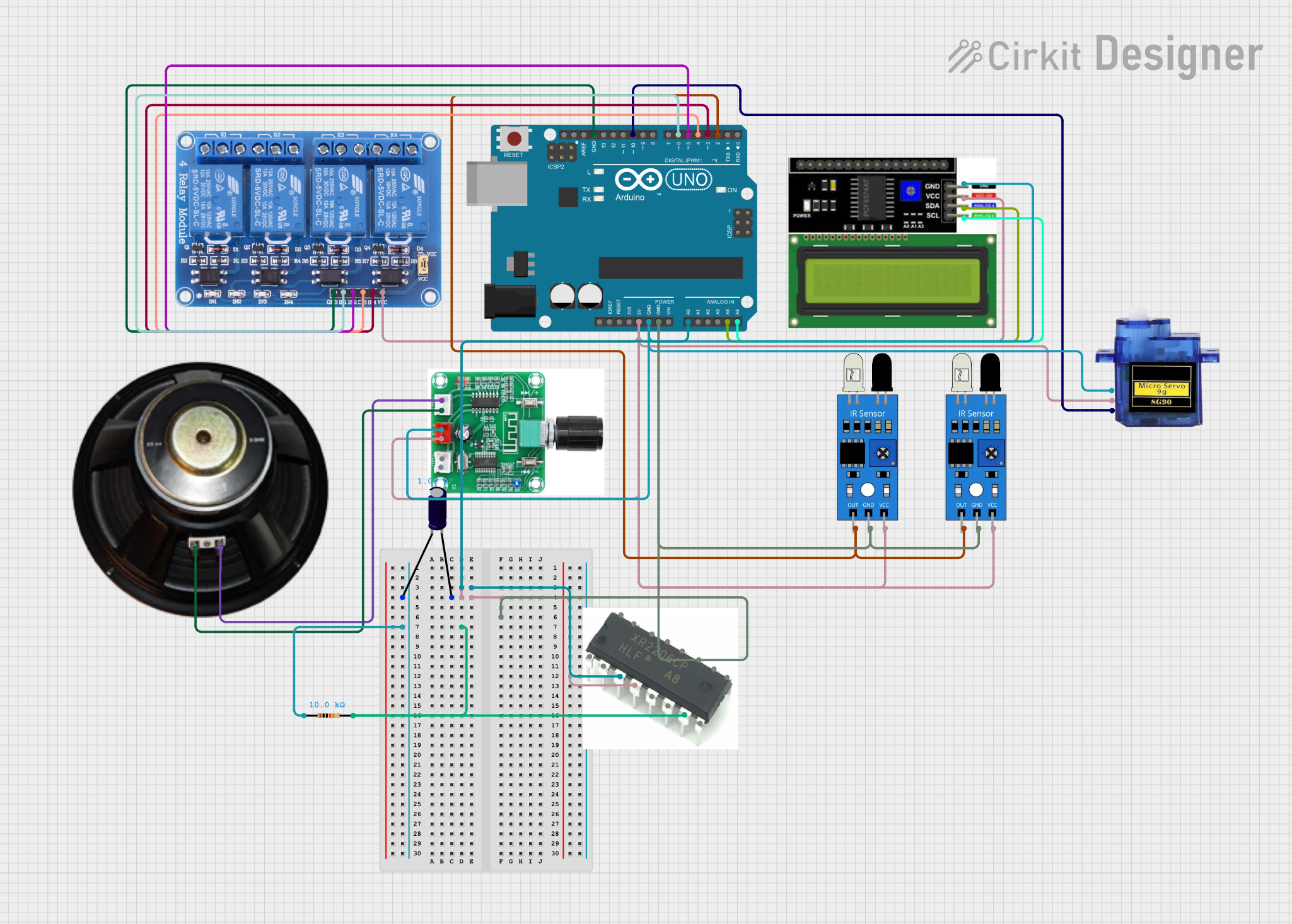 Open Project in Cirkit Designer
Explore Projects Built with RCA
Open Project in Cirkit DesignerOpen Project in Cirkit DesignerOpen Project in Cirkit DesignerOpen Project in Cirkit DesignerTechnical Specifications
- Type: Analog signal connector
- Signal Types: Audio (stereo) and video (composite)
- Impedance: Typically 75 ohms for video signals
- Connector Material: Metal (often gold-plated or nickel-plated for durability and signal quality)
- Cable Type: Coaxial cable with a central conductor and shielding
- Maximum Signal Voltage: Typically 1V peak-to-peak for video signals
- Color Coding:
- Red: Right audio channel
- White: Left audio channel
- Yellow: Composite video
Pin Configuration and Descriptions
RCA connectors have a simple two-contact design: an inner pin and an outer ring. The table below describes the pin configuration:
| Pin | Description |
|---|---|
| Inner Pin | Signal conductor (carries audio/video) |
| Outer Ring | Ground (shielding and return path) |
Usage Instructions
How to Use RCA Connectors in a Circuit
- Identify the Signal Type: Determine whether you are transmitting audio or video signals. Use the appropriate color-coded RCA cable (red/white for audio, yellow for video).
- Connect the Inner Pin: The inner pin of the RCA connector should be connected to the signal source (e.g., audio output or video output).
- Connect the Outer Ring: The outer ring should be connected to the ground of the circuit to ensure proper shielding and signal integrity.
- Secure the Connection: Insert the RCA plug into the corresponding RCA jack on the device. Ensure a snug fit to avoid signal loss or interference.
Important Considerations and Best Practices
- Cable Quality: Use high-quality RCA cables with proper shielding to minimize signal degradation and interference.
- Length of Cable: Keep cable lengths as short as possible to reduce signal loss, especially for video signals.
- Avoid Bending: Do not excessively bend or twist RCA cables, as this can damage the internal conductor or shielding.
- Compatibility: Ensure that the devices you are connecting support RCA inputs/outputs. Many modern devices may require adapters or converters for compatibility.
Example: Connecting RCA to an Arduino UNO
While RCA connectors are not directly compatible with Arduino UNO, you can use them to transmit audio or video signals generated by the Arduino. For example, you can output an audio signal using the Arduino's PWM pins and connect it to an RCA jack.
// Example: Generating a simple audio tone for RCA output
// Connect the inner pin of the RCA jack to Arduino pin 9
// Connect the outer ring of the RCA jack to Arduino GND

int audioPin = 9; // PWM pin for audio signal

void setup() {
  pinMode(audioPin, OUTPUT); // Set the pin as output
}

void loop() {
  tone(audioPin, 440); // Generate a 440 Hz tone (A4 note)
  delay(1000);         // Play the tone for 1 second
  noTone(audioPin);    // Stop the tone
  delay(1000);         // Wait for 1 second before repeating
}
Note: This example generates a basic audio signal. For more complex audio or video signals, additional circuitry (e.g., filters or amplifiers) may be required.
Troubleshooting and FAQs
Common Issues
No Signal Output:
- Cause: Loose connection or damaged cable.
- Solution: Check all connections and ensure the RCA plugs are securely inserted. Replace damaged cables.
Poor Signal Quality:
- Cause: Low-quality cables or interference.
- Solution: Use high-quality, shielded RCA cables. Avoid running RCA cables near power lines or other sources of electromagnetic interference.
Signal Crosstalk:
- Cause: Improper grounding or poor cable shielding.
- Solution: Ensure proper grounding of the outer ring and use cables with adequate shielding.
Incompatible Devices:
- Cause: Modern devices may lack RCA ports.
- Solution: Use an RCA-to-HDMI converter or other adapters to connect to newer devices.
FAQs
Q: Can RCA connectors transmit digital signals?
A: No, RCA connectors are designed for analog signals. However, some digital audio formats (e.g., SPDIF) use RCA-style connectors with coaxial cables.
Q: Are RCA connectors still relevant in modern electronics?
A: While less common in newer devices, RCA connectors are still widely used in home audio systems, legacy equipment, and some professional audio/video setups.
Q: Can I use an RCA cable for both audio and video simultaneously?
A: No, separate RCA cables are required for audio (red/white) and video (yellow) signals. Each cable carries a single signal type.