
How to Use Fermion: DFPlayer Pro: Examples, Pinouts, and Specs
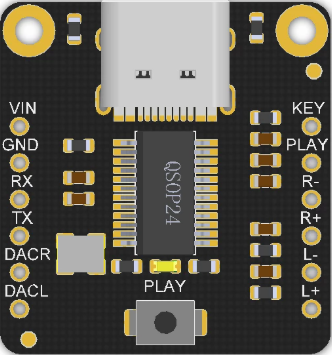
 Design with Fermion: DFPlayer Pro in Cirkit Designer
Introduction
The :Fermion: DFPlayer Pro, manufactured by DFRobot, is a compact and versatile MP3 player module designed for embedded audio applications. It can play audio files directly from a microSD card and features a built-in amplifier for driving speakers. The module supports multiple audio formats, including MP3, WAV, and WMA, and can be controlled via serial communication, making it an excellent choice for projects requiring audio playback.
Explore Projects Built with Fermion: DFPlayer Pro
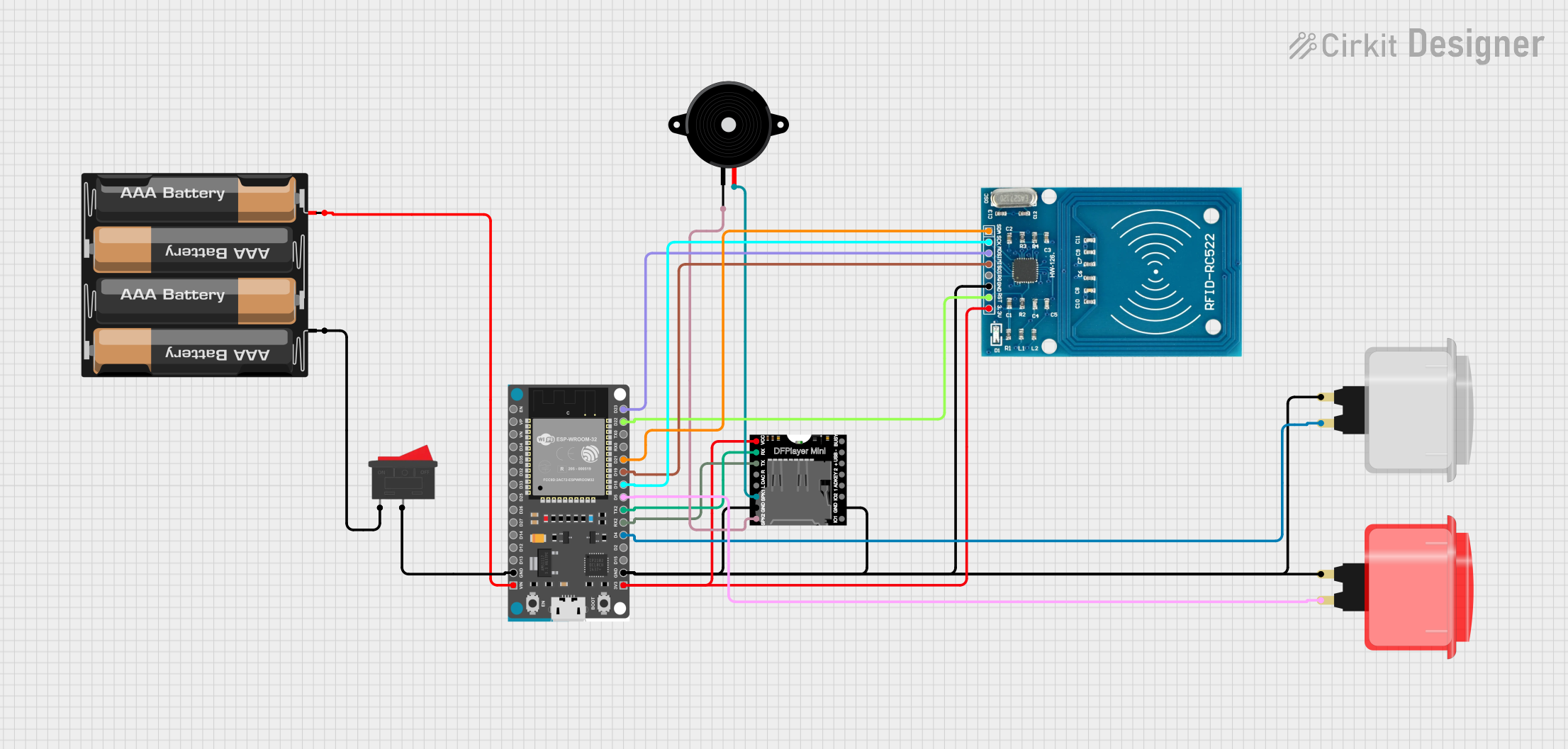 Open Project in Cirkit Designer
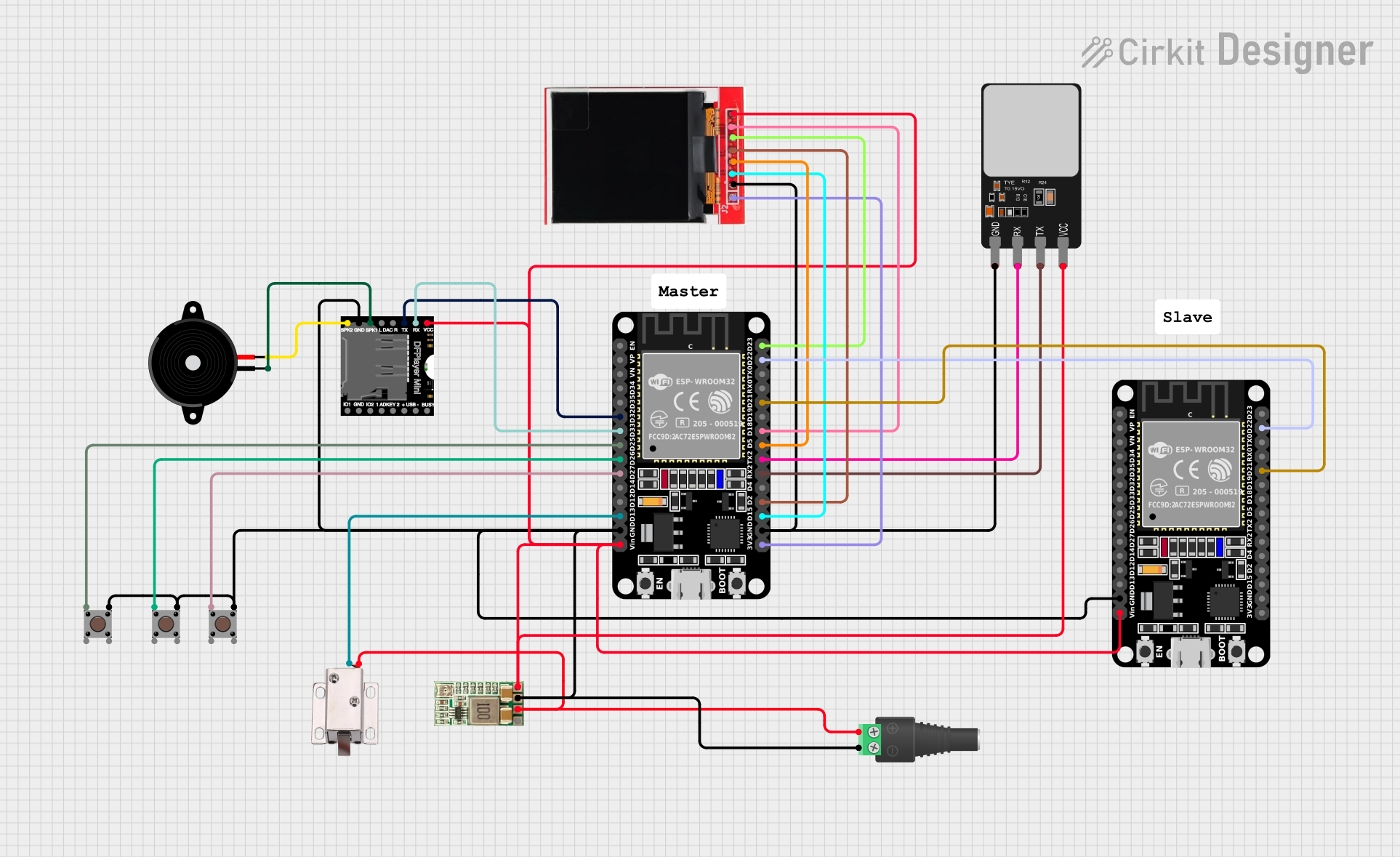 Open Project in Cirkit Designer
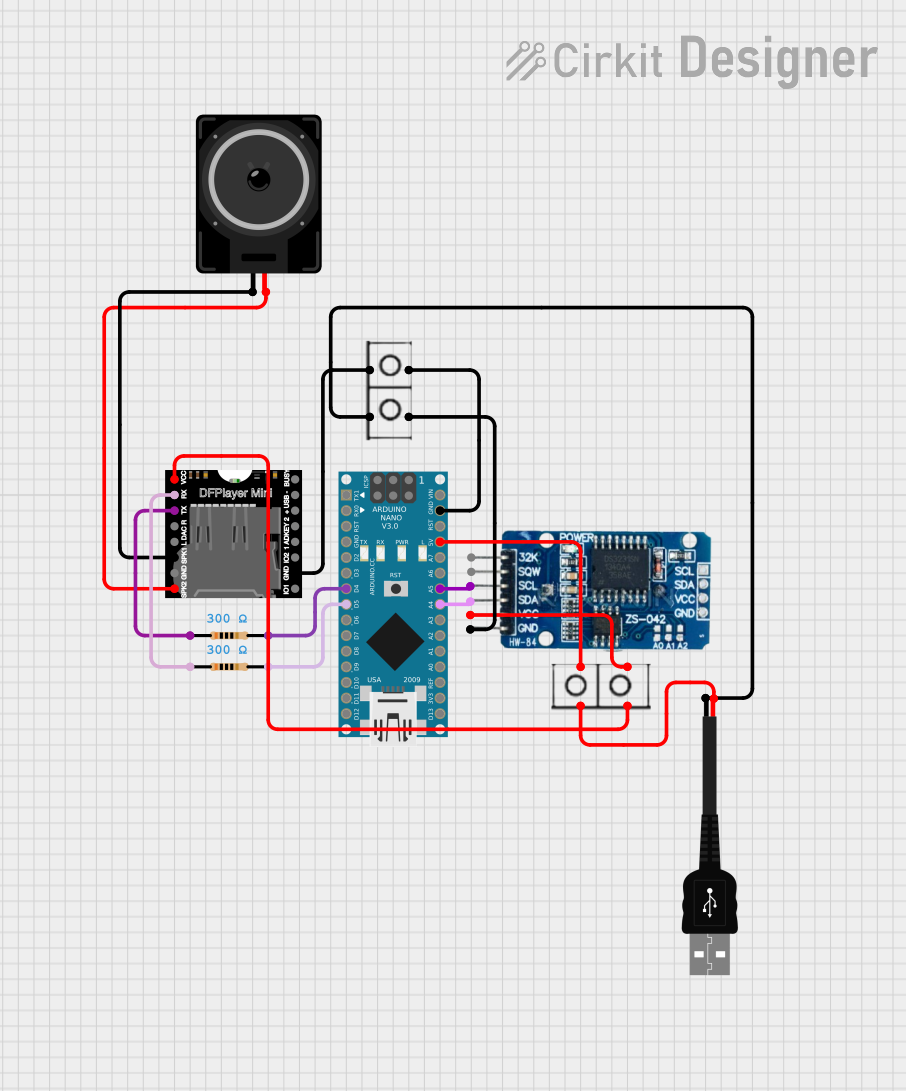 Open Project in Cirkit Designer
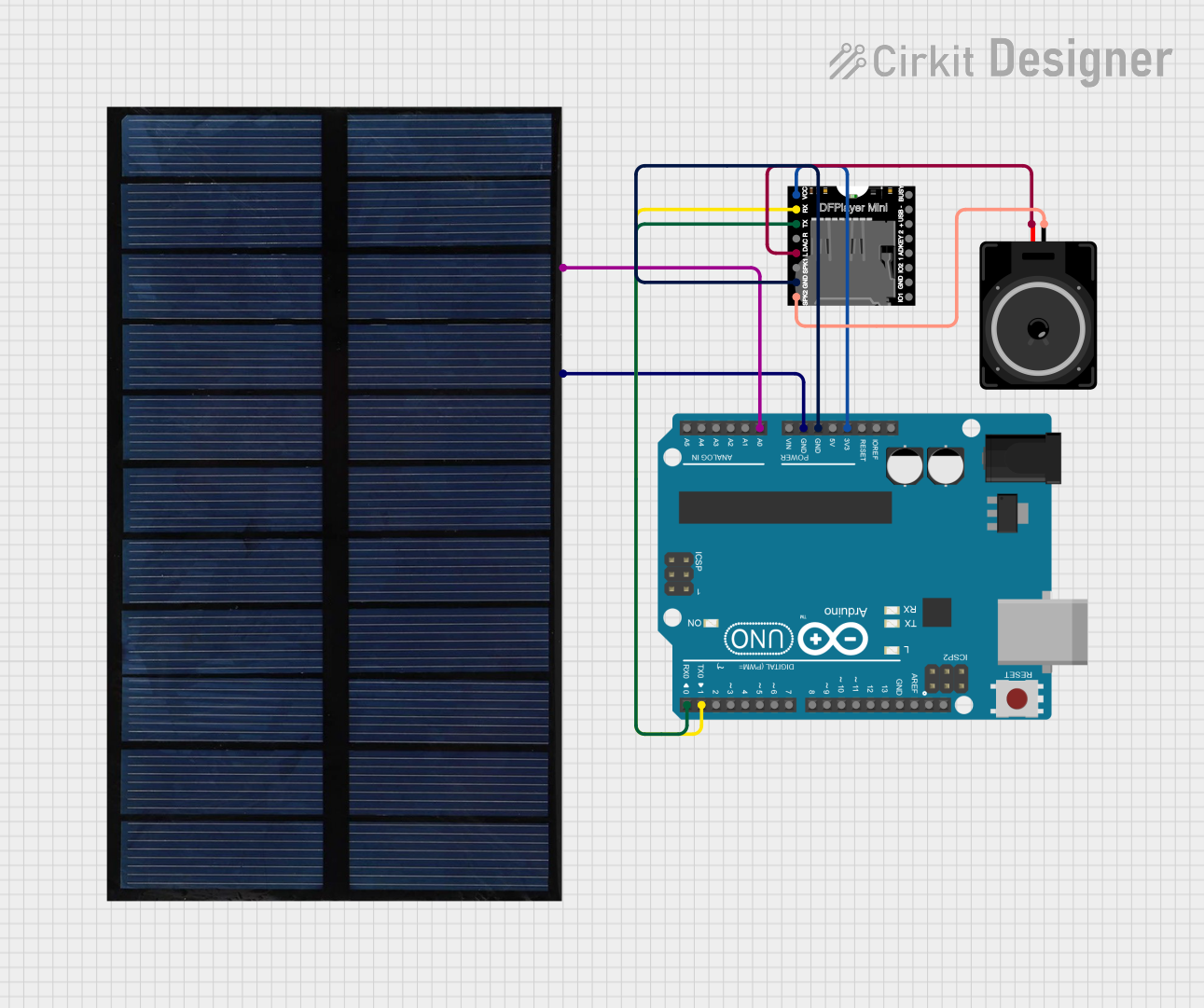 Open Project in Cirkit Designer
Explore Projects Built with Fermion: DFPlayer Pro
Open Project in Cirkit DesignerOpen Project in Cirkit DesignerOpen Project in Cirkit DesignerOpen Project in Cirkit DesignerCommon Applications
- Interactive kiosks and exhibits
- Talking toys and educational devices
- Alarm systems with voice prompts
- Audio playback in IoT devices
- Custom audio greeting cards
Technical Specifications
Below are the key technical details of the DFPlayer Pro:
| Parameter | Specification |
|---|---|
| Operating Voltage | 3.3V - 5.0V |
| Operating Current | 20mA (idle), up to 200mA (playback) |
| Audio Formats Supported | MP3, WAV, WMA |
| Storage Support | microSD card (up to 32GB) |
| Communication Interface | UART (9600 bps default) |
| Output Power | 3W (mono) or 2x3W (stereo) |
| Dimensions | 22mm x 22mm |
Pin Configuration
The DFPlayer Pro has 16 pins, as detailed in the table below:
| Pin | Name | Description |
|---|---|---|
| 1 | VCC | Power supply input (3.3V - 5.0V) |
| 2 | GND | Ground |
| 3 | RX | UART receive pin (connect to TX of microcontroller) |
| 4 | TX | UART transmit pin (connect to RX of microcontroller) |
| 5 | DAC_R | Right channel DAC output (for external amplifier or headphones) |
| 6 | DAC_L | Left channel DAC output (for external amplifier or headphones) |
| 7 | SPK_1 | Speaker output 1 (connect to speaker directly) |
| 8 | SPK_2 | Speaker output 2 (connect to speaker directly) |
| 9 | BUSY | Indicates playback status (LOW = playing, HIGH = idle) |
| 10 | IO_1 | General-purpose I/O pin 1 |
| 11 | IO_2 | General-purpose I/O pin 2 |
| 12 | ADKEY_1 | Analog key input 1 |
| 13 | ADKEY_2 | Analog key input 2 |
| 14 | SD/TF_CS | Chip select for microSD card |
| 15 | SD/TF_CLK | Clock signal for microSD card |
| 16 | SD/TF_MOSI | Data input for microSD card |
Usage Instructions
Connecting the DFPlayer Pro to an Arduino UNO
To use the DFPlayer Pro with an Arduino UNO, follow these steps:
Wiring:
- Connect the
VCCpin of the DFPlayer Pro to the 5V pin of the Arduino. - Connect the
GNDpin of the DFPlayer Pro to the GND pin of the Arduino. - Connect the
RXpin of the DFPlayer Pro to pin 10 of the Arduino (via a 1kΩ resistor to protect the module). - Connect the
TXpin of the DFPlayer Pro to pin 11 of the Arduino.
- Connect the
Install Libraries:
- Download and install the
DFRobotDFPlayerMinilibrary from the Arduino Library Manager.
- Download and install the
Upload Code: Use the following example code to play an audio file stored on the microSD card:
#include "SoftwareSerial.h" #include "DFRobotDFPlayerMini.h" SoftwareSerial mySerial(10, 11); // RX, TX DFRobotDFPlayerMini myDFPlayer; void setup() { Serial.begin(9600); // For debugging mySerial.begin(9600); // DFPlayer communication if (!myDFPlayer.begin(mySerial)) { Serial.println("DFPlayer initialization failed!"); while (true); } Serial.println("DFPlayer initialized successfully."); myDFPlayer.volume(20); // Set volume (0 to 30) myDFPlayer.play(1); // Play the first audio file } void loop() { // Add your logic here if needed }Note: Ensure the audio files are named in the format
0001.mp3,0002.mp3, etc., and stored in the root directory of the microSD card.
Important Considerations
- Use a microSD card formatted as FAT16 or FAT32.
- Avoid powering the module directly from a noisy power source; use decoupling capacitors if necessary.
- Use resistors on the RX pin to prevent voltage mismatch when connecting to 5V logic devices.
Troubleshooting and FAQs
Common Issues and Solutions
No Sound Output:
- Ensure the audio file format is supported (MP3, WAV, or WMA).
- Check the speaker connections and ensure the volume is not set to 0.
Module Not Responding:
- Verify the wiring, especially the RX and TX connections.
- Ensure the microSD card is properly inserted and formatted correctly.
Playback Stops Unexpectedly:
- Check the power supply for stability; the module may reset if the voltage drops.
- Ensure the microSD card is not corrupted.
Busy Pin Always HIGH:
- Confirm that the module is receiving valid playback commands.
- Check if the microSD card contains playable audio files.
FAQs
Q: Can I use the DFPlayer Pro without a microcontroller?
A: Yes, the module can operate in standalone mode using the ADKEY pins to trigger playback.
Q: What is the maximum speaker power supported?
A: The DFPlayer Pro can drive speakers up to 3W in mono or 2x3W in stereo mode.
Q: How do I adjust the volume?
A: Use the volume() function in the library or send the appropriate serial command.
Q: Can I play audio files from a USB drive?
A: No, the DFPlayer Pro only supports microSD cards for storage.
By following this documentation, you can effectively integrate the :Fermion: DFPlayer Pro into your projects and troubleshoot common issues with ease.