
How to Use Microbit: Examples, Pinouts, and Specs
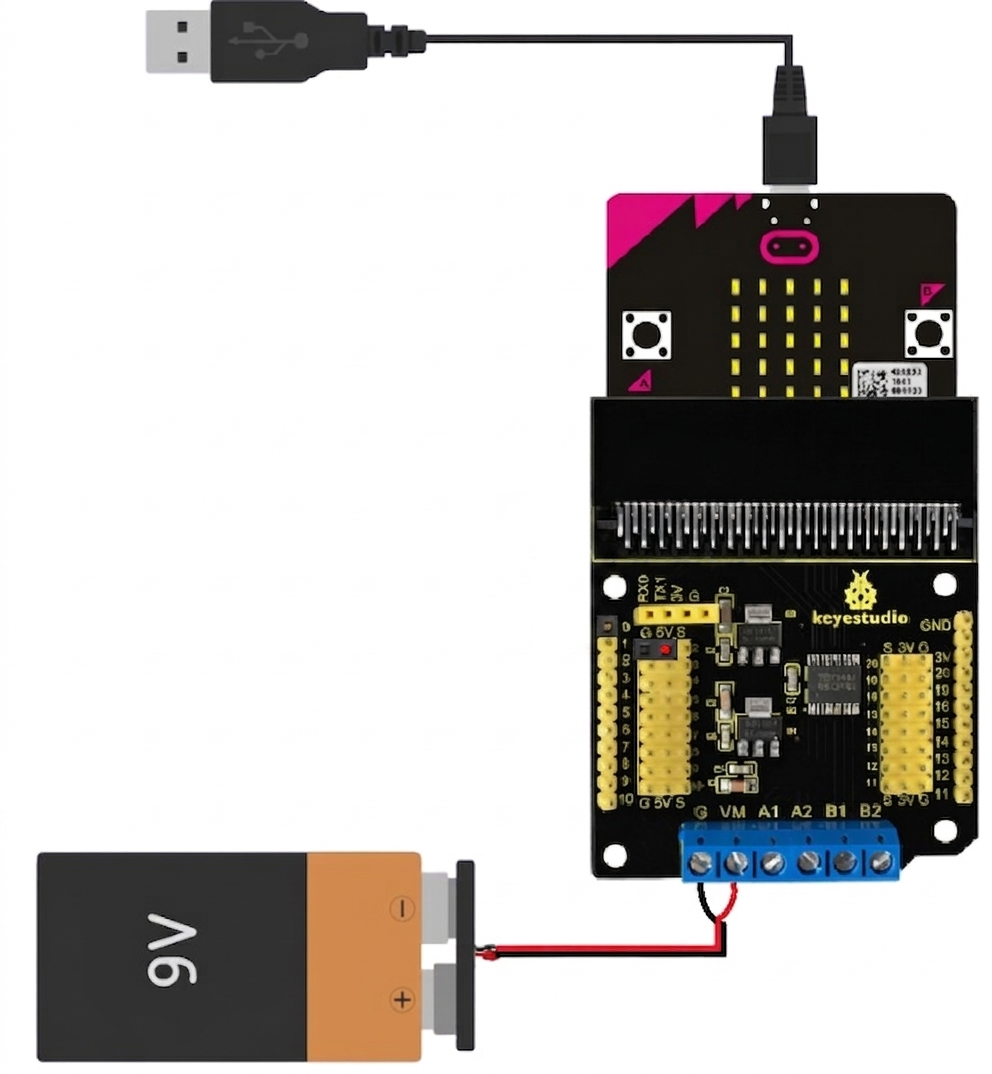
 Design with Microbit in Cirkit Designer
Introduction
The Microbit is a small, programmable microcontroller board designed for educational purposes. Manufactured by Arduino with the part ID "UNO," it is an excellent tool for teaching coding, electronics, and problem-solving skills. The Microbit features an array of built-in sensors, buttons, and LED lights, making it a versatile platform for beginners and experienced users alike.
Explore Projects Built with Microbit
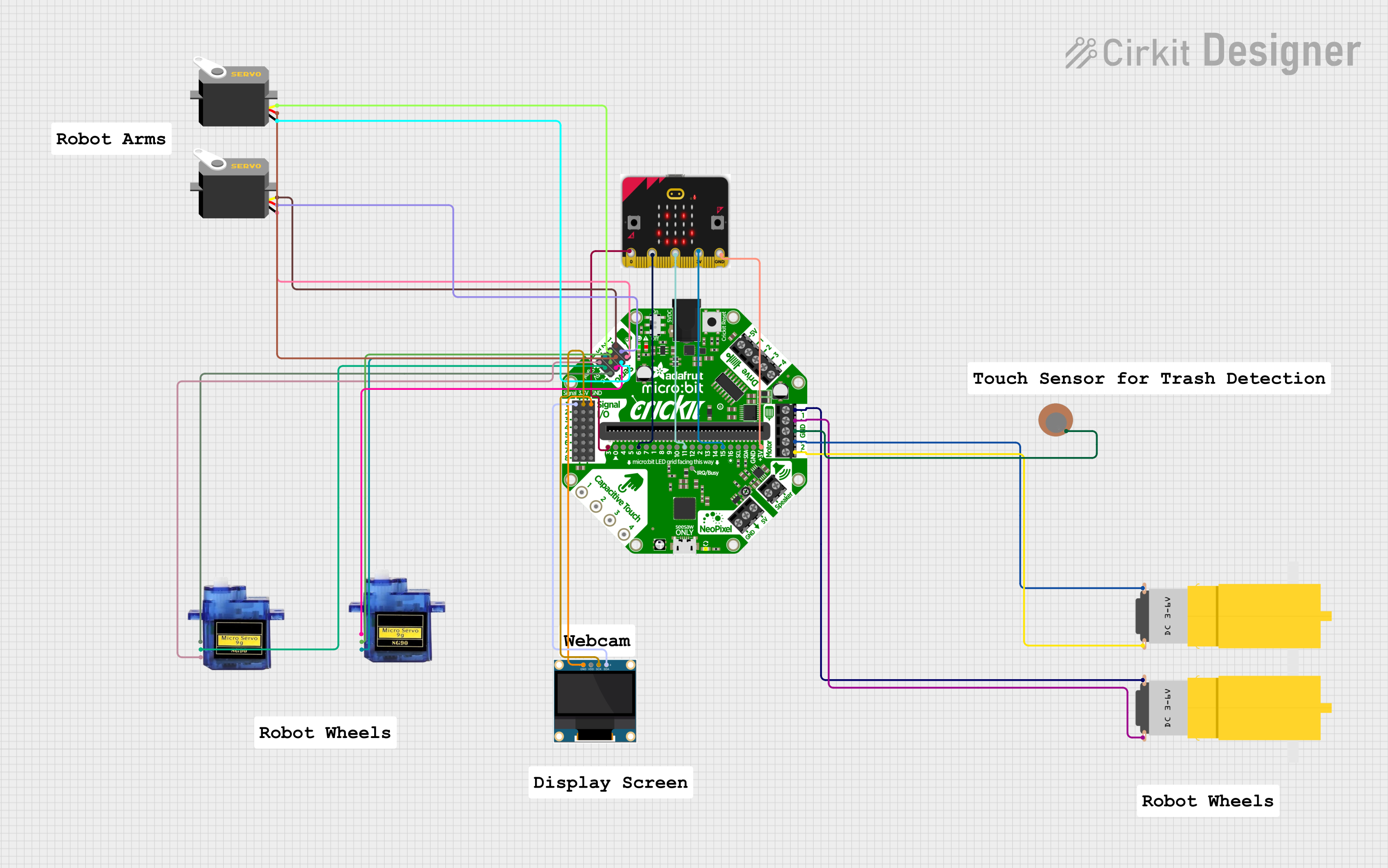 Open Project in Cirkit Designer
 Open Project in Cirkit Designer
 Open Project in Cirkit Designer
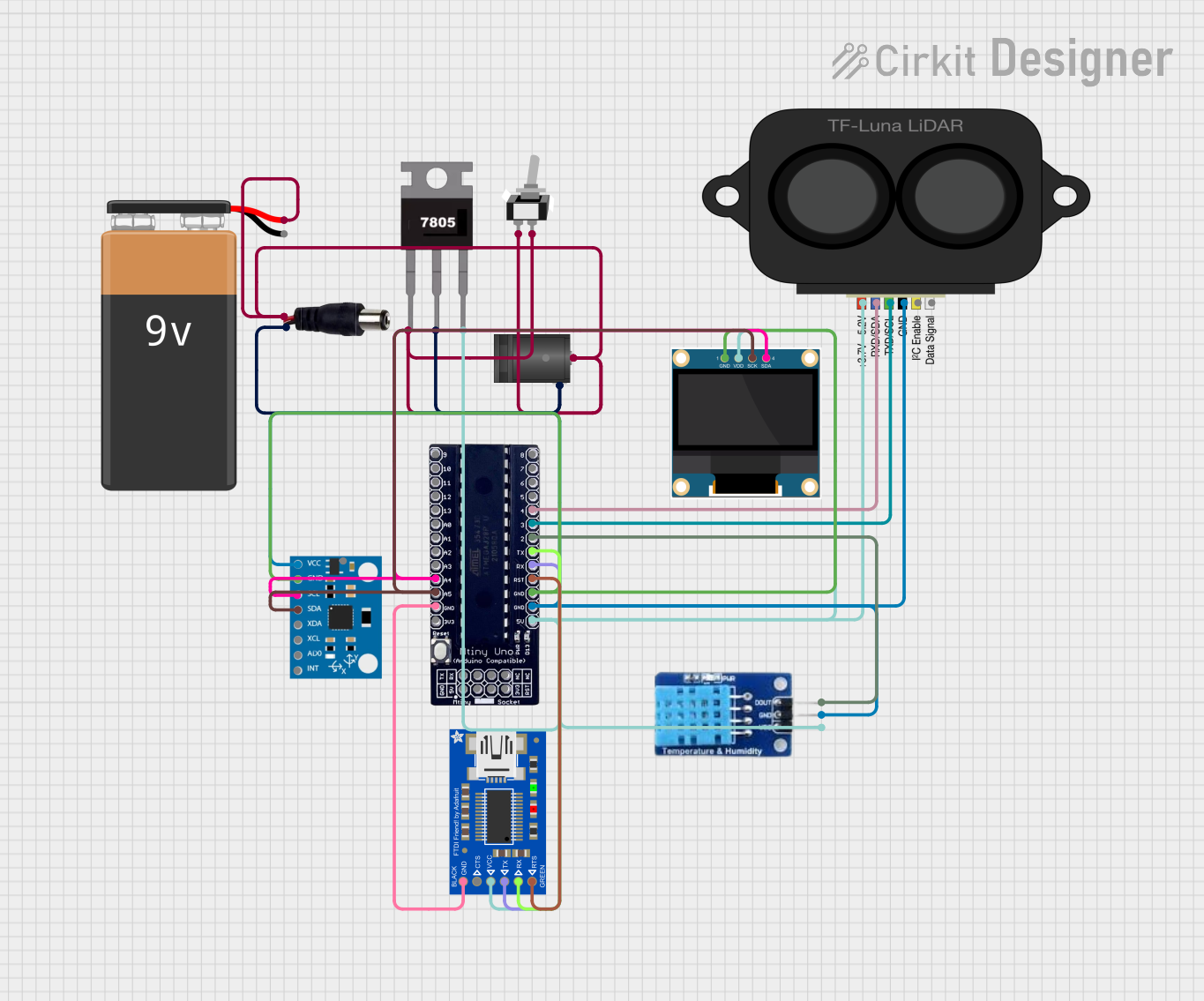 Open Project in Cirkit Designer
Explore Projects Built with Microbit
Open Project in Cirkit DesignerOpen Project in Cirkit DesignerOpen Project in Cirkit DesignerOpen Project in Cirkit DesignerCommon Applications and Use Cases
- Teaching programming and electronics in schools
- Prototyping simple IoT (Internet of Things) devices
- Interactive projects such as games, wearables, and robotics
- Data collection and analysis using built-in sensors
- Wireless communication between devices using Bluetooth
Technical Specifications
The Microbit is packed with features that make it a powerful yet user-friendly tool for learning and prototyping. Below are its key technical specifications:
General Specifications
| Feature | Description |
|---|---|
| Microcontroller | ARM Cortex-M0 |
| Operating Voltage | 3.3V |
| Input Voltage (via USB) | 5V |
| Flash Memory | 256 KB |
| RAM | 16 KB |
| Connectivity | Bluetooth Low Energy (BLE), USB |
| Dimensions | 52mm x 43mm |
Pin Configuration and Descriptions
The Microbit has an edge connector with 25 pins, including GPIO, power, and communication pins. Below is a summary of the most commonly used pins:
| Pin Number | Name | Description |
|---|---|---|
| 0 | P0 | General-purpose I/O pin, often used for sensors |
| 1 | P1 | General-purpose I/O pin |
| 2 | P2 | General-purpose I/O pin |
| 3V | 3.3V | Power output for external components |
| GND | Ground | Common ground for the circuit |
| SCL | I2C Clock | I2C communication clock line |
| SDA | I2C Data | I2C communication data line |
Usage Instructions
The Microbit is designed to be easy to use, even for beginners. Follow these steps to get started:
Step 1: Powering the Microbit
- Connect the Microbit to your computer using a micro-USB cable. This will power the board and allow you to program it.
- Alternatively, you can power the Microbit using a battery pack (3V).
Step 2: Programming the Microbit
- Use the Arduino IDE or the Microbit's online MakeCode editor to write and upload code.
- The Microbit supports multiple programming languages, including Python, JavaScript, and C++.
Step 3: Connecting External Components
- Use alligator clips or a breakout board to connect external components like LEDs, sensors, or motors to the Microbit's edge connector.
- Ensure that the components are compatible with the Microbit's 3.3V operating voltage.
Example Code: Blinking an LED
Below is an example of how to blink an LED connected to pin P0 using the Arduino IDE:
// This code blinks an LED connected to pin P0 of the Microbit.
// Ensure the LED's longer leg (anode) is connected to P0 and the shorter leg
// (cathode) is connected to GND.

void setup() {
  pinMode(0, OUTPUT); // Set pin P0 as an output
}

void loop() {
  digitalWrite(0, HIGH); // Turn the LED on
  delay(1000);           // Wait for 1 second
  digitalWrite(0, LOW);  // Turn the LED off
  delay(1000);           // Wait for 1 second
}
Best Practices
- Avoid connecting components that draw more current than the Microbit can supply.
- Use resistors with LEDs to prevent damage to the Microbit's pins.
- When using Bluetooth, ensure that the Microbit is not connected to USB, as this may interfere with communication.
Troubleshooting and FAQs
Common Issues
The Microbit is not detected by the computer.
- Ensure the USB cable is not just a charging cable but also supports data transfer.
- Try connecting to a different USB port or using a different cable.
The program does not run after uploading.
- Verify that the code is error-free and compatible with the Microbit.
- Ensure the Microbit is properly powered.
External components are not working.
- Check the wiring and ensure components are connected to the correct pins.
- Verify that the components are compatible with the Microbit's 3.3V operating voltage.
Tips for Troubleshooting
- Use the Microbit's built-in LED matrix to display error codes or debug information.
- Test the Microbit with a simple program (e.g., blinking an LED) to ensure it is functioning correctly.
- Consult the Microbit's official documentation and community forums for additional support.
By following this documentation, you can effectively use the Microbit for a wide range of educational and prototyping projects.