Cirkit Designer LogoCirkit DesignerYour all-in-one circuit design IDE Launch Cirkit Designer App

How to Use Battery 38.5v 24ah: Examples, Pinouts, and Specs

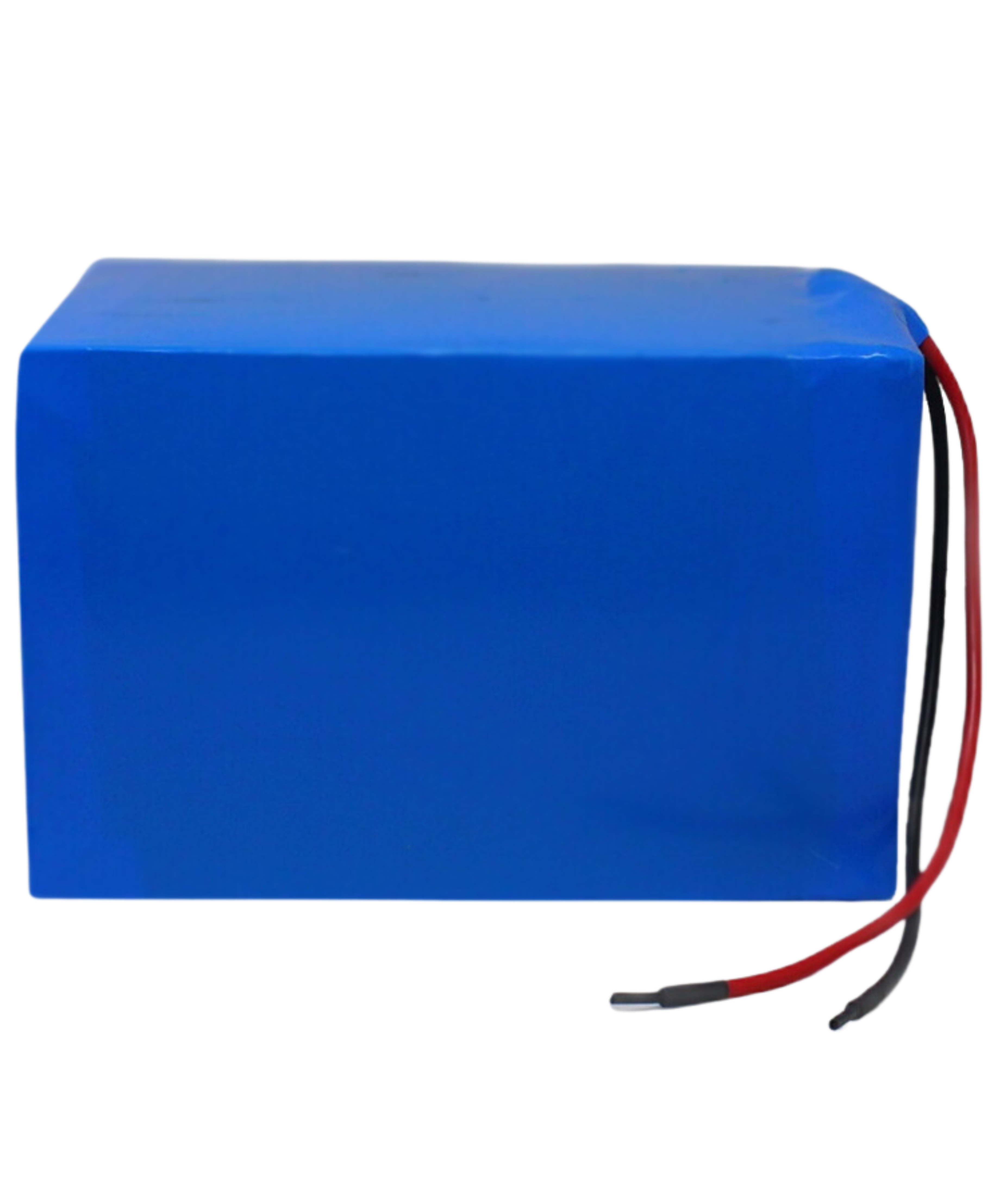
Image of Battery 38.5v 24ahDesign with Battery 38.5v 24ah in Cirkit Designer

Battery 38.5V 24Ah Documentation

1. Introduction

The Battery 38.5V 24Ah is a high-capacity rechargeable battery designed to provide reliable power for various electronic devices and systems. With a nominal voltage of 38.5 volts and a capacity of 24 ampere-hours, this battery is ideal for applications requiring sustained energy output over extended periods.

Common Applications and Use Cases

2. Technical Specifications

Key Technical Details

Specification Value
Nominal Voltage 38.5 V
Capacity 24 Ah
Chemistry Lithium-ion
Charge Voltage 42 V
Discharge Voltage 30 V
Max Continuous Current 30 A
Weight Approx. 6 kg
Dimensions 300 x 200 x 150 mm

Pin Configuration and Descriptions

Pin Number Pin Name Description
1 Positive (+) Positive terminal for charging/discharging
2 Negative (-) Negative terminal for charging/discharging

3. Usage Instructions

How to Use the Component in a Circuit

  1. Connection:

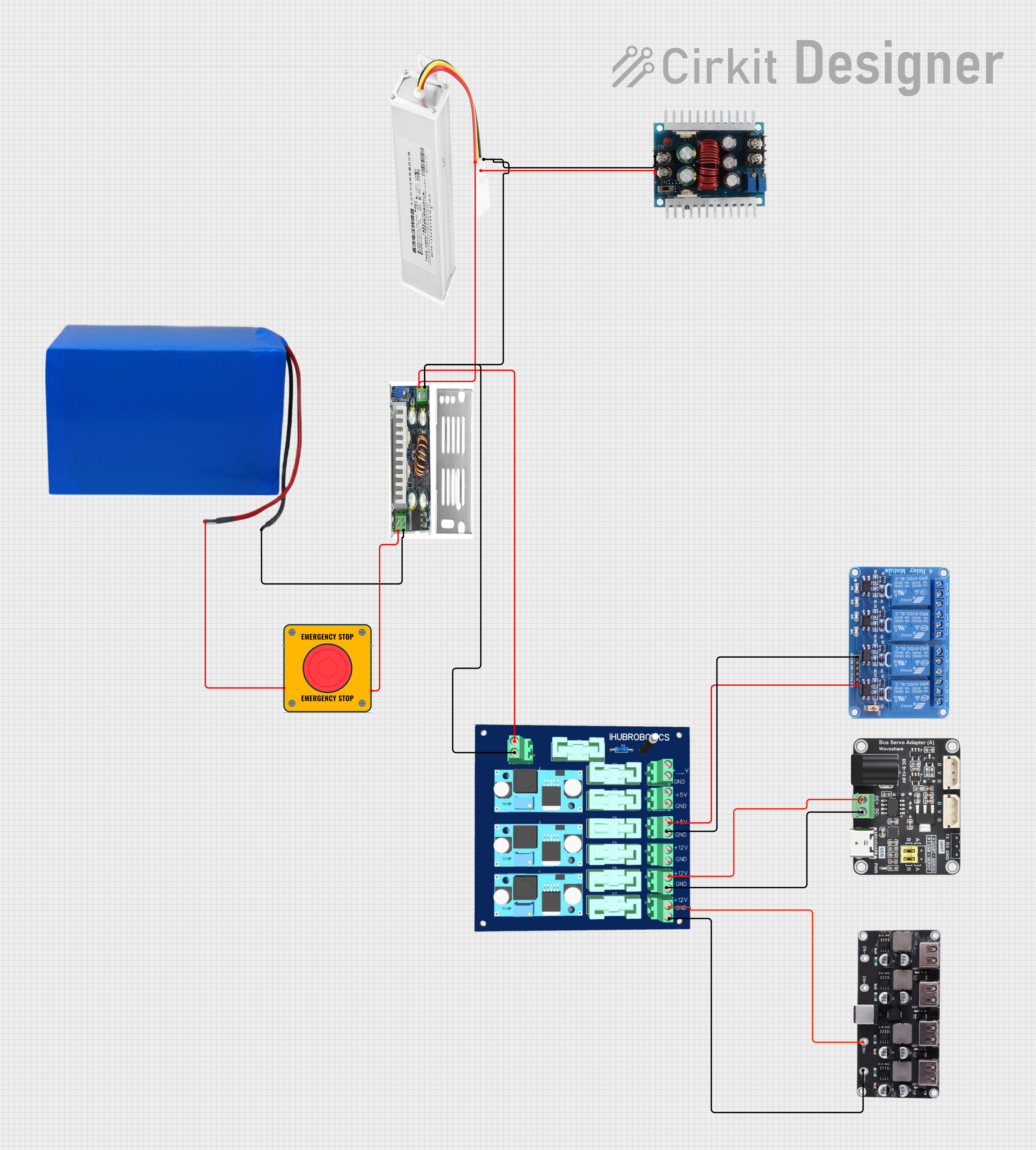
    • Connect the positive terminal of the battery to the positive input of your device.
    • Connect the negative terminal of the battery to the negative input of your device.
  2. Charging:

    • Use a compatible charger with an output voltage of 42V.
    • Ensure the charger is rated for lithium-ion batteries to prevent damage.
  3. Discharging:

    • Monitor the discharge voltage; do not let it drop below 30V to avoid damage.

Important Considerations and Best Practices

4. Troubleshooting and FAQs

Common Issues Users Might Face

  1. Battery Not Charging:

    • Ensure the charger is functioning and properly connected.
    • Check for any blown fuses in the charging circuit.
  2. Battery Not Holding Charge:

    • Inspect for any physical damage or swelling.
    • Test with a multimeter to check voltage levels.
  3. Overheating During Use:

    • Ensure the battery is not being overdrawn beyond its rated capacity.
    • Allow the battery to cool down before further use.

Solutions and Tips for Troubleshooting

Example Arduino Code for Battery Monitoring

If you are using this battery with an Arduino UNO for monitoring purposes, you can use the following code snippet:

// Battery Voltage Monitoring Code
const int batteryPin = A0; // Analog pin connected to battery voltage divider
float voltage = 0.0;        // Variable to store battery voltage

void setup() {
  Serial.begin(9600);      // Start serial communication
}

void loop() {
  int sensorValue = analogRead(batteryPin); // Read the voltage
  voltage = sensorValue * (5.0 / 1023.0) * 2; // Convert to voltage (adjust divider)
  
  Serial.print("Battery Voltage: ");
  Serial.println(voltage); // Print the voltage to the Serial Monitor
  
  delay(1000); // Wait for 1 second before next reading
}

This code reads the voltage from the battery and prints it to the Serial Monitor. Make sure to adjust the voltage divider as necessary for accurate readings.


This documentation provides a comprehensive overview of the Battery 38.5V 24Ah, ensuring both beginners and experienced users can effectively utilize this component in their projects.

Explore Projects Built with Battery 38.5v 24ah

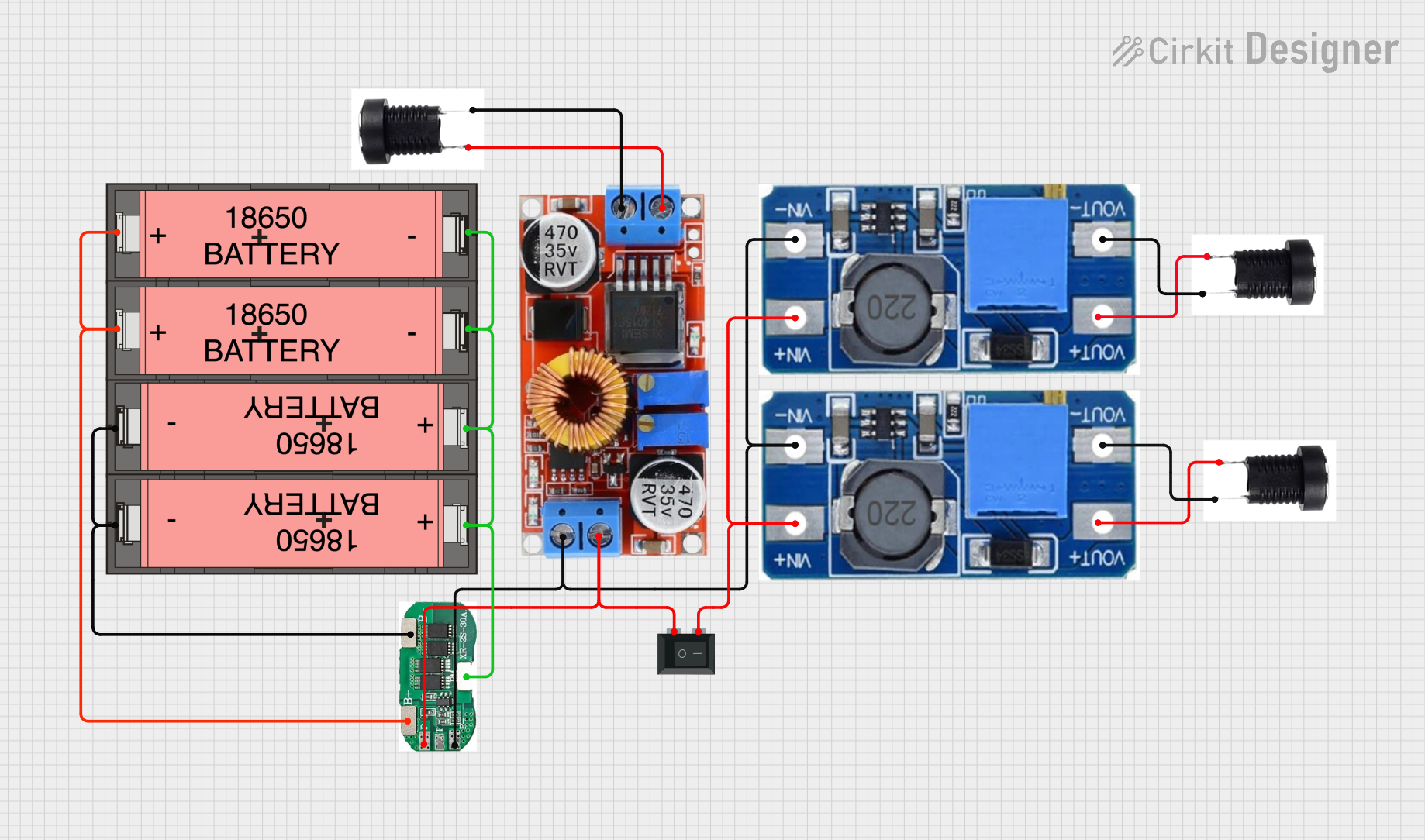
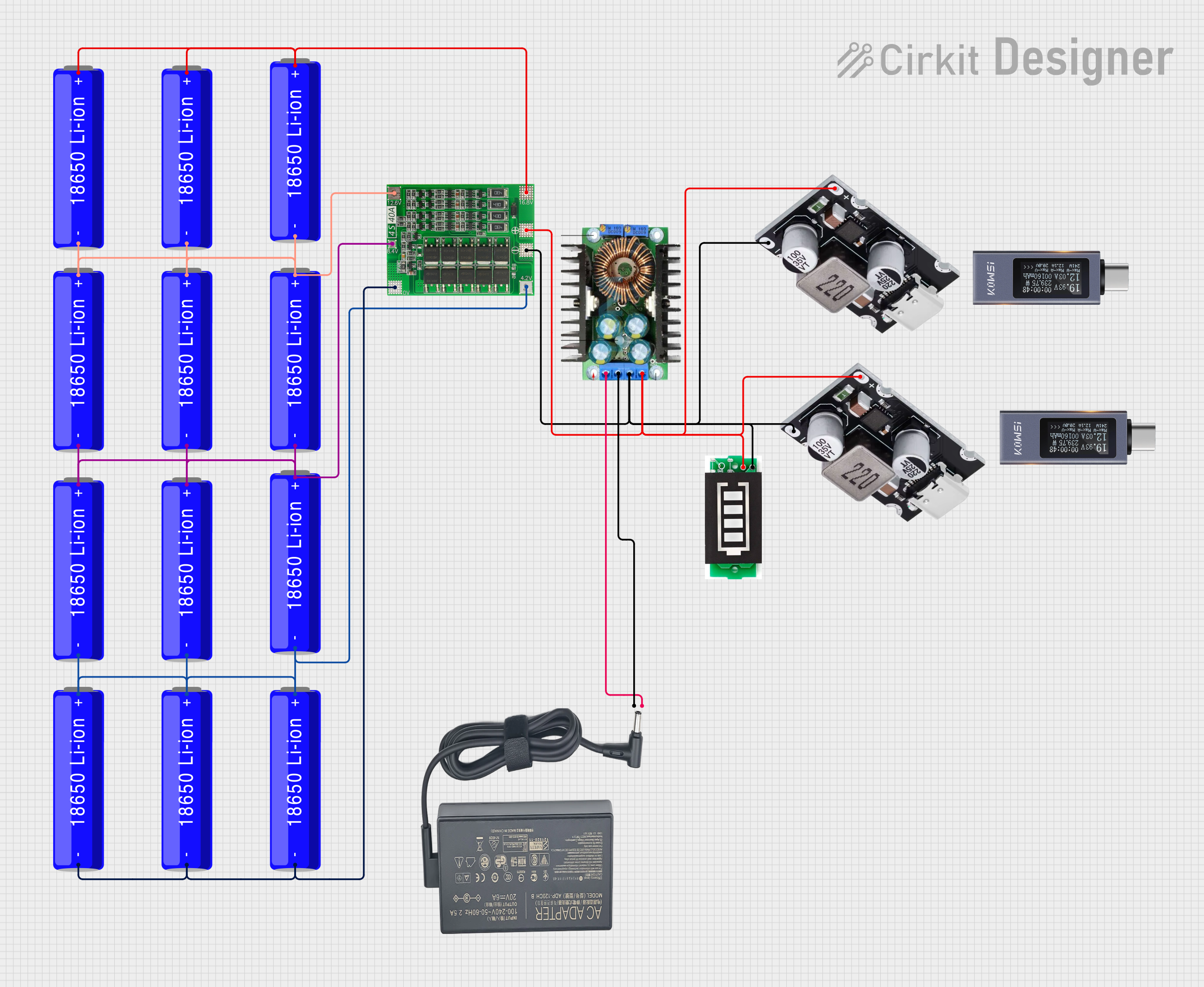
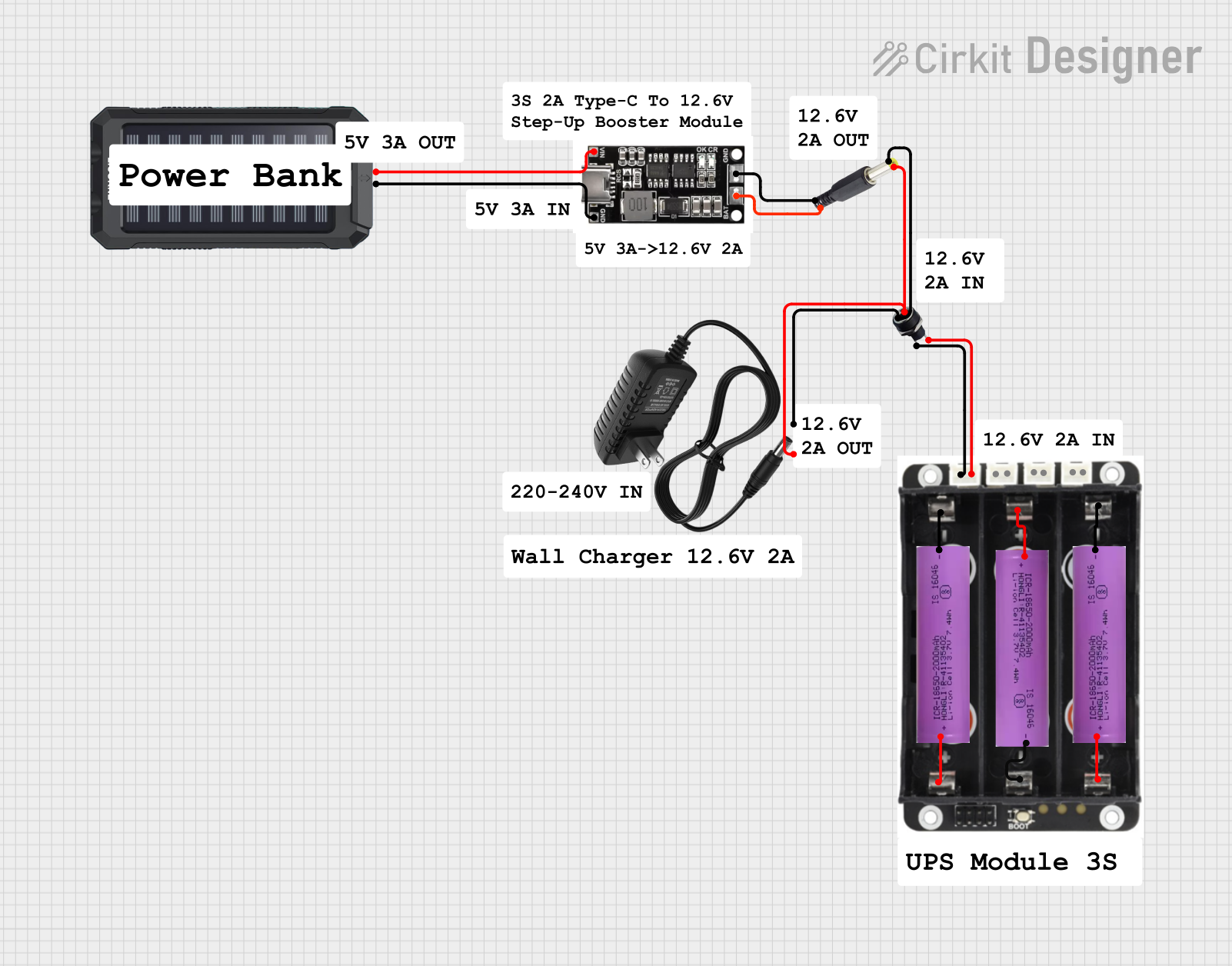
Use Cirkit Designer to design, explore, and prototype these projects online. Some projects support real-time simulation. Click "Open Project" to start designing instantly!