
How to Use SparkFun Monster Moto Shield: Examples, Pinouts, and Specs
 Design with SparkFun Monster Moto Shield in Cirkit Designer
Introduction
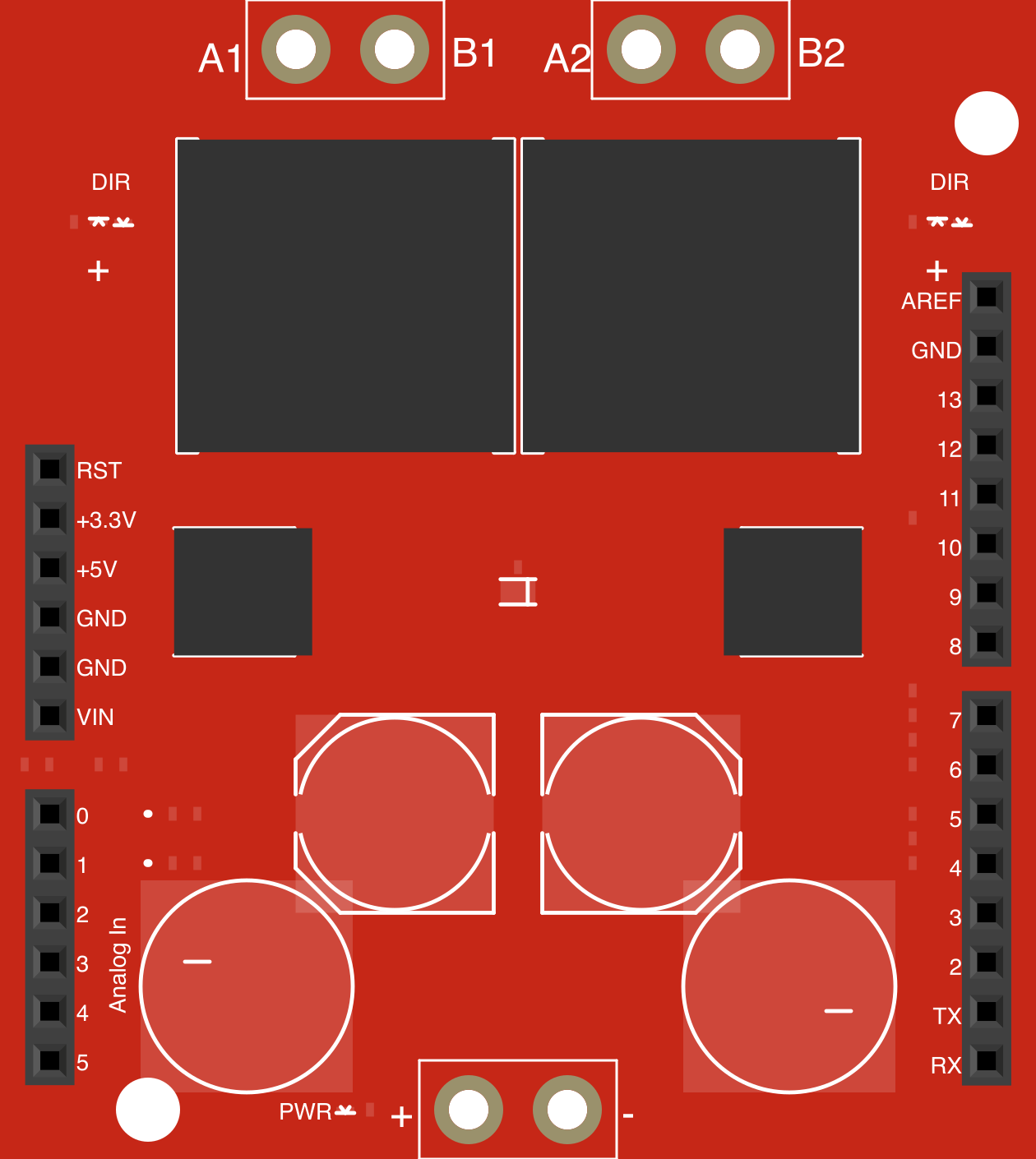
The SparkFun Monster Moto Shield (Manufacturer Part ID: DEV-10182) is a high-power motor driver shield designed for controlling DC motors and stepper motors. It features dual H-bridge drivers, allowing it to drive two DC motors or one stepper motor with ease. The shield is compatible with Arduino boards, making it an excellent choice for robotics, automation, and other motor control applications.
Explore Projects Built with SparkFun Monster Moto Shield
 Open Project in Cirkit Designer
 Open Project in Cirkit Designer
 Open Project in Cirkit Designer
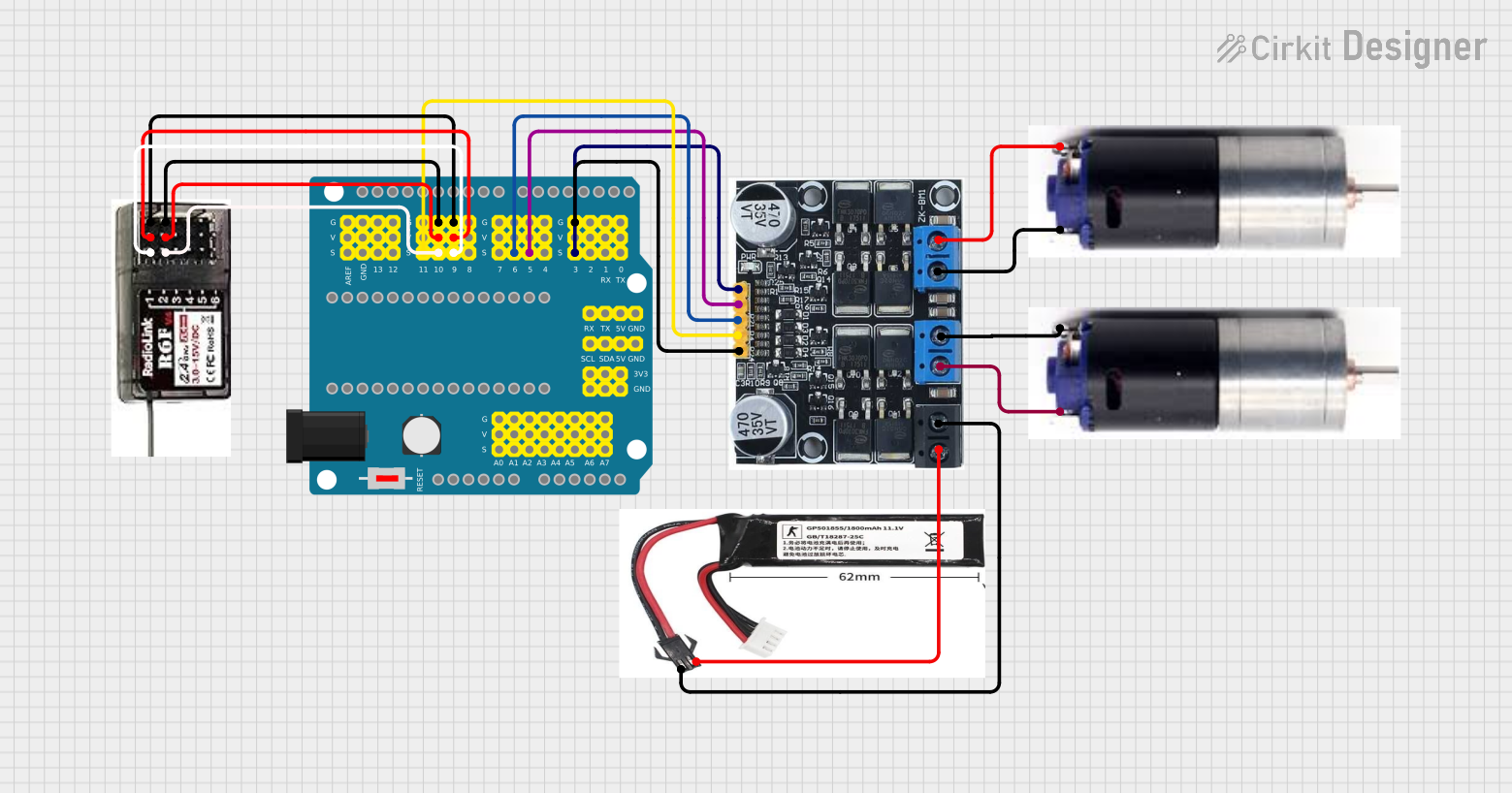 Open Project in Cirkit Designer
Explore Projects Built with SparkFun Monster Moto Shield
Open Project in Cirkit DesignerOpen Project in Cirkit DesignerOpen Project in Cirkit DesignerOpen Project in Cirkit DesignerCommon Applications
- Robotics and automation projects
- Electric vehicles and motorized carts
- Conveyor belt systems
- CNC machines and 3D printers
- High-power motor control in DIY projects
Technical Specifications
The following table outlines the key technical details of the SparkFun Monster Moto Shield:
| Specification | Details |
|---|---|
| Operating Voltage | 5V (logic) from Arduino, 5.5V to 16V (motor power supply) |
| Continuous Current | Up to 14A per channel |
| Peak Current | 30A per channel (for short durations) |
| Motor Channels | 2 (dual H-bridge drivers) |
| PWM Frequency | Up to 20 kHz |
| Logic Level Compatibility | 3.3V and 5V |
| Protection Features | Over-temperature, under-voltage, and over-current protection |
| Dimensions | 68.6mm x 53.3mm (2.7" x 2.1") |
| Weight | 28g |
Pin Configuration and Descriptions
The Monster Moto Shield uses the following pins for communication and control:
| Pin | Description |
|---|---|
| D3 | PWM input for Motor A |
| D11 | PWM input for Motor B |
| D12 | Direction control for Motor A |
| D13 | Direction control for Motor B |
| A0 | Current sense output for Motor A |
| A1 | Current sense output for Motor B |
| VIN | External motor power supply input (5.5V to 16V) |
| GND | Ground connection |
Usage Instructions
How to Use the Monster Moto Shield in a Circuit
Connect the Shield to an Arduino:
- Plug the Monster Moto Shield directly onto an Arduino board, ensuring proper alignment of the pins.
- Alternatively, use jumper wires to connect the shield to the Arduino if stacking is not possible.
Power the Motors:
- Connect an external power supply (5.5V to 16V) to the VIN and GND terminals on the shield.
- Ensure the power supply can provide sufficient current for the motors.
Connect the Motors:
- Attach the motor wires to the Motor A and Motor B screw terminals on the shield.
Program the Arduino:
- Use the Arduino IDE to write a sketch that controls the motors via PWM and direction pins.
Upload the Code:
- Upload the sketch to the Arduino and test the motor operation.
Important Considerations and Best Practices
- Heat Dissipation: The shield can handle high currents, but prolonged operation at high loads may cause overheating. Use a heat sink or active cooling if necessary.
- Power Supply: Ensure the external power supply voltage matches the motor's requirements and does not exceed 16V.
- Current Sensing: Use the current sense pins (A0 and A1) to monitor motor current and implement safety features in your code.
- Avoid Reverse Polarity: Double-check all connections to prevent damage to the shield or motors.
Example Code for Arduino UNO
Below is an example sketch to control two DC motors using the Monster Moto Shield:
// Example code for controlling two DC motors with the SparkFun Monster Moto Shield
// Ensure the shield is properly connected to the Arduino UNO

// Define motor control pins
const int pwmA = 3;  // PWM pin for Motor A
const int dirA = 12; // Direction pin for Motor A
const int pwmB = 11; // PWM pin for Motor B
const int dirB = 13; // Direction pin for Motor B

void setup() {
  // Set motor control pins as outputs
  pinMode(pwmA, OUTPUT);
  pinMode(dirA, OUTPUT);
  pinMode(pwmB, OUTPUT);
  pinMode(dirB, OUTPUT);
}

void loop() {
  // Motor A: Forward at 50% speed
  digitalWrite(dirA, HIGH); // Set direction to forward
  analogWrite(pwmA, 128);   // Set speed (0-255)

  // Motor B: Reverse at 75% speed
  digitalWrite(dirB, LOW);  // Set direction to reverse
  analogWrite(pwmB, 192);   // Set speed (0-255)

  delay(2000); // Run motors for 2 seconds

  // Stop both motors
  analogWrite(pwmA, 0);
  analogWrite(pwmB, 0);

  delay(1000); // Pause for 1 second
}
Troubleshooting and FAQs
Common Issues and Solutions
Motors Not Running:
- Verify that the external power supply is connected and providing the correct voltage.
- Check the motor connections to ensure they are secure.
- Ensure the Arduino sketch is correctly uploaded and the pins are properly defined.
Overheating:
- Reduce the motor load or add a heat sink to the shield.
- Ensure adequate ventilation around the shield.
Erratic Motor Behavior:
- Check for loose connections or damaged wires.
- Verify that the power supply can handle the current requirements of the motors.
Arduino Not Responding:
- Ensure the shield is properly seated on the Arduino.
- Disconnect the shield and test the Arduino separately to rule out hardware issues.
FAQs
Q: Can the Monster Moto Shield drive stepper motors?
A: Yes, the shield can drive a single stepper motor by using both motor channels. You will need to write appropriate code to control the stepper motor.
Q: What is the maximum current the shield can handle?
A: The shield can handle up to 14A continuously per channel and 30A peak for short durations.
Q: Is the shield compatible with 3.3V logic boards?
A: Yes, the shield is compatible with both 3.3V and 5V logic levels.
Q: Can I stack other shields on top of the Monster Moto Shield?
A: Stacking is possible, but ensure the pins used by the Monster Moto Shield do not conflict with other shields.