
How to Use ADMP421: Examples, Pinouts, and Specs
 Design with ADMP421 in Cirkit Designer
Introduction
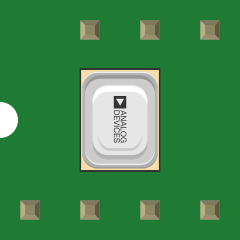
The ADMP421 is a low-power, high-performance MEMS (Micro-Electro-Mechanical Systems) microphone designed for portable and compact applications. It features a digital Pulse Density Modulation (PDM) output interface, which simplifies integration with digital signal processors (DSPs) and microcontrollers. With its high signal-to-noise ratio (SNR) of 61 dB and flat frequency response from 100 Hz to 15 kHz, the ADMP421 is ideal for applications requiring clear audio capture and voice recognition.
Explore Projects Built with ADMP421
 Open Project in Cirkit Designer
 Open Project in Cirkit Designer
 Open Project in Cirkit Designer
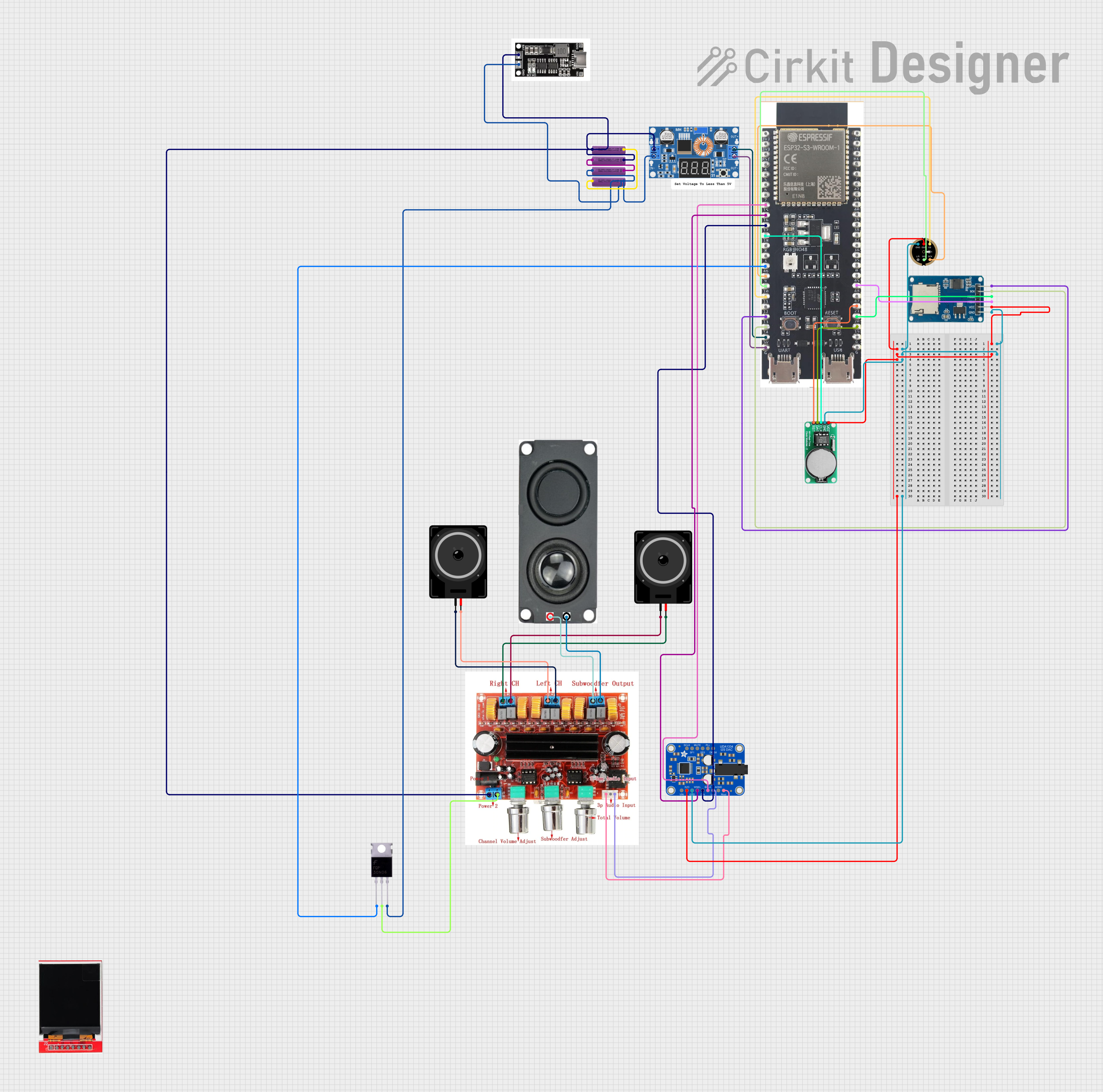 Open Project in Cirkit Designer
Explore Projects Built with ADMP421
Open Project in Cirkit DesignerOpen Project in Cirkit DesignerOpen Project in Cirkit DesignerOpen Project in Cirkit DesignerCommon Applications
- Smartphones and tablets
- Voice recognition systems
- Wearable devices
- Audio recording equipment
- Smart home devices (e.g., voice assistants)
Technical Specifications
Key Technical Details
| Parameter | Value |
|---|---|
| Supply Voltage (VDD) | 1.8 V to 3.3 V |
| Signal-to-Noise Ratio (SNR) | 61 dB |
| Frequency Response | 100 Hz to 15 kHz |
| Sensitivity | -26 dBFS ±1 dB |
| Power Consumption | 650 µA (typical) |
| Output Format | Digital PDM |
| Operating Temperature | -40°C to +85°C |
| Dimensions | 3.35 mm × 2.50 mm × 0.88 mm |
Pin Configuration and Descriptions
The ADMP421 has a 6-pin LGA (Land Grid Array) package. The pinout and descriptions are as follows:
| Pin Number | Pin Name | Description |
|---|---|---|
| 1 | VDD | Power supply (1.8 V to 3.3 V). |
| 2 | GND | Ground connection. |
| 3 | L/R SEL | Left/Right channel select for stereo operation. |
| 4 | CLK | Clock input for PDM interface. |
| 5 | DATA | Digital PDM output signal. |
| 6 | GND | Ground connection (duplicate for stability). |
Usage Instructions
How to Use the ADMP421 in a Circuit
- Power Supply: Connect the VDD pin to a stable power source (1.8 V to 3.3 V) and the GND pins to the ground plane of your circuit.
- Clock Signal: Provide a clock signal (typically 1 MHz to 3.25 MHz) to the CLK pin. This clock drives the PDM output.
- Digital Output: Connect the DATA pin to the digital input of a microcontroller or DSP. Ensure the microcontroller supports PDM decoding.
- Channel Selection: Use the L/R SEL pin to configure the microphone as the left or right channel in stereo applications:
- Connect to GND for the left channel.
- Connect to VDD for the right channel.
Important Considerations and Best Practices
- Decoupling Capacitor: Place a 0.1 µF ceramic capacitor close to the VDD pin to filter noise and ensure stable operation.
- Clock Signal Quality: Use a clean clock signal to avoid introducing noise into the PDM output.
- PCB Layout: Minimize trace lengths for the CLK and DATA lines to reduce signal degradation. Use a solid ground plane for better performance.
- PDM Decoding: If using an Arduino or similar microcontroller, ensure it has sufficient processing power or use an external library for PDM-to-PCM conversion.
Example: Connecting ADMP421 to Arduino UNO
The Arduino UNO does not natively support PDM decoding, but you can use an external library like PDM or process the signal with additional hardware. Below is an example of how to connect the ADMP421 to the Arduino UNO:
// Example code for interfacing ADMP421 with Arduino UNO
// Note: This example assumes the use of an external PDM library or hardware
// for decoding the PDM signal into PCM audio data.

#define CLK_PIN 3  // Pin connected to ADMP421 CLK
#define DATA_PIN 4 // Pin connected to ADMP421 DATA

void setup() {
  pinMode(CLK_PIN, OUTPUT); // Set CLK pin as output
  pinMode(DATA_PIN, INPUT); // Set DATA pin as input

  // Generate a clock signal for the ADMP421
  // Use a timer or PWM to generate a 1 MHz clock signal
  analogWrite(CLK_PIN, 128); // Example: Generate a clock signal using PWM
}

void loop() {
  // Read PDM data from the ADMP421
  int pdmValue = digitalRead(DATA_PIN);

  // Process the PDM data (requires external library or hardware)
  // Example: Send the PDM data to a serial monitor for debugging
  Serial.println(pdmValue);
}
Note: The above code is a basic example. For real-world applications, you will need to implement or use a library for PDM-to-PCM conversion.
Troubleshooting and FAQs
Common Issues and Solutions
No Output Signal:
- Verify that the clock signal is present and within the specified frequency range (1 MHz to 3.25 MHz).
- Check the power supply voltage and ensure it is stable.
- Confirm proper connections to the DATA and CLK pins.
Distorted Audio Output:
- Ensure the clock signal is clean and free of jitter.
- Verify that the L/R SEL pin is configured correctly for your application.
- Check for noise or interference on the power supply lines.
Low Sensitivity:
- Confirm that the microphone is oriented correctly in the circuit.
- Ensure the sensitivity matches the expected range (-26 dBFS ±1 dB).
FAQs
Q: Can the ADMP421 be used with a 5 V power supply?
A: No, the ADMP421 operates within a supply voltage range of 1.8 V to 3.3 V. Using a 5 V supply may damage the component.
Q: How do I decode the PDM signal?
A: PDM decoding requires either a DSP, a microcontroller with PDM support, or an external library. For Arduino, you can use libraries like PDM or process the signal with additional hardware.
Q: Can I use multiple ADMP421 microphones in a single system?
A: Yes, you can use multiple ADMP421 microphones. Use the L/R SEL pin to configure each microphone as the left or right channel for stereo applications.
Q: What is the maximum distance between the ADMP421 and the microcontroller?
A: To minimize signal degradation, keep the CLK and DATA lines as short as possible. For longer distances, consider using signal buffers or differential signaling.
This concludes the documentation for the ADMP421 MEMS microphone.