
How to Use 24/12v Buck: Examples, Pinouts, and Specs

 Design with 24/12v Buck in Cirkit Designer
Introduction
The 24/12V Buck Converter is a DC-DC converter designed to step down voltage from 24V to 12V. This component is essential in power supply circuits where a stable 12V output is required from a 24V input. It is widely used in automotive applications, industrial equipment, and various electronic devices that operate on a 12V power supply.
Explore Projects Built with 24/12v Buck
 Open Project in Cirkit Designer
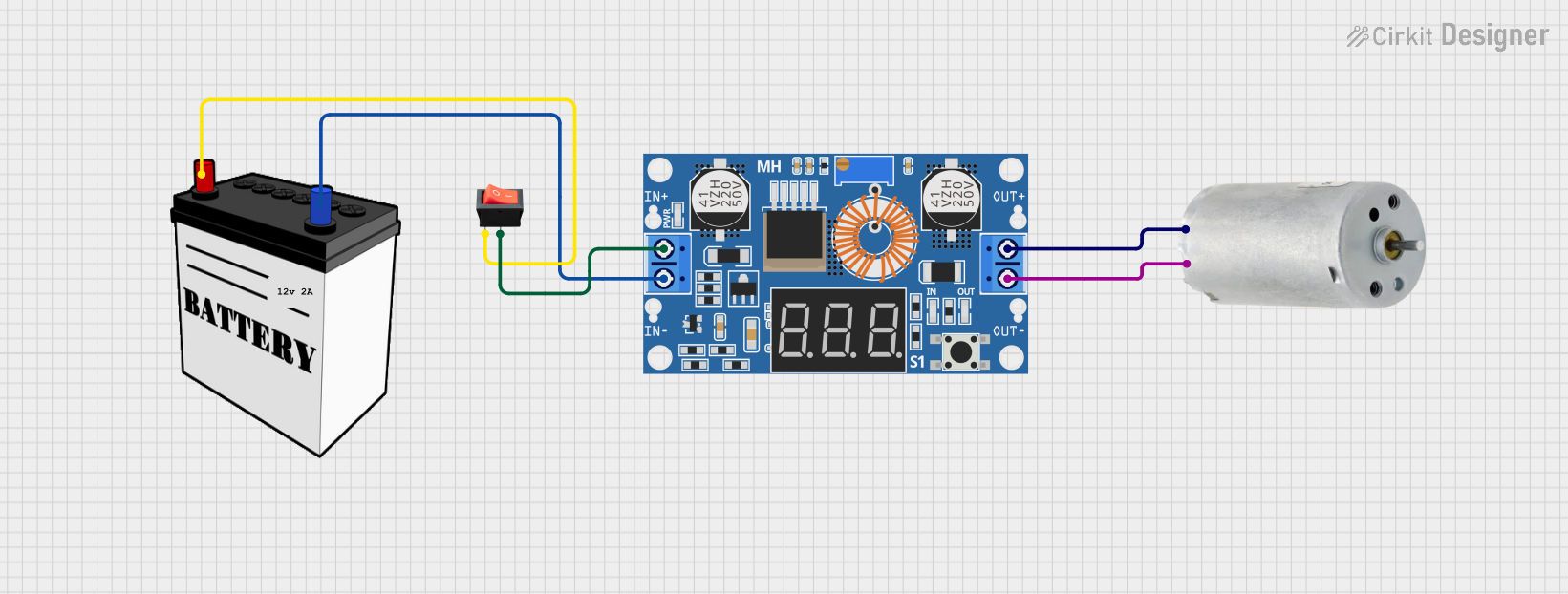 Open Project in Cirkit Designer
 Open Project in Cirkit Designer
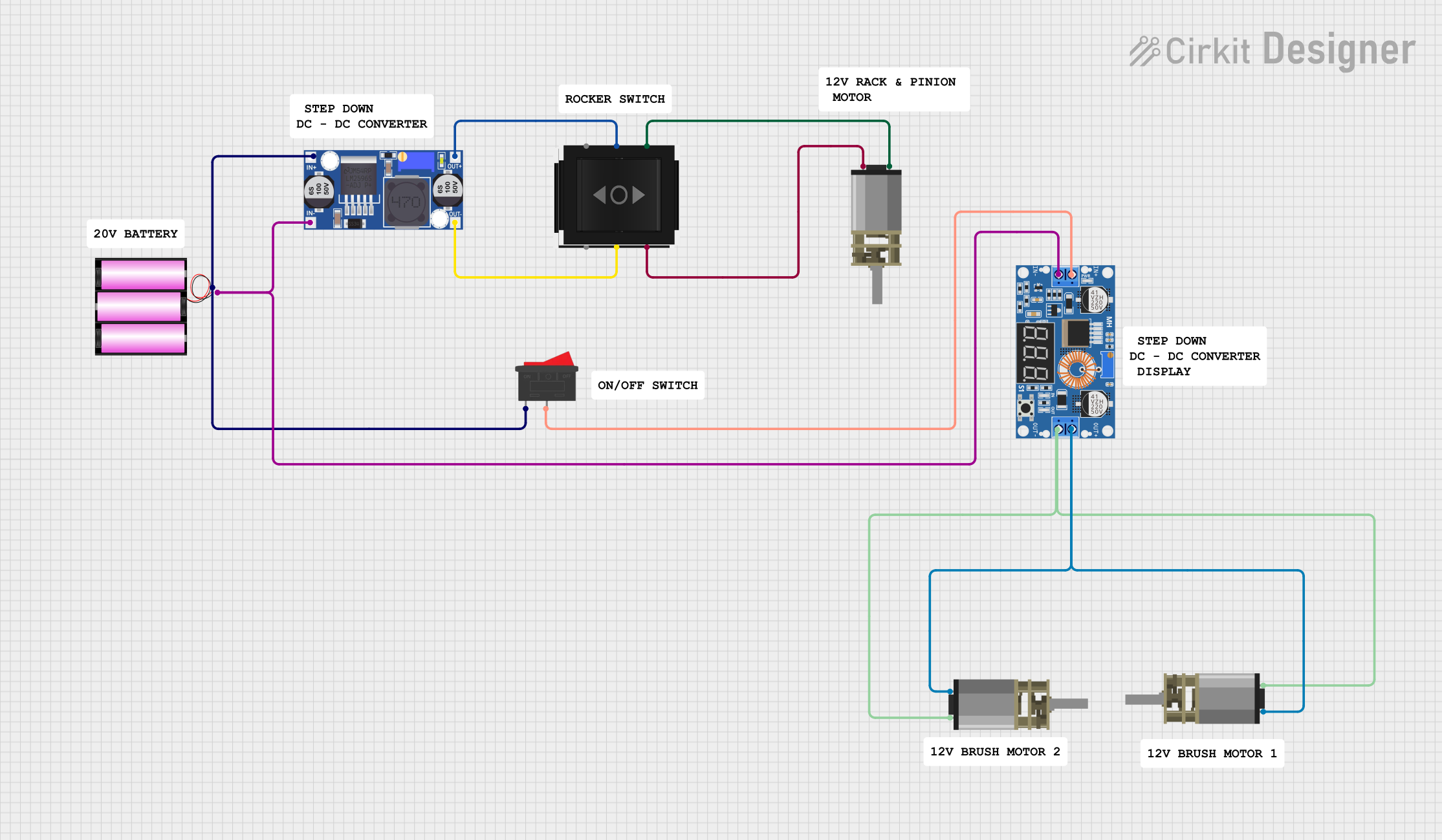 Open Project in Cirkit Designer
Explore Projects Built with 24/12v Buck
Open Project in Cirkit DesignerOpen Project in Cirkit DesignerOpen Project in Cirkit DesignerOpen Project in Cirkit DesignerTechnical Specifications
Key Technical Details
| Parameter | Value |
|---|---|
| Input Voltage | 18V - 36V |
| Output Voltage | 12V |
| Output Current | Up to 5A |
| Efficiency | Up to 95% |
| Switching Frequency | 150kHz |
| Operating Temperature | -40°C to 85°C |
| Dimensions | 45mm x 25mm x 20mm |
Pin Configuration and Descriptions
| Pin Number | Pin Name | Description |
|---|---|---|
| 1 | VIN | Input Voltage (18V - 36V) |
| 2 | GND | Ground |
| 3 | VOUT | Output Voltage (12V) |
| 4 | EN | Enable Pin (Active High) |
| 5 | FB | Feedback Pin (for voltage regulation) |
Usage Instructions
How to Use the Component in a Circuit
Connect the Input Voltage:
- Connect the VIN pin to the 24V power supply.
- Connect the GND pin to the ground of the power supply.
Connect the Output Voltage:
- Connect the VOUT pin to the load that requires a 12V power supply.
- Ensure the load does not exceed the maximum output current of 5A.
Enable the Converter:
- Connect the EN pin to a high logic level (e.g., 5V) to enable the converter.
- If the EN pin is left floating or connected to ground, the converter will be disabled.
Feedback Pin (Optional):
- The FB pin can be used for fine-tuning the output voltage. Connect it to a voltage divider network if precise voltage regulation is needed.
Important Considerations and Best Practices
- Heat Dissipation: Ensure adequate cooling for the converter, especially when operating at high currents. Use heat sinks or active cooling if necessary.
- Input Voltage Range: Do not exceed the specified input voltage range (18V - 36V) to avoid damaging the converter.
- Output Filtering: Use appropriate capacitors at the output to filter out any noise and ensure a stable 12V output.
- Load Regulation: Ensure the load connected to the converter does not exceed the maximum output current of 5A to prevent overheating and potential damage.
Troubleshooting and FAQs
Common Issues and Solutions
No Output Voltage:
- Check Connections: Ensure all connections are secure and correct.
- Enable Pin: Verify that the EN pin is connected to a high logic level.
- Input Voltage: Ensure the input voltage is within the specified range (18V - 36V).
Output Voltage Too Low or Unstable:
- Load Regulation: Ensure the load does not exceed the maximum output current.
- Output Filtering: Add or replace output capacitors to filter noise.
- Feedback Pin: Check the voltage divider network connected to the FB pin for proper configuration.
Overheating:
- Heat Dissipation: Improve cooling by adding heat sinks or active cooling.
- Load Current: Reduce the load current if it exceeds the converter's capacity.
FAQs
Q1: Can I use the 24/12V Buck Converter with an Arduino UNO? A1: Yes, you can use the 24/12V Buck Converter to power an Arduino UNO by providing a stable 12V supply. Connect the VOUT pin to the Arduino's VIN pin and the GND pin to the Arduino's GND pin.
Q2: How do I adjust the output voltage? A2: The output voltage can be adjusted by connecting a voltage divider network to the FB pin. Refer to the datasheet for the specific resistor values needed for your desired output voltage.
Q3: What is the efficiency of the converter? A3: The efficiency of the 24/12V Buck Converter can reach up to 95%, depending on the input voltage and load conditions.
Example Code for Arduino UNO
Here is an example code to enable the 24/12V Buck Converter using an Arduino UNO:
// Define the pin connected to the EN pin of the Buck Converter
const int enablePin = 7;

void setup() {
  // Initialize the digital pin as an output
  pinMode(enablePin, OUTPUT);

  // Enable the Buck Converter by setting the pin HIGH
  digitalWrite(enablePin, HIGH);
}

void loop() {
  // The main loop can be used for other tasks
  // The Buck Converter will remain enabled
}
This code sets up pin 7 on the Arduino UNO as an output and sets it HIGH to enable the 24/12V Buck Converter. Ensure that the EN pin of the converter is connected to pin 7 of the Arduino.
This documentation provides a comprehensive guide to using the 24/12V Buck Converter, covering its technical specifications, usage instructions, troubleshooting tips, and example code for integration with an Arduino UNO. Whether you are a beginner or an experienced user, this guide will help you effectively utilize the 24/12V Buck Converter in your projects.