
How to Use RF Pack S3: Examples, Pinouts, and Specs
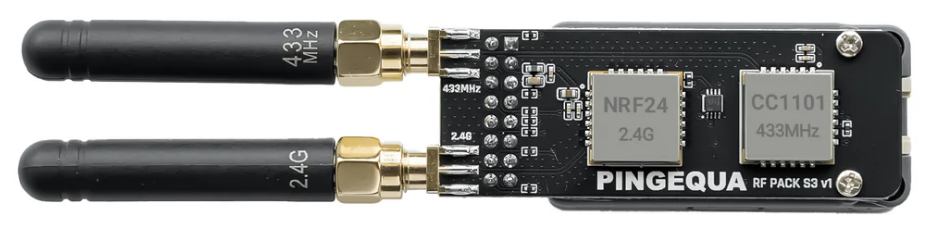
 Design with RF Pack S3 in Cirkit Designer
Introduction
The RF Pack S3, manufactured by Pingequa, is a high-performance radio frequency (RF) module designed for wireless communication applications. It enables efficient transmission and reception of RF signals across various frequency bands, making it a versatile solution for a wide range of projects. With its compact design and robust functionality, the RF Pack S3 is ideal for IoT devices, remote controls, wireless sensors, and other RF-based systems.
Explore Projects Built with RF Pack S3
 Open Project in Cirkit Designer
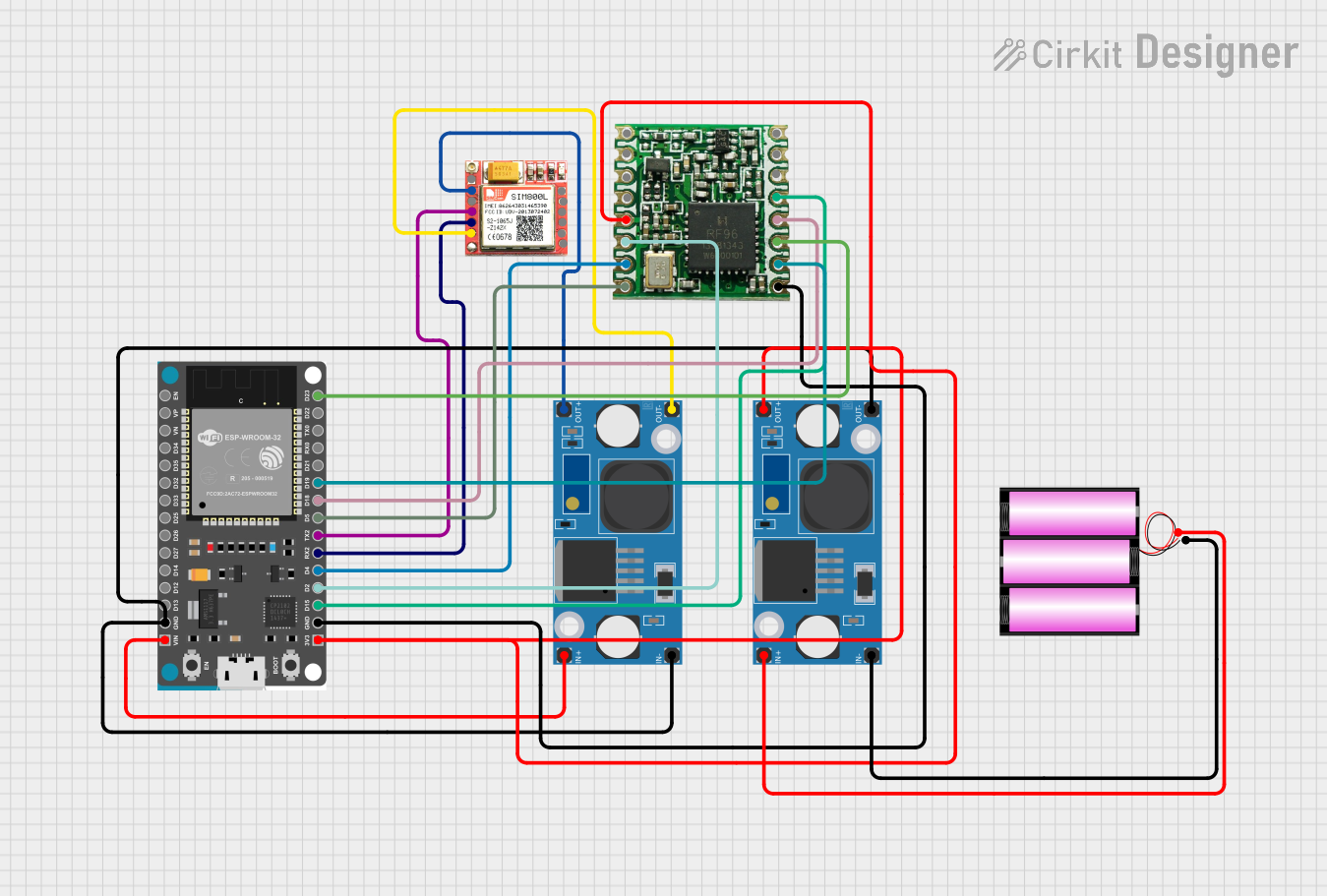 Open Project in Cirkit Designer
 Open Project in Cirkit Designer
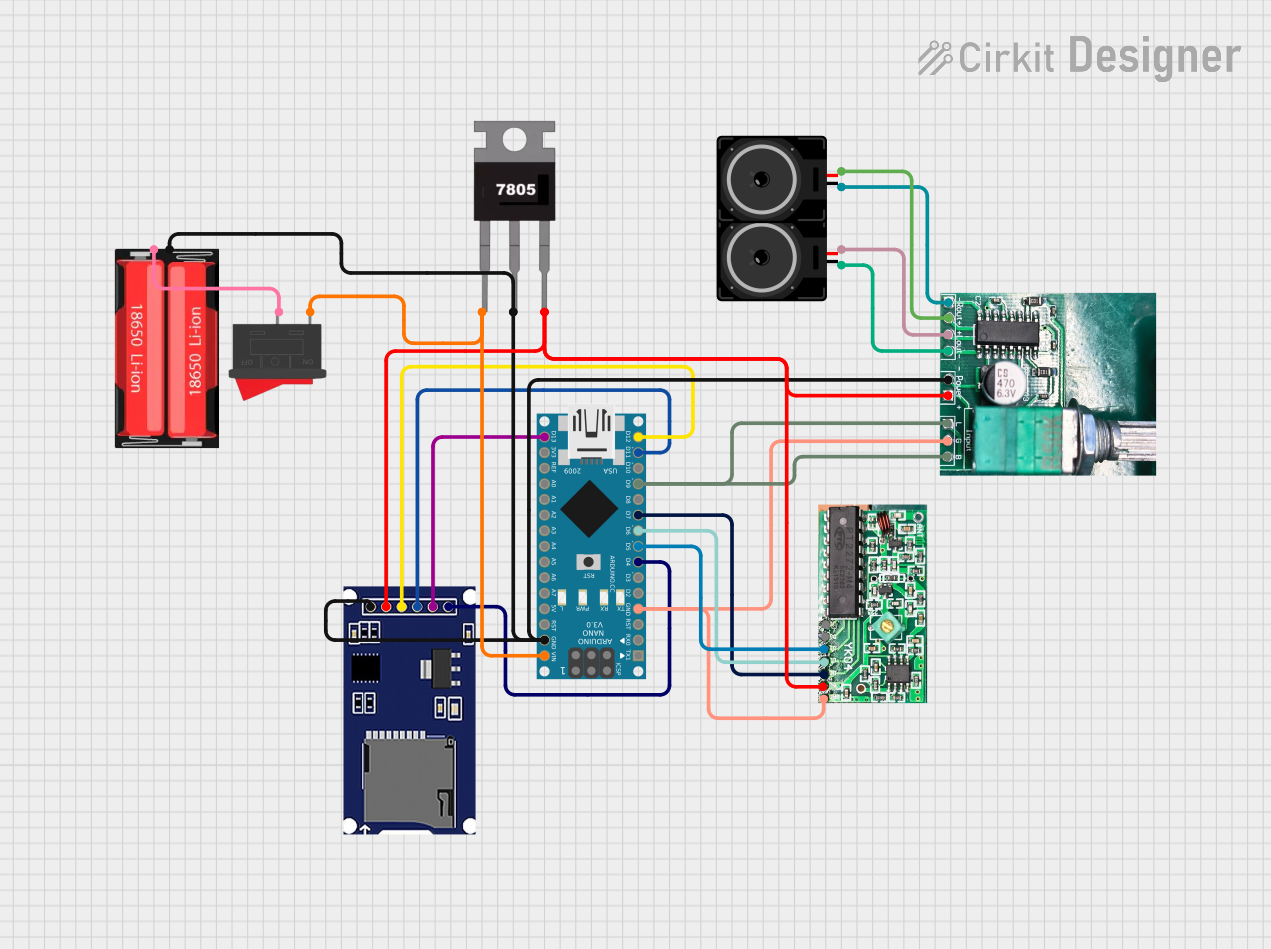 Open Project in Cirkit Designer
Explore Projects Built with RF Pack S3
Open Project in Cirkit DesignerOpen Project in Cirkit DesignerOpen Project in Cirkit DesignerOpen Project in Cirkit DesignerCommon Applications
- Internet of Things (IoT) devices
- Wireless sensor networks
- Remote control systems
- Home automation
- Industrial monitoring and control
- Wireless data transmission in embedded systems
Technical Specifications
The RF Pack S3 is engineered to deliver reliable performance in demanding environments. Below are its key technical specifications:
| Parameter | Specification |
|---|---|
| Operating Voltage | 3.3V to 5.0V |
| Operating Frequency | 433 MHz, 868 MHz, or 915 MHz |
| Transmission Power | Up to 20 dBm |
| Sensitivity | -120 dBm |
| Communication Protocol | SPI |
| Data Rate | Up to 300 kbps |
| Operating Temperature | -40°C to +85°C |
| Dimensions | 25 mm x 15 mm x 3 mm |
Pin Configuration
The RF Pack S3 features an 8-pin interface for easy integration into your circuit. Below is the pinout description:
| Pin | Name | Description |
|---|---|---|
| 1 | VCC | Power supply input (3.3V to 5.0V) |
| 2 | GND | Ground connection |
| 3 | MOSI | SPI Master Out Slave In |
| 4 | MISO | SPI Master In Slave Out |
| 5 | SCK | SPI Clock |
| 6 | CS | Chip Select (active low) |
| 7 | IRQ | Interrupt request output |
| 8 | ANT | Antenna connection for RF signal transmission/reception |
Usage Instructions
How to Use the RF Pack S3 in a Circuit
- Power Supply: Connect the VCC pin to a regulated 3.3V or 5.0V power source and the GND pin to the ground.
- SPI Communication: Interface the RF Pack S3 with a microcontroller (e.g., Arduino UNO) using the SPI pins (MOSI, MISO, SCK, and CS).
- Antenna Connection: Attach a suitable antenna to the ANT pin to ensure optimal RF signal transmission and reception.
- Interrupt Handling: Use the IRQ pin to handle interrupts for events such as data reception or transmission completion.
Important Considerations
- Use decoupling capacitors (e.g., 0.1 µF) near the VCC pin to reduce noise and ensure stable operation.
- Ensure the antenna is tuned to the operating frequency band (433 MHz, 868 MHz, or 915 MHz) for maximum efficiency.
- Avoid placing the module near high-frequency noise sources or metal enclosures that may interfere with RF signals.
- Follow local regulations for RF transmission power and frequency usage.
Example: Connecting RF Pack S3 to Arduino UNO
Below is an example of how to connect and program the RF Pack S3 with an Arduino UNO for basic communication:
Wiring Diagram
| RF Pack S3 Pin | Arduino UNO Pin |
|---|---|
| VCC | 3.3V |
| GND | GND |
| MOSI | D11 |
| MISO | D12 |
| SCK | D13 |
| CS | D10 |
| IRQ | D2 |
Arduino Code Example
#include <SPI.h>

// Define RF Pack S3 pins
#define CS_PIN 10  // Chip Select pin
#define IRQ_PIN 2  // Interrupt pin

void setup() {
  // Initialize serial communication for debugging
  Serial.begin(9600);

  // Configure SPI and RF Pack S3 pins
  pinMode(CS_PIN, OUTPUT);
  pinMode(IRQ_PIN, INPUT);
  digitalWrite(CS_PIN, HIGH); // Set CS pin high (inactive)

  // Initialize SPI
  SPI.begin();
  Serial.println("RF Pack S3 initialized.");
}

void loop() {
  // Example: Send a test command to the RF Pack S3
  digitalWrite(CS_PIN, LOW); // Activate CS pin
  SPI.transfer(0x01);        // Send a dummy command (replace with actual command)
  digitalWrite(CS_PIN, HIGH); // Deactivate CS pin

  // Wait for interrupt signal (if applicable)
  if (digitalRead(IRQ_PIN) == LOW) {
    Serial.println("Interrupt received from RF Pack S3.");
  }

  delay(1000); // Wait 1 second before repeating
}
Troubleshooting and FAQs
Common Issues and Solutions
No RF Signal Detected
- Ensure the antenna is properly connected and tuned to the correct frequency band.
- Verify the power supply voltage is within the specified range (3.3V to 5.0V).
- Check SPI connections and ensure the microcontroller is configured correctly.
Intermittent Communication
- Use decoupling capacitors near the power supply pins to reduce noise.
- Avoid placing the module near sources of electromagnetic interference (EMI).
Module Not Responding
- Confirm that the CS pin is being toggled correctly during SPI communication.
- Check for loose or incorrect wiring connections.
FAQs
Q: Can the RF Pack S3 operate at 2.4 GHz?
A: No, the RF Pack S3 is designed to operate at 433 MHz, 868 MHz, or 915 MHz frequency bands.
Q: What type of antenna should I use?
A: Use a monopole or dipole antenna tuned to the operating frequency band for optimal performance.
Q: Is the RF Pack S3 compatible with 5V logic?
A: Yes, the RF Pack S3 supports both 3.3V and 5V logic levels, making it compatible with most microcontrollers.
Q: Can I use multiple RF Pack S3 modules in the same area?
A: Yes, but ensure each module operates on a unique address or channel to avoid interference.