
How to Use Rocker Switch (SPST): Examples, Pinouts, and Specs
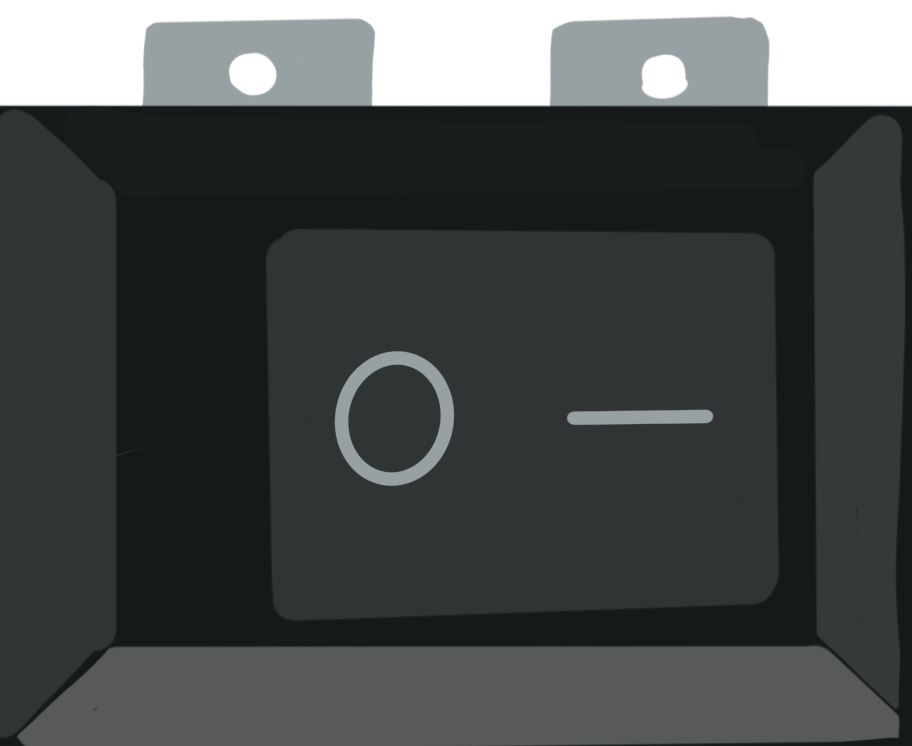
 Design with Rocker Switch (SPST) in Cirkit Designer
Introduction
A Rocker Switch (Single Pole Single Throw), manufactured by Switch Electronics, is a simple yet versatile electrical switch designed to toggle between two positions: ON and OFF. This switch allows or interrupts the flow of current in a circuit, making it an essential component for power control in various applications. Its intuitive design and reliability make it a popular choice for both household appliances and electronic devices.
Explore Projects Built with Rocker Switch (SPST)
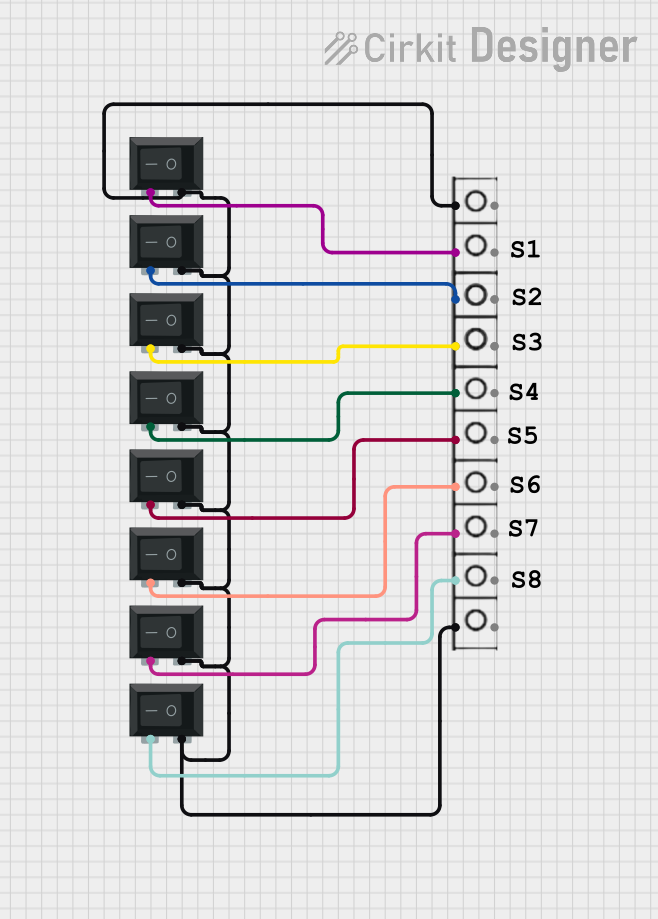 Open Project in Cirkit Designer
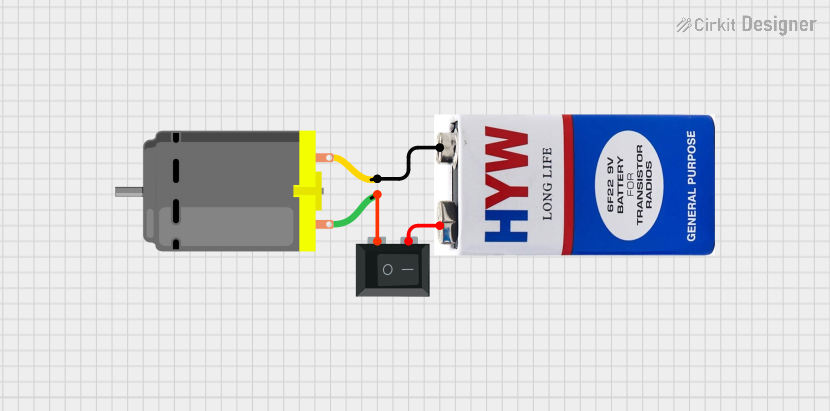 Open Project in Cirkit Designer
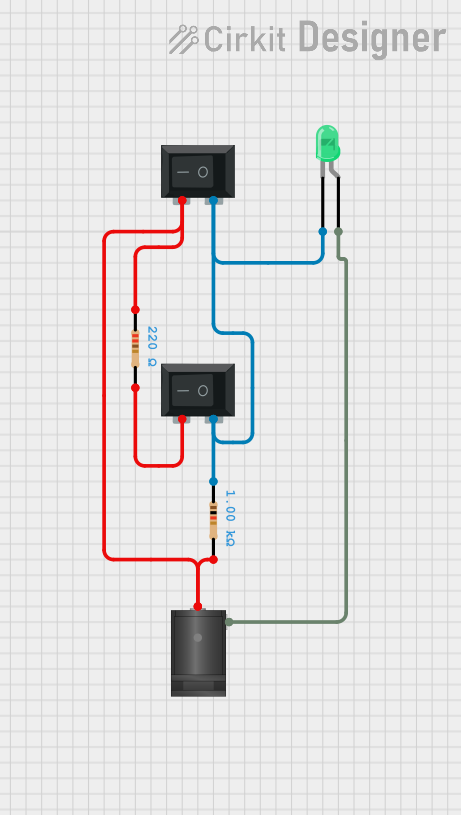 Open Project in Cirkit Designer
 Open Project in Cirkit Designer
Explore Projects Built with Rocker Switch (SPST)
Open Project in Cirkit DesignerOpen Project in Cirkit DesignerOpen Project in Cirkit DesignerOpen Project in Cirkit DesignerCommon Applications and Use Cases
- Power control in household appliances (e.g., lamps, fans, and kitchen devices)
- On/Off control in electronic projects and DIY circuits
- Automotive applications for auxiliary devices
- Industrial equipment for basic power switching
Technical Specifications
Below are the key technical details for the Rocker Switch (SPST):
| Parameter | Value |
|---|---|
| Manufacturer | Switch Electronics |
| Manufacturer Part ID | N/A |
| Switch Type | Single Pole Single Throw (SPST) |
| Rated Voltage | 250V AC |
| Rated Current | 6A |
| Contact Resistance | ≤ 50 mΩ |
| Insulation Resistance | ≥ 100 MΩ |
| Operating Temperature | -25°C to +85°C |
| Mechanical Life | 10,000 cycles |
| Mounting Type | Panel Mount |
| Actuator Type | Rocker |
Pin Configuration and Descriptions
The Rocker Switch (SPST) typically has two terminals for connection. Below is the pin configuration:
| Pin | Description |
|---|---|
| Pin 1 | Input terminal: Connect to the power source |
| Pin 2 | Output terminal: Connect to the load or circuit |
Usage Instructions
How to Use the Component in a Circuit
- Identify the Terminals: Locate the two terminals on the switch. Pin 1 is for the input (power source), and Pin 2 is for the output (load or circuit).
- Prepare the Circuit: Ensure the circuit is powered off before connecting the switch to avoid electrical hazards.
- Connect the Switch:
- Connect Pin 1 to the positive terminal of the power source.
- Connect Pin 2 to the positive terminal of the load or circuit.
- Complete the circuit by connecting the negative terminal of the load back to the power source.
- Mount the Switch: Secure the switch in a panel or enclosure using the provided mounting mechanism.
- Test the Circuit: Power on the circuit and toggle the switch to verify its operation.
Important Considerations and Best Practices
- Voltage and Current Ratings: Ensure the switch is used within its rated voltage (250V AC) and current (6A) to prevent damage or failure.
- Proper Mounting: Use the appropriate panel cutout dimensions to securely mount the switch.
- Debouncing: If used in a digital circuit, consider implementing debouncing techniques to avoid false triggering.
- Safety Precautions: Always disconnect the power supply before wiring or modifying the circuit.
Example: Connecting to an Arduino UNO
While the Rocker Switch (SPST) is primarily a power control device, it can also be used as a digital input for microcontroller projects. Below is an example of connecting the switch to an Arduino UNO:
Circuit Setup
- Connect Pin 1 of the switch to the 5V pin on the Arduino.
- Connect Pin 2 of the switch to a digital input pin (e.g., D2) on the Arduino.
- Add a pull-down resistor (10kΩ) between Pin 2 and GND to ensure a stable LOW state when the switch is OFF.
Arduino Code
// Rocker Switch (SPST) Example with Arduino UNO
// This code reads the state of the switch and turns on an LED when the switch is ON.

const int switchPin = 2;  // Pin connected to the switch
const int ledPin = 13;    // Pin connected to the onboard LED

void setup() {
  pinMode(switchPin, INPUT);  // Set the switch pin as input
  pinMode(ledPin, OUTPUT);    // Set the LED pin as output
  digitalWrite(ledPin, LOW);  // Ensure the LED is off initially
}

void loop() {
  int switchState = digitalRead(switchPin);  // Read the switch state

  if (switchState == HIGH) {
    // If the switch is ON, turn on the LED
    digitalWrite(ledPin, HIGH);
  } else {
    // If the switch is OFF, turn off the LED
    digitalWrite(ledPin, LOW);
  }
}
Troubleshooting and FAQs
Common Issues and Solutions
Switch Not Working:
- Cause: Loose or incorrect wiring.
- Solution: Double-check the connections and ensure the terminals are properly secured.
Switch Feels Stiff or Jammed:
- Cause: Dirt or debris inside the switch mechanism.
- Solution: Clean the switch carefully or replace it if necessary.
Load Not Receiving Power:
- Cause: Exceeding the switch's rated current or voltage.
- Solution: Verify the load's power requirements and ensure they are within the switch's ratings.
Arduino Not Detecting Switch State:
- Cause: Missing pull-down resistor or incorrect pin configuration.
- Solution: Add a pull-down resistor and confirm the correct pin connections.
FAQs
Q1: Can this switch be used for DC circuits?
A1: Yes, the Rocker Switch (SPST) can be used for DC circuits, but ensure the voltage and current ratings are not exceeded.
Q2: Is the switch waterproof?
A2: No, this switch is not waterproof. For outdoor or wet environments, use a waterproof variant.
Q3: Can I use this switch to control multiple devices?
A3: No, this is a Single Pole Single Throw (SPST) switch, which can control only one circuit at a time. For multiple devices, consider using a multi-pole switch.
Q4: How do I debounce the switch in a digital circuit?
A4: You can use a hardware debounce circuit (e.g., capacitor and resistor) or implement software debouncing in your microcontroller code.