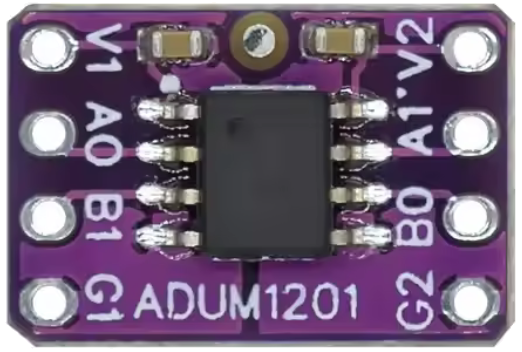
The ADUM-1201 is a digital isolator designed to provide galvanic isolation between two circuits. It ensures safe data transmission by electrically isolating the input and output sides, preventing high voltages or noise from affecting sensitive low-voltage circuits. This component is based on Analog Devices' iCoupler® technology, which uses micro-transformers to achieve high-speed, reliable isolation.
Explore Projects Built with ADUM-1201
Use Cirkit Designer to design, explore, and prototype these projects online. Some projects support real-time simulation. Click "Open Project" to start designing instantly!
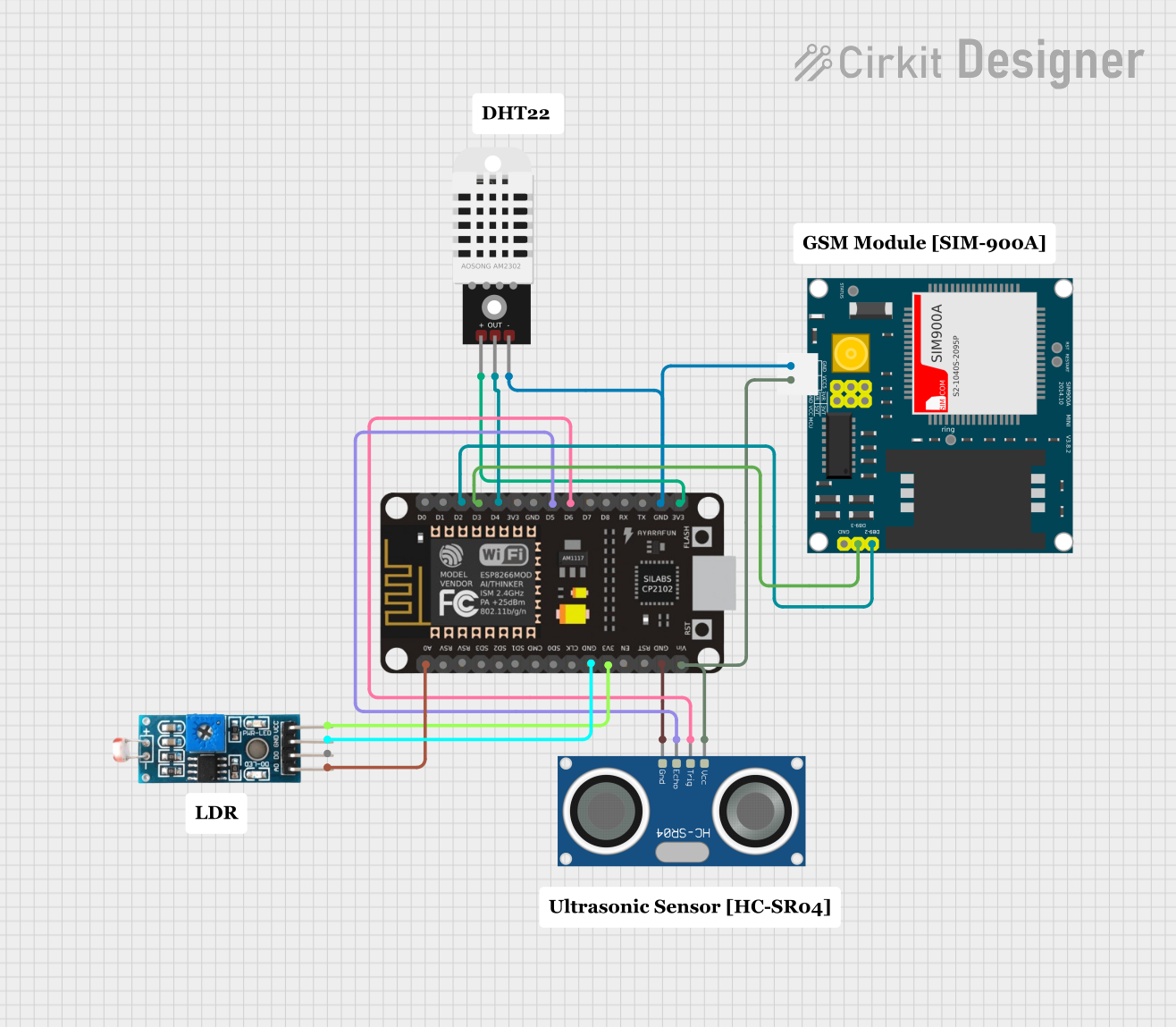
This is a sensor-based data acquisition system with GSM communication capability. It uses an ESP8266 NodeMCU to collect environmental data from a DHT22 sensor and light levels from an LDR, as well as distance measurements from an HC-SR04 ultrasonic sensor. The SIM900A GSM module enables the system to transmit the collected data over a cellular network.
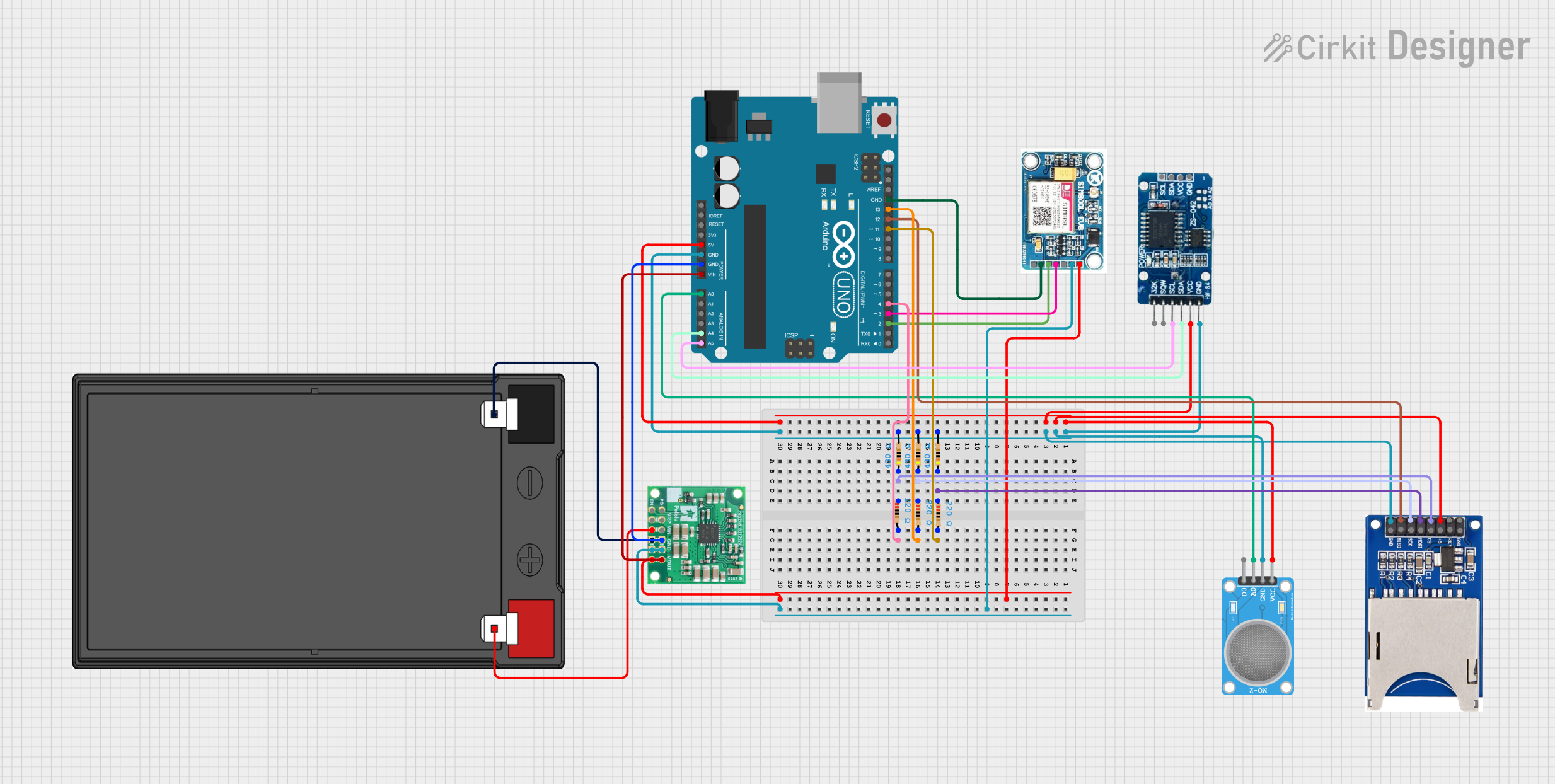
This circuit features an Arduino UNO as the central microcontroller, interfaced with an MQ-2 gas sensor for detecting gases, a DS3231 Real Time Clock for timekeeping, and an SD card reader for data logging. A SIM 800L GSM module is included for cellular communication, and the system is powered by a 12V battery with a 5V step-down voltage regulator to supply the necessary voltage levels. Resistor networks are used for signal conditioning and pull-up/pull-down configurations.
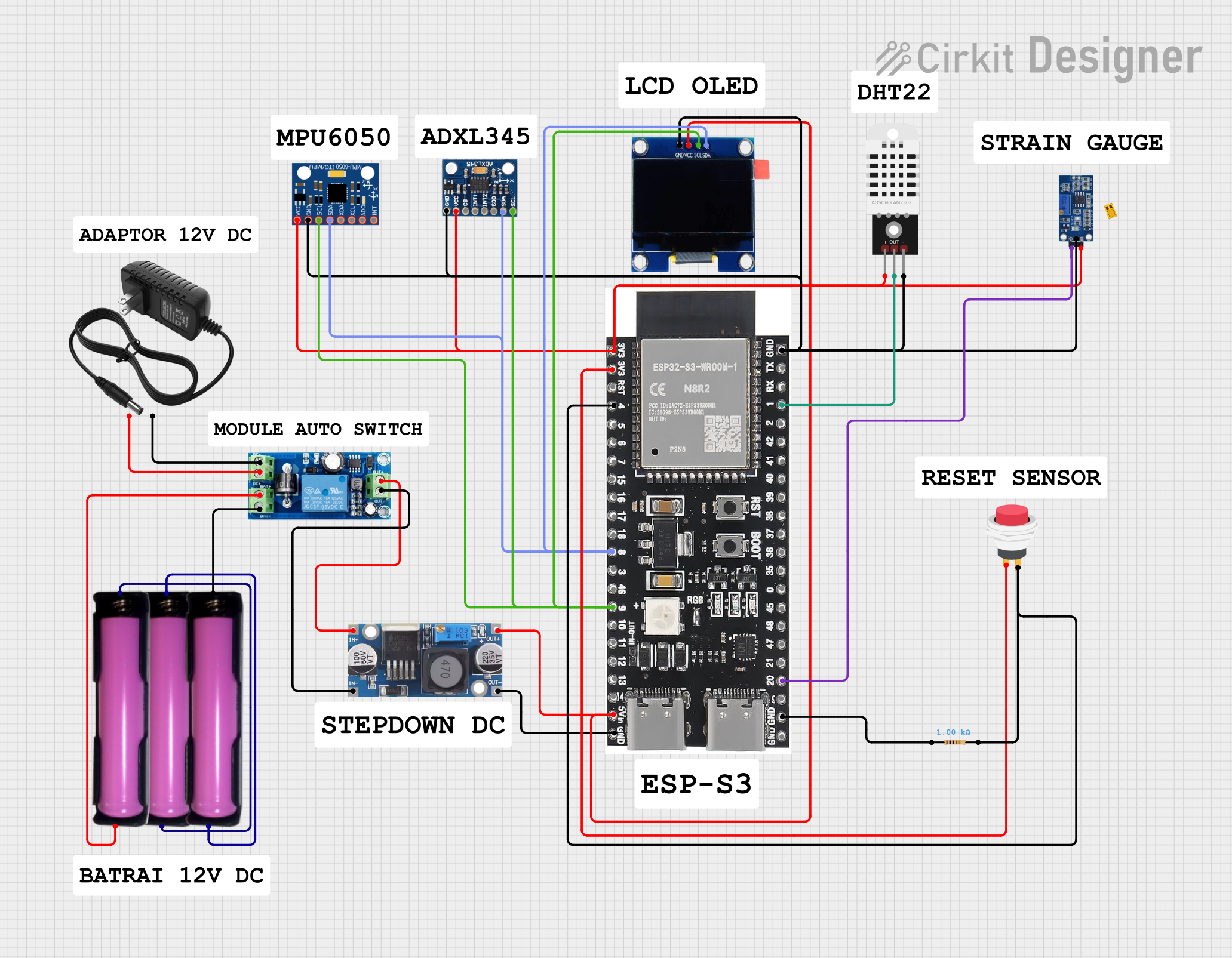
This circuit is a sensor and display system powered by a UPS module with a 12V power supply and 18650 batteries. It includes an ESP32 microcontroller that interfaces with various sensors (DHT22, Strain Gauge, MPU-6050, ADXL345) and an OLED display, with power regulation provided by a step-down buck converter.
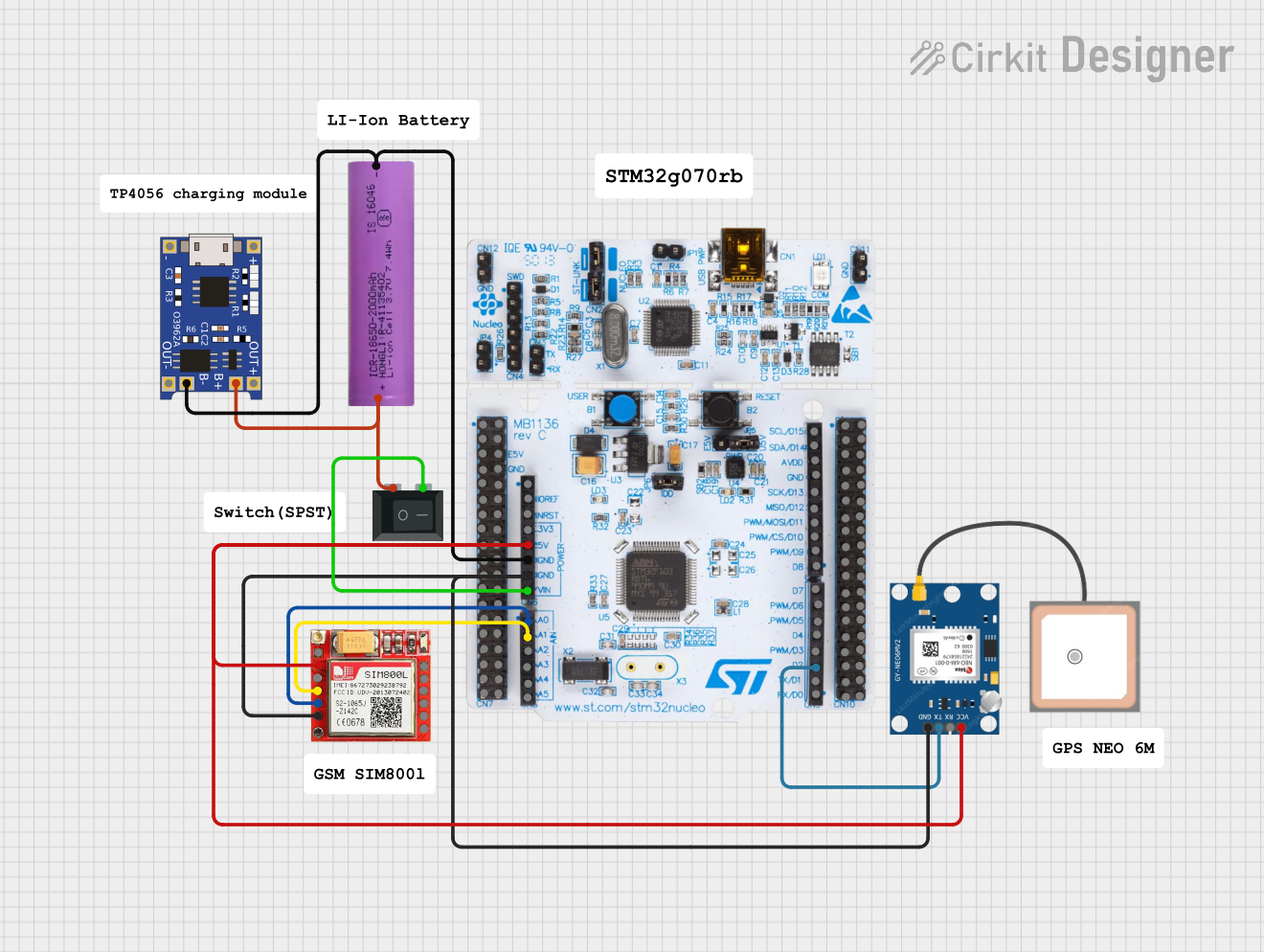
This circuit is an emergency alert system that uses a NUCLEO-F072RB microcontroller to send SMS alerts and make calls via a SIM800L GSM module, while obtaining location data from a GPS NEO 6M module. The system is powered by a Li-ion battery and includes a TP4056 module for battery charging and protection, with a rocker switch to control power to the microcontroller.
Medical equipment requiring isolation for patient safety
Power supply and motor control systems
Communication interfaces in high-voltage environments
Signal integrity enhancement in noisy environments
Technical Specifications
Key Technical Details
Parameter
Value
Isolation Voltage
2.5 kV RMS
Data Rate
Up to 25 Mbps
Supply Voltage (VDD1/VDD2)
2.7 V to 5.5 V
Propagation Delay
50 ns (typical)
Common-Mode Transient
>25 kV/µs
Operating Temperature
-40°C to +125°C
Channels
2 (unidirectional or bidirectional)
Package
8-lead SOIC (Small Outline Integrated Circuit)
Pin Configuration and Descriptions
The ADUM-1201 is available in an 8-lead SOIC package. Below is the pinout and description:
Pin Number
Pin Name
Description
1
VDD1
Power supply for side 1 (input side)
2
GND1
Ground for side 1
3
A1
Input signal for channel 1
4
A2
Input signal for channel 2
5
B2
Output signal for channel 2
6
B1
Output signal for channel 1
7
GND2
Ground for side 2
8
VDD2
Power supply for side 2 (output side)
Usage Instructions
How to Use the ADUM-1201 in a Circuit
Power Supply: Connect VDD1 and VDD2 to separate power supplies (2.7 V to 5.5 V). Ensure that GND1 and GND2 are isolated from each other to maintain galvanic isolation.
Signal Connections:
Connect the input signals to A1 and A2 on the input side.
The corresponding isolated output signals will appear on B1 and B2 on the output side.
Bypass Capacitors: Place decoupling capacitors (e.g., 0.1 µF) close to VDD1 and VDD2 to filter noise and ensure stable operation.
PCB Layout: Maintain sufficient spacing between the input and output sides to preserve isolation integrity. Avoid routing high-voltage traces near the isolator.
Important Considerations and Best Practices
Isolation Voltage: Do not exceed the rated isolation voltage of 2.5 kV RMS.
Data Rate: Ensure the data rate does not exceed 25 Mbps for reliable operation.
Thermal Management: Operate within the specified temperature range (-40°C to +125°C) to avoid performance degradation.
Signal Integrity: Use short and direct traces for signal lines to minimize noise and signal distortion.
Example: Connecting the ADUM-1201 to an Arduino UNO
The ADUM-1201 can be used to isolate communication signals between an Arduino UNO and another device. Below is an example of isolating a digital signal:
Circuit Connections
Connect the Arduino's digital output pin (e.g., D2) to A1 on the ADUM-1201.
Connect B1 to the input of the isolated device.
Power VDD1 from the Arduino's 5V pin and GND1 from the Arduino's GND.
Power VDD2 and GND2 from the isolated device's power supply.
Arduino Code Example
// Example code to send a digital signal through the ADUM-1201 isolator
const int outputPin = 2; // Arduino pin connected to A1 on ADUM-1201

void setup() {
  pinMode(outputPin, OUTPUT); // Set the pin as an output
}

void loop() {
  digitalWrite(outputPin, HIGH); // Send a HIGH signal
  delay(1000); // Wait for 1 second
  digitalWrite(outputPin, LOW);  // Send a LOW signal
  delay(1000); // Wait for 1 second
}
Troubleshooting and FAQs
Common Issues and Solutions
No Output Signal on B1/B2:
Verify that VDD1 and VDD2 are powered correctly and within the specified range.
Check the input signal on A1/A2 to ensure it is within the logic level range.
Ensure proper grounding for GND1 and GND2.
Signal Distortion or Noise:
Add bypass capacitors close to VDD1 and VDD2 to filter power supply noise.
Use shorter traces for signal lines to reduce noise pickup.
Component Overheating:
Ensure the operating temperature is within the specified range.
Check for excessive current draw on VDD1 or VDD2.
Loss of Isolation:
Verify that the PCB layout maintains sufficient spacing between the input and output sides.
Avoid contamination or moisture on the PCB, which can reduce isolation performance.
FAQs
Q: Can the ADUM-1201 be used for bidirectional communication?
A: No, the ADUM-1201 is designed for unidirectional communication. For bidirectional communication, consider using other models in the ADuM series that support bidirectional channels.
Q: What happens if the data rate exceeds 25 Mbps?
A: Exceeding the maximum data rate may result in signal distortion, increased propagation delay, or data loss.
Q: Can I use a single power supply for both sides?
A: No, separate power supplies are required for VDD1 and VDD2 to maintain galvanic isolation.
Q: How do I ensure long-term reliability of the isolation barrier?
A: Operate the component within its specified voltage, temperature, and environmental limits. Avoid exposure to high humidity or contaminants.

 Open Project in Cirkit Designer