
How to Use pressure sensor: Examples, Pinouts, and Specs
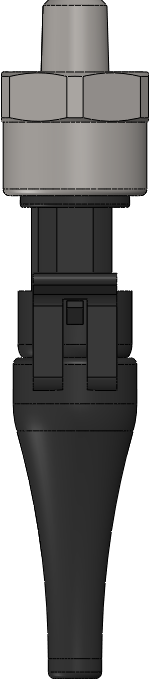
 Design with pressure sensor in Cirkit Designer
Introduction
A pressure sensor is a device that measures the pressure of gases or liquids and converts it into an electrical signal for monitoring or control purposes. These sensors are widely used in various industries, including automotive, medical, aerospace, and industrial automation. They play a critical role in applications such as monitoring fluid levels, controlling pneumatic systems, and ensuring safety in pressurized environments.
Common applications and use cases:
- Monitoring tire pressure in vehicles
- Measuring blood pressure in medical devices
- Detecting altitude changes in drones and aircraft
- Controlling industrial processes involving gases or liquids
- Monitoring HVAC (Heating, Ventilation, and Air Conditioning) systems
Explore Projects Built with pressure sensor
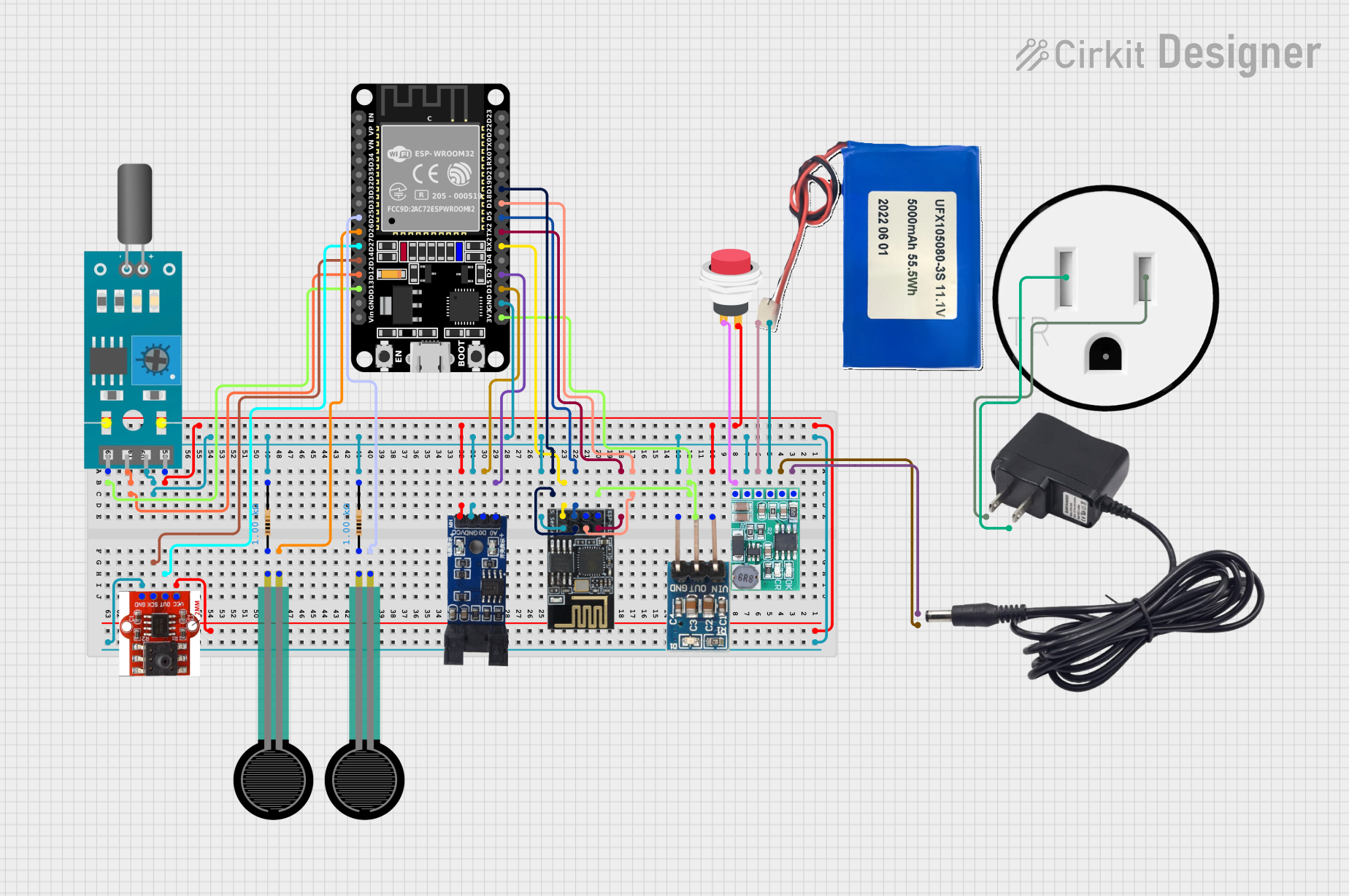 Open Project in Cirkit Designer
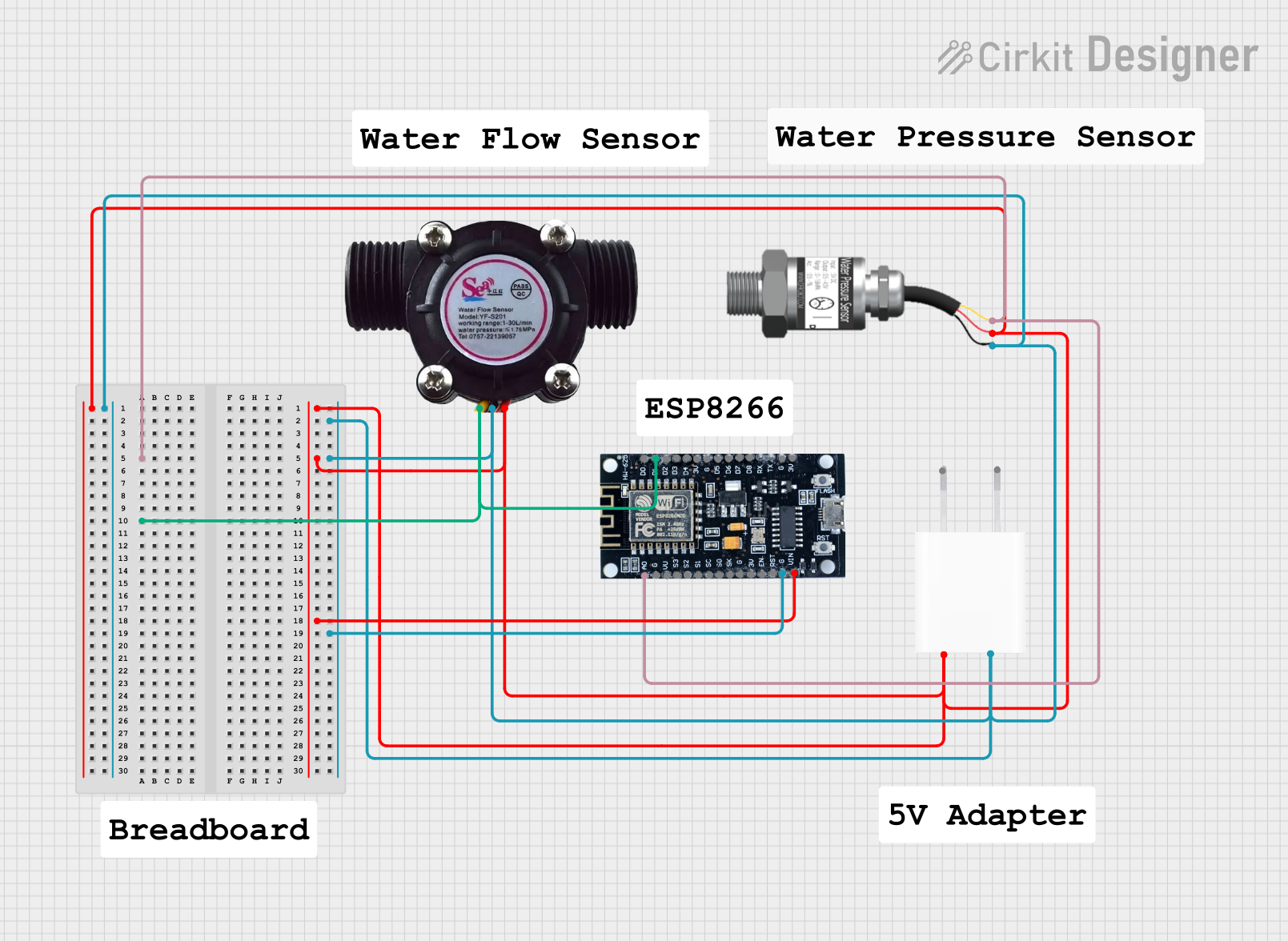 Open Project in Cirkit Designer
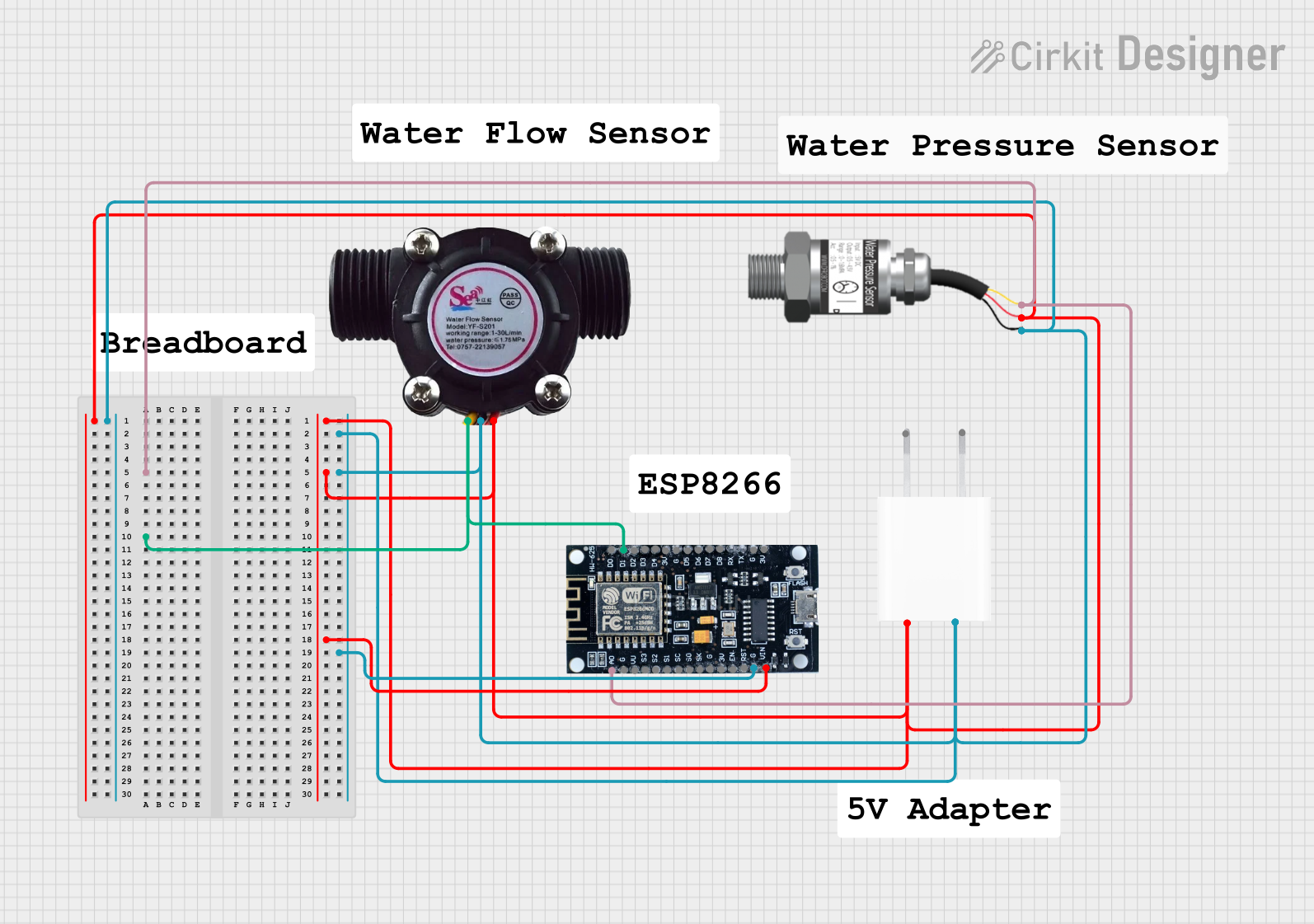 Open Project in Cirkit Designer
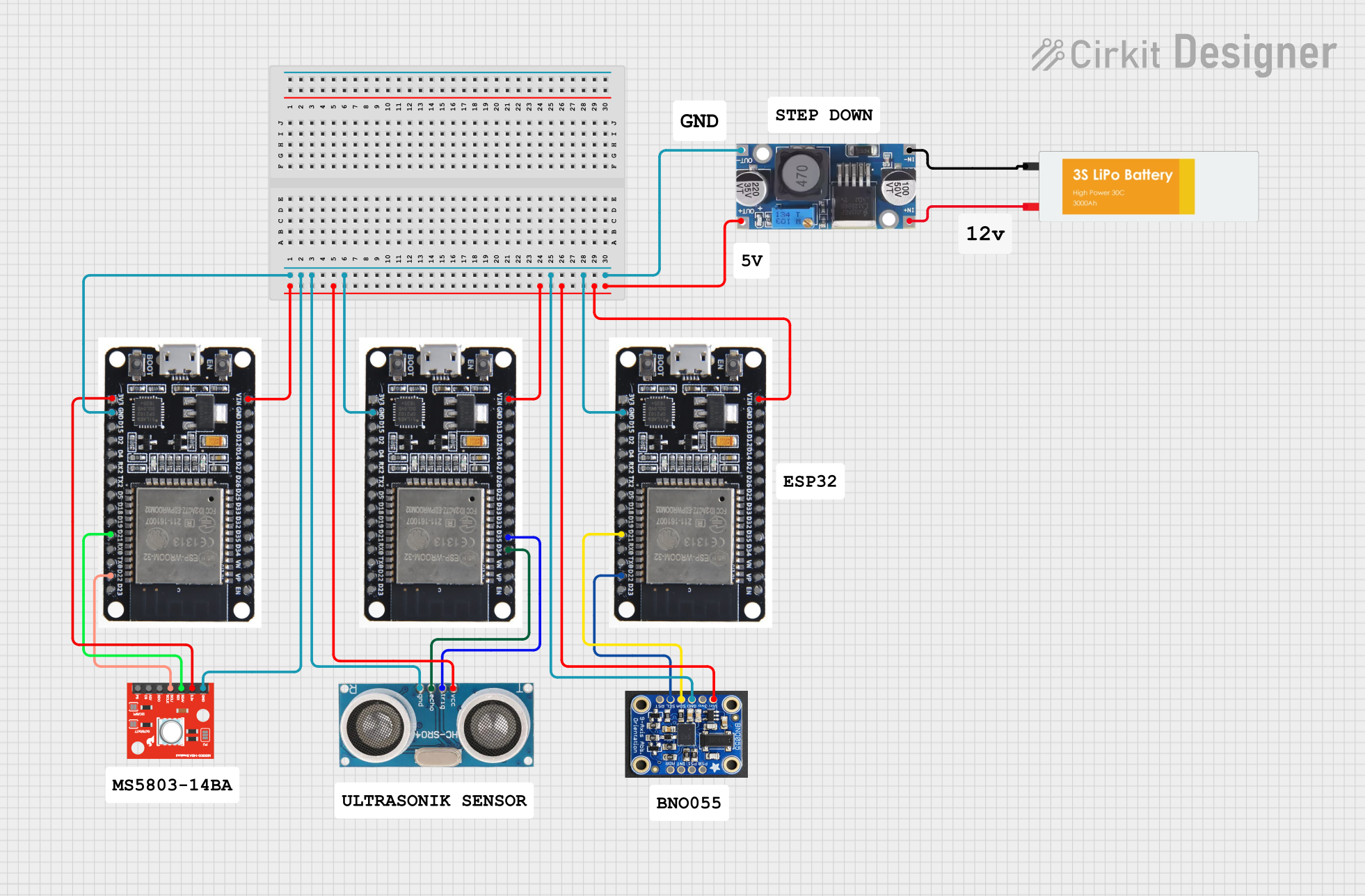 Open Project in Cirkit Designer
Explore Projects Built with pressure sensor
Open Project in Cirkit DesignerOpen Project in Cirkit DesignerOpen Project in Cirkit DesignerOpen Project in Cirkit DesignerTechnical Specifications
Below are the general technical specifications for a typical pressure sensor. Note that specific models may vary, so always refer to the datasheet of the sensor you are using.
| Parameter | Value |
|---|---|
| Operating Voltage | 3.3V to 5V |
| Output Signal | Analog (0.5V to 4.5V) or Digital |
| Pressure Range | 0 to 100 PSI (varies by model) |
| Accuracy | ±1% of full scale |
| Operating Temperature | -40°C to +125°C |
| Response Time | <1 ms |
| Interface | I2C, SPI, or Analog |
Pin Configuration
Below is a typical pinout for a 4-pin pressure sensor with an analog output:
| Pin | Name | Description |
|---|---|---|
| 1 | VCC | Power supply input (3.3V or 5V) |
| 2 | GND | Ground connection |
| 3 | OUT | Analog output signal proportional to pressure |
| 4 | NC/ADDR | No connection or address pin for digital interface |
For digital pressure sensors (e.g., I2C or SPI), the pinout may include additional pins such as SCL (clock) and SDA (data).
Usage Instructions
How to Use the Component in a Circuit
- Power the Sensor: Connect the VCC pin to a 3.3V or 5V power supply, depending on the sensor's specifications. Connect the GND pin to the ground of your circuit.
- Connect the Output: For analog sensors, connect the OUT pin to an analog input pin of your microcontroller. For digital sensors, connect the appropriate communication pins (e.g., SDA and SCL for I2C).
- Read the Signal: For analog sensors, read the voltage on the OUT pin and convert it to pressure using the sensor's transfer function (provided in the datasheet). For digital sensors, use the appropriate communication protocol to retrieve pressure data.
Important Considerations and Best Practices
- Power Supply: Ensure the sensor is powered with the correct voltage to avoid damage.
- Calibration: Some sensors may require calibration to ensure accurate readings.
- Environmental Conditions: Verify that the sensor's operating temperature and pressure range match your application.
- Noise Filtering: Use capacitors or software filtering to reduce noise in the output signal.
- Avoid Overpressure: Do not expose the sensor to pressures beyond its maximum rating, as this can cause permanent damage.
Example: Using a Pressure Sensor with Arduino UNO
Below is an example of how to use an analog pressure sensor with an Arduino UNO:
// Example code for reading an analog pressure sensor with Arduino UNO
// The sensor's output is connected to A0 (analog pin 0).

const int sensorPin = A0; // Analog pin connected to the sensor's output
float sensorVoltage = 0;  // Variable to store the sensor's output voltage
float pressure = 0;       // Variable to store the calculated pressure

void setup() {
  Serial.begin(9600); // Initialize serial communication for debugging
}

void loop() {
  // Read the analog value from the sensor (0-1023)
  int sensorValue = analogRead(sensorPin);

  // Convert the analog value to voltage (assuming 5V reference)
  sensorVoltage = sensorValue * (5.0 / 1023.0);

  // Convert the voltage to pressure using the sensor's transfer function
  // Example: Pressure (PSI) = (Voltage - 0.5) * (100 / 4.0)
  pressure = (sensorVoltage - 0.5) * (100.0 / 4.0);

  // Print the pressure value to the Serial Monitor
  Serial.print("Pressure: ");
  Serial.print(pressure);
  Serial.println(" PSI");

  delay(1000); // Wait for 1 second before the next reading
}
Troubleshooting and FAQs
Common Issues and Solutions
No Output Signal:
- Check the power supply voltage and connections.
- Ensure the sensor is not damaged or exposed to overpressure.
Inaccurate Readings:
- Verify the sensor's calibration and transfer function.
- Check for noise in the signal and add filtering if necessary.
Intermittent Output:
- Inspect the wiring for loose connections.
- Ensure the sensor is operating within its specified temperature and pressure range.
Communication Errors (Digital Sensors):
- Double-check the I2C or SPI connections and addresses.
- Ensure the correct library or protocol is used in your code.
FAQs
Q: Can I use a pressure sensor with a 3.3V microcontroller?
A: Yes, as long as the sensor supports a 3.3V power supply and the output signal is within the microcontroller's input range.
Q: How do I calibrate a pressure sensor?
A: Calibration involves comparing the sensor's output to a known pressure source and adjusting the readings accordingly. Refer to the sensor's datasheet for specific calibration instructions.
Q: Can a pressure sensor measure vacuum?
A: Some pressure sensors are designed to measure vacuum or negative pressure. Check the sensor's specifications to confirm its capability.
Q: What is the lifespan of a pressure sensor?
A: The lifespan depends on the sensor's design and operating conditions. Many sensors are rated for millions of pressure cycles under normal use.