
How to Use Terminal TRD H3Y-2: Examples, Pinouts, and Specs
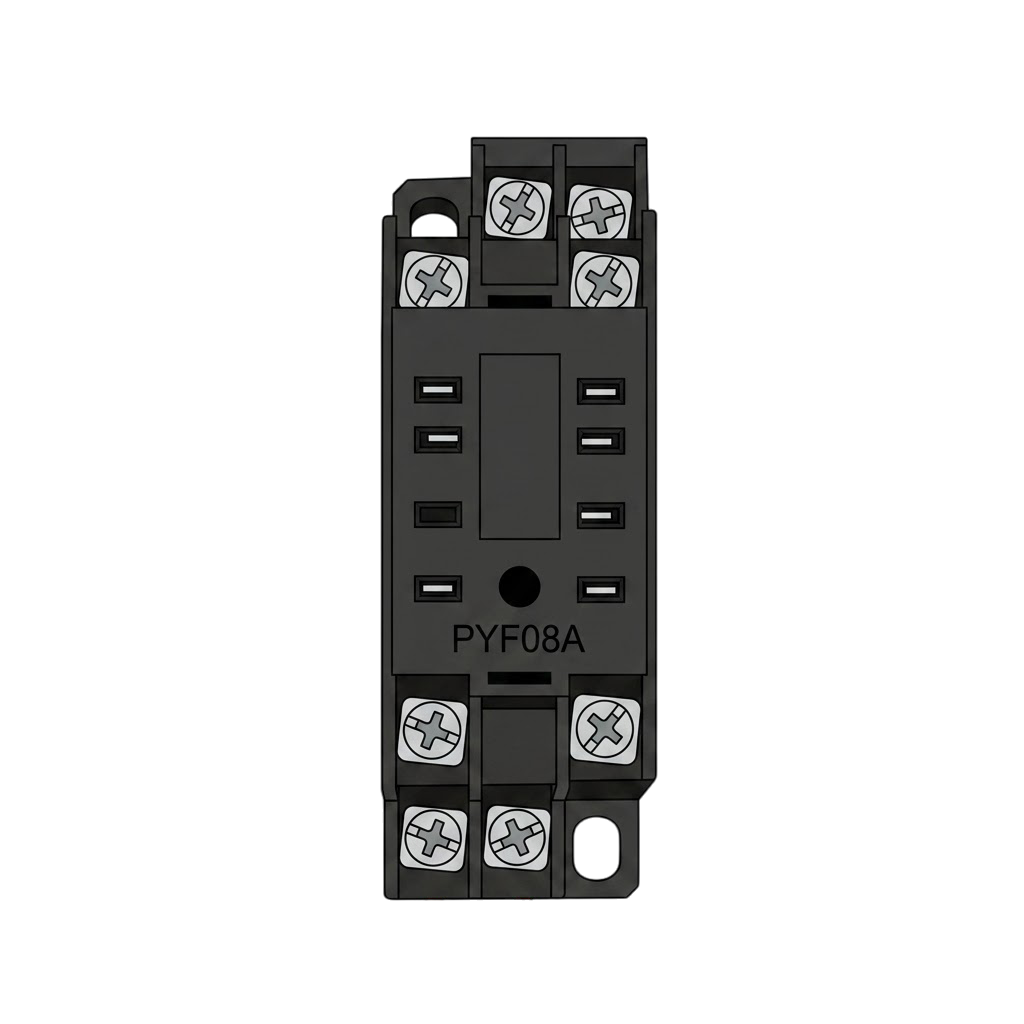
 Design with Terminal TRD H3Y-2 in Cirkit Designer
Introduction
The Terminal TRD H3Y-2, manufactured by REKINSA-ITERA (Part ID: rayzestudio), is a terminal block designed for easy and secure connections in electrical circuits. It is commonly used for connecting wires to a circuit board or other components, ensuring reliable and efficient electrical connections. This terminal block is ideal for applications requiring frequent wiring changes or maintenance, such as industrial control systems, automation equipment, and power distribution panels.
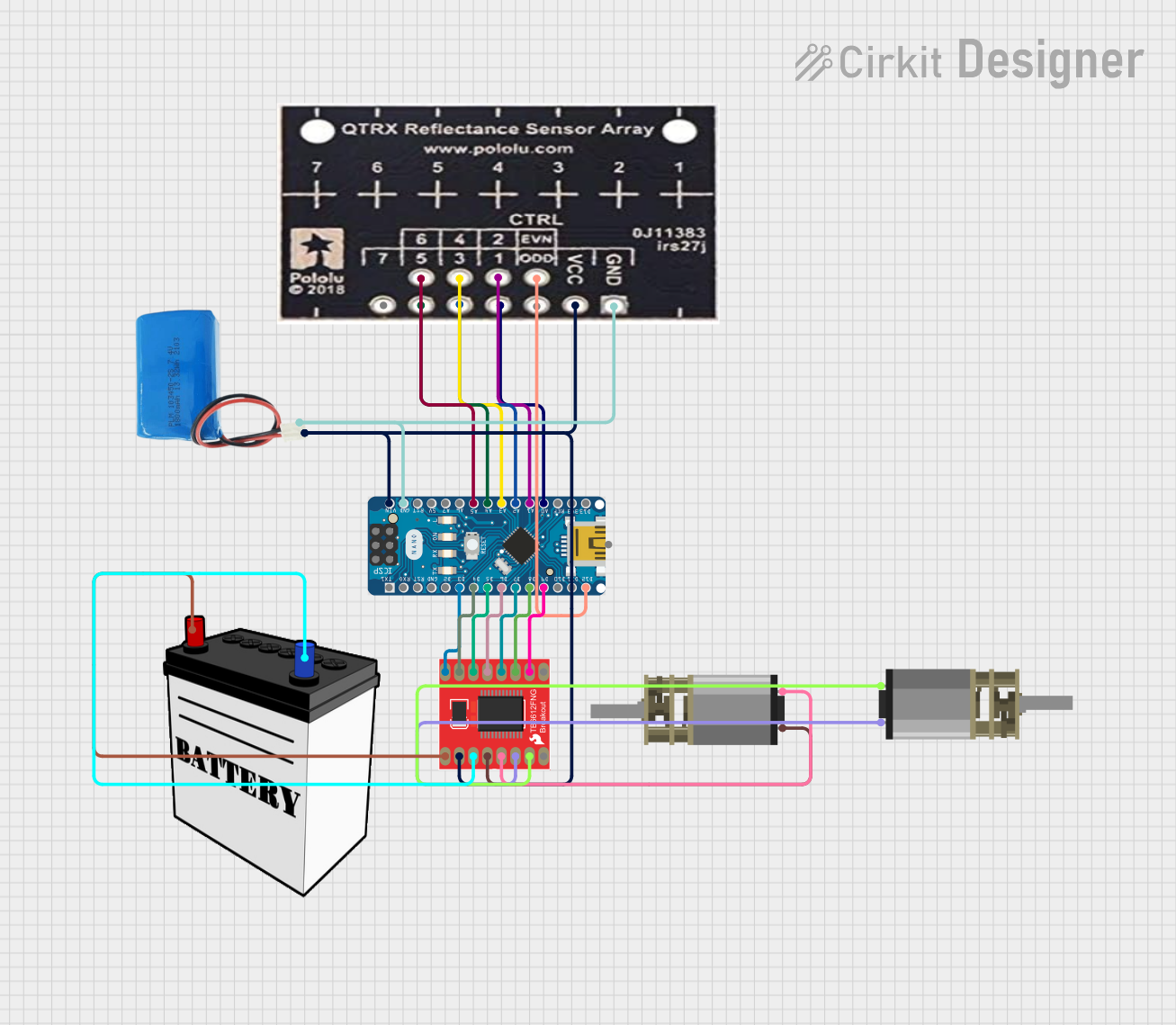
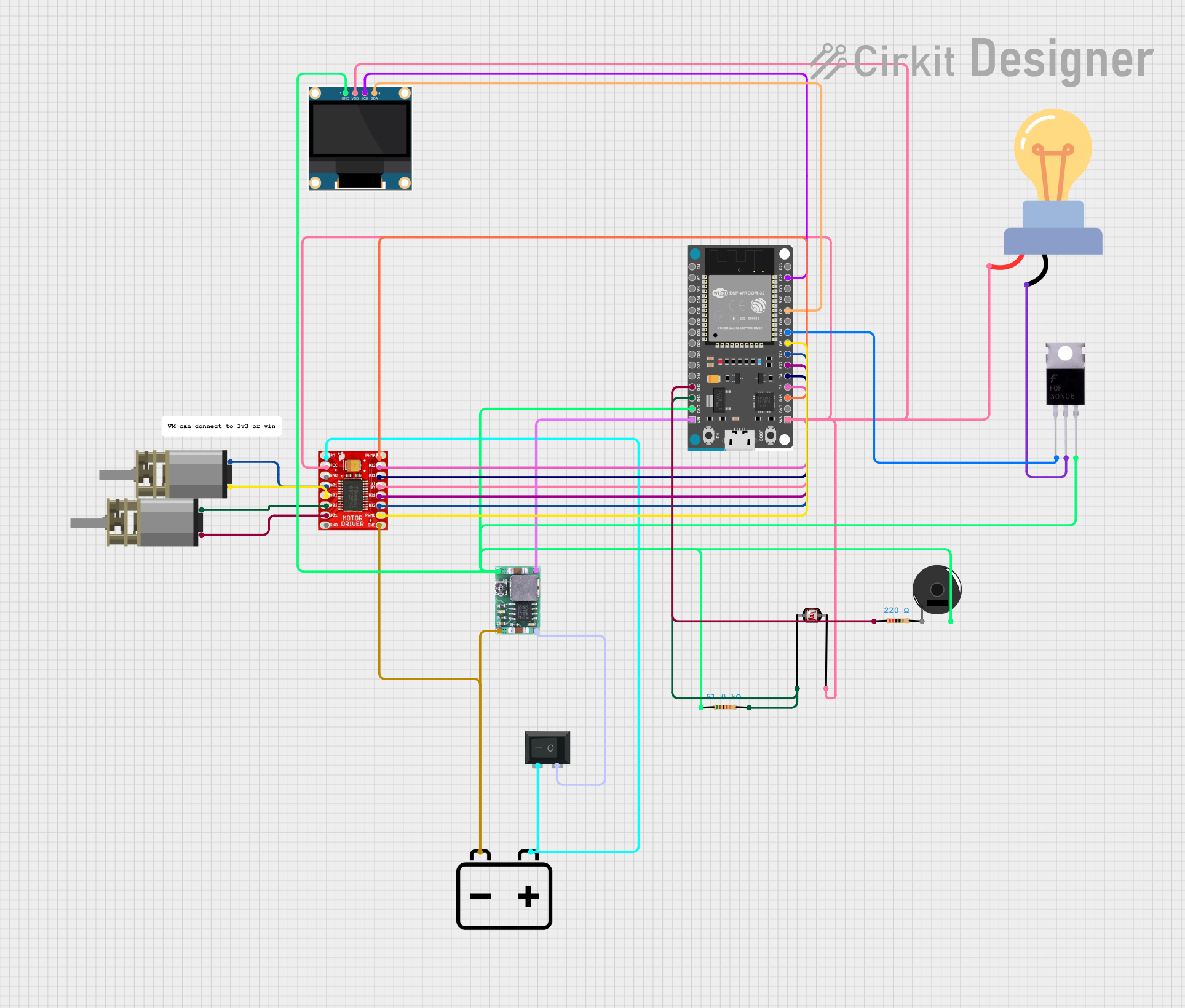
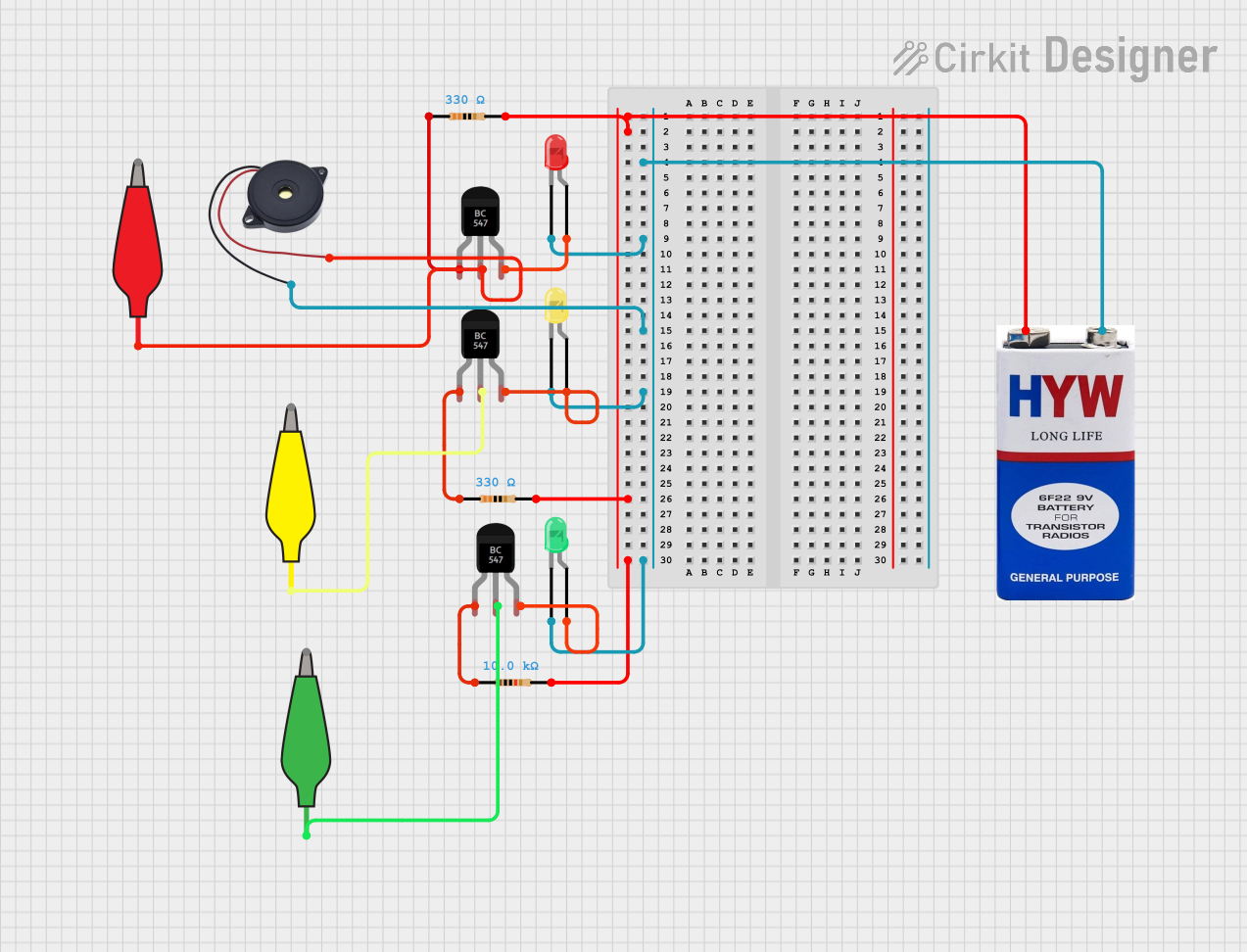
Explore Projects Built with Terminal TRD H3Y-2
 Open Project in Cirkit Designer
 Open Project in Cirkit Designer
 Open Project in Cirkit Designer
 Open Project in Cirkit Designer
Explore Projects Built with Terminal TRD H3Y-2
Open Project in Cirkit DesignerOpen Project in Cirkit DesignerOpen Project in Cirkit DesignerOpen Project in Cirkit DesignerCommon Applications:
- Industrial control systems
- Automation equipment
- Power distribution panels
- Electrical testing and prototyping
- Circuit board connections
Technical Specifications
Key Technical Details:
| Parameter | Value |
|---|---|
| Manufacturer | REKINSA-ITERA |
| Part ID | rayzestudio |
| Rated Voltage | 250V AC/DC |
| Rated Current | 10A |
| Insulation Resistance | ≥ 1000 MΩ |
| Contact Resistance | ≤ 20 mΩ |
| Operating Temperature | -40°C to +85°C |
| Wire Size Compatibility | 22-14 AWG |
| Mounting Type | PCB Mount |
| Terminal Material | Brass with nickel plating |
| Insulation Material | Polyamide (PA66), UL94-V0 |
Pin Configuration and Descriptions:
The Terminal TRD H3Y-2 features a simple two-pin configuration for secure wire connections. Below is the pin description:
| Pin Number | Description |
|---|---|
| 1 | Input terminal for wire 1 |
| 2 | Input terminal for wire 2 |
Usage Instructions
How to Use the Terminal TRD H3Y-2 in a Circuit:
Mounting the Terminal Block:
- Solder the terminal block onto the PCB using the provided mounting pins.
- Ensure the solder joints are clean and secure to avoid loose connections.
Connecting Wires:
- Strip the insulation from the wire ends (approximately 5-7 mm).
- Insert the stripped wire ends into the terminal openings.
- Tighten the screws on the terminal block to secure the wires in place.
Testing the Connection:
- Use a multimeter to verify continuity between the connected wires.
- Ensure there is no short circuit or loose connection.
Important Considerations and Best Practices:
- Wire Compatibility: Ensure the wire gauge (22-14 AWG) matches the terminal block's specifications.
- Tightening Torque: Do not overtighten the screws, as this may damage the terminal or the wire.
- Environmental Conditions: Avoid exposing the terminal block to extreme temperatures or moisture beyond its rated limits.
- Safety Precautions: Always disconnect power before making or modifying connections.
Example: Connecting to an Arduino UNO
The Terminal TRD H3Y-2 can be used to connect external components (e.g., sensors, motors) to an Arduino UNO. Below is an example of wiring and code for controlling an LED:
Circuit Setup:
- Connect one terminal of the TRD H3Y-2 to the Arduino's digital pin (e.g., D13).
- Connect the other terminal to the LED's positive leg.
- Connect the LED's negative leg to a resistor (220Ω) and then to the Arduino's GND.
Arduino Code:
// Define the pin connected to the terminal block
const int ledPin = 13;

void setup() {
  // Set the pin as an output
  pinMode(ledPin, OUTPUT);
}

void loop() {
  // Turn the LED on
  digitalWrite(ledPin, HIGH);
  delay(1000); // Wait for 1 second

  // Turn the LED off
  digitalWrite(ledPin, LOW);
  delay(1000); // Wait for 1 second
}
Troubleshooting and FAQs
Common Issues and Solutions:
Loose Connections:
- Issue: The wires are not securely connected, causing intermittent operation.
- Solution: Ensure the wires are properly stripped and the screws are tightened securely.
Overheating:
- Issue: The terminal block becomes hot during operation.
- Solution: Check if the current exceeds the rated 10A. Use wires with appropriate gauge.
Corrosion or Oxidation:
- Issue: The terminal contacts show signs of corrosion.
- Solution: Use terminals in a dry environment or apply a protective coating to the contacts.
Wire Slippage:
- Issue: Wires slip out of the terminal block.
- Solution: Verify that the screws are tightened to the correct torque and the wire gauge is compatible.
FAQs:
Q1: Can the Terminal TRD H3Y-2 handle AC and DC currents?
A1: Yes, it is rated for both AC and DC currents up to 250V.
Q2: Is the terminal block reusable?
A2: Yes, the terminal block can be reused multiple times as long as it is not physically damaged.
Q3: Can I use this terminal block for high-frequency signals?
A3: While it is primarily designed for power connections, it can handle low-frequency signals. For high-frequency applications, consider using specialized connectors.
Q4: What tools are required for installation?
A4: A screwdriver (flathead or Phillips, depending on the terminal design) and a wire stripper are typically required.
By following this documentation, users can effectively integrate the Terminal TRD H3Y-2 into their projects for secure and reliable electrical connections.