
How to Use Dupont 2P Connector: Examples, Pinouts, and Specs
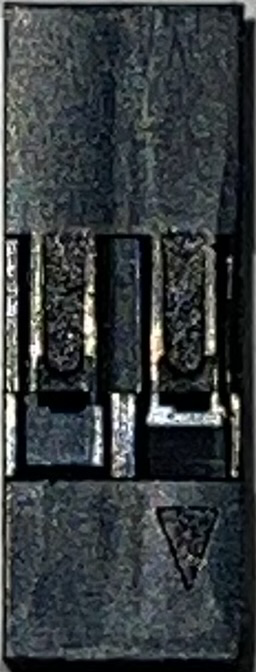
 Design with Dupont 2P Connector in Cirkit Designer
Introduction
The Dupont 2P Connector is a versatile and widely used electrical connector designed for prototyping, breadboarding, and general-purpose wiring. Manufactured by Dupont, this connector features two pins and is ideal for creating reliable, temporary, or semi-permanent connections between wires and circuit boards. Its compact design and ease of use make it a staple in electronics projects, particularly in DIY and prototyping environments.
Explore Projects Built with Dupont 2P Connector
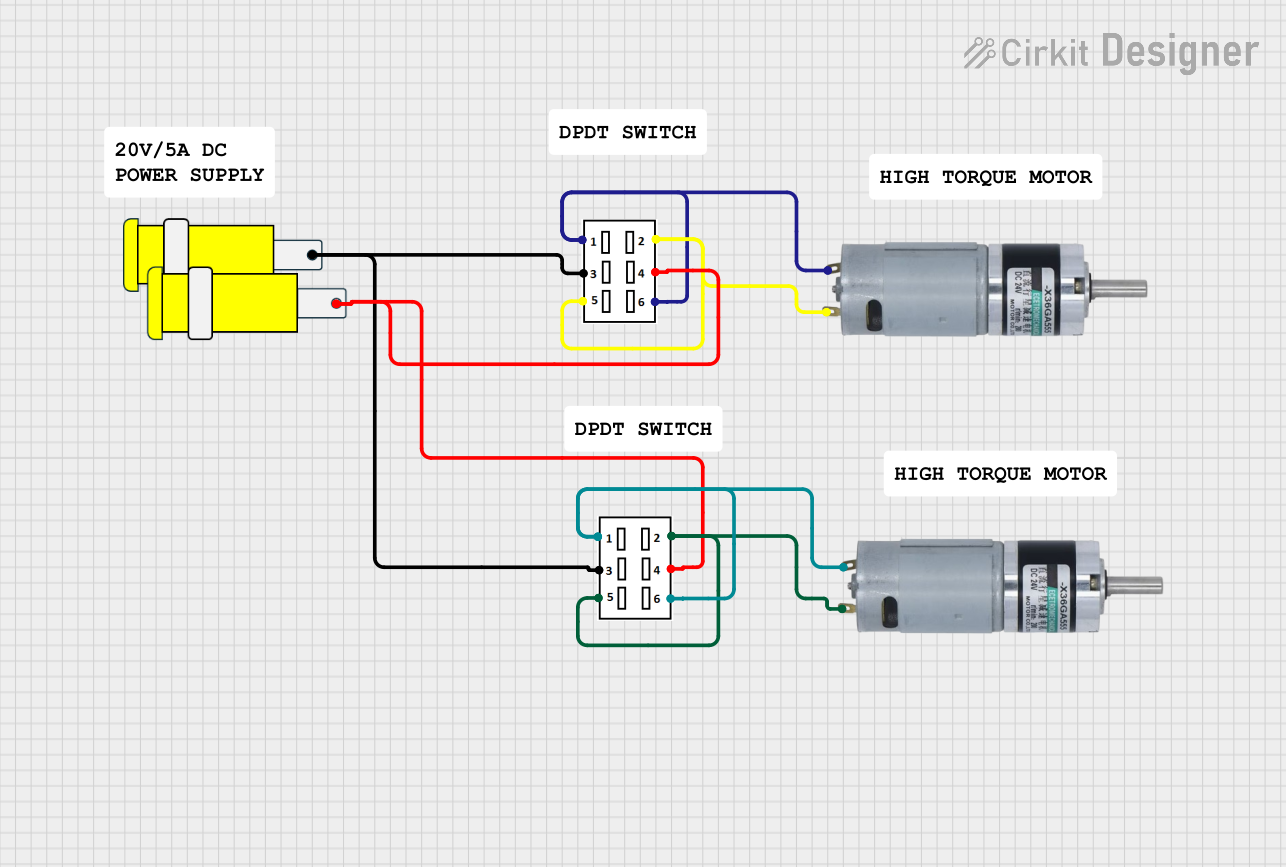 Open Project in Cirkit Designer
 Open Project in Cirkit Designer
 Open Project in Cirkit Designer
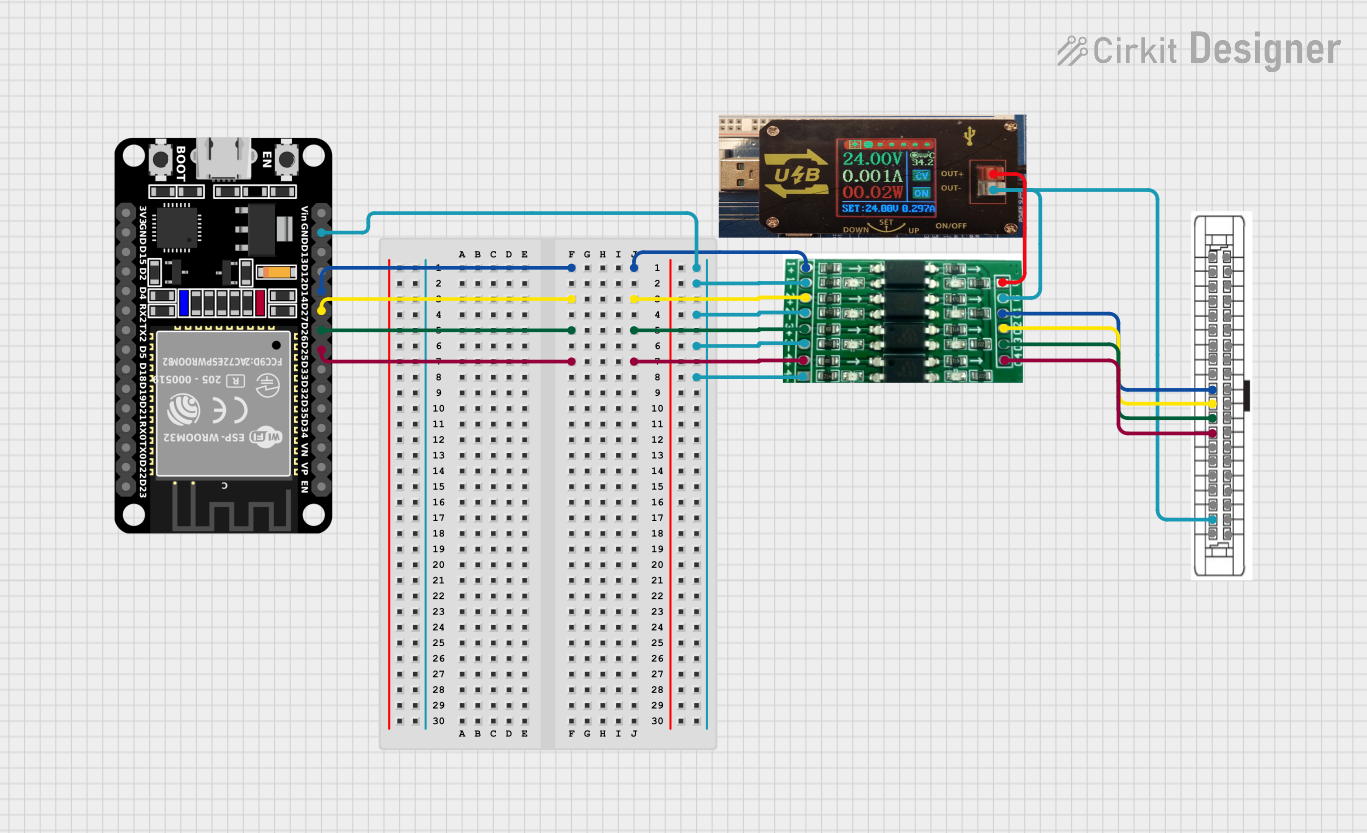 Open Project in Cirkit Designer
Explore Projects Built with Dupont 2P Connector
Open Project in Cirkit DesignerOpen Project in Cirkit DesignerOpen Project in Cirkit DesignerOpen Project in Cirkit DesignerCommon Applications and Use Cases
- Connecting wires to breadboards or PCBs (Printed Circuit Boards)
- Prototyping circuits with microcontrollers (e.g., Arduino, Raspberry Pi)
- Interfacing sensors, modules, and other components
- Creating custom wiring harnesses for small-scale projects
- Temporary connections in testing and debugging circuits
Technical Specifications
The following table outlines the key technical details of the Dupont 2P Connector:
| Parameter | Specification |
|---|---|
| Manufacturer | Dupont |
| Part ID | Dupont 2P |
| Number of Pins | 2 |
| Connector Type | Female (Socket) or Male (Header) |
| Pitch (Pin Spacing) | 2.54 mm (0.1 inch) |
| Rated Voltage | 250V AC/DC |
| Rated Current | 3A |
| Contact Material | Phosphor Bronze |
| Insulation Material | Thermoplastic (UL94V-0 rated) |
| Operating Temperature | -25°C to +85°C |
| Durability | 50 mating cycles |
Pin Configuration and Descriptions
The Dupont 2P Connector has two pins, which can be configured as either male or female. Below is a description of the pin layout:
| Pin Number | Description |
|---|---|
| 1 | Signal or Power Line |
| 2 | Ground (GND) |
Note: The pin assignments are flexible and depend on the specific application. Ensure proper labeling and wiring to avoid misconnection.
Usage Instructions
How to Use the Dupont 2P Connector in a Circuit
- Prepare the Wires: Strip the insulation from the ends of the wires you want to connect, exposing approximately 5-7 mm of conductor.
- Crimp the Contacts: Use a crimping tool to attach the Dupont crimp contacts to the exposed wire ends. Ensure a secure and firm crimp for reliable connections.
- Insert into the Housing: Push the crimped contacts into the Dupont 2P housing until they click into place. Verify that the contacts are properly seated.
- Connect to the Circuit: Plug the connector into a compatible male or female header on the circuit board or device.
Important Considerations and Best Practices
- Wire Gauge: Use wires with an appropriate gauge (typically 22-28 AWG) for optimal crimping and electrical performance.
- Polarity: Clearly mark the polarity of the wires to avoid reversing connections, especially in power applications.
- Secure Connections: Ensure the connector is fully seated in the mating header to prevent loose connections.
- Avoid Overcurrent: Do not exceed the rated current of 3A to prevent overheating or damage to the connector.
Example: Connecting to an Arduino UNO
The Dupont 2P Connector is commonly used to connect external components to an Arduino UNO. Below is an example of connecting an LED to an Arduino using the Dupont 2P Connector:
Circuit Diagram
- Pin 1: Connects to the positive leg (anode) of the LED.
- Pin 2: Connects to the ground (GND) pin of the Arduino.
Arduino Code
// Example code to blink an LED connected via a Dupont 2P Connector
const int ledPin = 13; // Pin 13 is connected to the LED via Dupont 2P Connector

void setup() {
  pinMode(ledPin, OUTPUT); // Set pin 13 as an output
}

void loop() {
  digitalWrite(ledPin, HIGH); // Turn the LED on
  delay(1000);               // Wait for 1 second
  digitalWrite(ledPin, LOW);  // Turn the LED off
  delay(1000);               // Wait for 1 second
}
Troubleshooting and FAQs
Common Issues and Solutions
Loose Connections
- Issue: The connector feels loose or does not stay securely in place.
- Solution: Ensure the crimped contacts are properly seated in the housing. Check for damaged or bent pins.
Intermittent Signal or Power Loss
- Issue: The circuit behaves erratically or loses power intermittently.
- Solution: Verify that the wires are securely crimped and that the connector is fully inserted into the mating header.
Overheating
- Issue: The connector becomes warm or hot during operation.
- Solution: Check that the current does not exceed the 3A rating. Use thicker wires if necessary.
Misconnection
- Issue: The circuit does not work as expected due to reversed polarity or incorrect wiring.
- Solution: Double-check the pin assignments and ensure proper labeling of wires.
FAQs
Q1: Can the Dupont 2P Connector be reused?
A1: Yes, the connector housing can be reused, but the crimp contacts may need to be replaced if they are damaged during removal.
Q2: What tools are required to use the Dupont 2P Connector?
A2: A wire stripper and a Dupont crimping tool are essential for preparing and assembling the connector.
Q3: Can I use the Dupont 2P Connector for high-power applications?
A3: No, the connector is rated for a maximum current of 3A and is not suitable for high-power applications.
Q4: Are there color-coded housings available?
A4: Yes, Dupont connectors are available in various colors to help with wire identification and organization.
By following this documentation, you can effectively use the Dupont 2P Connector in your electronics projects with confidence and ease.