
How to Use LilyPad: Examples, Pinouts, and Specs
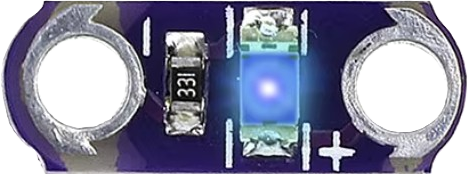
 Design with LilyPad in Cirkit Designer
Introduction
LilyPad is a wearable electronic platform specifically designed for e-textiles and soft circuits. It features a series of sewable microcontrollers, sensors, and other components that can be easily integrated into fabric. The circular design of LilyPad boards allows for easy sewing with conductive thread, making it ideal for creating interactive garments and wearable projects.
Explore Projects Built with LilyPad
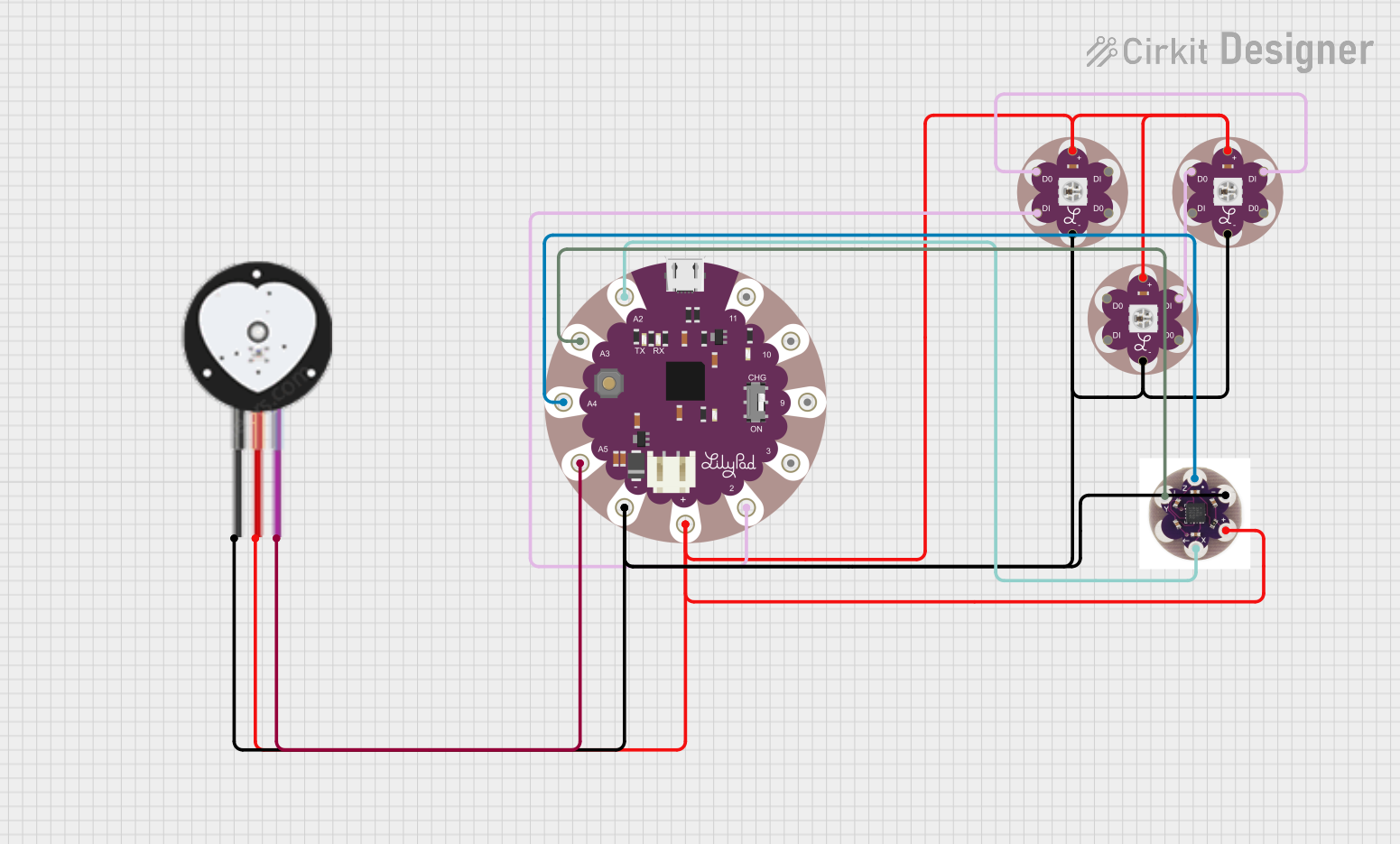 Open Project in Cirkit Designer
 Open Project in Cirkit Designer
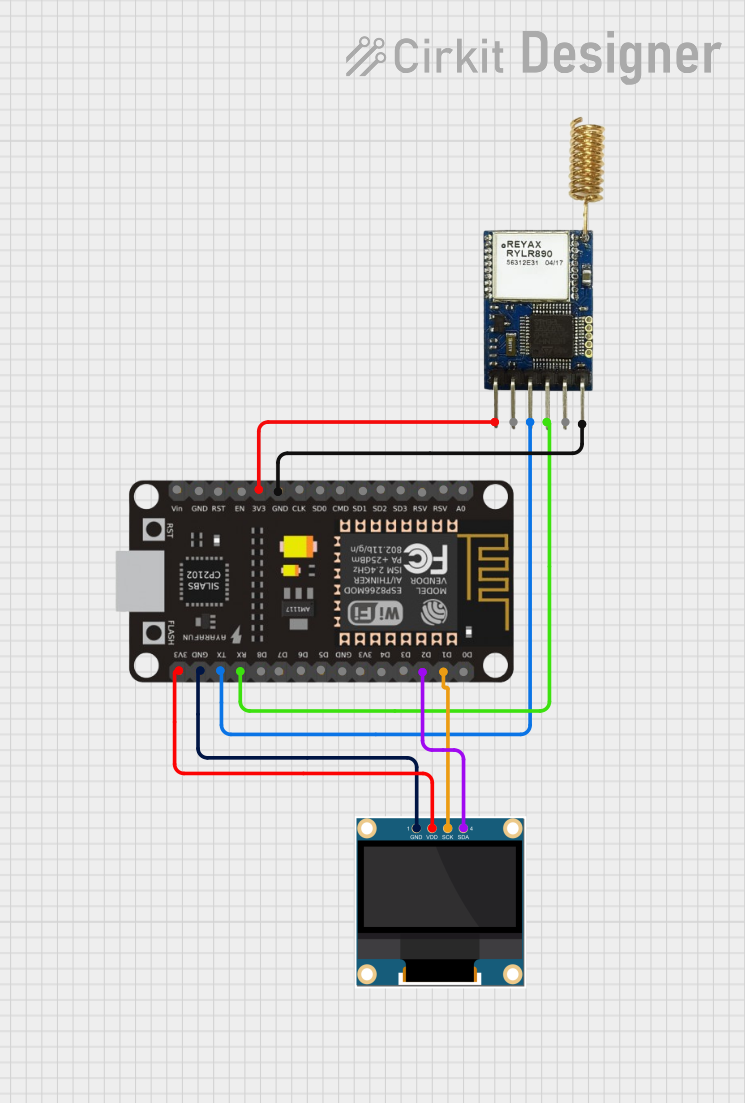 Open Project in Cirkit Designer
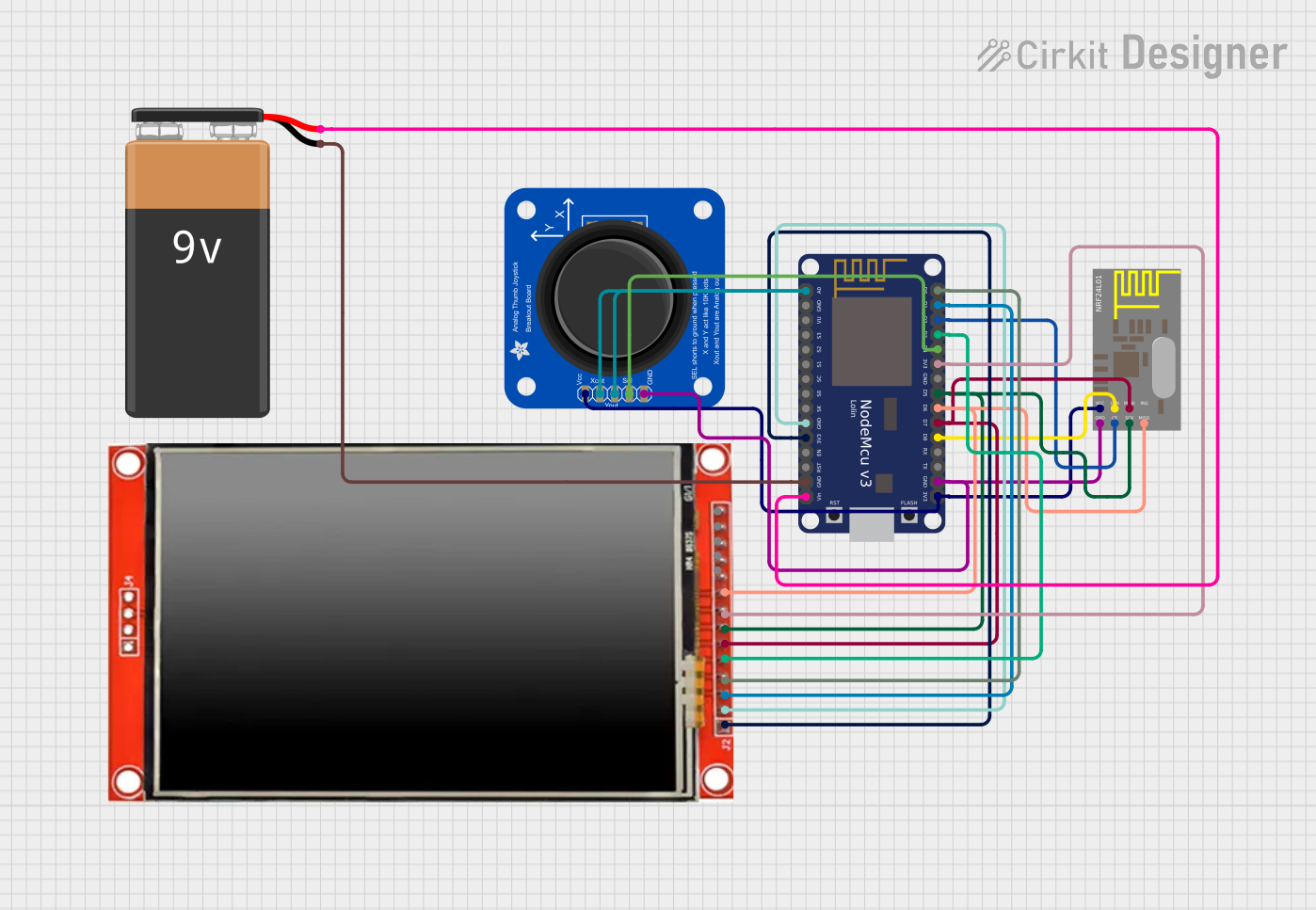 Open Project in Cirkit Designer
Explore Projects Built with LilyPad
Open Project in Cirkit DesignerOpen Project in Cirkit DesignerOpen Project in Cirkit DesignerOpen Project in Cirkit DesignerCommon Applications and Use Cases
- Wearable technology, such as light-up clothing or accessories
- Interactive fashion and art installations
- Fitness and health monitoring devices
- Educational projects for learning about electronics and programming
- Prototyping soft circuits and e-textile designs
Technical Specifications
Below are the key technical details for the LilyPad main board (e.g., LilyPad Arduino 328 Main Board):
General Specifications
- Microcontroller: ATmega328P
- Operating Voltage: 2.7V - 5.5V
- Input Voltage: 2.7V - 5.5V
- Digital I/O Pins: 14 (6 PWM outputs)
- Analog Input Pins: 6
- Flash Memory: 32 KB (2 KB used by bootloader)
- SRAM: 2 KB
- EEPROM: 1 KB
- Clock Speed: 8 MHz (internal oscillator)
- Dimensions: 50 mm diameter
- Weight: ~5 g
Pin Configuration and Descriptions
The LilyPad board has several pins for connecting components. Below is a table describing the pin layout:
| Pin | Type | Description |
|---|---|---|
| 0-13 | Digital I/O | General-purpose digital input/output pins. Pins 3, 5, 6, 9, 10, and 11 support PWM. |
| A0-A5 | Analog Input | Analog input pins for reading sensor data. Can also be used as digital I/O pins. |
| + | Power (VCC) | Positive voltage supply pin (2.7V - 5.5V). |
| - | Ground (GND) | Ground connection for the circuit. |
| RST | Reset | Resets the microcontroller. |
Usage Instructions
How to Use the LilyPad in a Circuit
Powering the LilyPad:
- Use a coin cell battery, LiPo battery, or a regulated power supply (2.7V - 5.5V).
- Connect the positive terminal of the power source to the
+pin and the negative terminal to the-pin.
Connecting Components:
- Use conductive thread to sew connections between the LilyPad pins and external components (e.g., LEDs, sensors).
- Ensure tight and secure stitches to maintain good electrical conductivity.
Programming the LilyPad:
- Connect the LilyPad to your computer using an FTDI adapter or USB-to-serial converter.
- Open the Arduino IDE, select "LilyPad Arduino" as the board, and upload your code.
Important Considerations and Best Practices
- Avoid overlapping conductive threads to prevent short circuits.
- Use insulating fabric or tape to separate conductive traces if they cross.
- Test connections with a multimeter before powering the circuit.
- When sewing, ensure the conductive thread does not fray, as this can cause poor connections.
Example Code for Arduino UNO-Compatible LilyPad
Below is an example code to blink an LED connected to pin 13 of the LilyPad:
// Example: Blink an LED connected to pin 13 on the LilyPad
// This code will turn the LED on for 1 second, then off for 1 second.

void setup() {
  pinMode(13, OUTPUT); // Set pin 13 as an output pin
}

void loop() {
  digitalWrite(13, HIGH); // Turn the LED on
  delay(1000);            // Wait for 1 second
  digitalWrite(13, LOW);  // Turn the LED off
  delay(1000);            // Wait for 1 second
}
Troubleshooting and FAQs
Common Issues and Solutions
The LilyPad is not powering on:
- Check the battery or power source for sufficient voltage.
- Ensure the
+and-connections are secure and not reversed.
The LilyPad is not recognized by the computer:
- Verify that the FTDI adapter or USB-to-serial converter is properly connected.
- Install the necessary drivers for the FTDI adapter.
- Ensure the correct board and port are selected in the Arduino IDE.
Components are not functioning as expected:
- Check the connections for loose or frayed conductive thread.
- Use a multimeter to test continuity between the LilyPad pins and the components.
- Ensure the code uploaded to the LilyPad is correct and matches the circuit design.
FAQs
Can I wash garments with a LilyPad circuit?
Yes, but you must remove the power source and ensure all components are washable. Hand washing is recommended.What type of thread should I use?
Use conductive thread specifically designed for e-textiles. Avoid regular thread for electrical connections.Can I connect multiple sensors to the LilyPad?
Yes, you can connect multiple sensors to the analog or digital pins, but ensure the total current draw does not exceed the power supply limits.
By following this documentation, you can successfully integrate the LilyPad into your wearable electronics projects!