
How to Use POWER SUPPLY 24V: Examples, Pinouts, and Specs
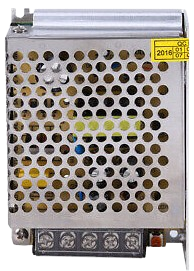
 Design with POWER SUPPLY 24V in Cirkit Designer
Introduction
The POWER SUPPLY 24V is a device designed to convert electrical energy from an input source (such as AC mains or DC power) into a stable 24V DC output. This regulated output is ideal for powering a wide range of electronic circuits, industrial equipment, and automation systems. Its reliability and efficiency make it a critical component in applications requiring consistent voltage levels.
Explore Projects Built with POWER SUPPLY 24V
 Open Project in Cirkit Designer
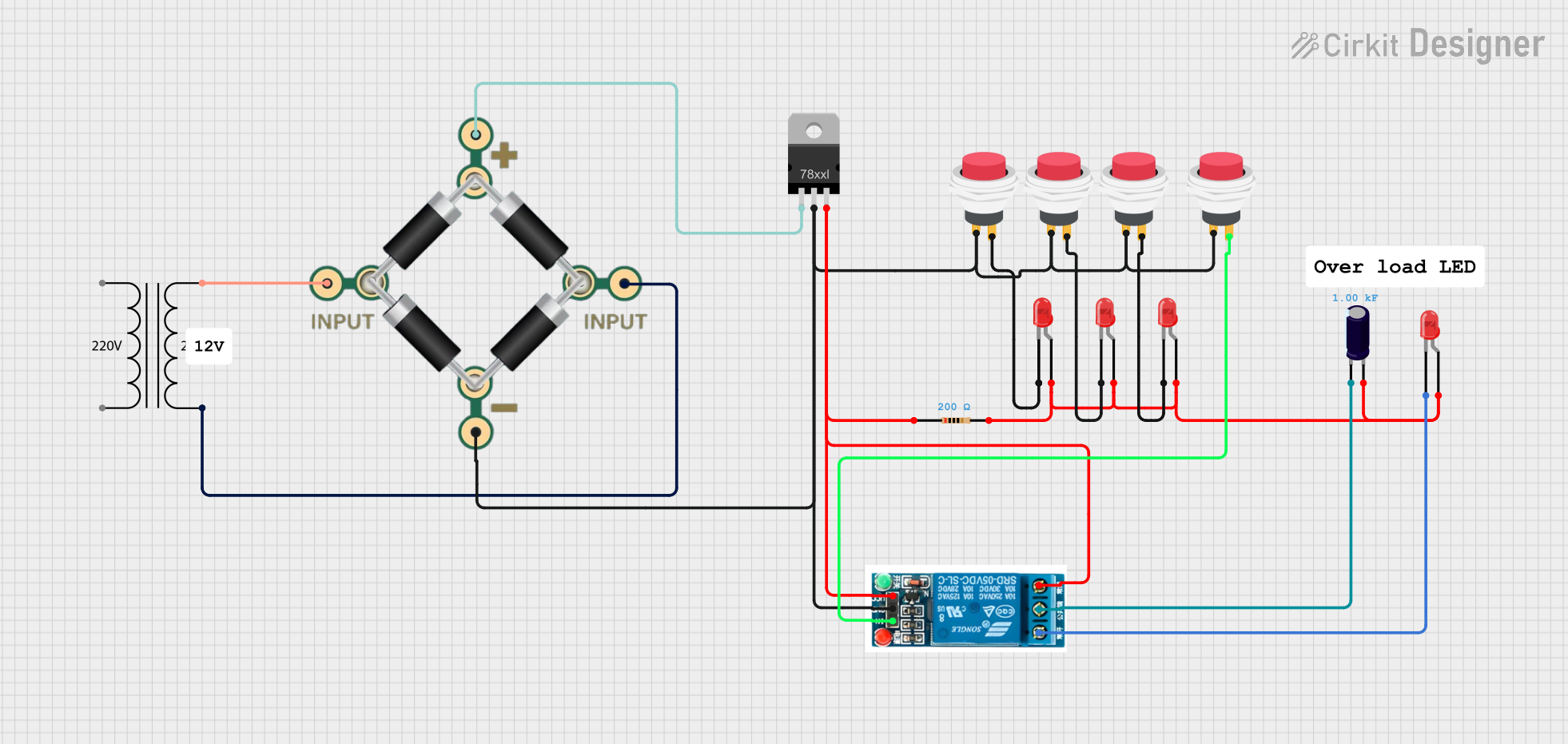 Open Project in Cirkit Designer
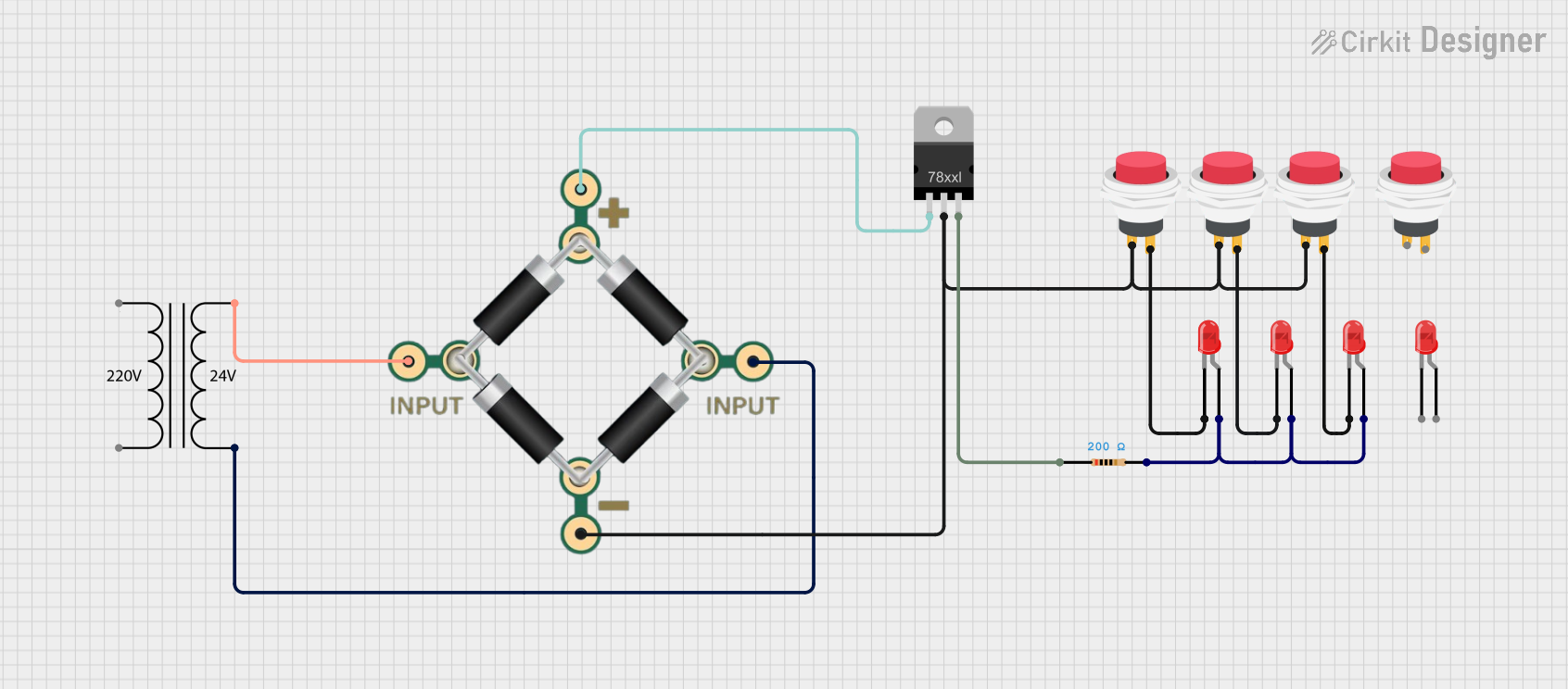 Open Project in Cirkit Designer
 Open Project in Cirkit Designer
Explore Projects Built with POWER SUPPLY 24V
Open Project in Cirkit DesignerOpen Project in Cirkit DesignerOpen Project in Cirkit DesignerOpen Project in Cirkit DesignerCommon Applications and Use Cases
- Industrial automation systems
- Robotics and motor controllers
- LED lighting systems
- Laboratory equipment
- Powering microcontrollers and sensors
- Telecommunications and networking devices
Technical Specifications
Below are the key technical details for the POWER SUPPLY 24V:
| Parameter | Value |
|---|---|
| Input Voltage Range | 100-240V AC (50/60Hz) or 12-48V DC |
| Output Voltage | 24V DC |
| Output Current | 1A to 10A (varies by model) |
| Power Rating | 24W to 240W (varies by model) |
| Efficiency | Up to 90% |
| Ripple and Noise | < 50mV |
| Operating Temperature | -20°C to +70°C |
| Protection Features | Overvoltage, Overcurrent, Short Circuit |
| Dimensions | Varies by model (e.g., 100mm x 50mm x 30mm) |
| Mounting Options | DIN rail, panel mount, or standalone |
Pin Configuration and Descriptions
The POWER SUPPLY 24V typically has the following input and output terminals:
| Pin/Terminal | Label | Description |
|---|---|---|
| 1 | L | Live AC input (for AC-powered models) |
| 2 | N | Neutral AC input (for AC-powered models) |
| 3 | GND | Ground connection (optional for safety) |
| 4 | +V OUT | Positive 24V DC output |
| 5 | -V OUT | Negative (ground) 24V DC output |
For DC-powered models, the input terminals may be labeled as +VIN and -VIN instead of L and N.
Usage Instructions
How to Use the POWER SUPPLY 24V in a Circuit
- Verify Input Voltage: Ensure the input voltage matches the specifications of the power supply (e.g., 100-240V AC or 12-48V DC).
- Connect Input Terminals:
- For AC-powered models, connect the live wire to the
Lterminal and the neutral wire to theNterminal. - For DC-powered models, connect the positive input to
+VINand the negative input to-VIN.
- For AC-powered models, connect the live wire to the
- Connect Output Terminals:
- Connect the
+V OUTterminal to the positive rail of your circuit. - Connect the
-V OUTterminal to the ground rail of your circuit.
- Connect the
- Power On: Switch on the input power source and verify the output voltage using a multimeter.
- Load Connection: Connect your load (e.g., motor, microcontroller, or LED) to the output terminals.
Important Considerations and Best Practices
- Load Capacity: Ensure the total current draw of your load does not exceed the maximum output current rating of the power supply.
- Ventilation: Install the power supply in a well-ventilated area to prevent overheating.
- Safety: Use proper insulation and grounding to avoid electrical hazards.
- Ripple Sensitivity: If your circuit is sensitive to noise, consider adding additional filtering capacitors to the output.
- Arduino Compatibility: The 24V output is not directly compatible with Arduino boards, which typically operate at 5V or 3.3V. Use a step-down voltage regulator (e.g., LM2596) to safely power an Arduino from the 24V supply.
Example: Using a POWER SUPPLY 24V with an Arduino UNO
To power an Arduino UNO from a 24V power supply, you can use a step-down voltage regulator to convert 24V to 5V. Below is an example circuit and Arduino code:
Circuit Setup:
- Connect the
+V OUTterminal of the power supply to the input of the step-down regulator. - Set the regulator output to 5V using a multimeter.
- Connect the regulator's 5V output to the Arduino's
5Vpin and ground to the Arduino'sGNDpin.
Arduino Code:
// Example code to blink an LED connected to pin 13
void setup() {
  pinMode(13, OUTPUT); // Set pin 13 as an output
}

void loop() {
  digitalWrite(13, HIGH); // Turn the LED on
  delay(1000);            // Wait for 1 second
  digitalWrite(13, LOW);  // Turn the LED off
  delay(1000);            // Wait for 1 second
}
Troubleshooting and FAQs
Common Issues and Solutions
No Output Voltage:
- Cause: Input power is not connected or is outside the specified range.
- Solution: Verify the input voltage and connections.
Overheating:
- Cause: Insufficient ventilation or excessive load.
- Solution: Ensure proper airflow and reduce the load to within the rated current.
Output Voltage Fluctuations:
- Cause: High ripple or noise on the input power.
- Solution: Add filtering capacitors or use a power conditioner.
Load Not Powering On:
- Cause: Incorrect wiring or insufficient current capacity.
- Solution: Double-check connections and ensure the load's current draw is within the power supply's limits.
FAQs
Q1: Can I use the POWER SUPPLY 24V to charge a 24V battery?
A1: Yes, but ensure the power supply has a current-limiting feature or use an external charge controller to prevent overcharging.
Q2: Is the POWER SUPPLY 24V waterproof?
A2: Most models are not waterproof. Use an enclosure for outdoor or wet environments.
Q3: Can I connect multiple power supplies in parallel for higher current?
A3: Only if the power supplies are designed for parallel operation. Check the manufacturer's specifications.
Q4: What happens if I connect a 12V device to the 24V output?
A4: The device may be damaged due to overvoltage. Use a step-down regulator to safely power 12V devices.