
How to Use MOSFET: Examples, Pinouts, and Specs
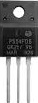
 Design with MOSFET in Cirkit Designer
Introduction
A Metal-Oxide-Semiconductor Field-Effect Transistor (MOSFET) is a type of transistor used for switching and amplifying electronic signals. It is a voltage-controlled device with three terminals: Gate (G), Drain (D), and Source (S). MOSFETs are widely used in power electronics, digital circuits, and analog applications due to their high efficiency, fast switching capabilities, and low power consumption.
Explore Projects Built with MOSFET
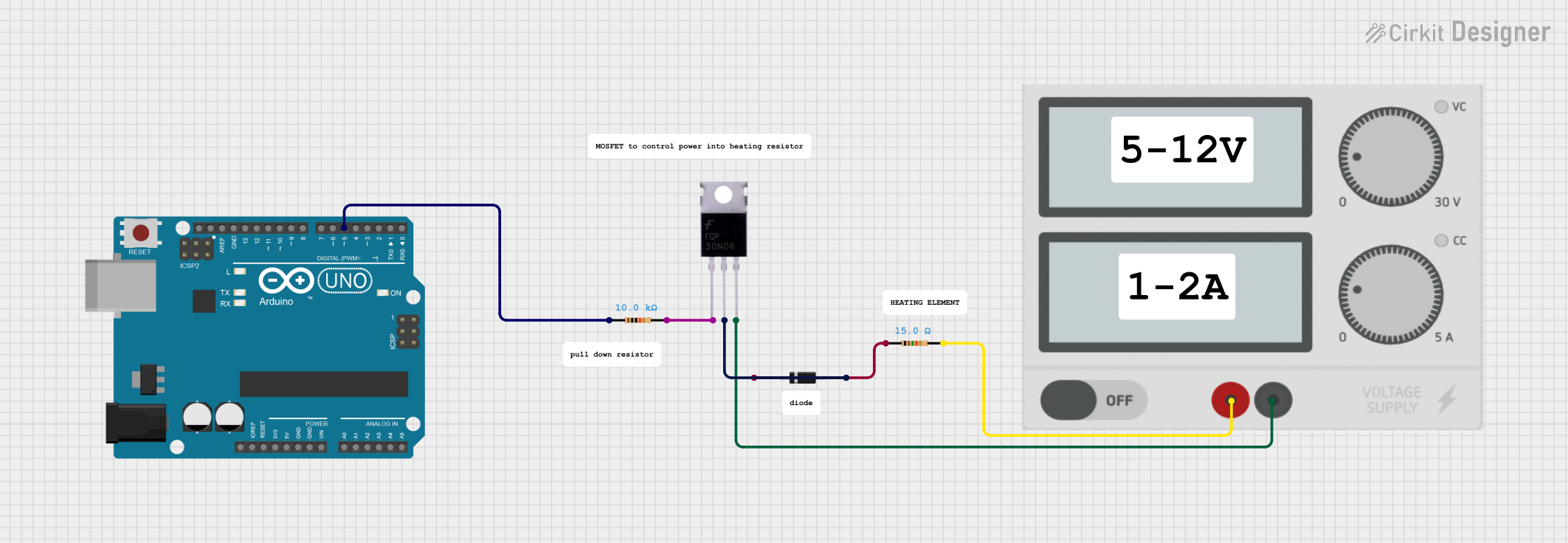 Open Project in Cirkit Designer
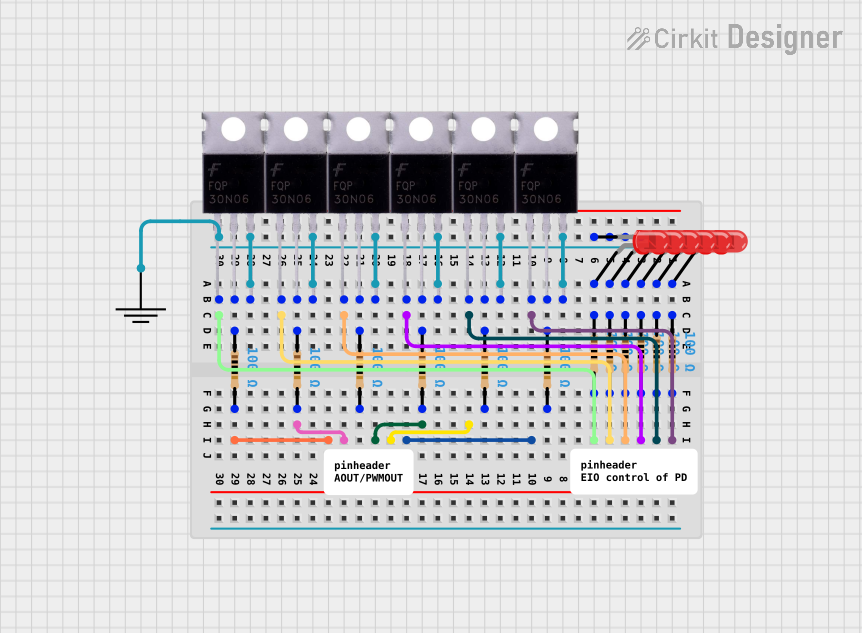 Open Project in Cirkit Designer
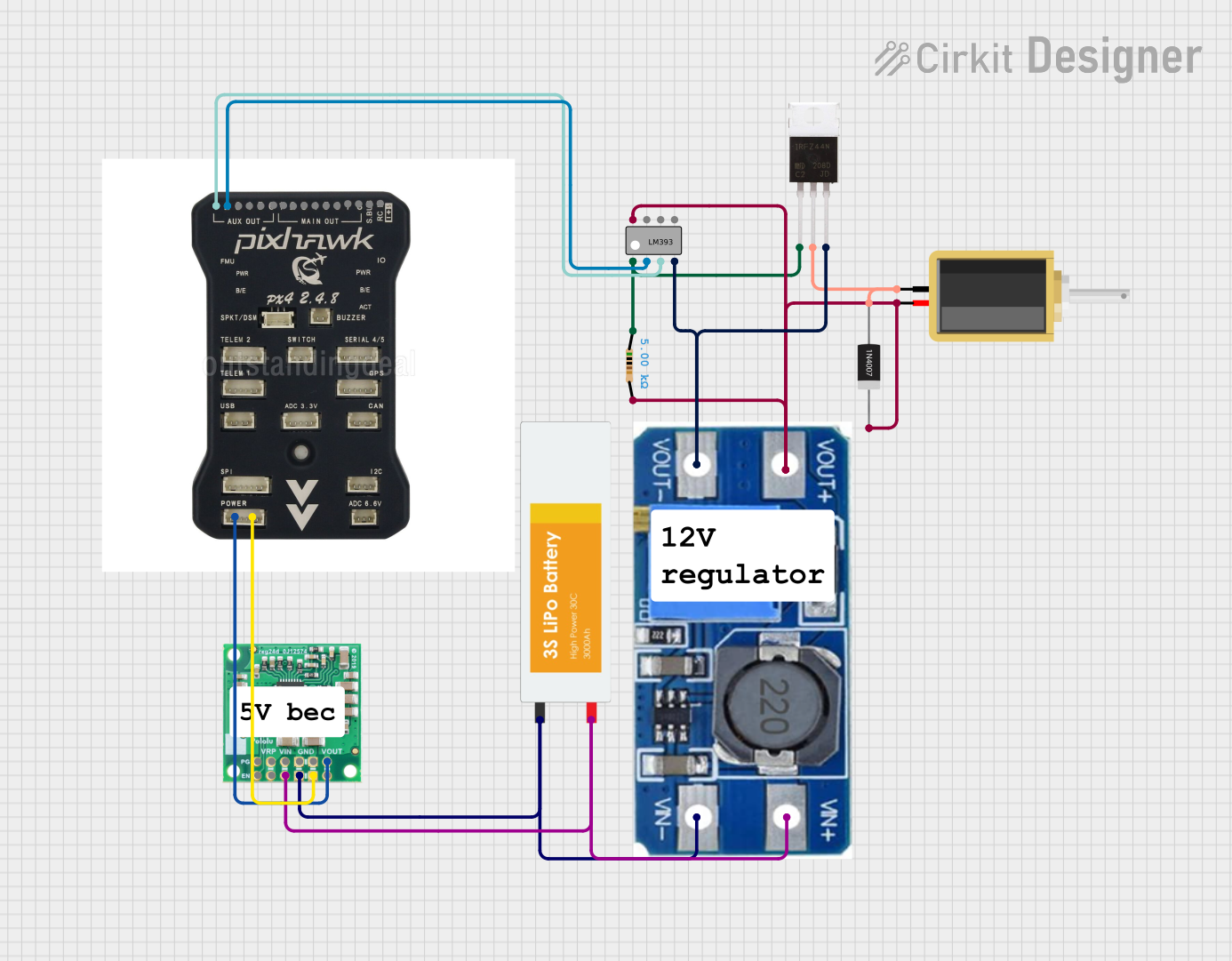 Open Project in Cirkit Designer
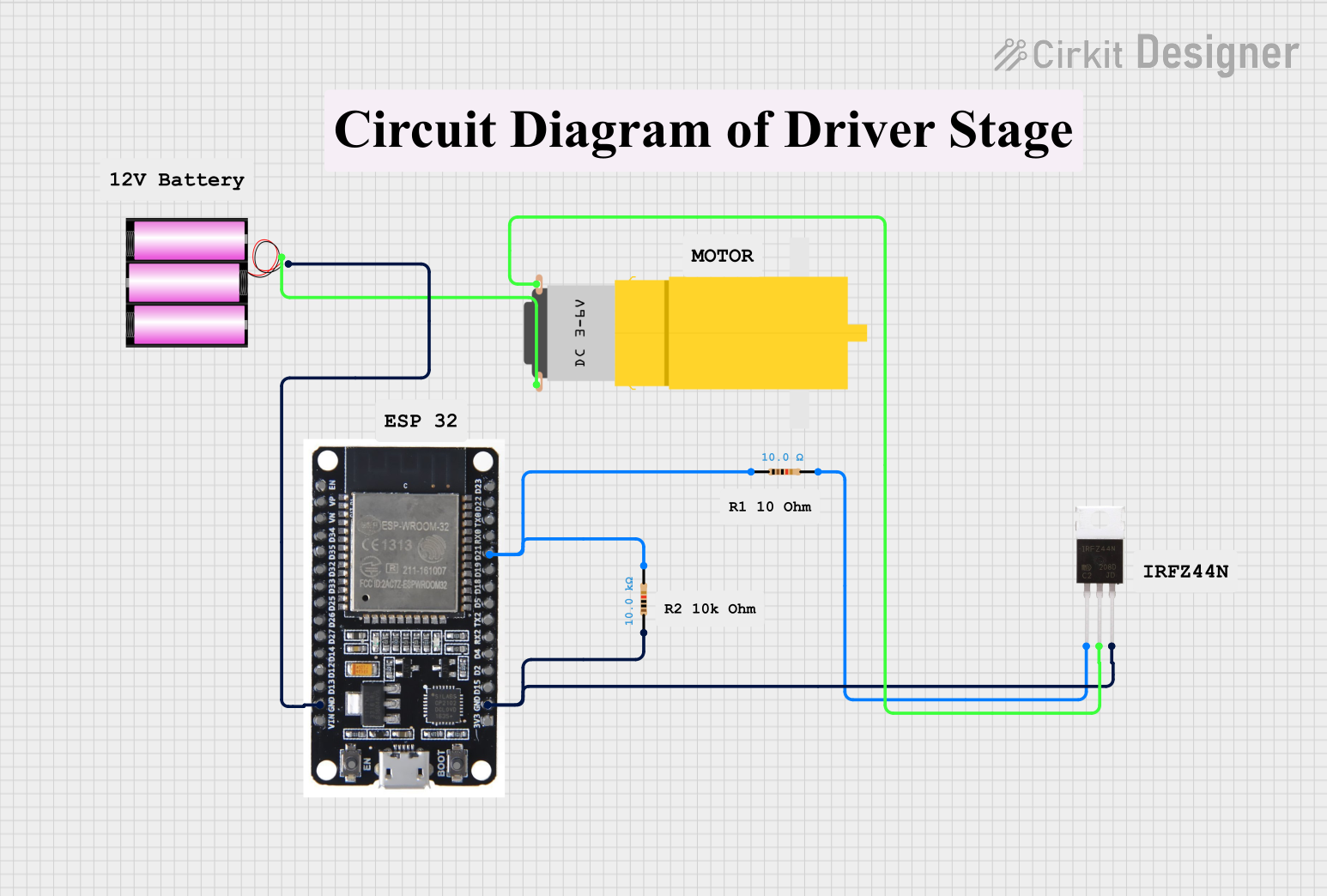 Open Project in Cirkit Designer
Explore Projects Built with MOSFET
Open Project in Cirkit DesignerOpen Project in Cirkit DesignerOpen Project in Cirkit DesignerOpen Project in Cirkit DesignerCommon Applications and Use Cases
- Power supply circuits (e.g., DC-DC converters, inverters)
- Motor control and speed regulation
- Audio amplifiers
- Switching regulators
- Digital logic circuits
- LED dimming and control
Technical Specifications
Below are the general technical specifications of a typical N-channel MOSFET (e.g., IRF540N). Specifications may vary depending on the specific MOSFET model.
| Parameter | Value |
|---|---|
| Type | N-Channel |
| Maximum Drain-Source Voltage (VDS) | 100V |
| Maximum Gate-Source Voltage (VGS) | ±20V |
| Continuous Drain Current (ID) | 33A |
| Power Dissipation (PD) | 150W |
| RDS(on) (On-State Resistance) | 0.044Ω |
| Gate Threshold Voltage (VGS(th)) | 2V - 4V |
| Switching Speed | Fast (nanoseconds range) |
| Package Type | TO-220, TO-247, or SMD |
Pin Configuration and Descriptions
The MOSFET has three main terminals: Gate (G), Drain (D), and Source (S). Below is the pin configuration for a common TO-220 package.
| Pin Number | Pin Name | Description |
|---|---|---|
| 1 | Gate (G) | Controls the flow of current between Drain and Source. |
| 2 | Drain (D) | Current flows out of this terminal to the load. |
| 3 | Source (S) | Current flows into this terminal from the load. |
Usage Instructions
How to Use the MOSFET in a Circuit
- Determine the Type of MOSFET: Identify whether the MOSFET is N-channel or P-channel. N-channel MOSFETs are more commonly used for switching applications.
- Connect the Terminals:
- Gate (G): Connect to the control signal (e.g., microcontroller output or PWM signal).
- Drain (D): Connect to the load (e.g., motor, LED, or resistor).
- Source (S): Connect to ground (for N-channel) or the positive supply (for P-channel).
- Gate Resistor: Use a resistor (typically 10Ω to 1kΩ) between the control signal and the Gate to limit inrush current and prevent damage.
- Flyback Diode: For inductive loads (e.g., motors, relays), connect a flyback diode across the load to protect the MOSFET from voltage spikes.
- Heat Dissipation: Use a heatsink or cooling mechanism if the MOSFET operates at high currents or power levels.
Example: Controlling an LED with an N-Channel MOSFET and Arduino UNO
Below is an example of how to use an N-channel MOSFET to control an LED with an Arduino UNO.
Circuit Diagram
- Gate (G): Connect to Arduino digital pin (e.g., pin 9) through a 220Ω resistor.
- Drain (D): Connect to the negative terminal of the LED.
- Source (S): Connect to ground.
- LED Positive Terminal: Connect to a 12V power supply through a current-limiting resistor.
Arduino Code
// Define the MOSFET Gate pin
const int mosfetGatePin = 9;

void setup() {
  // Set the MOSFET Gate pin as an output
  pinMode(mosfetGatePin, OUTPUT);
}

void loop() {
  // Turn the LED ON by setting the Gate HIGH
  digitalWrite(mosfetGatePin, HIGH);
  delay(1000); // Keep the LED ON for 1 second

  // Turn the LED OFF by setting the Gate LOW
  digitalWrite(mosfetGatePin, LOW);
  delay(1000); // Keep the LED OFF for 1 second
}
Important Considerations and Best Practices
- Gate Drive Voltage: Ensure the Gate voltage (VGS) is sufficient to fully turn on the MOSFET. Logic-level MOSFETs can be driven directly by 5V or 3.3V microcontrollers.
- Avoid Overheating: Use a heatsink or active cooling for high-power applications.
- Static Sensitivity: MOSFETs are sensitive to static electricity. Handle them with care and use anti-static precautions.
- Switching Speed: Use a proper Gate driver circuit for high-speed switching applications to minimize losses.
Troubleshooting and FAQs
Common Issues and Solutions
MOSFET Not Turning On
- Cause: Insufficient Gate voltage.
- Solution: Check the Gate voltage and ensure it meets the MOSFET's threshold voltage (VGS(th)).
MOSFET Overheating
- Cause: High current or inadequate cooling.
- Solution: Use a heatsink or fan, and ensure the MOSFET is operating within its rated current and power limits.
Load Not Functioning
- Cause: Incorrect wiring or damaged MOSFET.
- Solution: Verify the circuit connections and test the MOSFET with a multimeter.
Voltage Spikes Damaging the MOSFET
- Cause: Inductive load without a flyback diode.
- Solution: Add a flyback diode across the load to suppress voltage spikes.
FAQs
Q1: Can I use a MOSFET with a 3.3V microcontroller?
A1: Yes, but ensure the MOSFET is a logic-level type with a low Gate threshold voltage (VGS(th)).
Q2: How do I test if a MOSFET is working?
A2: Use a multimeter in diode mode to check the Gate-Source and Drain-Source junctions. Refer to the MOSFET's datasheet for expected values.
Q3: What is the difference between N-channel and P-channel MOSFETs?
A3: N-channel MOSFETs conduct when the Gate is more positive than the Source, while P-channel MOSFETs conduct when the Gate is more negative than the Source.
Q4: Can I use a MOSFET without a Gate resistor?
A4: It is not recommended. A Gate resistor limits inrush current and protects the microcontroller or driver circuit.
By following this documentation, you can effectively use MOSFETs in your electronic projects for switching and amplification tasks.