
How to Use ILI9341 2.4': Examples, Pinouts, and Specs
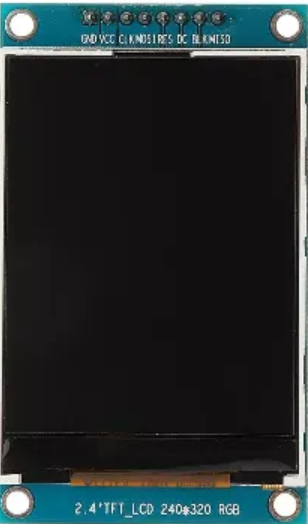
 Design with ILI9341 2.4' in Cirkit Designer
Introduction
The ILI9341 is a TFT LCD display controller designed to drive a 2.4-inch screen, offering high-resolution color graphics with a 240x320 pixel resolution. It is widely used in embedded systems and microcontroller projects to display images, text, and graphical interfaces. The ILI9341 supports multiple communication protocols, including SPI and parallel interfaces, making it versatile and compatible with a variety of microcontrollers.
Explore Projects Built with ILI9341 2.4'
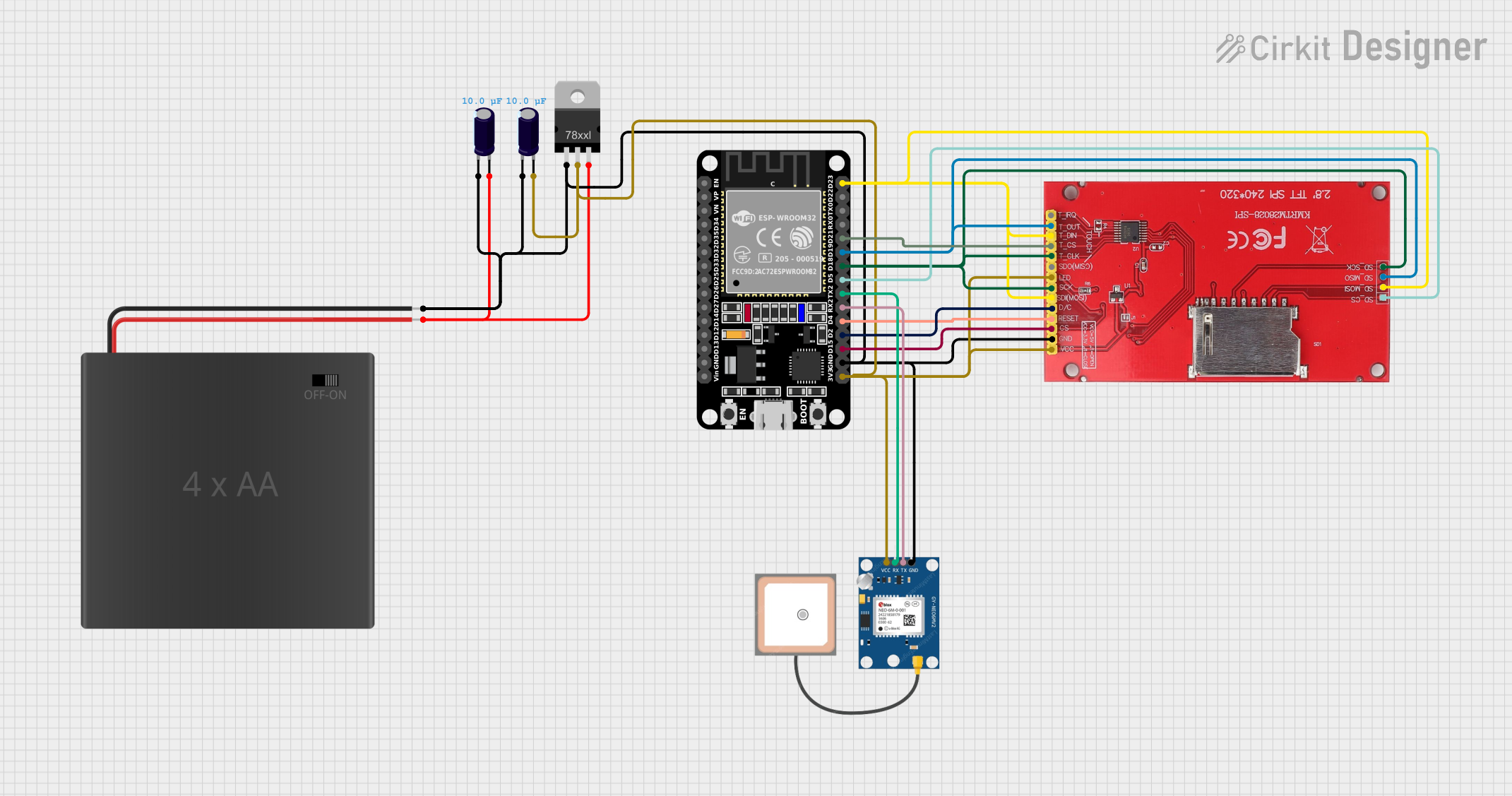 Open Project in Cirkit Designer
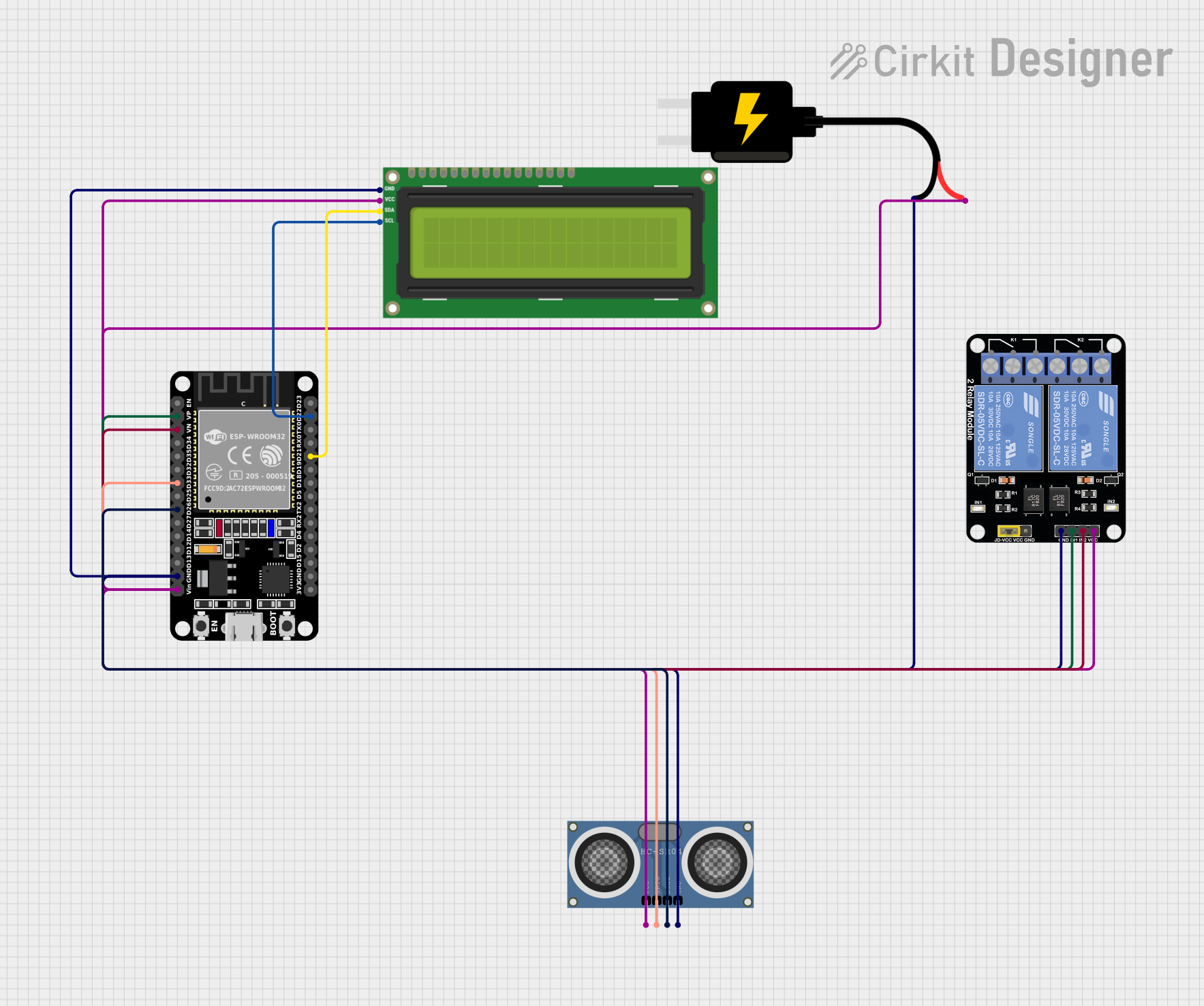 Open Project in Cirkit Designer
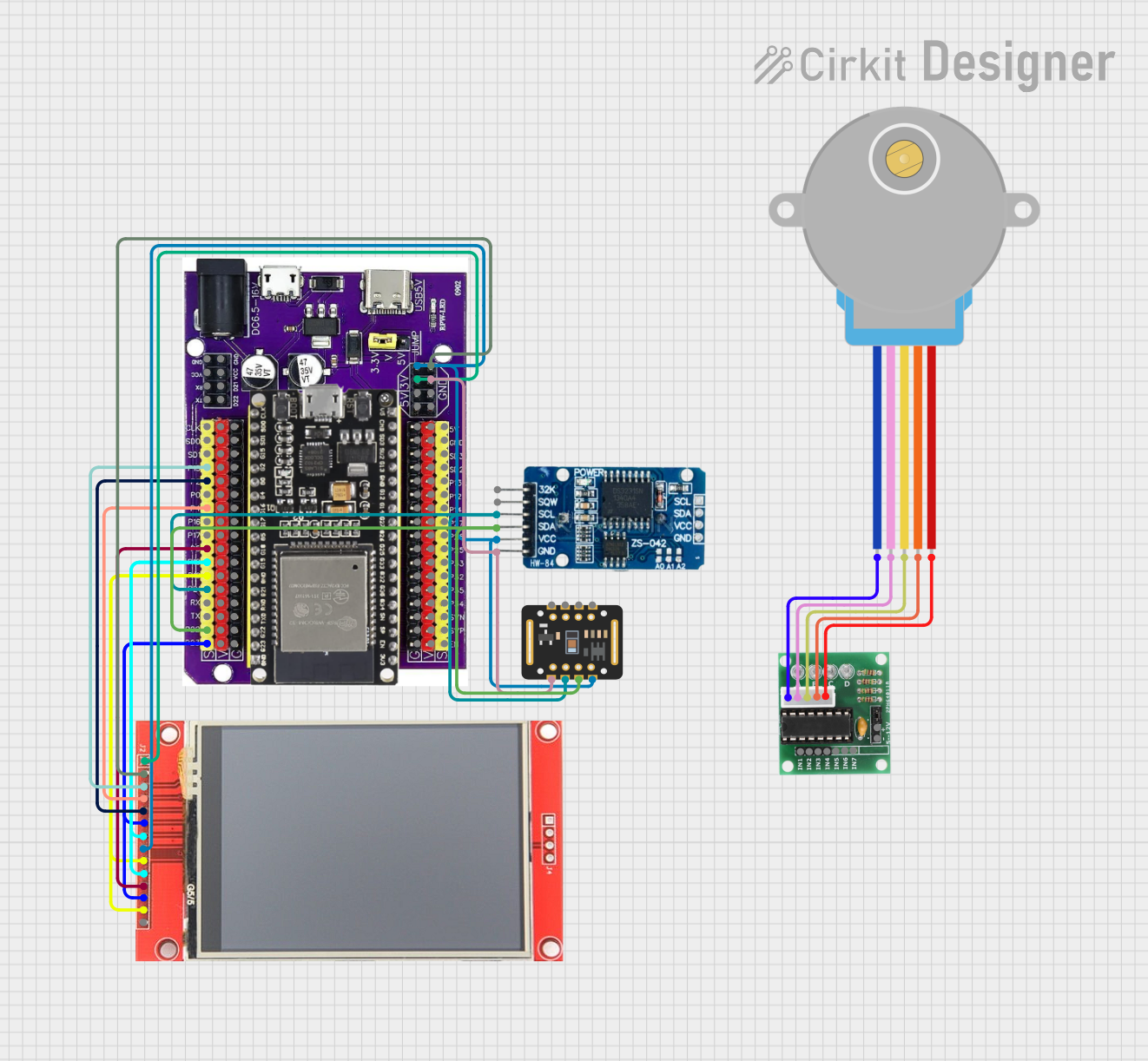 Open Project in Cirkit Designer
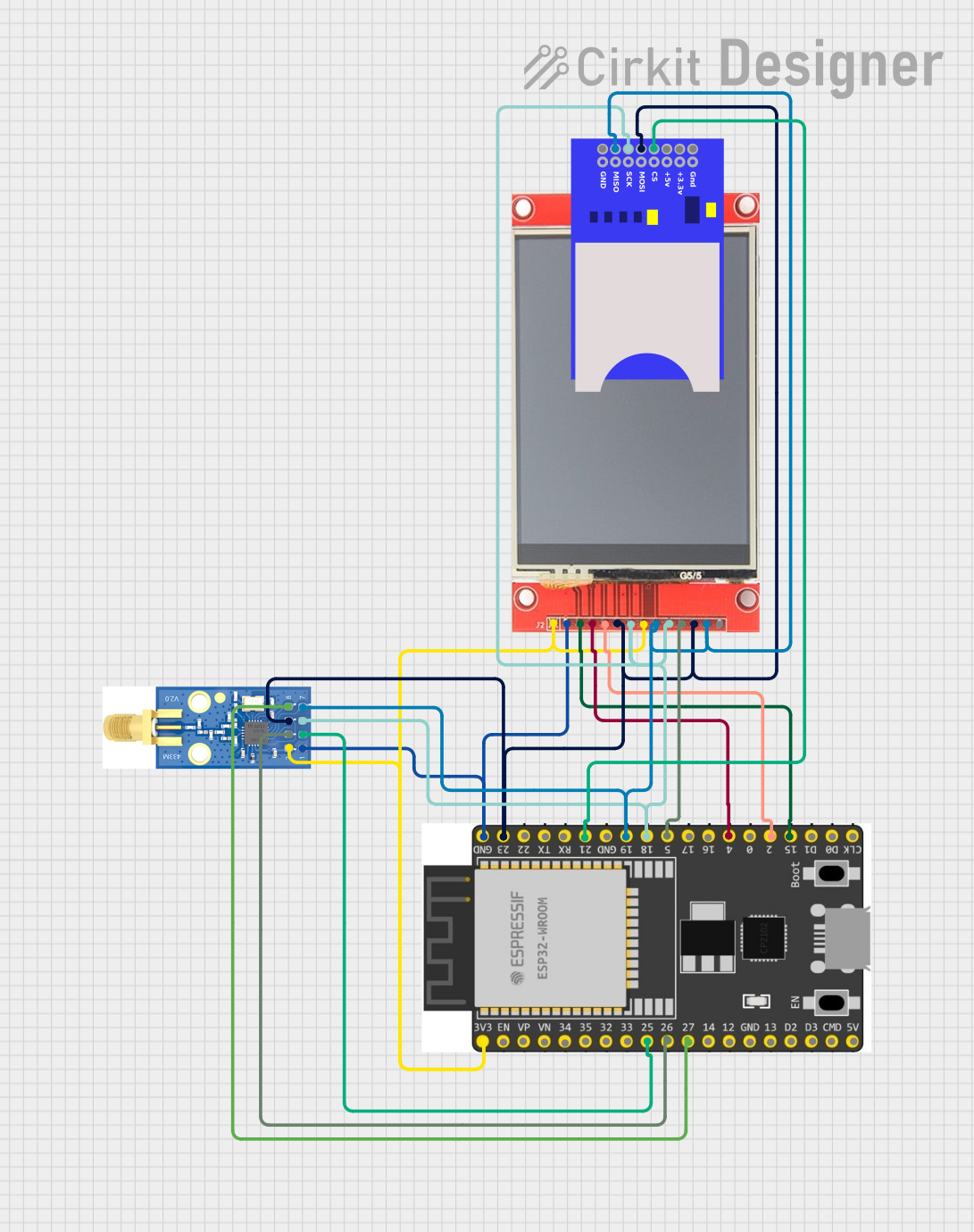 Open Project in Cirkit Designer
Explore Projects Built with ILI9341 2.4'
Open Project in Cirkit DesignerOpen Project in Cirkit DesignerOpen Project in Cirkit DesignerOpen Project in Cirkit DesignerCommon Applications and Use Cases
- Graphical user interfaces for embedded systems
- Displaying sensor data in IoT projects
- Portable gaming devices
- Digital dashboards and meters
- Educational and hobbyist projects with Arduino, Raspberry Pi, or STM32
Technical Specifications
The ILI9341 controller and its associated 2.4-inch TFT LCD module have the following key specifications:
| Specification | Details |
|---|---|
| Display Size | 2.4 inches |
| Resolution | 240 x 320 pixels |
| Color Depth | 16-bit (65,536 colors) |
| Controller IC | ILI9341 |
| Communication Interface | SPI (Serial Peripheral Interface), 8/16-bit Parallel |
| Operating Voltage | 3.3V (logic level) |
| Backlight Voltage | 3.3V to 5V |
| Current Consumption | ~50mA (varies with backlight usage) |
| Viewing Angle | ~160° |
| Operating Temperature | -20°C to 70°C |
Pin Configuration and Descriptions
The ILI9341 module typically comes with the following pins:
| Pin Name | Description |
|---|---|
| VCC | Power supply for the module (3.3V or 5V, depending on the module variant). |
| GND | Ground connection. |
| CS | Chip Select pin. Active LOW to enable communication with the display. |
| RESET | Resets the display. Active LOW. |
| DC (or RS) | Data/Command pin. HIGH for data, LOW for command. |
| SDI (MOSI) | Serial Data Input (Master Out Slave In) for SPI communication. |
| SCK | Serial Clock for SPI communication. |
| LED | Backlight control pin. Connect to 3.3V or 5V (with a resistor, if required). |
| SDO (MISO) | Serial Data Output (Master In Slave Out). Optional for SPI communication. |
| T_IRQ | Touchscreen interrupt pin (if the module includes a touchscreen). |
| T_CS | Chip Select for the touchscreen controller (if present). |
Note: Some modules may have additional pins for touchscreen functionality or parallel communication. Always refer to the specific module's datasheet for exact pinout details.
Usage Instructions
How to Use the ILI9341 in a Circuit
- Power Supply: Connect the
VCCpin to a 3.3V or 5V power source (depending on the module). ConnectGNDto the ground of your circuit. - Communication Interface:
- For SPI communication, connect
CS,RESET,DC,SDI (MOSI), andSCKto the corresponding pins on your microcontroller. - If using a touchscreen, connect
T_CSandT_IRQas well.
- For SPI communication, connect
- Backlight: Connect the
LEDpin to 3.3V or 5V (with a current-limiting resistor if required). - Initialization: Use a library (e.g., Adafruit_GFX and Adafruit_ILI9341 for Arduino) to initialize and control the display.
Important Considerations and Best Practices
- Voltage Levels: The ILI9341 operates at 3.3V logic levels. If your microcontroller uses 5V logic, use a level shifter to avoid damaging the display.
- SPI Speed: For optimal performance, configure the SPI clock speed to a value supported by the display (e.g., 40MHz for most modules).
- Backlight Control: Use a PWM pin on your microcontroller to adjust the brightness of the backlight dynamically.
- Library Support: Use well-documented libraries like Adafruit_ILI9341 to simplify development and ensure compatibility.
Example Code for Arduino UNO
Below is an example of how to use the ILI9341 with an Arduino UNO via SPI:
#include <Adafruit_GFX.h>       // Core graphics library
#include <Adafruit_ILI9341.h>   // ILI9341 driver library

// Define pin connections
#define TFT_CS   10  // Chip Select pin
#define TFT_DC    9  // Data/Command pin
#define TFT_RST   8  // Reset pin

// Create an instance of the display
Adafruit_ILI9341 tft = Adafruit_ILI9341(TFT_CS, TFT_DC, TFT_RST);

void setup() {
  // Initialize the display
  tft.begin();

  // Set rotation (0-3)
  tft.setRotation(1);

  // Fill the screen with a color
  tft.fillScreen(ILI9341_BLUE);

  // Display text
  tft.setTextColor(ILI9341_WHITE);
  tft.setTextSize(2);
  tft.setCursor(10, 10);
  tft.println("Hello, ILI9341!");
}

void loop() {
  // Add your code here
}
Note: Ensure the SPI pins (MOSI, MISO, SCK) on the Arduino UNO are connected to the corresponding pins on the ILI9341 module.
Troubleshooting and FAQs
Common Issues and Solutions
Display Not Turning On
- Verify the power supply connections (
VCCandGND). - Ensure the backlight pin (
LED) is connected to the correct voltage.
- Verify the power supply connections (
No Output on the Screen
- Check the SPI connections (
CS,DC,SDI,SCK) and ensure they match the microcontroller pins. - Confirm that the
RESETpin is properly connected or pulled HIGH.
- Check the SPI connections (
Distorted or Incorrect Colors
- Verify the initialization code and ensure the correct color format (16-bit RGB565) is used.
- Check for loose or incorrect wiring.
Touchscreen Not Responding
- Ensure the touchscreen pins (
T_CS,T_IRQ) are connected and configured in the code. - Use a library like Adafruit_STMPE610 if the touchscreen controller is STMPE610.
- Ensure the touchscreen pins (
FAQs
Can I use the ILI9341 with a 5V microcontroller? Yes, but you must use level shifters to convert 5V logic to 3.3V to avoid damaging the display.
What is the maximum SPI clock speed supported by the ILI9341? The ILI9341 typically supports SPI clock speeds up to 40MHz, but this may vary depending on the module.
Does the ILI9341 support touchscreen functionality? Some ILI9341 modules include a resistive or capacitive touchscreen. Check your module's specifications to confirm.
Can I use the ILI9341 with platforms other than Arduino? Yes, the ILI9341 is compatible with platforms like Raspberry Pi, STM32, and ESP32. Use the appropriate libraries for your platform.
By following this documentation, you can successfully integrate the ILI9341 2.4" TFT LCD into your projects and create stunning graphical interfaces!