
How to Use hc06: Examples, Pinouts, and Specs
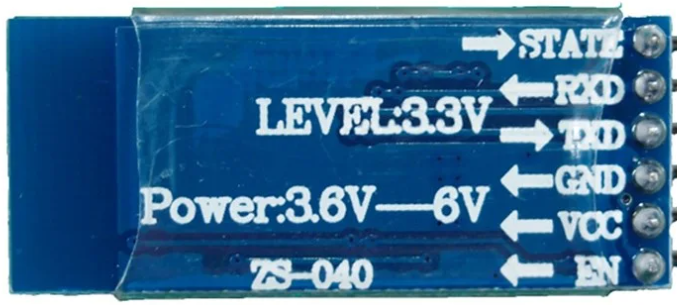
 Design with hc06 in Cirkit Designer
Introduction
The HC-06 is a Bluetooth module designed for wireless communication, commonly used in embedded systems and IoT projects. It operates as a slave device, allowing microcontrollers to connect and communicate with smartphones or other Bluetooth-enabled devices. The module is simple to use, cost-effective, and widely supported, making it a popular choice for hobbyists and professionals alike.
Explore Projects Built with hc06
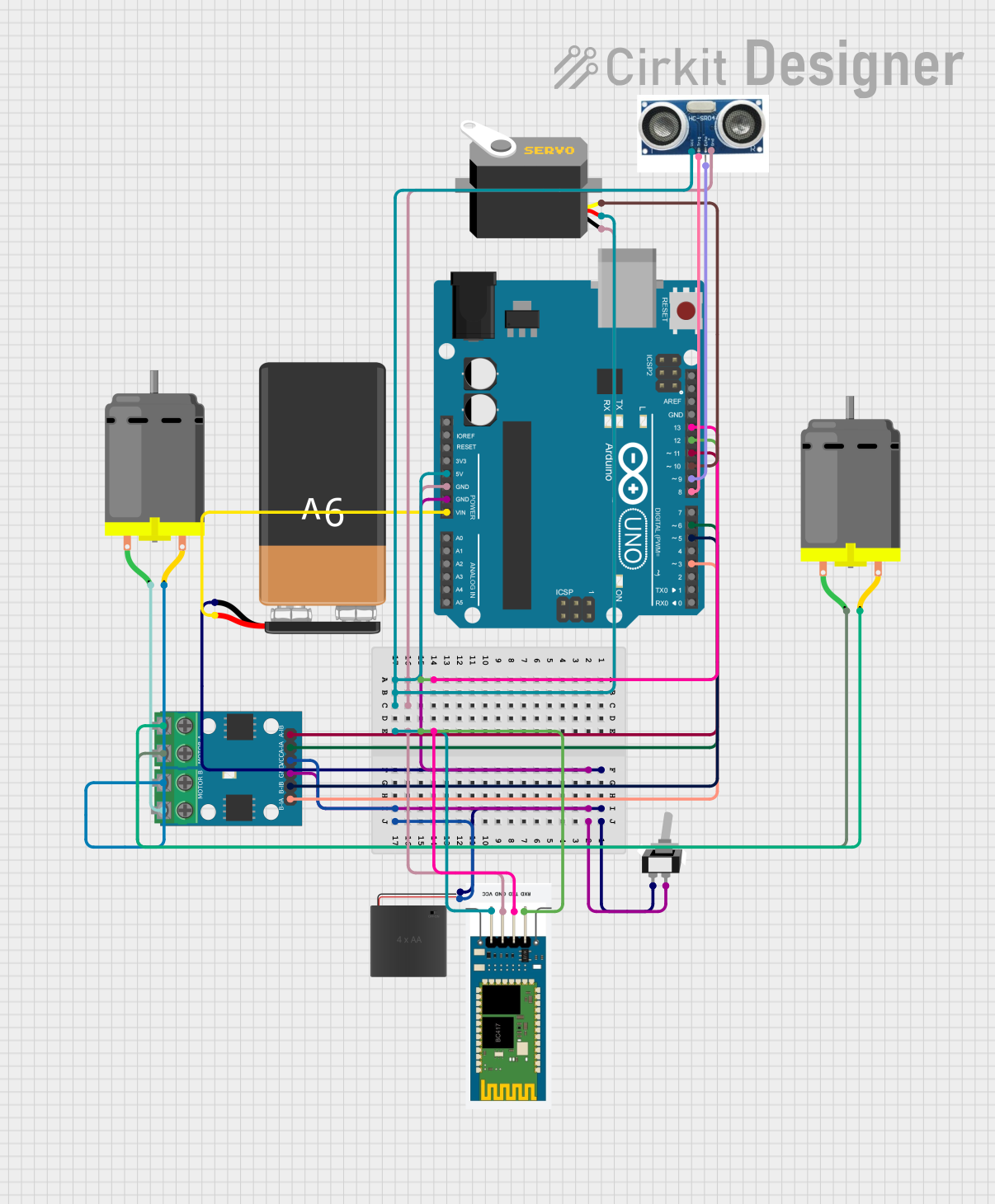 Open Project in Cirkit Designer
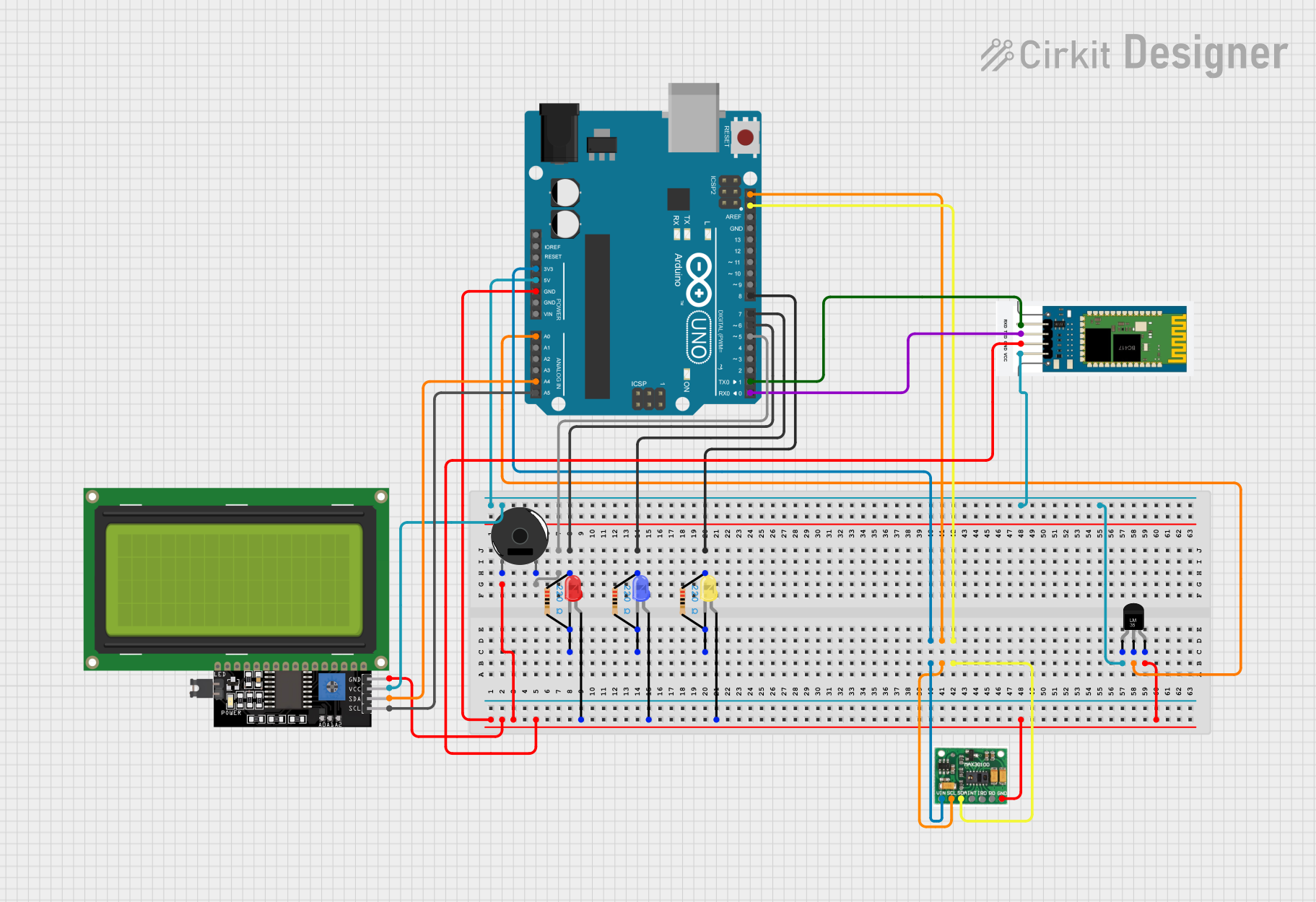 Open Project in Cirkit Designer
 Open Project in Cirkit Designer
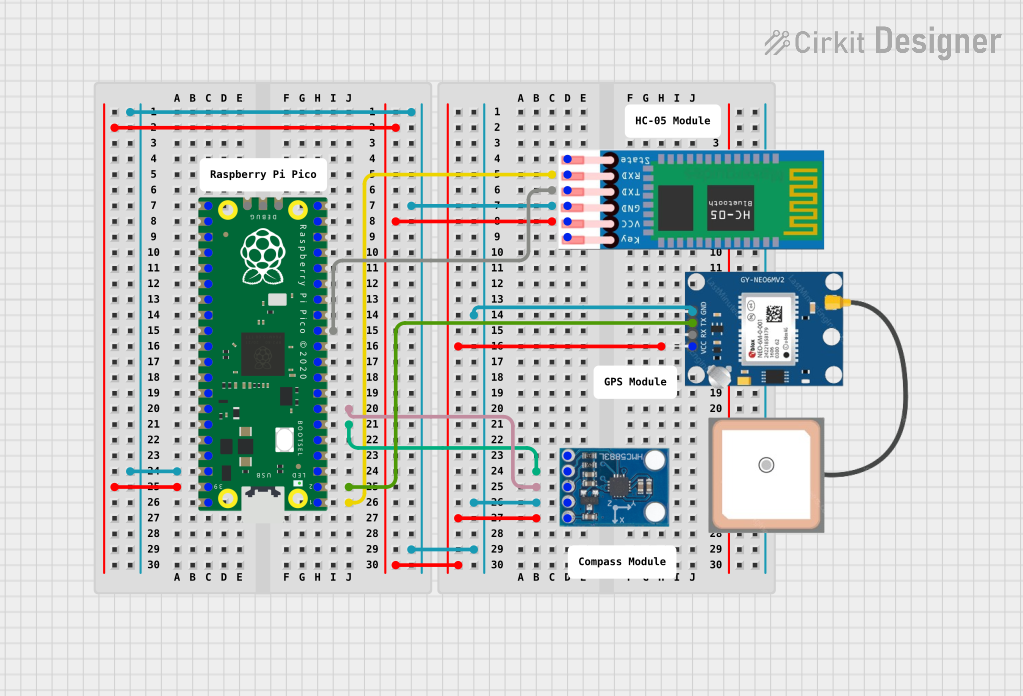 Open Project in Cirkit Designer
Explore Projects Built with hc06
Open Project in Cirkit DesignerOpen Project in Cirkit DesignerOpen Project in Cirkit DesignerOpen Project in Cirkit DesignerCommon Applications and Use Cases
- Wireless data transmission between microcontrollers and smartphones
- Home automation systems
- Remote control of devices
- IoT (Internet of Things) projects
- Robotics and wireless sensor networks
Technical Specifications
The HC-06 Bluetooth module has the following key technical specifications:
| Parameter | Value |
|---|---|
| Bluetooth Version | Bluetooth 2.0 + EDR (Enhanced Data Rate) |
| Operating Voltage | 3.3V to 5V |
| Current Consumption | 30mA (typical) |
| Communication Range | Up to 10 meters (unobstructed) |
| Baud Rate (Default) | 9600 bps |
| Communication Protocol | UART (Universal Asynchronous Receiver-Transmitter) |
| Operating Temperature | -20°C to +75°C |
| Dimensions | 27mm x 13mm x 2mm |
Pin Configuration and Descriptions
The HC-06 module has 4 pins, as described in the table below:
| Pin | Name | Description |
|---|---|---|
| 1 | VCC | Power supply input (3.3V to 5V). Connect to the 5V pin of the microcontroller. |
| 2 | GND | Ground. Connect to the ground of the microcontroller. |
| 3 | TXD | Transmit data. Sends serial data to the microcontroller. |
| 4 | RXD | Receive data. Receives serial data from the microcontroller. |
Usage Instructions
How to Use the HC-06 in a Circuit
- Power the Module: Connect the VCC pin to a 5V power source and the GND pin to ground.
- Connect to a Microcontroller:
- Connect the TXD pin of the HC-06 to the RX pin of the microcontroller.
- Connect the RXD pin of the HC-06 to the TX pin of the microcontroller. Use a voltage divider if the microcontroller operates at 5V logic levels to avoid damaging the HC-06 (which uses 3.3V logic).
- Pair the Module:
- Power on the HC-06. The onboard LED will blink rapidly, indicating it is in pairing mode.
- Search for Bluetooth devices on your smartphone or computer. The HC-06 will appear as "HC-06."
- Pair with the module using the default PIN code, which is usually
1234or0000.
- Send and Receive Data:
- Use a serial communication program (e.g., Arduino Serial Monitor) to send and receive data wirelessly.
Important Considerations and Best Practices
- Voltage Levels: Ensure the RXD pin does not receive more than 3.3V. Use a voltage divider or level shifter if necessary.
- Baud Rate: The default baud rate is 9600 bps. Ensure your microcontroller's UART settings match this value.
- Range: The module works best within 10 meters in an unobstructed environment. Walls and other obstacles may reduce the range.
- Avoid Interference: Keep the module away from sources of electromagnetic interference (e.g., motors, high-frequency circuits).
Example Code for Arduino UNO
Below is an example of how to use the HC-06 with an Arduino UNO to send and receive data:
#include <SoftwareSerial.h>

// Create a SoftwareSerial object to communicate with the HC-06
SoftwareSerial BTSerial(10, 11); // RX, TX pins for HC-06

void setup() {
  Serial.begin(9600); // Start the hardware serial communication
  BTSerial.begin(9600); // Start the software serial communication with HC-06

  Serial.println("HC-06 Bluetooth Module Test");
  Serial.println("Send data from your Bluetooth device to see it here.");
}

void loop() {
  // Check if data is available from the HC-06
  if (BTSerial.available()) {
    char c = BTSerial.read(); // Read a character from HC-06
    Serial.print("Received: ");
    Serial.println(c); // Print the received character to Serial Monitor
  }

  // Check if data is available from the Serial Monitor
  if (Serial.available()) {
    char c = Serial.read(); // Read a character from Serial Monitor
    BTSerial.write(c); // Send the character to HC-06
  }
}
Notes on the Code
- Connect the HC-06's TXD pin to Arduino pin 10 and RXD pin to Arduino pin 11.
- Open the Serial Monitor and set the baud rate to 9600 to test communication.
- Use a Bluetooth terminal app on your smartphone to send and receive data.
Troubleshooting and FAQs
Common Issues and Solutions
The HC-06 is not visible during pairing:
- Ensure the module is powered on and the LED is blinking rapidly.
- Check the wiring, especially the VCC and GND connections.
- Verify that the Bluetooth device you are using supports Bluetooth 2.0.
Data is not being transmitted or received:
- Ensure the baud rate of the microcontroller matches the HC-06's default baud rate (9600 bps).
- Check the TX and RX connections. Ensure they are not swapped.
- If using a 5V microcontroller, ensure the RXD pin of the HC-06 is protected with a voltage divider.
The module disconnects frequently:
- Ensure the module is within the specified range (10 meters).
- Minimize interference from other wireless devices or physical obstructions.
The default PIN code does not work:
- Try common default PINs such as
1234or0000. - If the PIN has been changed, reset the module to factory settings (refer to the manufacturer's documentation).
- Try common default PINs such as
FAQs
Q: Can the HC-06 act as a master device?
A: No, the HC-06 is designed to operate only as a slave device. For master functionality, consider using the HC-05 module.
Q: Can I change the baud rate of the HC-06?
A: Yes, the baud rate can be changed using AT commands. Refer to the manufacturer's documentation for details.
Q: Is the HC-06 compatible with Arduino?
A: Yes, the HC-06 is fully compatible with Arduino and other microcontrollers that support UART communication.
Q: How do I reset the HC-06 to factory settings?
A: Use AT commands to reset the module. For example, send the AT+ORGL command via a serial terminal.
By following this documentation, you should be able to successfully integrate and use the HC-06 Bluetooth module in your projects.