
How to Use 3-24V Buzzer: Examples, Pinouts, and Specs
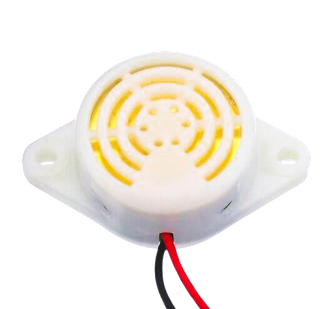
 Design with 3-24V Buzzer in Cirkit Designer
Introduction
The 3-24V Buzzer is a sound-emitting electronic component designed to operate within a wide voltage range of 3 to 24 volts. It is commonly used in circuits to provide audio feedback, alarms, notifications, and alerts. This versatile component is ideal for applications in security systems, timers, and user interfaces where audible signals are required.
Explore Projects Built with 3-24V Buzzer
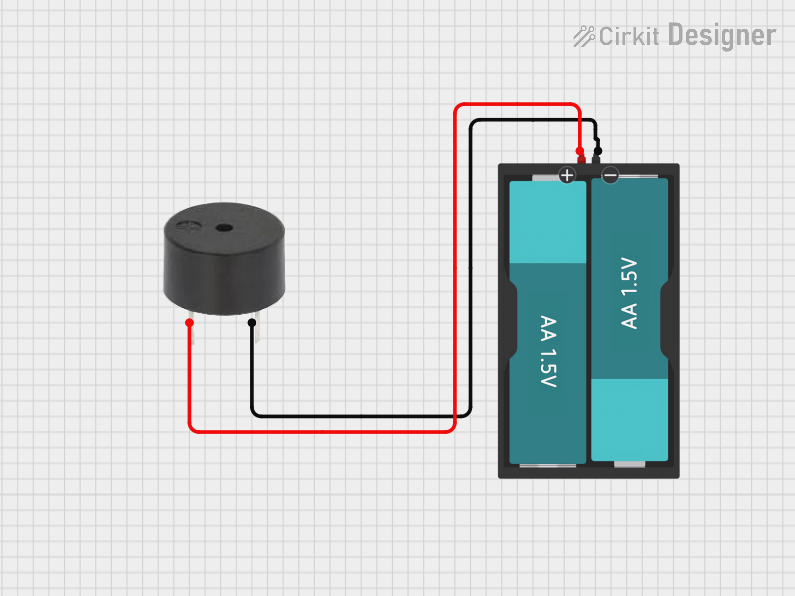 Open Project in Cirkit Designer
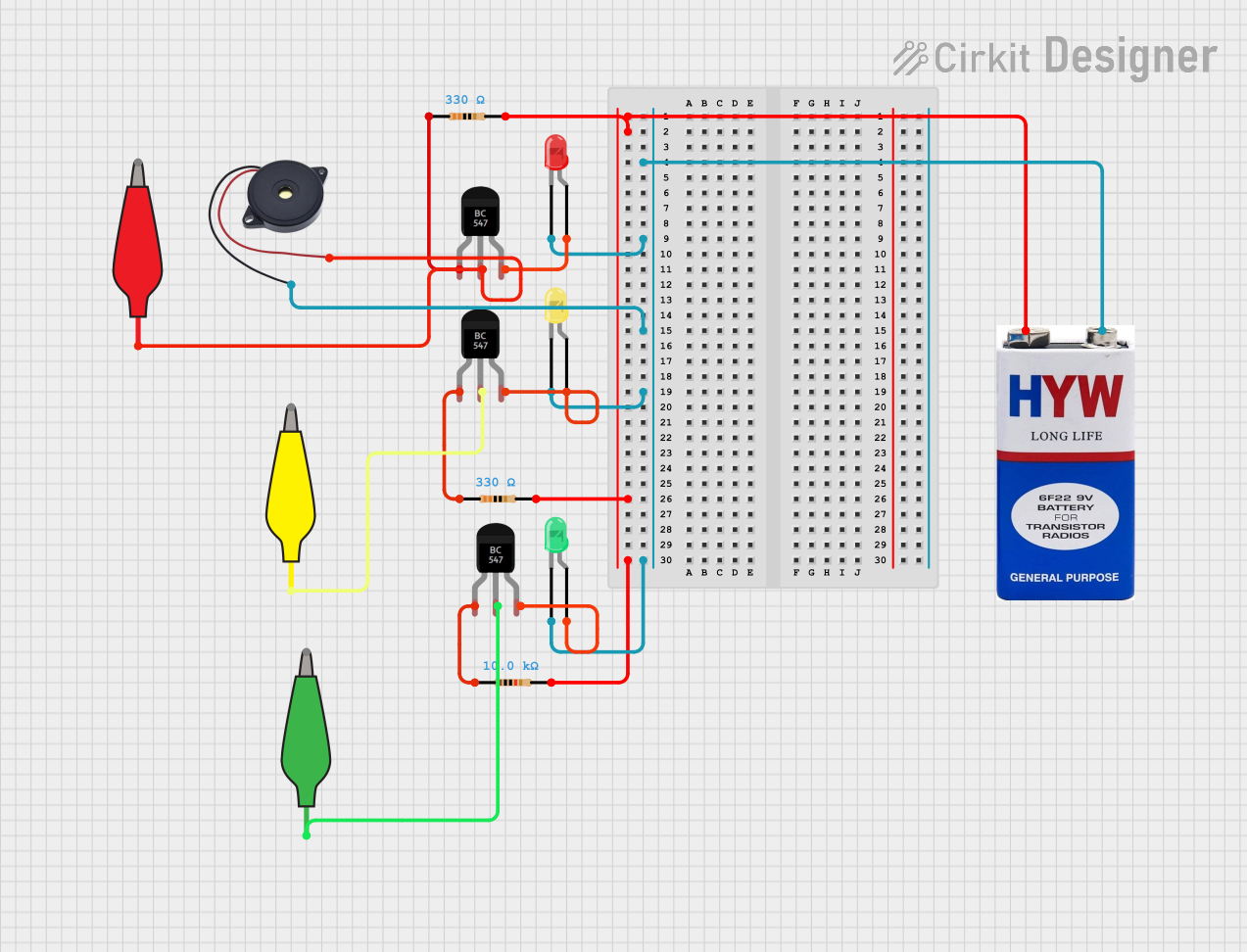 Open Project in Cirkit Designer
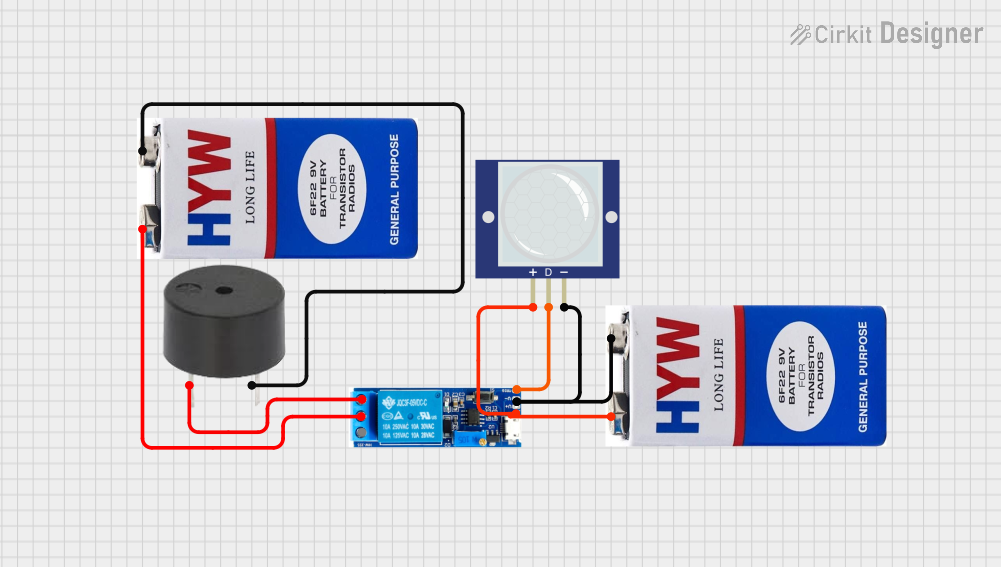 Open Project in Cirkit Designer
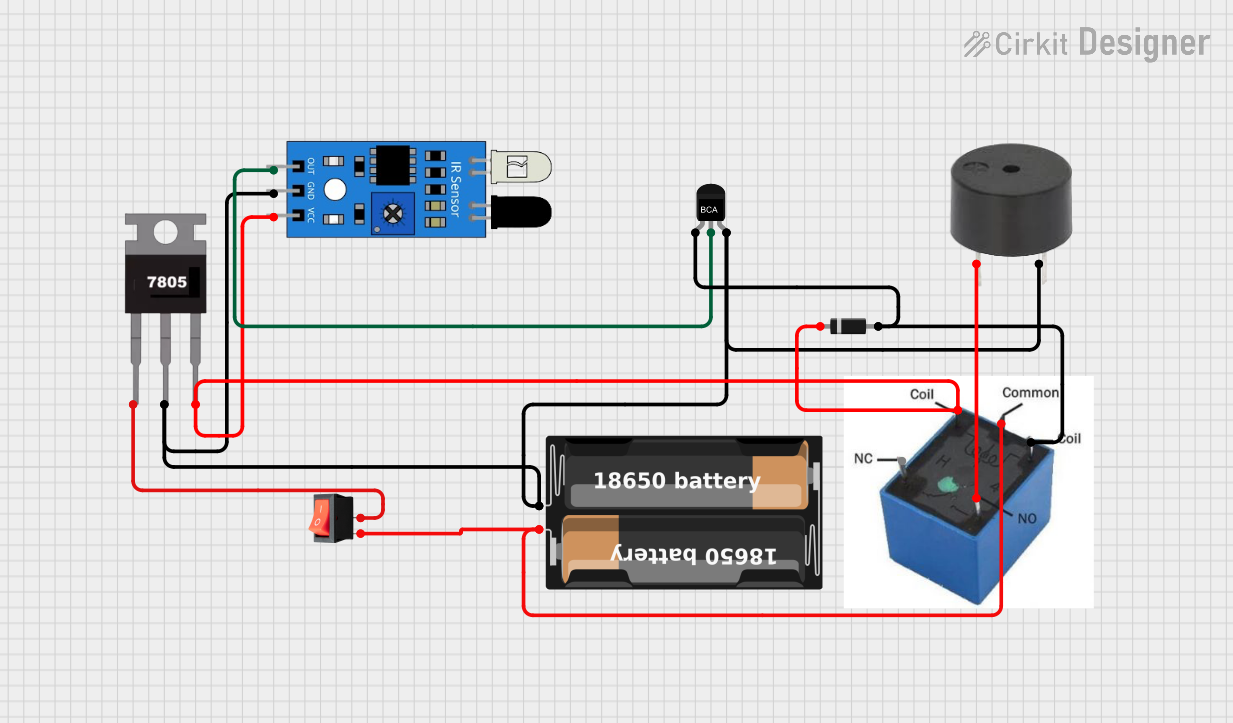 Open Project in Cirkit Designer
Explore Projects Built with 3-24V Buzzer
Open Project in Cirkit DesignerOpen Project in Cirkit DesignerOpen Project in Cirkit DesignerOpen Project in Cirkit DesignerTechnical Specifications
- Operating Voltage: 3V to 24V DC
- Current Consumption: Typically 5-30 mA (varies with voltage)
- Sound Output: ~85 dB at 12V (varies with voltage and distance)
- Frequency: ~2 kHz (typical for piezoelectric buzzers)
- Polarity: Positive and negative terminals for DC operation
- Type: Active buzzer (produces sound when powered, no external signal required)
- Dimensions: Varies by model, typically cylindrical with a diameter of 12-15 mm
Pin Configuration and Descriptions
| Pin Name | Description |
|---|---|
| Positive (+) | Connect to the positive terminal of the power supply (3-24V DC). |
| Negative (-) | Connect to the ground (GND) of the circuit. |
Usage Instructions
How to Use the 3-24V Buzzer in a Circuit
- Power Connection: Connect the positive terminal of the buzzer to the positive voltage supply (3-24V DC) and the negative terminal to the ground (GND).
- Control with a Microcontroller: The buzzer can be controlled using a microcontroller (e.g., Arduino UNO) by connecting the positive terminal to a digital output pin and the negative terminal to GND. Use a current-limiting resistor if necessary to protect the microcontroller pin.
- Direct Power: For simple applications, the buzzer can be directly powered by a DC voltage source within its operating range.
Important Considerations and Best Practices
- Voltage Range: Ensure the supply voltage is within the specified range (3-24V). Exceeding this range may damage the buzzer.
- Polarity: Always connect the positive and negative terminals correctly. Reversing polarity may prevent the buzzer from functioning.
- Mounting: Secure the buzzer in place to avoid vibrations or movement that could affect sound quality.
- Noise Sensitivity: Place the buzzer away from sensitive components to avoid interference caused by its sound vibrations.
Example: Using the 3-24V Buzzer with an Arduino UNO
The following example demonstrates how to connect and control the buzzer using an Arduino UNO. The buzzer will emit a sound when the Arduino sends a HIGH signal to the connected pin.
// Example: Controlling a 3-24V Buzzer with Arduino UNO

// Define the pin connected to the buzzer
const int buzzerPin = 8;

void setup() {
  // Set the buzzer pin as an output
  pinMode(buzzerPin, OUTPUT);
}

void loop() {
  // Turn the buzzer ON
  digitalWrite(buzzerPin, HIGH);
  delay(1000); // Keep the buzzer ON for 1 second

  // Turn the buzzer OFF
  digitalWrite(buzzerPin, LOW);
  delay(1000); // Keep the buzzer OFF for 1 second
}
Troubleshooting and FAQs
Common Issues and Solutions
No Sound from the Buzzer:
- Cause: Incorrect polarity or insufficient voltage.
- Solution: Verify the connections and ensure the supply voltage is within the 3-24V range.
Buzzer Produces Weak or Distorted Sound:
- Cause: Low supply voltage or poor connections.
- Solution: Check the power supply and ensure secure connections to the terminals.
Buzzer Does Not Turn Off:
- Cause: The control signal from the microcontroller is stuck at HIGH.
- Solution: Check the microcontroller code and ensure the pin controlling the buzzer is toggling correctly.
Interference with Other Components:
- Cause: Sound vibrations or electromagnetic interference.
- Solution: Place the buzzer away from sensitive components and use proper shielding if necessary.
FAQs
Q: Can I use the buzzer with an AC power source?
A: No, the 3-24V buzzer is designed for DC operation only. Using AC power may damage the component.Q: Do I need an external driver circuit for this buzzer?
A: No, this is an active buzzer, so it does not require an external driver circuit. It produces sound when powered directly.Q: Can I adjust the sound frequency of the buzzer?
A: No, the frequency of an active buzzer is fixed. For adjustable frequency, consider using a passive buzzer with a signal generator.Q: Is the buzzer waterproof?
A: Most 3-24V buzzers are not waterproof. Check the datasheet of your specific model for environmental ratings.