
How to Use Limit switch: Examples, Pinouts, and Specs
 Design with Limit switch in Cirkit Designer
Introduction
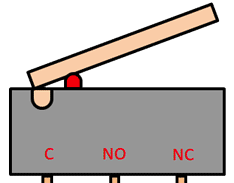
A limit switch is an electromechanical device that detects the presence or absence of an object or the position of a moving part. It is widely used in industrial and mechanical systems to control machinery or equipment. The switch operates by making or breaking an electrical connection when a physical object comes into contact with its actuator.
Explore Projects Built with Limit switch
 Open Project in Cirkit Designer
 Open Project in Cirkit Designer
 Open Project in Cirkit Designer
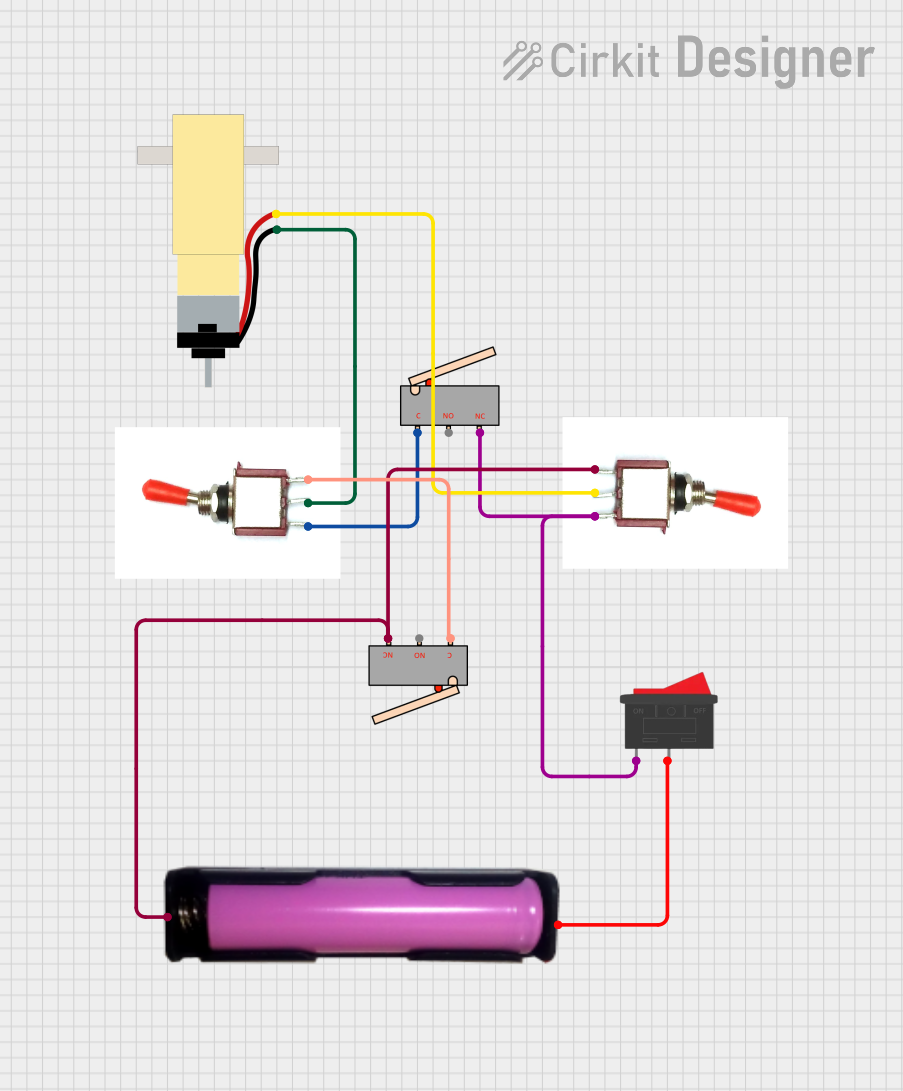 Open Project in Cirkit Designer
Explore Projects Built with Limit switch
Open Project in Cirkit DesignerOpen Project in Cirkit DesignerOpen Project in Cirkit DesignerOpen Project in Cirkit DesignerCommon Applications and Use Cases
- Detecting the position of moving parts in machinery
- Safety interlocks in industrial equipment
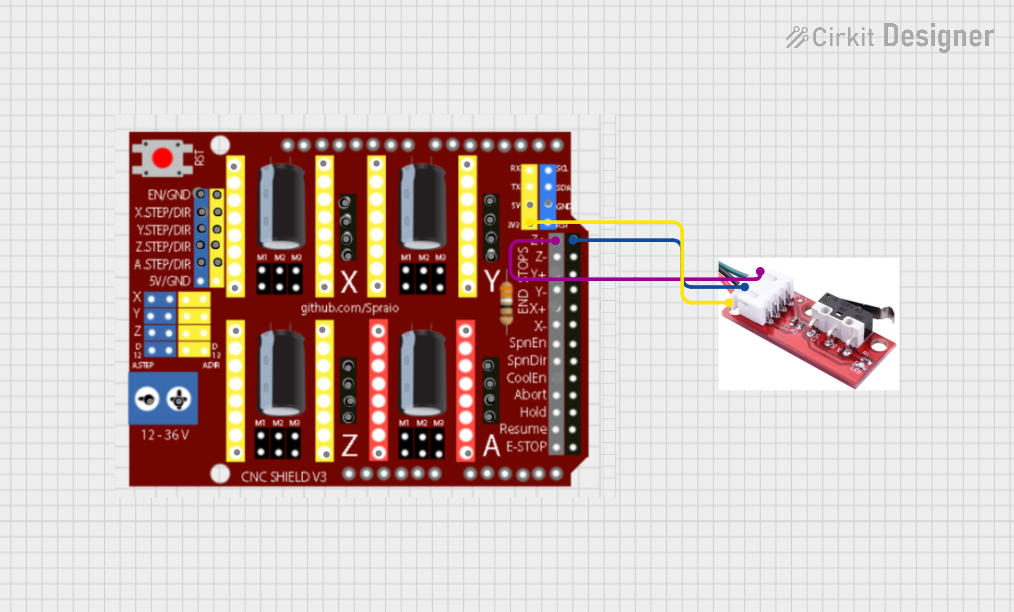
- End-stop detection in CNC machines, 3D printers, and robotics
- Monitoring the opening and closing of doors or hatches
- Automated conveyor systems for object detection
Technical Specifications
Key Technical Details
- Operating Voltage: Typically 5V to 250V AC/DC (varies by model)
- Current Rating: 5A to 15A (depending on the switch type)
- Contact Configuration: Normally Open (NO), Normally Closed (NC), or both
- Actuator Types: Roller lever, plunger, or whisker
- Mechanical Durability: Up to 10 million operations (varies by model)
- Operating Temperature: -25°C to 80°C (typical range)
Pin Configuration and Descriptions
The pin configuration of a limit switch depends on its contact type. Below is a general description for a common 3-terminal limit switch:
| Pin Name | Description |
|---|---|
| COM | Common terminal, connected to the moving contact inside the switch |
| NO | Normally Open terminal, connected to COM when the actuator is engaged |
| NC | Normally Closed terminal, connected to COM when the actuator is not engaged |
Usage Instructions
How to Use the Component in a Circuit
- Identify the Terminals: Locate the COM, NO, and NC terminals on the limit switch.
- Connect the Circuit:
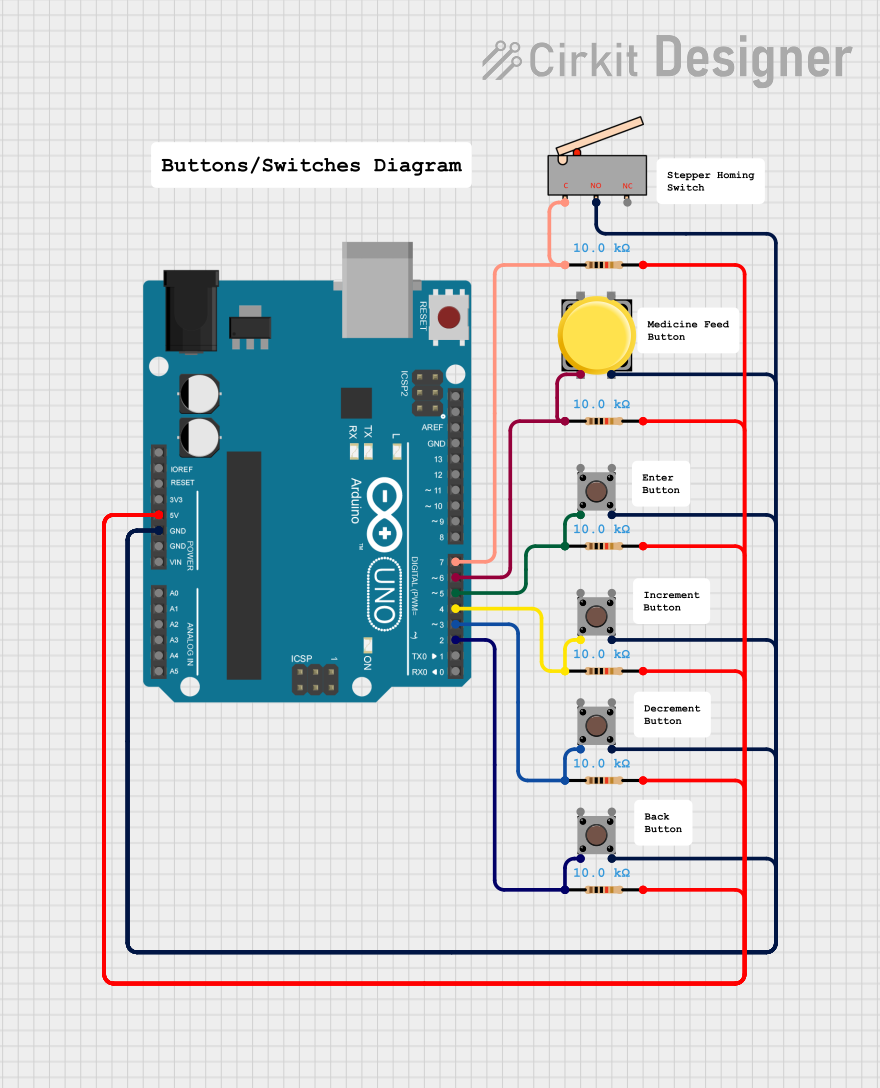
- For a Normally Open (NO) configuration, connect one wire to the COM terminal and another to the NO terminal. The circuit will close when the actuator is engaged.
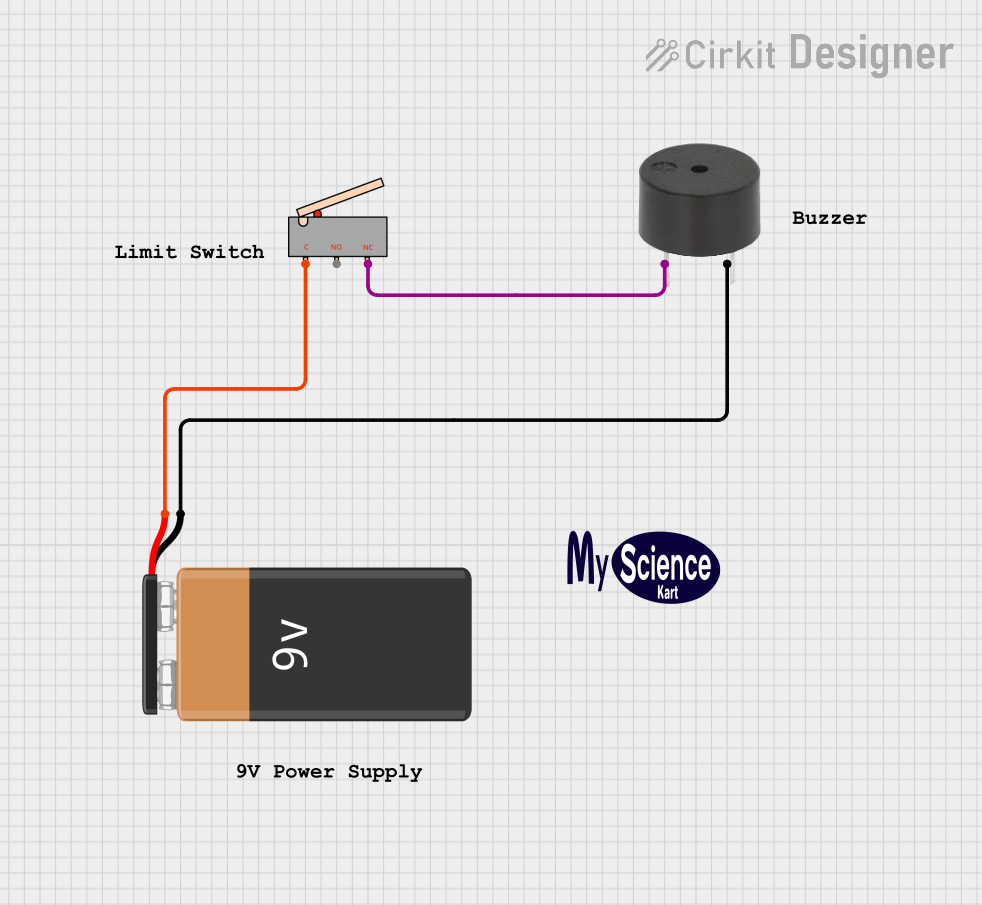
- For a Normally Closed (NC) configuration, connect one wire to the COM terminal and another to the NC terminal. The circuit will open when the actuator is engaged.
- Mount the Switch: Secure the limit switch in the desired position so that the actuator interacts with the moving part or object.
- Test the Operation: Verify that the switch operates as expected by manually engaging the actuator.
Important Considerations and Best Practices
- Voltage and Current Ratings: Ensure the switch is rated for the voltage and current in your circuit to avoid damage or failure.
- Debouncing: When using the switch with microcontrollers, implement software or hardware debouncing to handle signal noise caused by mechanical contact bounce.
- Actuator Alignment: Properly align the actuator with the moving part to ensure reliable operation.
- Environmental Protection: Use a switch with an appropriate IP rating if it will be exposed to dust, moisture, or other harsh conditions.
Example: Connecting a Limit Switch to an Arduino UNO
Below is an example of how to connect and use a limit switch with an Arduino UNO:
Circuit Diagram
- Connect the COM terminal of the limit switch to the GND pin of the Arduino.
- Connect the NO terminal of the limit switch to digital pin 2 of the Arduino.
- Use a pull-up resistor (10kΩ) between digital pin 2 and the 5V pin of the Arduino.
Arduino Code
// Define the pin connected to the limit switch
const int limitSwitchPin = 2;

// Variable to store the state of the limit switch
int switchState = 0;

void setup() {
  // Set the limit switch pin as input with an internal pull-up resistor
  pinMode(limitSwitchPin, INPUT_PULLUP);

  // Initialize serial communication for debugging
  Serial.begin(9600);
}

void loop() {
  // Read the state of the limit switch
  switchState = digitalRead(limitSwitchPin);

  // Check if the switch is pressed (LOW state due to pull-up resistor)
  if (switchState == LOW) {
    Serial.println("Limit switch is engaged!");
  } else {
    Serial.println("Limit switch is not engaged.");
  }

  // Add a small delay to avoid spamming the serial monitor
  delay(200);
}
Troubleshooting and FAQs
Common Issues and Solutions
Switch Not Responding:
- Cause: Incorrect wiring or loose connections.
- Solution: Double-check the wiring and ensure all connections are secure.
False Triggering:
- Cause: Mechanical contact bounce or electrical noise.
- Solution: Implement debouncing in software or use a capacitor for hardware debouncing.
Actuator Not Engaging:
- Cause: Misalignment of the actuator and the moving part.
- Solution: Adjust the position of the switch to ensure proper engagement.
Switch Damaged:
- Cause: Exceeding voltage or current ratings.
- Solution: Replace the switch and ensure the new one matches the circuit's requirements.
FAQs
Q: Can I use a limit switch with AC circuits?
A: Yes, many limit switches are rated for both AC and DC circuits. Check the specifications of your switch to confirm compatibility.
Q: How do I protect the switch in harsh environments?
A: Use a limit switch with a high IP rating (e.g., IP67) for protection against dust and water.
Q: Can I use multiple limit switches in a single circuit?
A: Yes, you can wire multiple switches in series or parallel, depending on your application requirements.
Q: What is the difference between NO and NC configurations?
A: In a Normally Open (NO) configuration, the circuit is open until the actuator is engaged. In a Normally Closed (NC) configuration, the circuit is closed until the actuator is engaged.