
How to Use vibration motor: Examples, Pinouts, and Specs
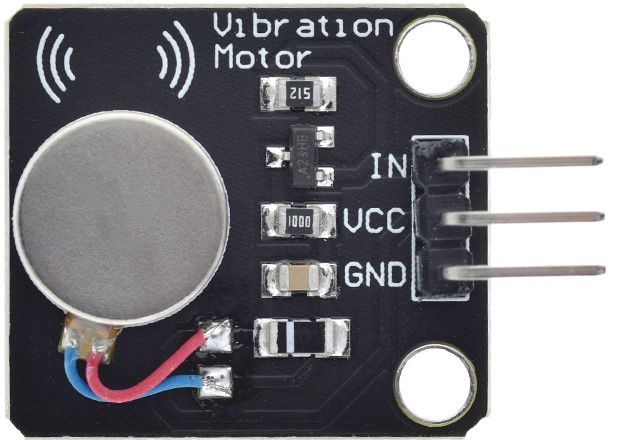
 Design with vibration motor in Cirkit Designer
Introduction
A vibration motor is a small electromechanical device that converts electrical energy into mechanical motion. It is commonly used to create vibrations in devices such as mobile phones, gaming controllers, wearables, and other applications requiring haptic feedback. These motors are compact, reliable, and efficient, making them ideal for portable and embedded systems.
Explore Projects Built with vibration motor
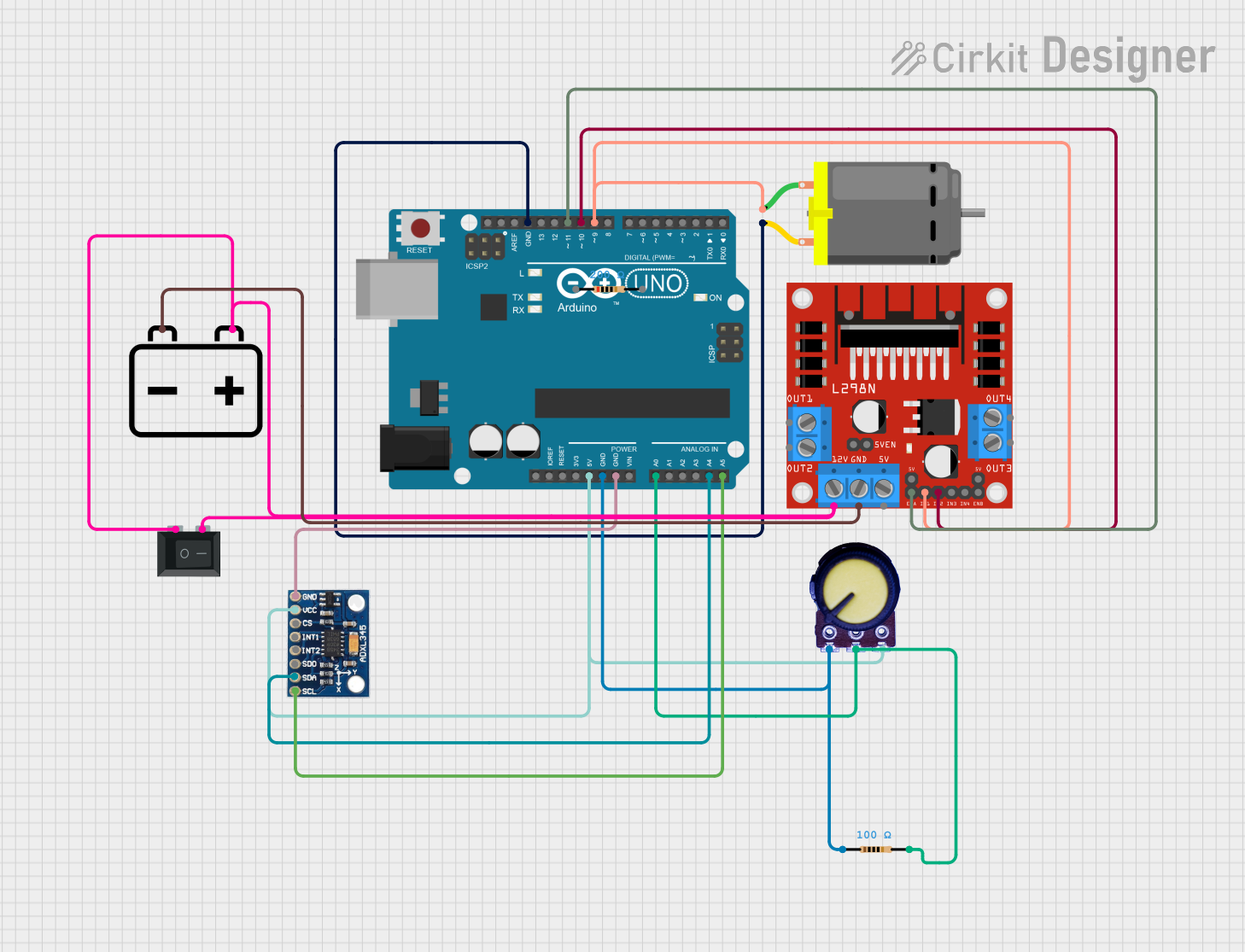 Open Project in Cirkit Designer
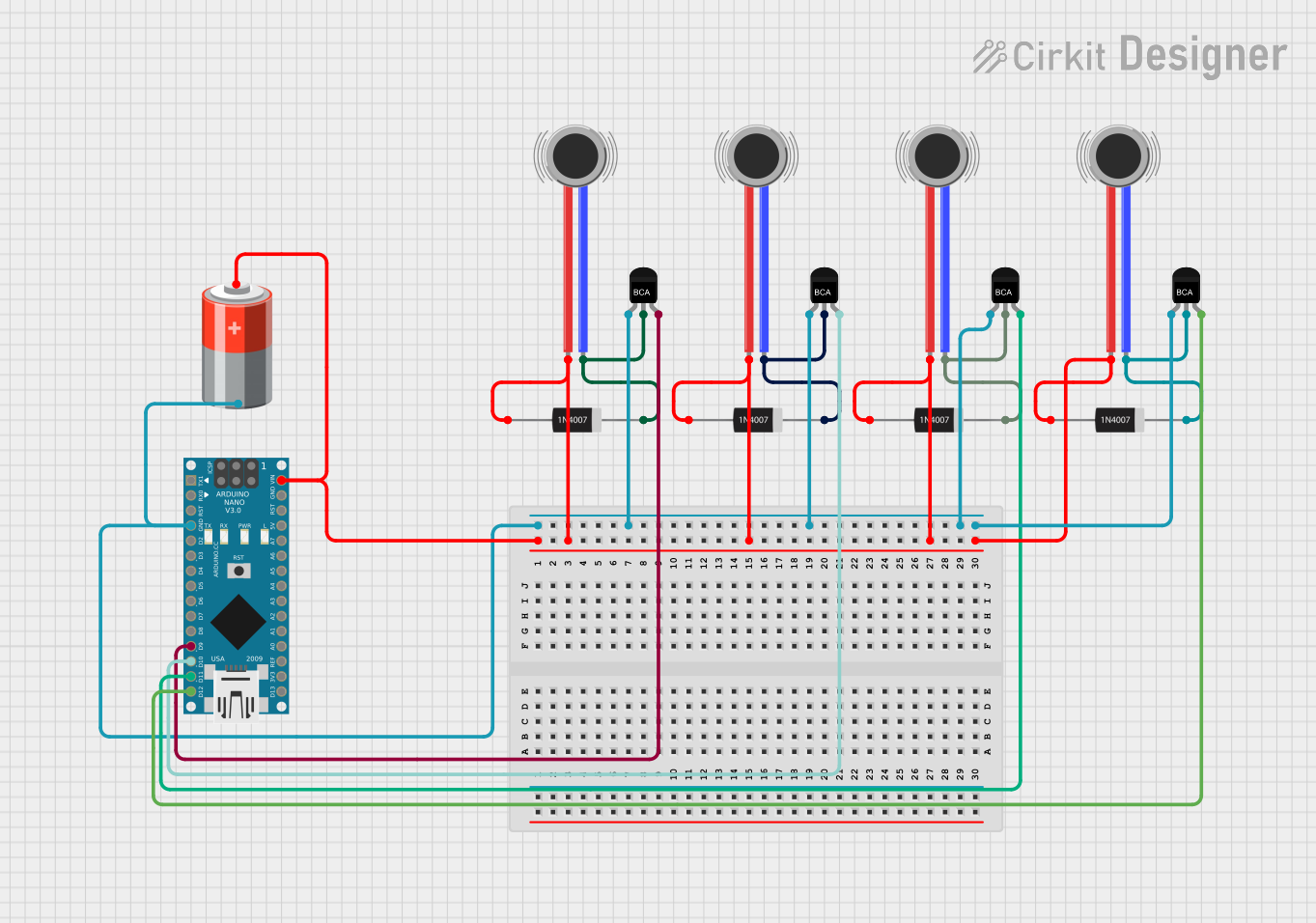 Open Project in Cirkit Designer
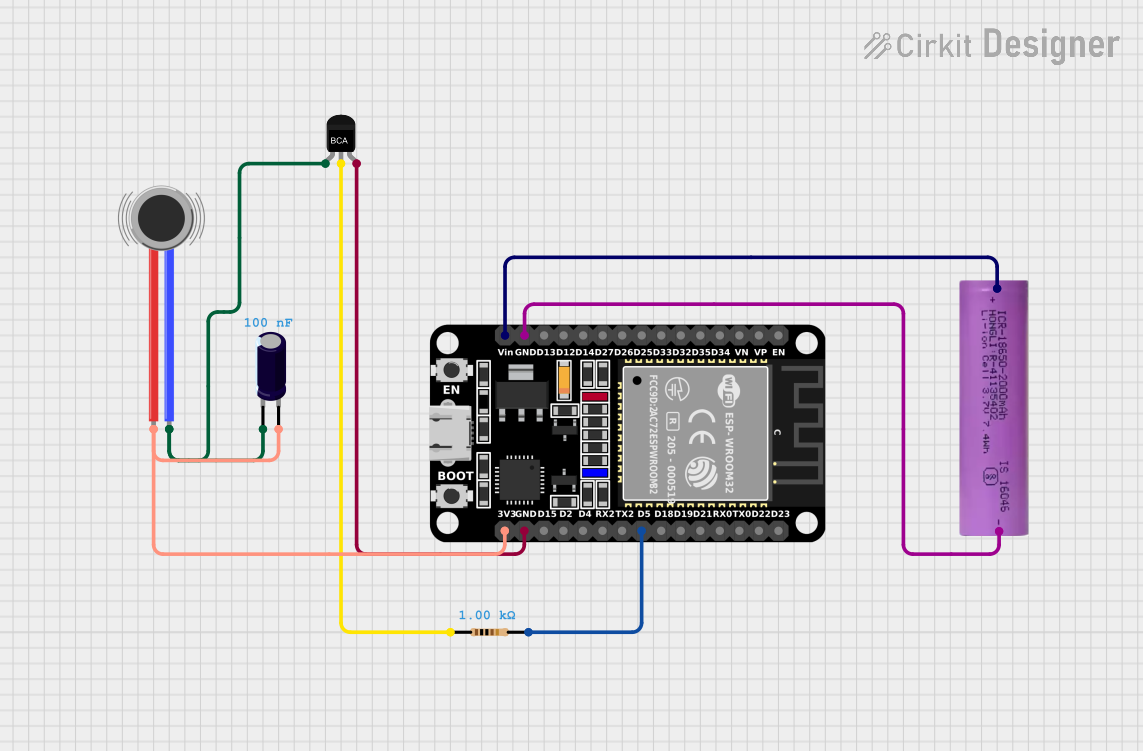 Open Project in Cirkit Designer
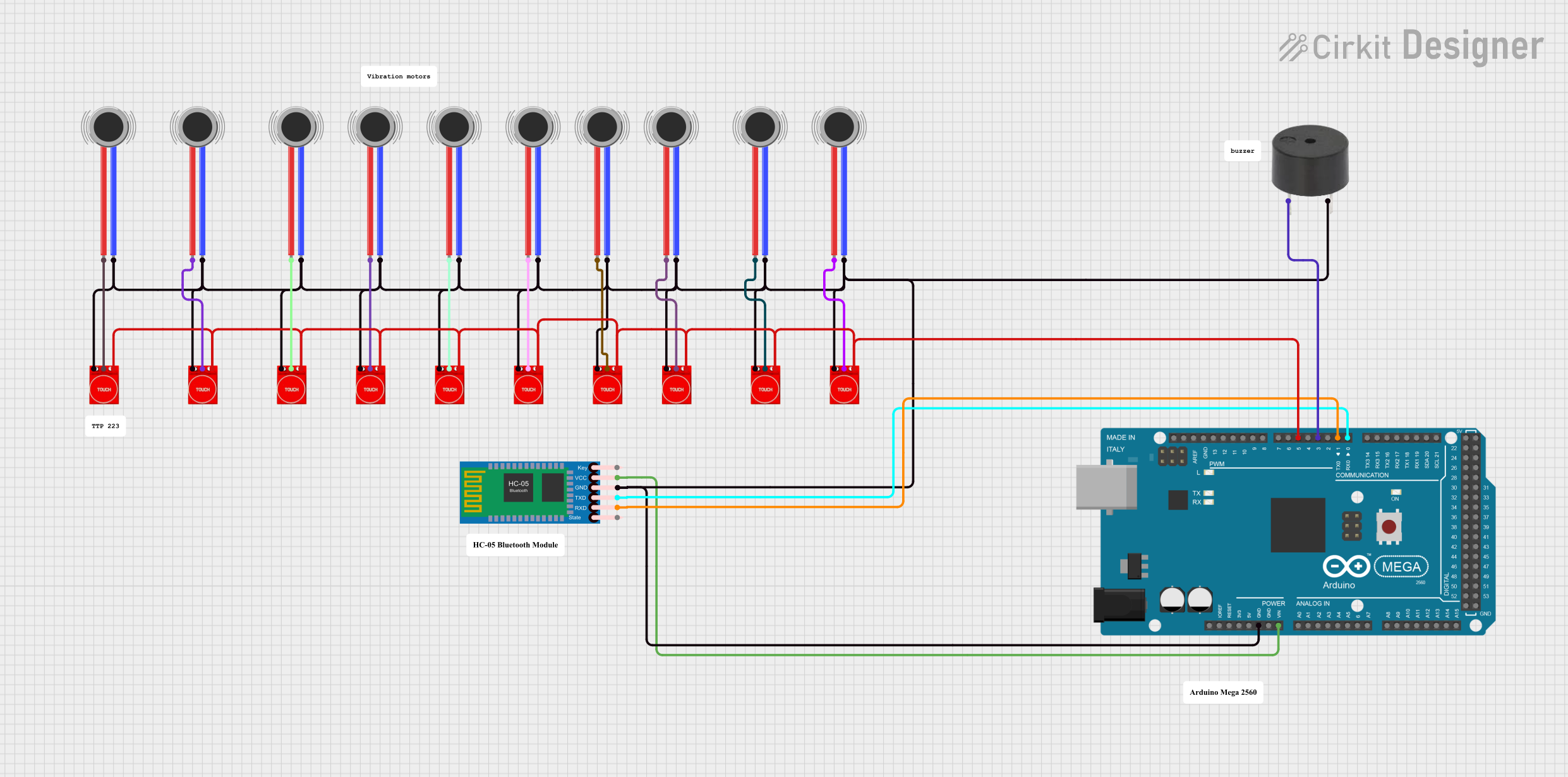 Open Project in Cirkit Designer
Explore Projects Built with vibration motor
Open Project in Cirkit DesignerOpen Project in Cirkit DesignerOpen Project in Cirkit DesignerOpen Project in Cirkit DesignerCommon Applications:
- Mobile phones for call and notification alerts
- Gaming controllers for haptic feedback
- Wearable devices for silent alarms
- Medical devices for tactile feedback
- Robotics for sensory feedback
Technical Specifications
Below are the key technical details for the vibration motor manufactured by Motor, with part ID: vibration motor.
General Specifications:
| Parameter | Value |
|---|---|
| Operating Voltage | 2.5V to 5V |
| Rated Voltage | 3.0V |
| Operating Current | 70mA (typical) |
| Starting Voltage | 2.3V |
| Vibration Frequency | 100 Hz to 150 Hz |
| Dimensions | 10mm (diameter) x 3mm (height) |
| Weight | ~1.5g |
| Operating Temperature | -20°C to +70°C |
Pin Configuration:
The vibration motor typically has two pins for electrical connection:
| Pin Number | Name | Description |
|---|---|---|
| 1 | VCC (+) | Positive terminal for power supply |
| 2 | GND (-) | Ground terminal |
Usage Instructions
How to Use the Vibration Motor in a Circuit:
- Power Supply: Connect the VCC pin to a power source within the operating voltage range (2.5V to 5V). Ensure the power supply is stable to avoid damaging the motor.
- Ground Connection: Connect the GND pin to the ground of the circuit.
- Control: To control the motor, you can use a transistor or MOSFET as a switch. This allows you to turn the motor on and off using a microcontroller or other control logic.
- PWM Control: For variable vibration intensity, use Pulse Width Modulation (PWM) to control the voltage supplied to the motor.
Example Circuit with Arduino UNO:
Below is an example of how to connect and control the vibration motor using an Arduino UNO.
Components Required:
- Vibration motor
- NPN transistor (e.g., 2N2222)
- 1 kΩ resistor
- Diode (e.g., 1N4007)
- Arduino UNO
- Breadboard and jumper wires
Circuit Diagram:
- Connect the VCC pin of the motor to the collector of the NPN transistor.
- Connect the emitter of the transistor to the ground.
- Place a diode across the motor terminals (cathode to VCC, anode to GND) to protect against back EMF.
- Connect the base of the transistor to a PWM-capable pin on the Arduino (e.g., pin 9) through a 1 kΩ resistor.
- Connect the Arduino GND to the circuit ground.
Arduino Code:
// Arduino code to control a vibration motor using PWM
// Connect the motor control pin to Arduino pin 9

const int motorPin = 9; // PWM pin connected to the transistor base

void setup() {
  pinMode(motorPin, OUTPUT); // Set motorPin as an output
}

void loop() {
  // Gradually increase vibration intensity
  for (int pwmValue = 0; pwmValue <= 255; pwmValue += 5) {
    analogWrite(motorPin, pwmValue); // Set PWM duty cycle
    delay(50); // Wait 50ms
  }

  // Gradually decrease vibration intensity
  for (int pwmValue = 255; pwmValue >= 0; pwmValue -= 5) {
    analogWrite(motorPin, pwmValue); // Set PWM duty cycle
    delay(50); // Wait 50ms
  }

  delay(1000); // Wait 1 second before repeating
}
Important Considerations:
- Back EMF Protection: Always use a diode across the motor terminals to protect the circuit from voltage spikes caused by the motor's inductive load.
- Current Limiting: Ensure the power supply can provide sufficient current (70mA typical) without exceeding the motor's rated current.
- Heat Management: Avoid prolonged operation at maximum voltage to prevent overheating.
Troubleshooting and FAQs
Common Issues:
Motor Does Not Vibrate:
- Check the power supply voltage and ensure it is within the operating range.
- Verify all connections, especially the VCC and GND pins.
- Ensure the transistor or MOSFET is functioning correctly if used for control.
Motor Vibrates Weakly:
- Confirm the power supply can deliver sufficient current.
- Check for loose or high-resistance connections in the circuit.
Motor Overheats:
- Reduce the operating voltage or duty cycle if using PWM.
- Ensure the motor is not running continuously at maximum power.
Arduino Does Not Control the Motor:
- Verify the PWM pin configuration in the code.
- Check the resistor and transistor connections.
FAQs:
Q1: Can I connect the motor directly to an Arduino pin?
A1: No, the motor requires more current than an Arduino pin can safely supply. Use a transistor or MOSFET as a switch.
Q2: How do I adjust the vibration intensity?
A2: Use PWM to control the voltage supplied to the motor, which adjusts the vibration intensity.
Q3: Can I use this motor with a 9V battery?
A3: No, the motor is rated for a maximum of 5V. Using a higher voltage may damage the motor.
Q4: What is the purpose of the diode across the motor?
A4: The diode protects the circuit from voltage spikes caused by the motor's inductive load when it is turned off.
By following this documentation, you can effectively integrate and troubleshoot the vibration motor in your projects.