
How to Use TYPE A - two wire: Examples, Pinouts, and Specs

 Design with TYPE A - two wire in Cirkit Designer
Introduction
The TYPE A - two wire is a basic electrical connection component manufactured by Arduino. It consists of two wires, typically used for simple circuits to transmit power or signals. This component is versatile and widely used in various applications due to its simplicity and reliability. It is ideal for low-complexity setups where a straightforward connection is required.
Explore Projects Built with TYPE A - two wire
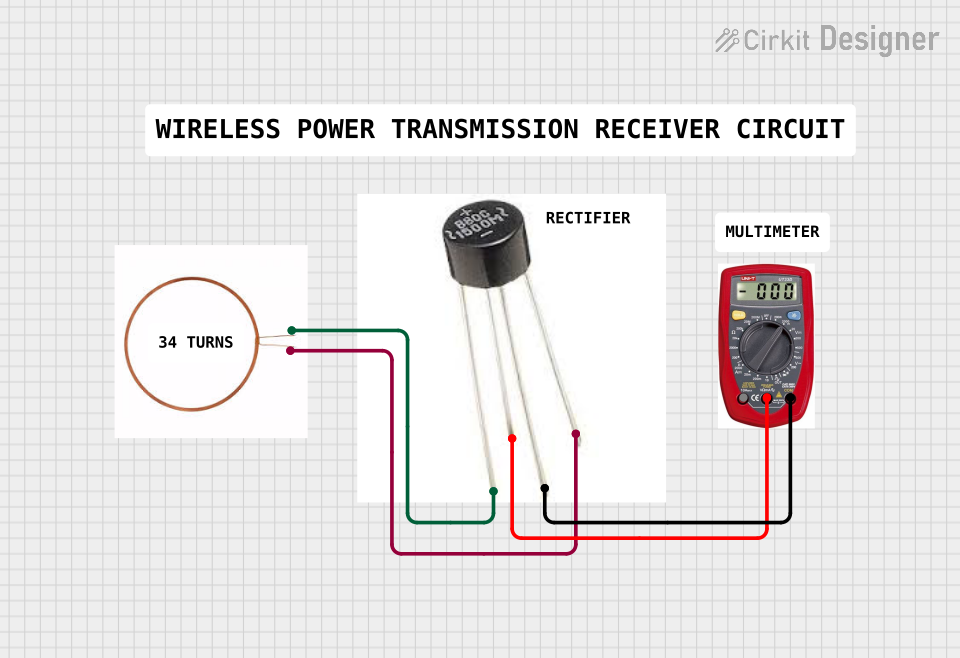 Open Project in Cirkit Designer
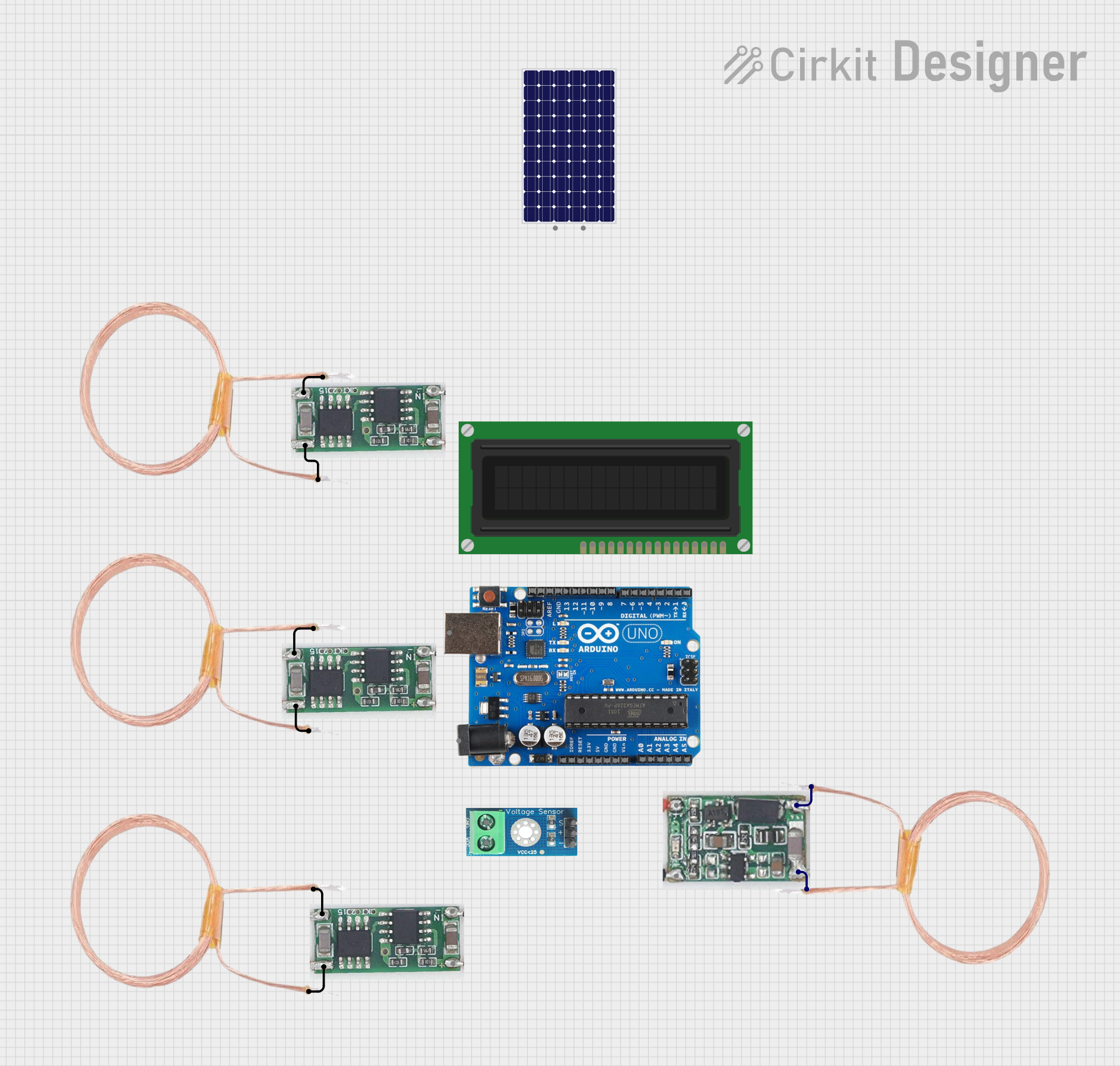 Open Project in Cirkit Designer
 Open Project in Cirkit Designer
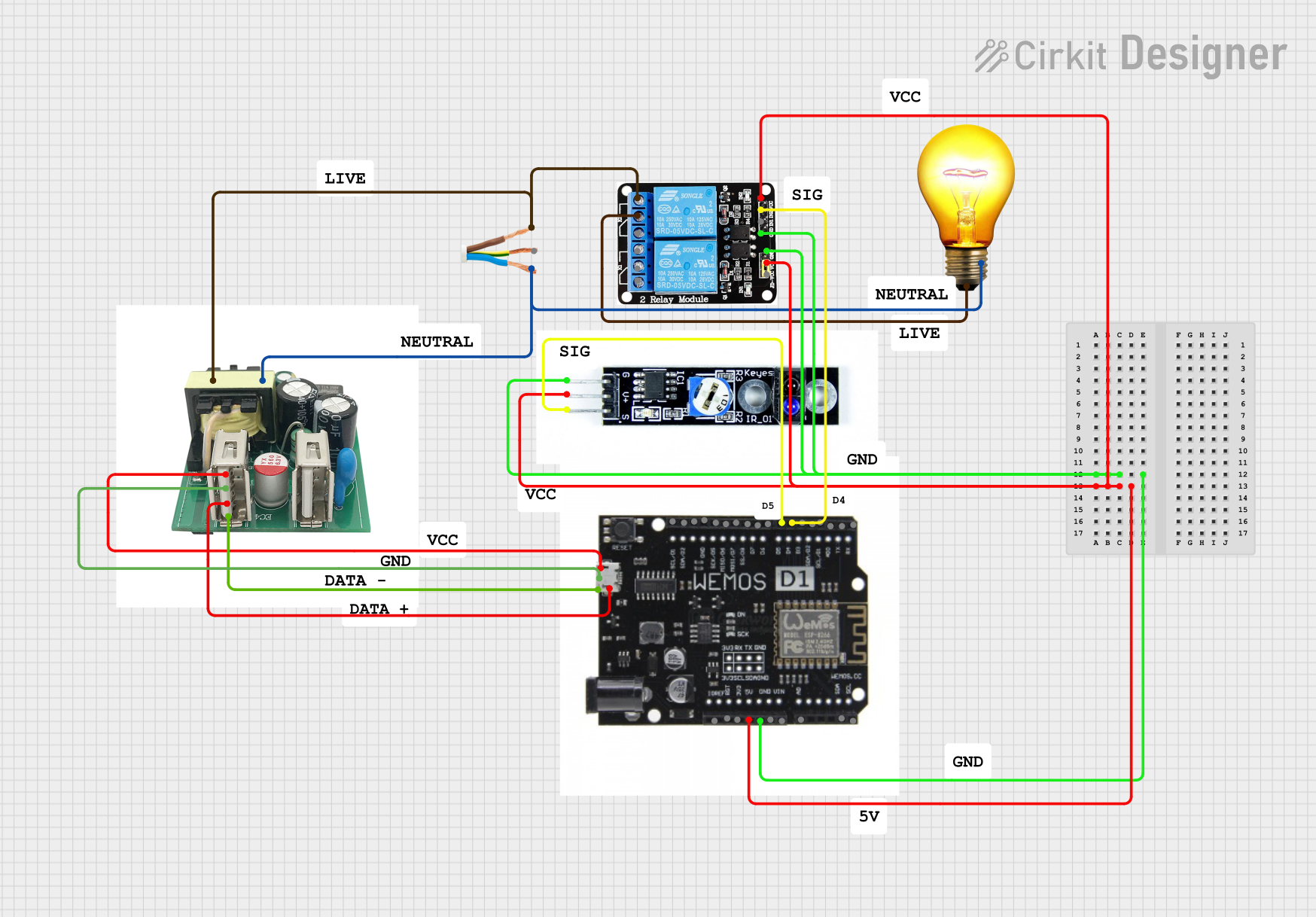 Open Project in Cirkit Designer
Explore Projects Built with TYPE A - two wire
Open Project in Cirkit DesignerOpen Project in Cirkit DesignerOpen Project in Cirkit DesignerOpen Project in Cirkit DesignerCommon Applications and Use Cases
- Power transmission in low-voltage circuits
- Signal transmission in basic electronic systems
- Connecting sensors or actuators to microcontrollers
- Prototyping and breadboard connections
- Educational projects and DIY electronics
Technical Specifications
The TYPE A - two wire is designed for general-purpose use in low-power circuits. Below are its key technical details:
Key Technical Details
| Parameter | Specification |
|---|---|
| Manufacturer | Arduino |
| Part ID | TYPE A - two wire |
| Wire Material | Copper (standard) |
| Insulation Material | PVC or Silicone |
| Voltage Rating | Up to 30V DC |
| Current Rating | Up to 2A |
| Wire Gauge | 22 AWG |
| Length (typical) | 10 cm to 1 m (varies by model) |
| Connector Type | Bare wire ends or pin headers |
Pin Configuration and Descriptions
The TYPE A - two wire does not have a traditional pinout but consists of two wires. Below is a description of the two wires:
| Wire Color | Description |
|---|---|
| Red | Positive terminal (VCC or Signal) |
| Black | Negative terminal (GND) |
Usage Instructions
The TYPE A - two wire is straightforward to use in a circuit. Follow the steps below to ensure proper operation:
How to Use the Component
- Identify the Wires:
- The red wire is typically used for the positive terminal (VCC or signal).
- The black wire is used for the negative terminal (GND).
- Connect to Circuit:
- Solder or insert the wire ends into the appropriate terminals or connectors.
- Ensure a secure and stable connection to avoid loose contacts.
- Verify Polarity:
- Double-check the polarity of the wires before powering the circuit to prevent damage.
- Test the Circuit:
- Power on the circuit and verify that the component is functioning as expected.
Important Considerations and Best Practices
- Avoid Overloading: Ensure the current and voltage do not exceed the specified ratings (2A and 30V DC).
- Insulation Check: Inspect the insulation for any damage before use to prevent short circuits.
- Secure Connections: Use heat shrink tubing or electrical tape to secure and insulate connections if necessary.
- Length Limitations: For longer wire lengths, consider the potential for voltage drop and signal degradation.
Example: Connecting to an Arduino UNO
The TYPE A - two wire can be used to connect a simple sensor or LED to an Arduino UNO. Below is an example of connecting an LED:
Circuit Diagram
- Connect the red wire to the Arduino's digital pin (e.g., D13).
- Connect the black wire to the Arduino's GND pin.
Arduino Code Example
// Example code to blink an LED connected via TYPE A - two wire
// Red wire: Connect to D13
// Black wire: Connect to GND

void setup() {
  pinMode(13, OUTPUT); // Set pin 13 as an output
}

void loop() {
  digitalWrite(13, HIGH); // Turn the LED on
  delay(1000);            // Wait for 1 second
  digitalWrite(13, LOW);  // Turn the LED off
  delay(1000);            // Wait for 1 second
}
Troubleshooting and FAQs
Common Issues and Solutions
| Issue | Possible Cause | Solution |
|---|---|---|
| No power or signal transmission | Loose or incorrect connections | Verify connections and polarity |
| Short circuit | Damaged insulation or crossed wires | Inspect and replace damaged wires |
| Signal degradation | Excessive wire length | Use shorter wires or thicker gauge |
| Overheating | Exceeding current rating (2A) | Reduce load or use higher-rated wires |
FAQs
Q1: Can I use the TYPE A - two wire for AC circuits?
A1: While it is primarily designed for DC circuits, it can be used for low-voltage AC applications within the specified ratings. Ensure proper insulation and safety precautions.
Q2: What is the maximum wire length I can use?
A2: The maximum length depends on the application. For power transmission, keep the length under 1 meter to minimize voltage drop. For signal transmission, shorter lengths are recommended to avoid interference.
Q3: Can I connect multiple TYPE A - two wire components together?
A3: Yes, you can extend the length by connecting multiple wires, but ensure secure connections and consider the impact on resistance and signal quality.
Q4: Is the wire waterproof?
A4: The standard insulation is not waterproof. For outdoor or wet environments, use additional waterproofing measures or specialized waterproof wires.
This concludes the documentation for the TYPE A - two wire component.