
How to Use usb c charger module: Examples, Pinouts, and Specs
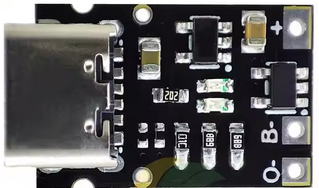
 Design with usb c charger module in Cirkit Designer
Introduction
A USB-C charger module is a compact and versatile device designed to provide power to electronic devices through a USB-C connection. It supports fast charging, efficient power delivery, and, in some cases, data transfer capabilities. These modules are widely used in portable electronics, DIY projects, and embedded systems due to their small size and compatibility with modern USB-C standards.
Explore Projects Built with usb c charger module
 Open Project in Cirkit Designer
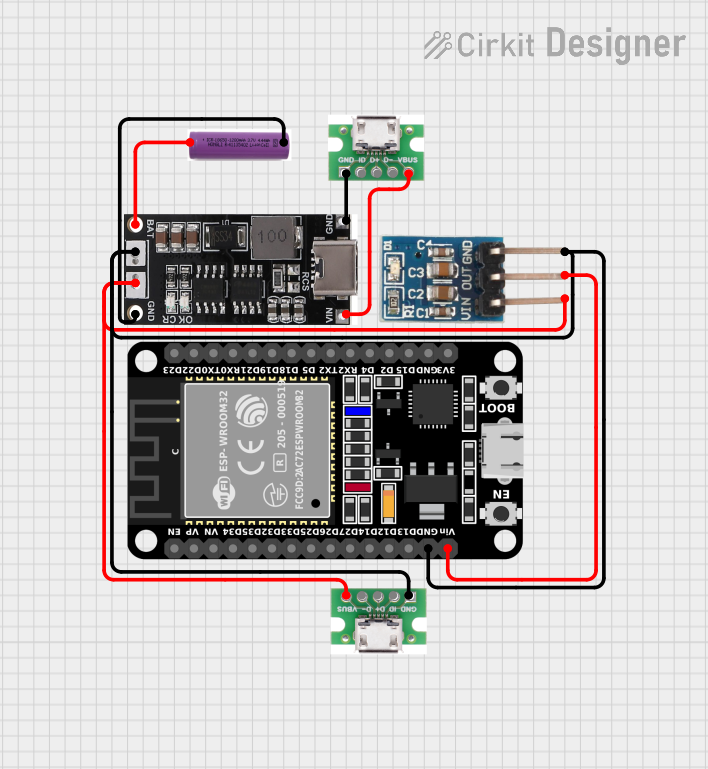 Open Project in Cirkit Designer
 Open Project in Cirkit Designer
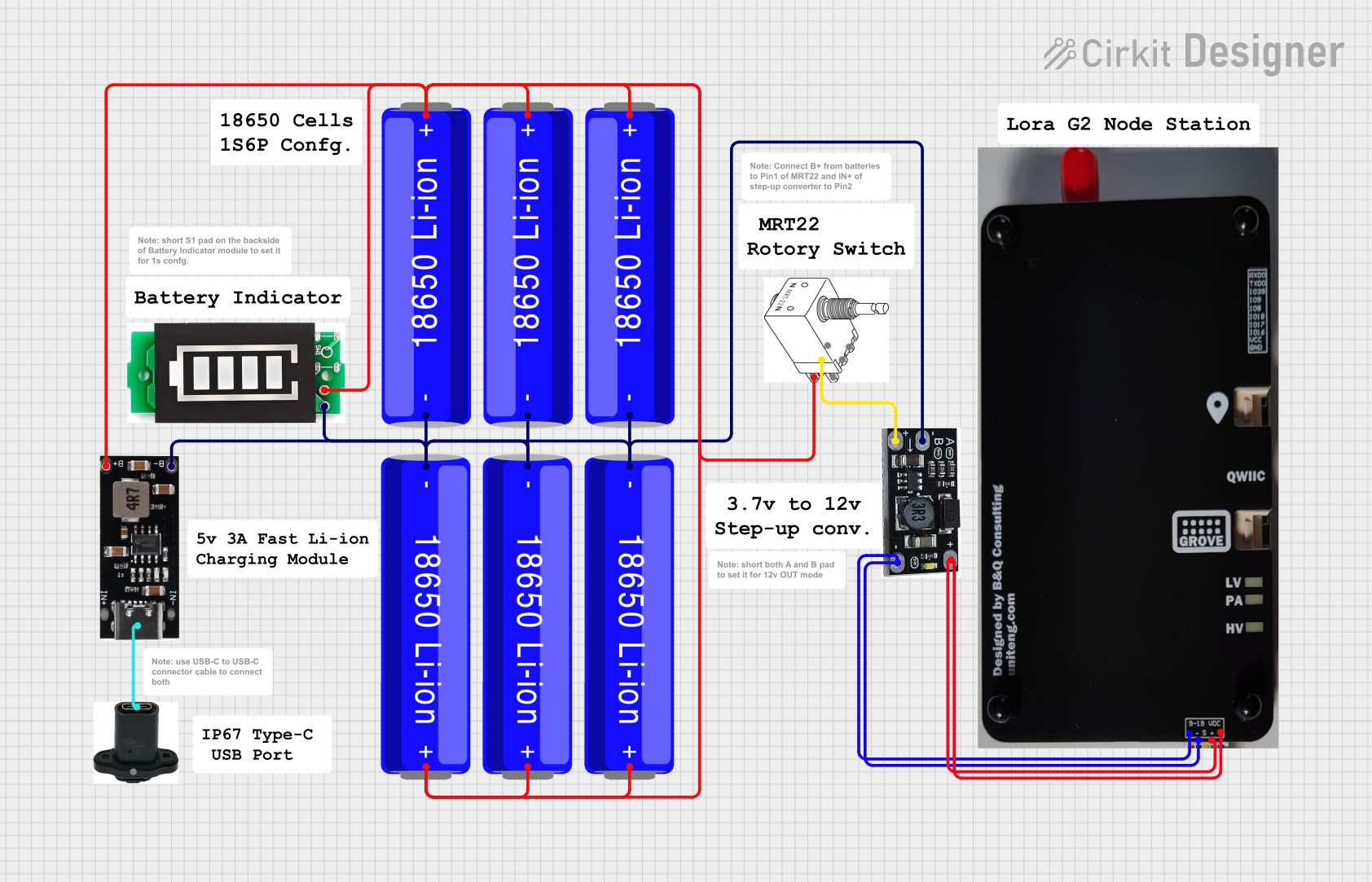 Open Project in Cirkit Designer
Explore Projects Built with usb c charger module
Open Project in Cirkit DesignerOpen Project in Cirkit DesignerOpen Project in Cirkit DesignerOpen Project in Cirkit DesignerCommon Applications and Use Cases
- Charging smartphones, tablets, and other USB-C-enabled devices
- Powering microcontroller-based projects (e.g., Arduino, Raspberry Pi)
- Integrating into custom power supply designs
- Providing a reliable power source for wearable devices and IoT applications
Technical Specifications
Below are the typical technical specifications for a USB-C charger module. Note that actual values may vary depending on the specific model.
| Parameter | Specification |
|---|---|
| Input Voltage Range | 5V to 20V (depending on the module) |
| Output Voltage | 5V, 9V, 12V, 15V, or 20V (PD-supported) |
| Maximum Output Current | 3A (varies by module) |
| Power Delivery (PD) | Supported (up to 60W or higher) |
| Connector Type | USB Type-C |
| Efficiency | Up to 95% |
| Protection Features | Overcurrent, overvoltage, short-circuit |
| Dimensions | Compact (e.g., 25mm x 15mm x 5mm) |
Pin Configuration and Descriptions
The USB-C charger module typically has the following pin configuration:
| Pin Name | Description |
|---|---|
| VIN | Input voltage (connect to power source) |
| GND | Ground connection |
| VOUT | Regulated output voltage (connect to load) |
| CC1/CC2 | Configuration channel pins for USB-C communication |
| EN | Enable pin (optional, used to turn the module on/off) |
| D+/D- | Data lines for USB communication (optional) |
Usage Instructions
How to Use the USB-C Charger Module in a Circuit
Connect the Input Voltage:
- Connect the VIN pin to a suitable power source (e.g., a DC adapter or battery).
- Ensure the input voltage is within the module's specified range.
Connect the Output Load:
- Connect the VOUT pin to the device or circuit you want to power.
- Verify that the load does not exceed the module's maximum current rating.
Enable the Module (if applicable):
- If the module has an EN (enable) pin, connect it to a HIGH signal to activate the module.
- Leave the EN pin unconnected or pull it LOW to disable the module.
Optional Connections:
- For USB-C PD functionality, ensure the CC1 and CC2 pins are properly configured.
- If data transfer is required, connect the D+ and D- pins to the appropriate data lines.
Important Considerations and Best Practices
- Heat Dissipation: Ensure proper ventilation or heat sinking if the module operates at high power levels.
- Input Voltage: Use a stable and clean power source to avoid damaging the module.
- Load Compatibility: Verify that the connected device supports the output voltage and current provided by the module.
- USB-C Cable Quality: Use high-quality USB-C cables to ensure reliable power delivery and data transfer.
Example: Using the USB-C Charger Module with an Arduino UNO
The USB-C charger module can be used to power an Arduino UNO. Below is an example circuit and code:
Circuit Connection
- Connect the VIN pin of the USB-C charger module to a 9V DC adapter.
- Connect the GND pin of the module to the GND pin of the Arduino UNO.
- Connect the VOUT pin of the module to the VIN pin of the Arduino UNO.
Example Code
// Example code for Arduino UNO powered by a USB-C charger module
// This code blinks an LED connected to pin 13

void setup() {
  pinMode(13, OUTPUT); // Set pin 13 as an output
}

void loop() {
  digitalWrite(13, HIGH); // Turn the LED on
  delay(1000);            // Wait for 1 second
  digitalWrite(13, LOW);  // Turn the LED off
  delay(1000);            // Wait for 1 second
}
Troubleshooting and FAQs
Common Issues and Solutions
Module Not Powering On:
- Check the input voltage and ensure it is within the specified range.
- Verify that the EN pin is connected to a HIGH signal (if applicable).
No Output Voltage:
- Ensure the load is properly connected to the VOUT pin.
- Check for any short circuits or overcurrent conditions.
Overheating:
- Reduce the load current if it exceeds the module's maximum rating.
- Improve ventilation or add a heat sink to the module.
Inconsistent Output Voltage:
- Use a stable and clean power source.
- Check the quality of the USB-C cable and replace it if necessary.
FAQs
Q: Can this module charge a laptop?
A: It depends on the module's power delivery (PD) capabilities. Ensure the module supports the required voltage and current for your laptop.
Q: Is the module compatible with Quick Charge (QC) devices?
A: Some USB-C charger modules support QC standards in addition to PD. Check the module's specifications for compatibility.
Q: Can I use this module for data transfer?
A: Only modules with D+ and D- pins support data transfer. Verify the module's features before use.
Q: How do I know if the module supports fast charging?
A: Look for Power Delivery (PD) or Quick Charge (QC) support in the module's specifications.