
How to Use Matek BEC Power Module 12S 3x BEC: Examples, Pinouts, and Specs
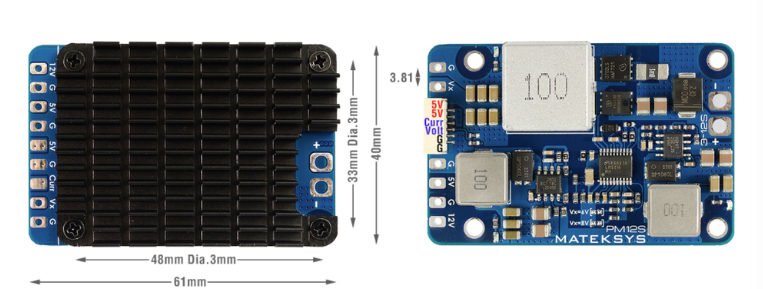
 Design with Matek BEC Power Module 12S 3x BEC in Cirkit Designer
Introduction
The Matek BEC Power Module 12S 3x BEC is a high-performance voltage regulator designed for RC (Radio Control) applications. It is capable of stepping down high input voltages from a 12S LiPo battery (up to 50.4V) to provide stable and reliable power output through three independent Battery Eliminator Circuit (BEC) channels. This module is ideal for powering flight controllers, servos, receivers, and other onboard electronics in drones, airplanes, and other RC vehicles.
Explore Projects Built with Matek BEC Power Module 12S 3x BEC
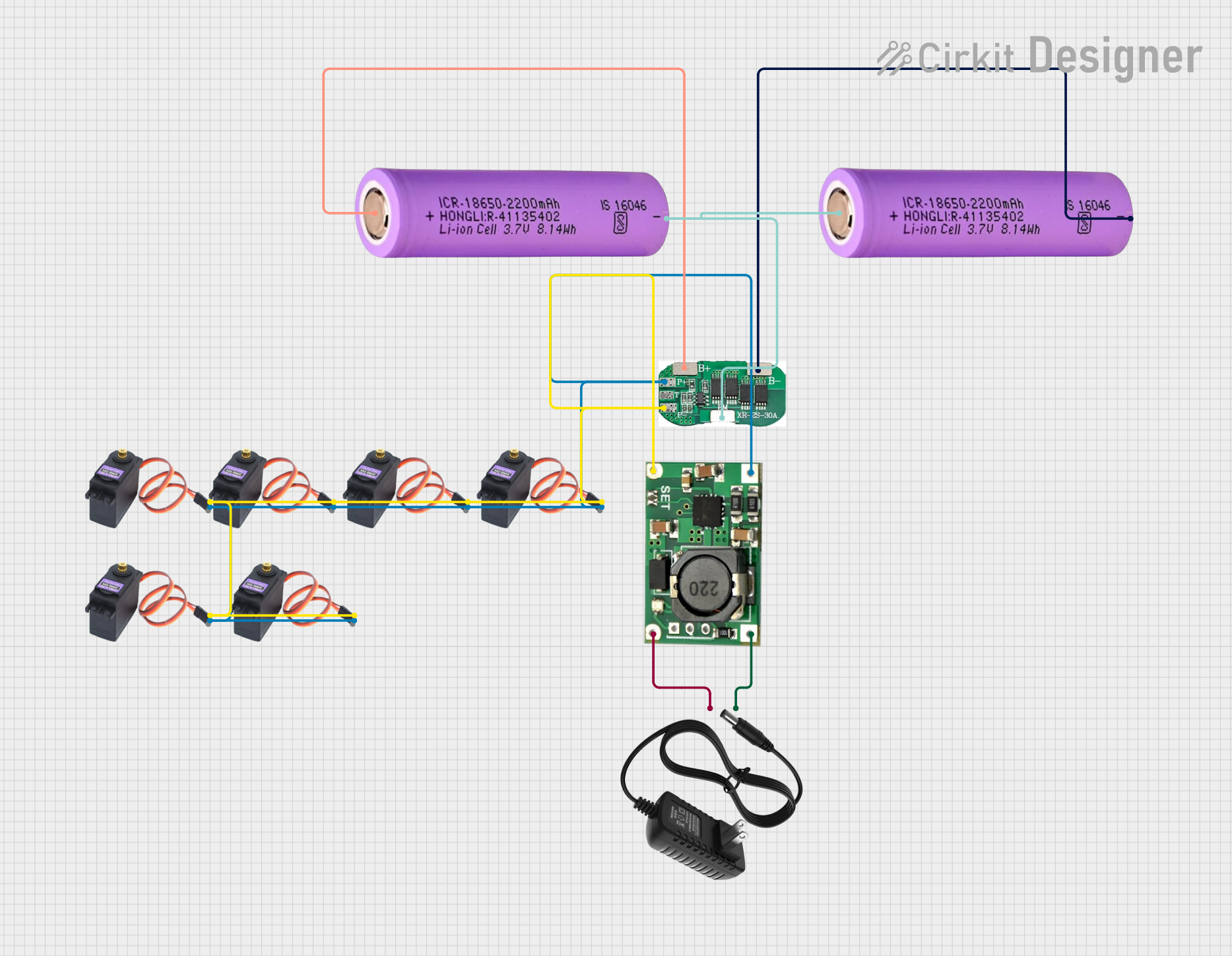 Open Project in Cirkit Designer
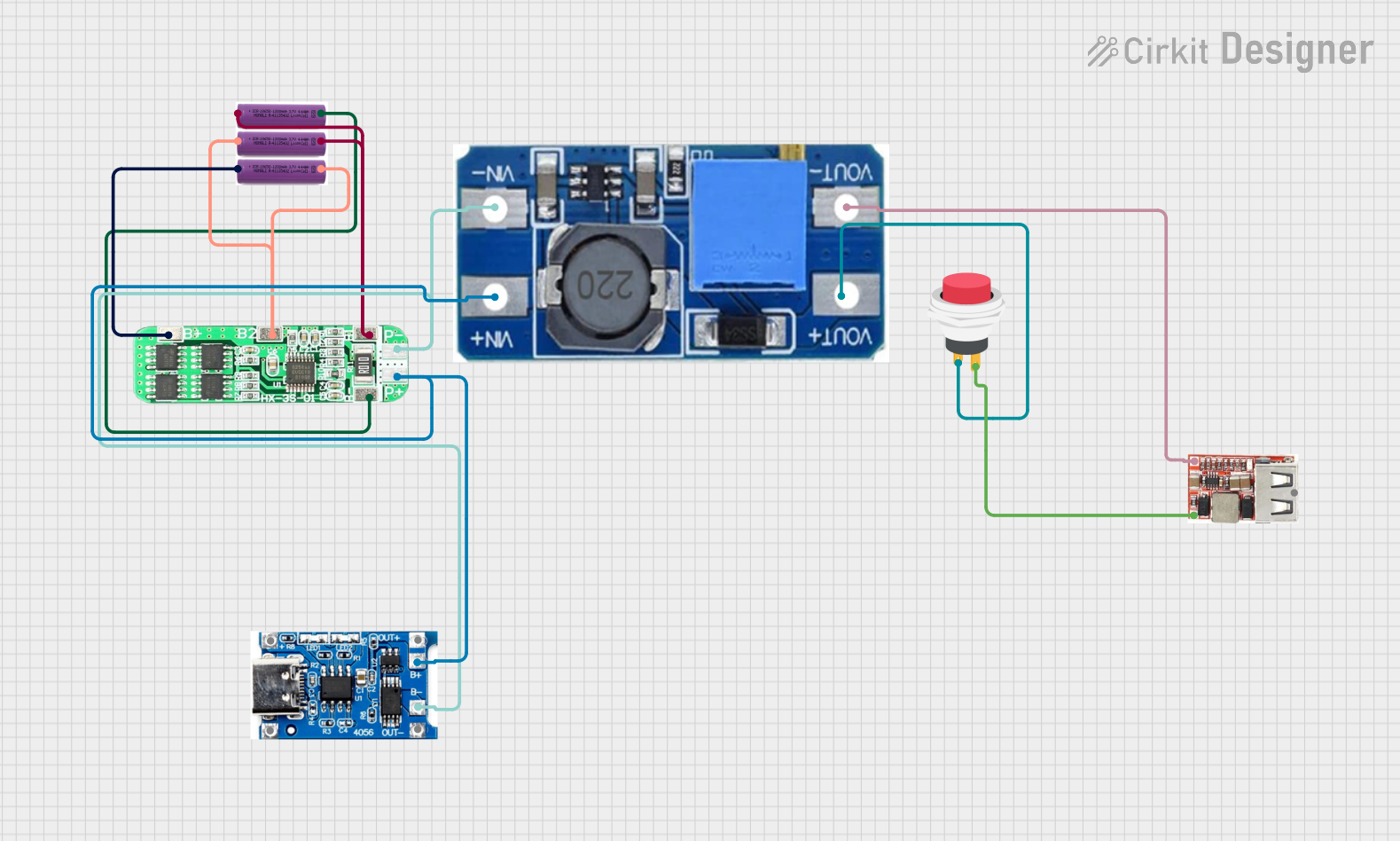 Open Project in Cirkit Designer
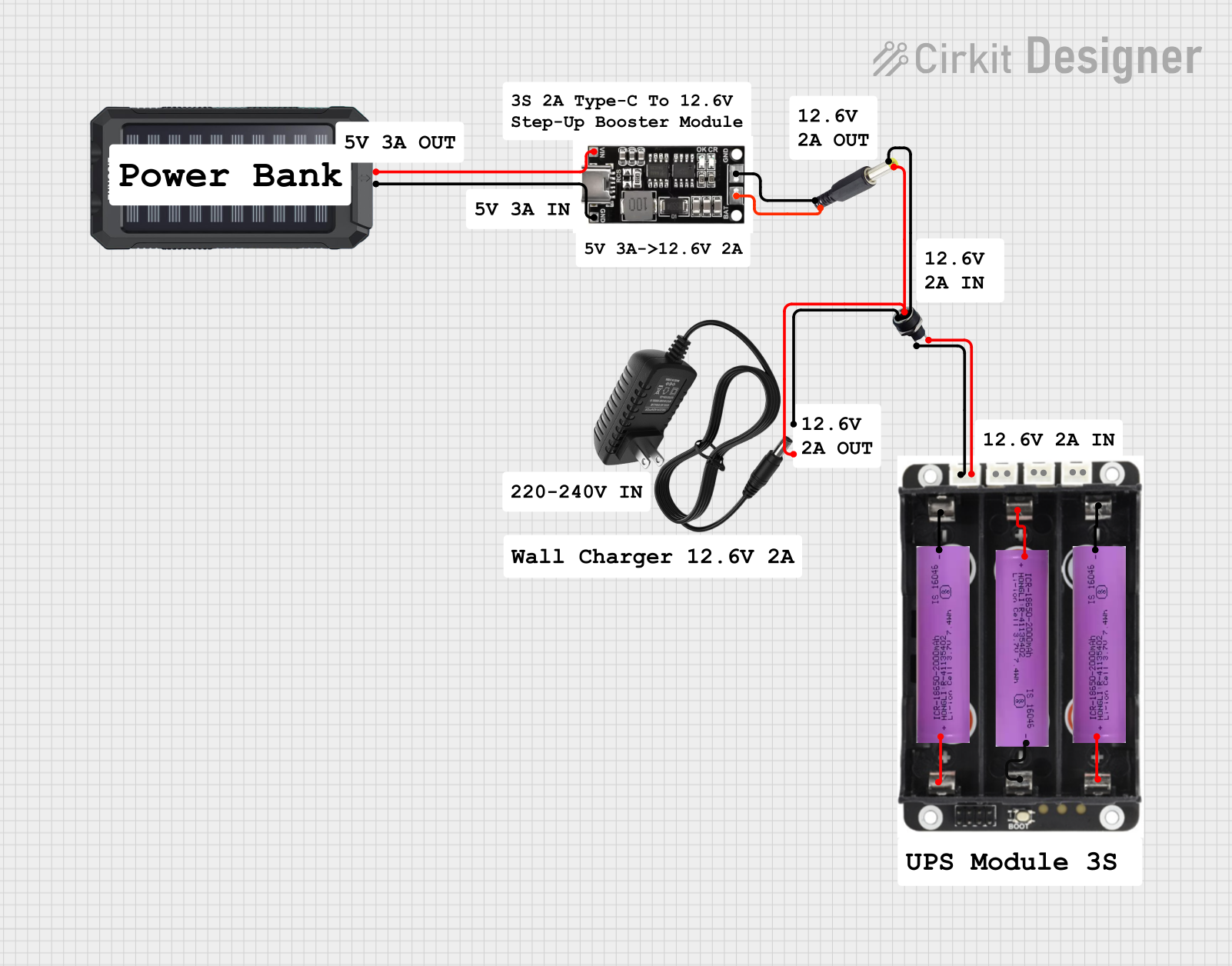 Open Project in Cirkit Designer
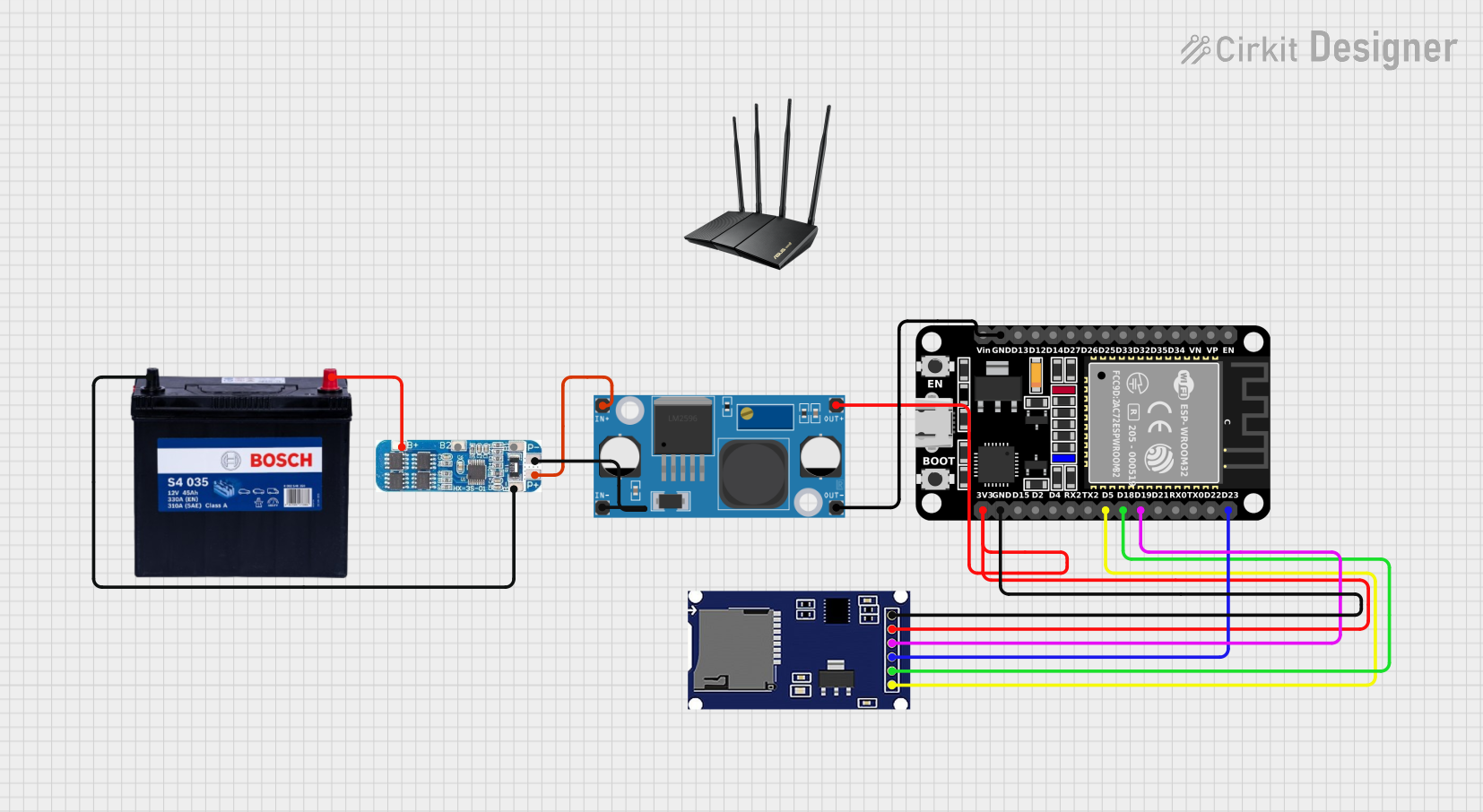 Open Project in Cirkit Designer
Explore Projects Built with Matek BEC Power Module 12S 3x BEC
Open Project in Cirkit DesignerOpen Project in Cirkit DesignerOpen Project in Cirkit DesignerOpen Project in Cirkit DesignerCommon Applications and Use Cases
- Powering flight controllers and receivers in drones and RC airplanes
- Supplying stable voltage to servos and other peripherals
- Reducing the need for multiple batteries in RC systems
- Providing reliable power in high-voltage RC setups
Technical Specifications
The Matek BEC Power Module 12S 3x BEC is designed to handle high input voltages and provide multiple regulated outputs. Below are the key technical details:
General Specifications
| Parameter | Value |
|---|---|
| Manufacturer | Matek |
| Part ID | BEC |
| Input Voltage Range | 9V - 50.4V (3S - 12S LiPo) |
| Output Channels | 3 Independent BEC Outputs |
| Efficiency | Up to 95% |
| Operating Temperature | -40°C to +85°C |
| Dimensions | 40mm x 20mm x 10mm |
| Weight | 10g |
BEC Output Specifications
| Channel | Output Voltage Options | Max Current Output | Notes |
|---|---|---|---|
| BEC 1 | 5V / 6V / 7.2V | 5A | Selectable via solder pads |
| BEC 2 | 5V / 9V / 12V | 3A | Selectable via solder pads |
| BEC 3 | 5V | 1A | Fixed output |
Pin Configuration and Descriptions
| Pin Name | Description |
|---|---|
| VIN+ | Positive input voltage (connect to battery +) |
| VIN- | Negative input voltage (connect to battery -) |
| BEC1 OUT+ | Positive output for BEC 1 |
| BEC1 OUT- | Negative output for BEC 1 |
| BEC2 OUT+ | Positive output for BEC 2 |
| BEC2 OUT- | Negative output for BEC 2 |
| BEC3 OUT+ | Positive output for BEC 3 |
| BEC3 OUT- | Negative output for BEC 3 |
Usage Instructions
How to Use the Component in a Circuit
Connect the Input Voltage:
- Connect the VIN+ and VIN- pins to the positive and negative terminals of your 12S LiPo battery.
- Ensure the input voltage is within the specified range (9V - 50.4V).
Select Output Voltages:
- For BEC 1 and BEC 2, use the solder pads on the module to select the desired output voltage. Refer to the module's silkscreen or datasheet for the correct solder pad configuration.
- BEC 3 has a fixed output voltage of 5V and does not require configuration.
Connect the Outputs:
- Connect the BEC1 OUT+, BEC2 OUT+, and BEC3 OUT+ pins to the positive terminals of your devices.
- Connect the BEC1 OUT-, BEC2 OUT-, and BEC3 OUT- pins to the ground terminals of your devices.
Verify Connections:
- Double-check all connections to ensure proper polarity and avoid short circuits.
Power On:
- Power on the system and verify the output voltages using a multimeter before connecting sensitive electronics.
Important Considerations and Best Practices
- Heat Dissipation: Ensure adequate airflow or cooling to prevent overheating, especially when operating at high currents.
- Voltage Selection: Double-check the solder pad configuration for BEC 1 and BEC 2 to avoid supplying incorrect voltages to your devices.
- Current Limits: Do not exceed the maximum current ratings for each BEC channel to prevent damage to the module or connected devices.
- Polarity: Always observe correct polarity when connecting the module to the battery and devices.
Example: Using with an Arduino UNO
The Matek BEC Power Module can be used to power an Arduino UNO via its 5V pin. Below is an example setup:
- Configure BEC 1 to output 5V.
- Connect BEC1 OUT+ to the 5V pin on the Arduino UNO.
- Connect BEC1 OUT- to the GND pin on the Arduino UNO.
Here is a simple Arduino code example to blink an LED:
// Blink an LED connected to pin 13 on the Arduino UNO
void setup() {
  pinMode(13, OUTPUT); // Set pin 13 as an output
}

void loop() {
  digitalWrite(13, HIGH); // Turn the LED on
  delay(1000);            // Wait for 1 second
  digitalWrite(13, LOW);  // Turn the LED off
  delay(1000);            // Wait for 1 second
}
Troubleshooting and FAQs
Common Issues and Solutions
No Output Voltage:
- Cause: Incorrect input voltage or loose connections.
- Solution: Verify that the input voltage is within the specified range and check all connections.
Overheating:
- Cause: Excessive current draw or poor ventilation.
- Solution: Ensure the current draw does not exceed the maximum ratings and improve airflow around the module.
Incorrect Output Voltage:
- Cause: Misconfigured solder pads for BEC 1 or BEC 2.
- Solution: Recheck the solder pad configuration and adjust as needed.
Device Not Powering On:
- Cause: Polarity mismatch or insufficient current.
- Solution: Verify correct polarity and ensure the connected device's current requirements are within the module's limits.
FAQs
Q: Can I use this module with a 6S LiPo battery?
A: Yes, the module supports input voltages as low as 9V, making it compatible with 6S LiPo batteries.
Q: How do I select the output voltage for BEC 1 and BEC 2?
A: Use the solder pads on the module to configure the desired output voltage. Refer to the silkscreen or datasheet for guidance.
Q: Is the module waterproof?
A: No, the module is not waterproof. Avoid exposing it to water or moisture.
Q: Can I power multiple devices from a single BEC channel?
A: Yes, as long as the total current draw does not exceed the maximum current rating for that channel.