
How to Use biometrico_ac-5000: Examples, Pinouts, and Specs
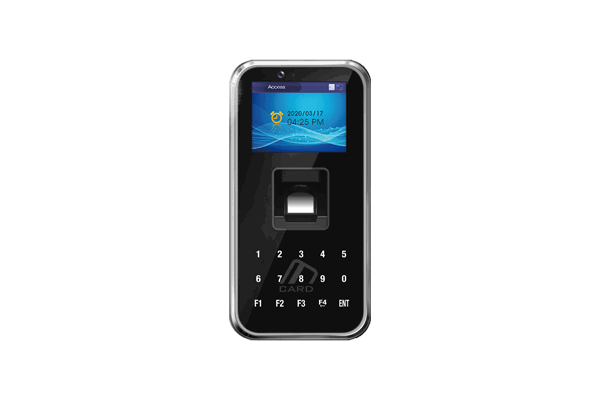
 Design with biometrico_ac-5000 in Cirkit Designer
Introduction
The Biometrico AC-5000 is an advanced biometric access control system manufactured by Union Community (Part ID: 001). It leverages fingerprint recognition technology to provide secure and efficient access control. Designed for high-traffic environments, the AC-5000 ensures quick and reliable authentication, making it ideal for applications such as office buildings, data centers, and restricted areas. Its robust design and versatile integration capabilities make it a preferred choice for modern security systems.
Explore Projects Built with biometrico_ac-5000
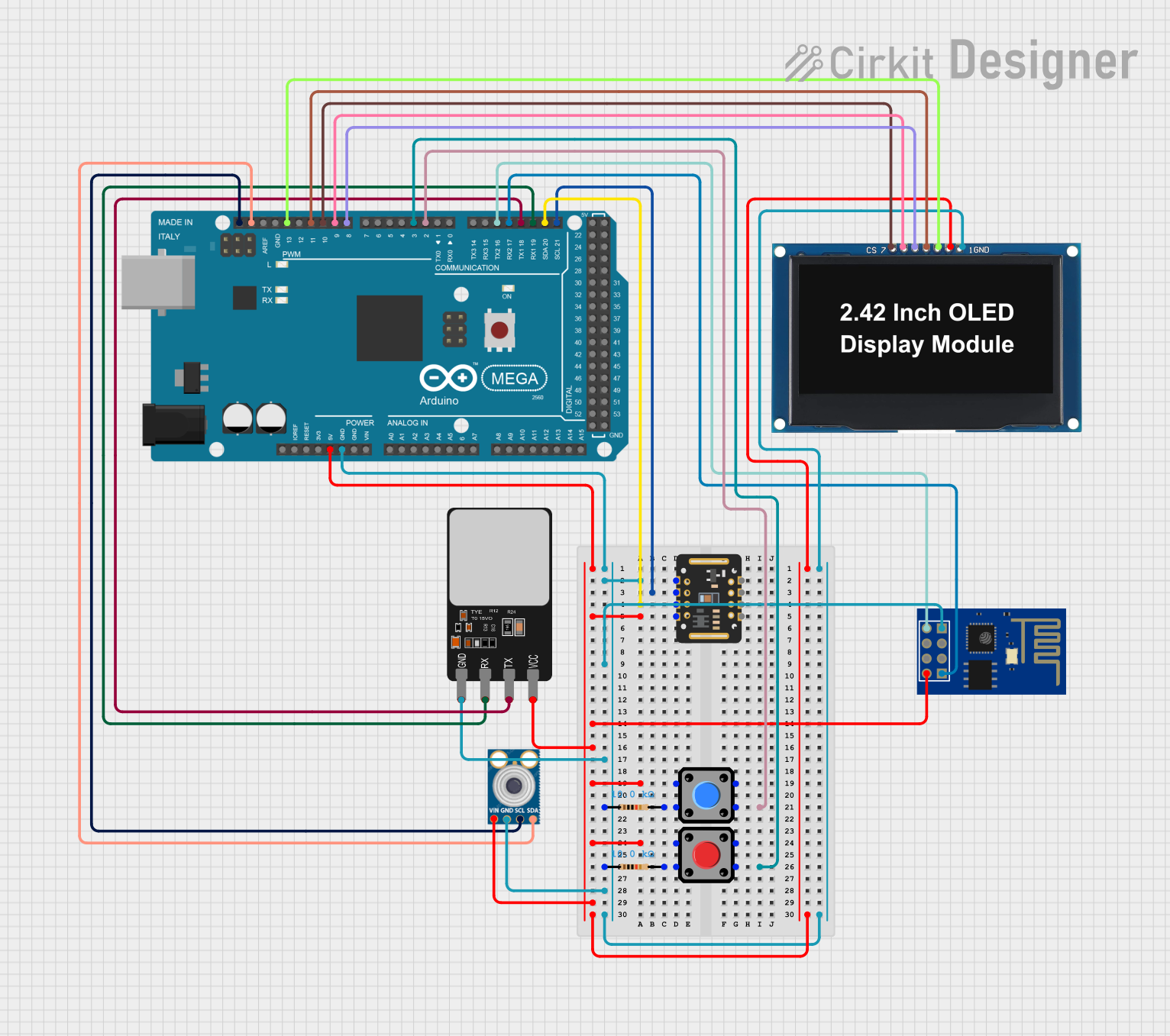 Open Project in Cirkit Designer
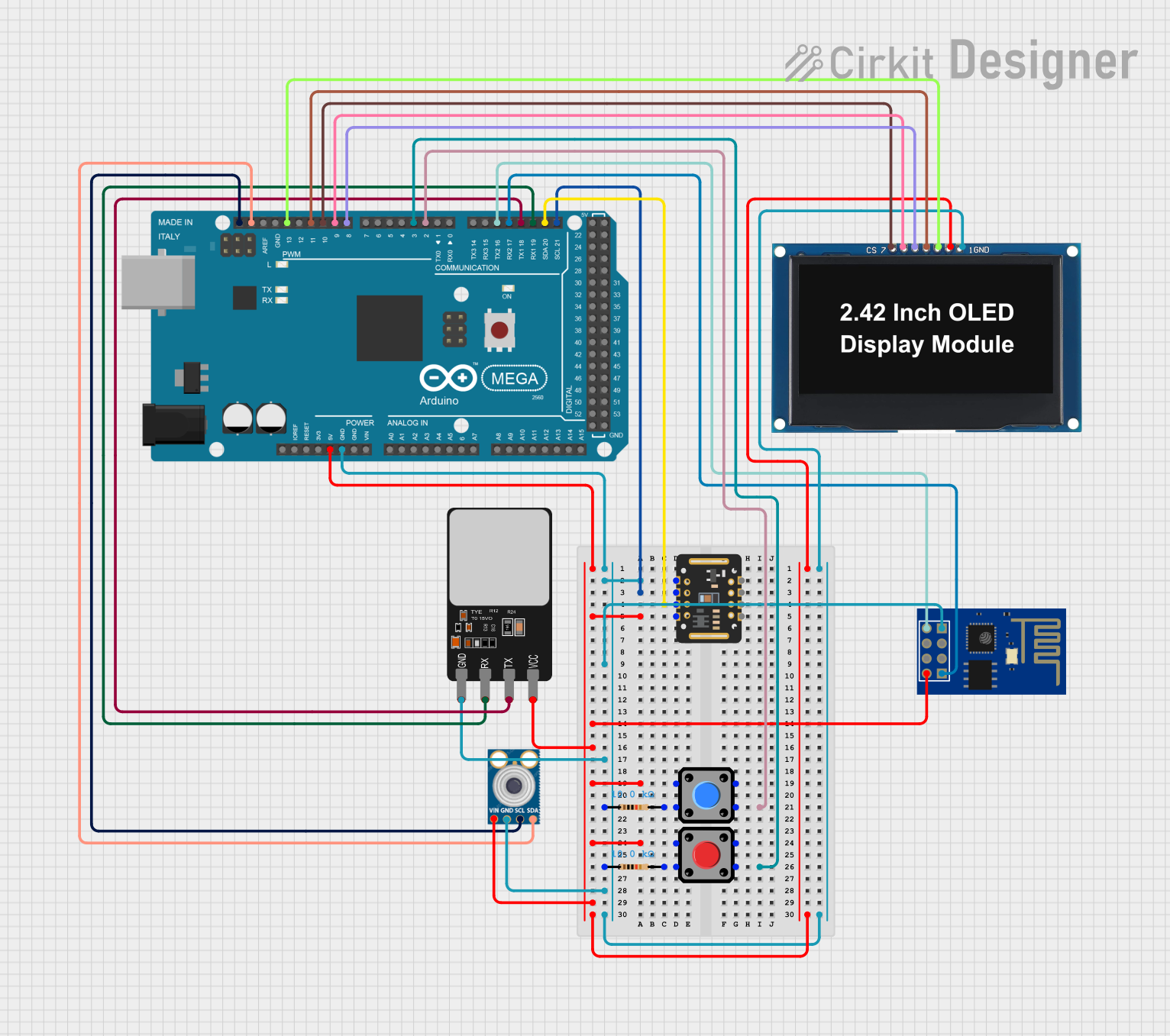 Open Project in Cirkit Designer
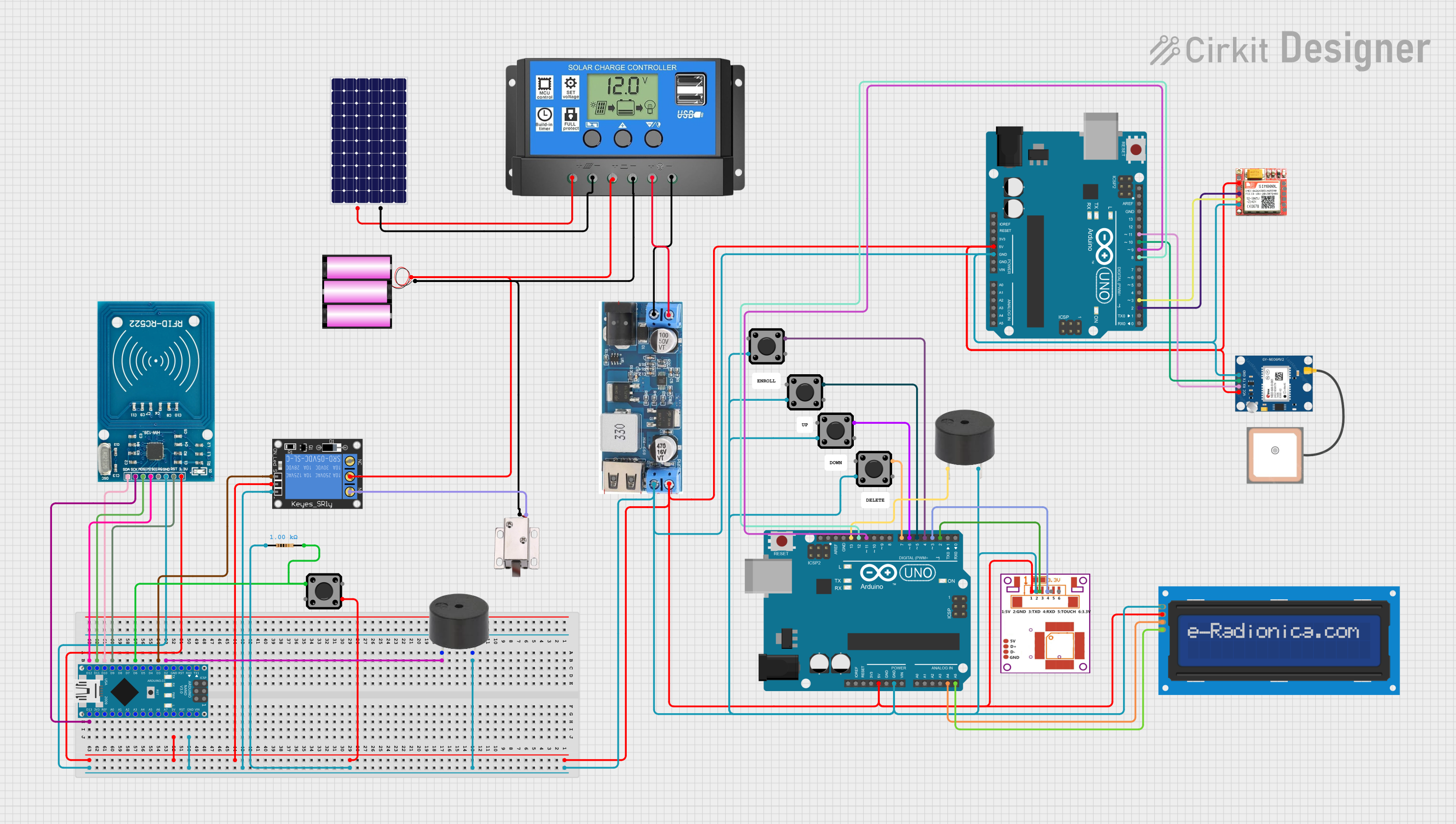 Open Project in Cirkit Designer
 Open Project in Cirkit Designer
Explore Projects Built with biometrico_ac-5000
Open Project in Cirkit DesignerOpen Project in Cirkit DesignerOpen Project in Cirkit DesignerOpen Project in Cirkit DesignerCommon Applications
- Office and corporate access control
- Data center security
- Residential and commercial building entry systems
- Industrial facility access management
- Integration with time and attendance systems
Technical Specifications
Key Technical Details
| Parameter | Specification |
|---|---|
| Manufacturer | Union Community |
| Part ID | 001 |
| Authentication Method | Fingerprint recognition |
| Fingerprint Capacity | Up to 20,000 templates |
| Transaction Logs | Stores up to 100,000 logs |
| Communication | TCP/IP, RS-485, Wiegand |
| Power Supply | 12V DC, 1A |
| Operating Temperature | -20°C to 50°C |
| Operating Humidity | 10% to 90% RH (non-condensing) |
| Dimensions | 80mm x 180mm x 40mm |
| Weight | 500g |
| Ingress Protection | IP65 (dust and water resistance) |
Pin Configuration and Descriptions
The Biometrico AC-5000 features a terminal block for wiring connections. Below is the pin configuration:
| Pin Number | Label | Description |
|---|---|---|
| 1 | GND | Ground connection |
| 2 | 12V | Power supply input (12V DC) |
| 3 | RS485+ | RS-485 communication line (positive) |
| 4 | RS485- | RS-485 communication line (negative) |
| 5 | Wiegand D0 | Wiegand data line 0 |
| 6 | Wiegand D1 | Wiegand data line 1 |
| 7 | Relay NO | Normally open relay output |
| 8 | Relay COM | Relay common terminal |
| 9 | Relay NC | Normally closed relay output |
Usage Instructions
How to Use the Component in a Circuit
- Power Connection: Connect the 12V DC power supply to the
12VandGNDpins. Ensure the power supply is stable and within the specified voltage range. - Communication Setup:
- For TCP/IP communication, connect the device to a network using an Ethernet cable.
- For RS-485 communication, connect the
RS485+andRS485-pins to the corresponding lines of the RS-485 network. - For Wiegand communication, connect the
Wiegand D0andWiegand D1pins to the Wiegand-compatible controller.
- Relay Connection: Use the
Relay NO,Relay COM, andRelay NCpins to control an external door lock or other devices. - Fingerprint Enrollment: Follow the device's user interface or software instructions to enroll fingerprints. Ensure fingers are clean and dry for accurate recognition.
- Integration: Use the provided SDK or API to integrate the AC-5000 with your security or attendance management system.
Important Considerations and Best Practices
- Power Supply: Use a regulated 12V DC power supply to avoid damage to the device.
- Environmental Conditions: Install the device in a location within the specified temperature and humidity range.
- Mounting: Ensure the device is securely mounted on a flat surface to prevent tampering or damage.
- Network Security: When using TCP/IP communication, configure firewalls and encryption to secure data transmission.
- Regular Maintenance: Clean the fingerprint sensor periodically with a soft, lint-free cloth to maintain accuracy.
Arduino UNO Integration Example
The Biometrico AC-5000 can be connected to an Arduino UNO for basic relay control via the Wiegand interface. Below is an example code snippet:
#include <Wiegand.h> // Include a Wiegand library for Arduino

WIEGAND wg; // Create a Wiegand object

void setup() {
  Serial.begin(9600); // Initialize serial communication
  wg.begin(2, 3); // Set Wiegand D0 to pin 2 and D1 to pin 3
  pinMode(8, OUTPUT); // Set pin 8 as output for relay control
}

void loop() {
  if (wg.available()) {
    // Read the Wiegand data
    uint32_t cardNumber = wg.getCode();
    Serial.print("Card Number: ");
    Serial.println(cardNumber);

    // Example: Trigger relay if a specific card number is detected
    if (cardNumber == 12345678) {
      digitalWrite(8, HIGH); // Activate relay
      delay(5000); // Keep relay active for 5 seconds
      digitalWrite(8, LOW); // Deactivate relay
    }
  }
}
Note: Replace 12345678 with the actual card number or fingerprint ID you want to use for access control.
Troubleshooting and FAQs
Common Issues and Solutions
Device Not Powering On:
- Cause: Incorrect power supply or loose connections.
- Solution: Verify the power supply voltage and ensure secure connections to the
12VandGNDpins.
Fingerprint Not Recognized:
- Cause: Dirty or damaged fingerprint sensor, or unregistered fingerprint.
- Solution: Clean the sensor with a soft cloth and ensure the fingerprint is properly enrolled.
Communication Failure:
- Cause: Incorrect wiring or configuration.
- Solution: Check the wiring for RS-485 or Wiegand connections. Verify network settings for TCP/IP communication.
Relay Not Activating:
- Cause: Incorrect wiring or logic in the control system.
- Solution: Verify the relay connections and ensure the control logic is correct.
FAQs
Q: Can the AC-5000 be used outdoors?
A: Yes, the AC-5000 is IP65-rated, making it suitable for outdoor use in most conditions.Q: How many users can the device support?
A: The device can store up to 20,000 fingerprint templates.Q: Is there an SDK available for integration?
A: Yes, Union Community provides an SDK for integrating the AC-5000 with custom applications.Q: Can the device be used with RFID cards?
A: Yes, the AC-5000 supports optional RFID card readers for dual authentication.
By following this documentation, users can effectively install, configure, and maintain the Biometrico AC-5000 for their access control needs.