
How to Use TPA2000D1 Audio Amplifier: Examples, Pinouts, and Specs
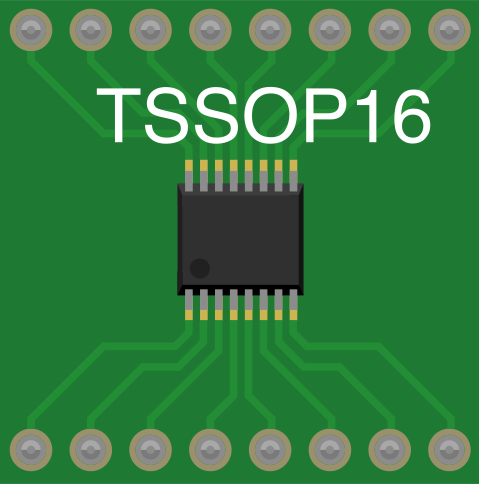
 Design with TPA2000D1 Audio Amplifier in Cirkit Designer
Introduction
The TPA2000D1 is a high-efficiency Class-D audio amplifier designed for driving speakers in portable and battery-powered applications. It offers low power consumption, high output power, and excellent audio performance, making it ideal for devices such as smartphones, tablets, portable speakers, and other compact audio systems. Its Class-D architecture ensures minimal heat dissipation, enabling efficient operation even in space-constrained designs.
Explore Projects Built with TPA2000D1 Audio Amplifier
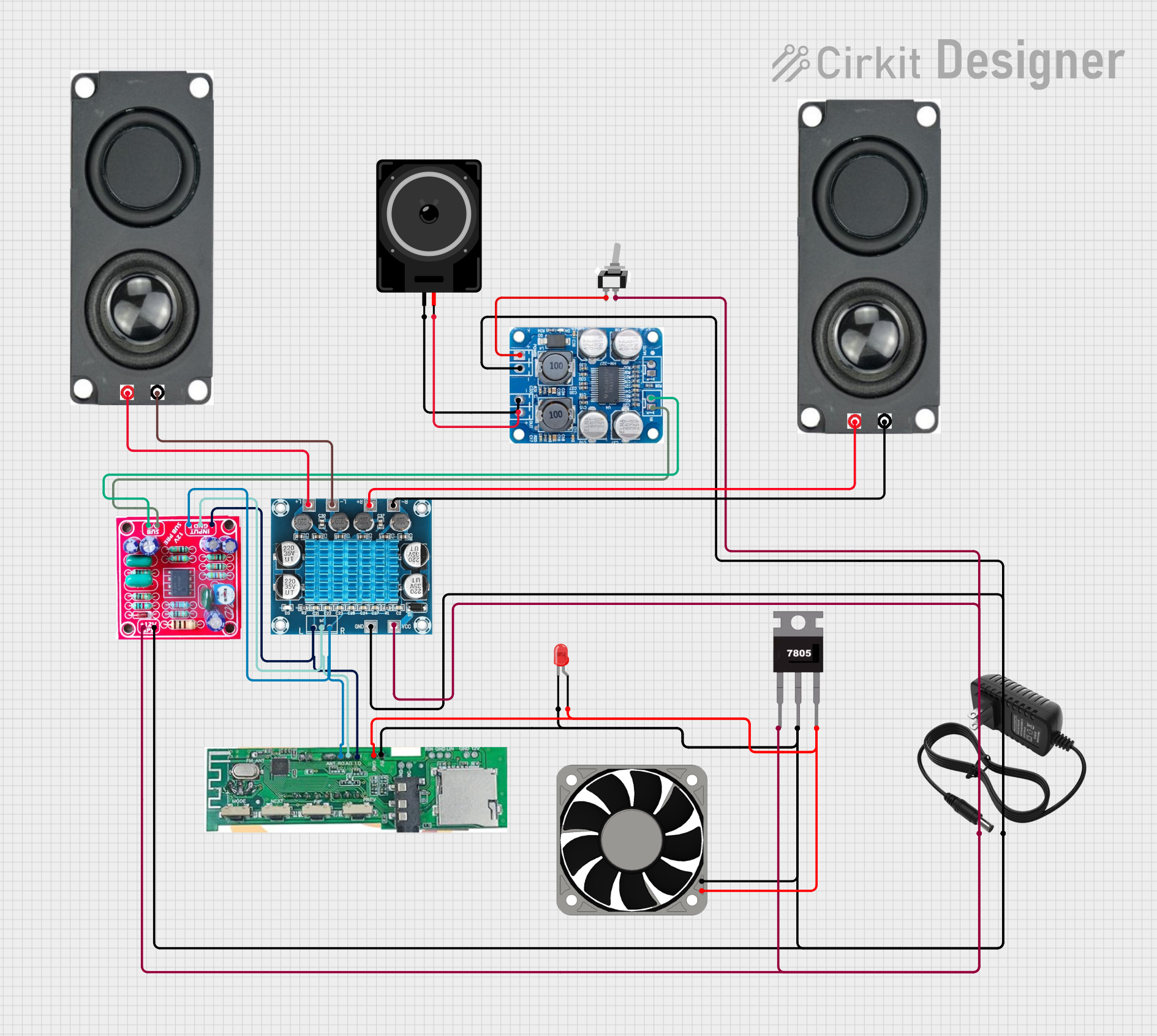 Open Project in Cirkit Designer
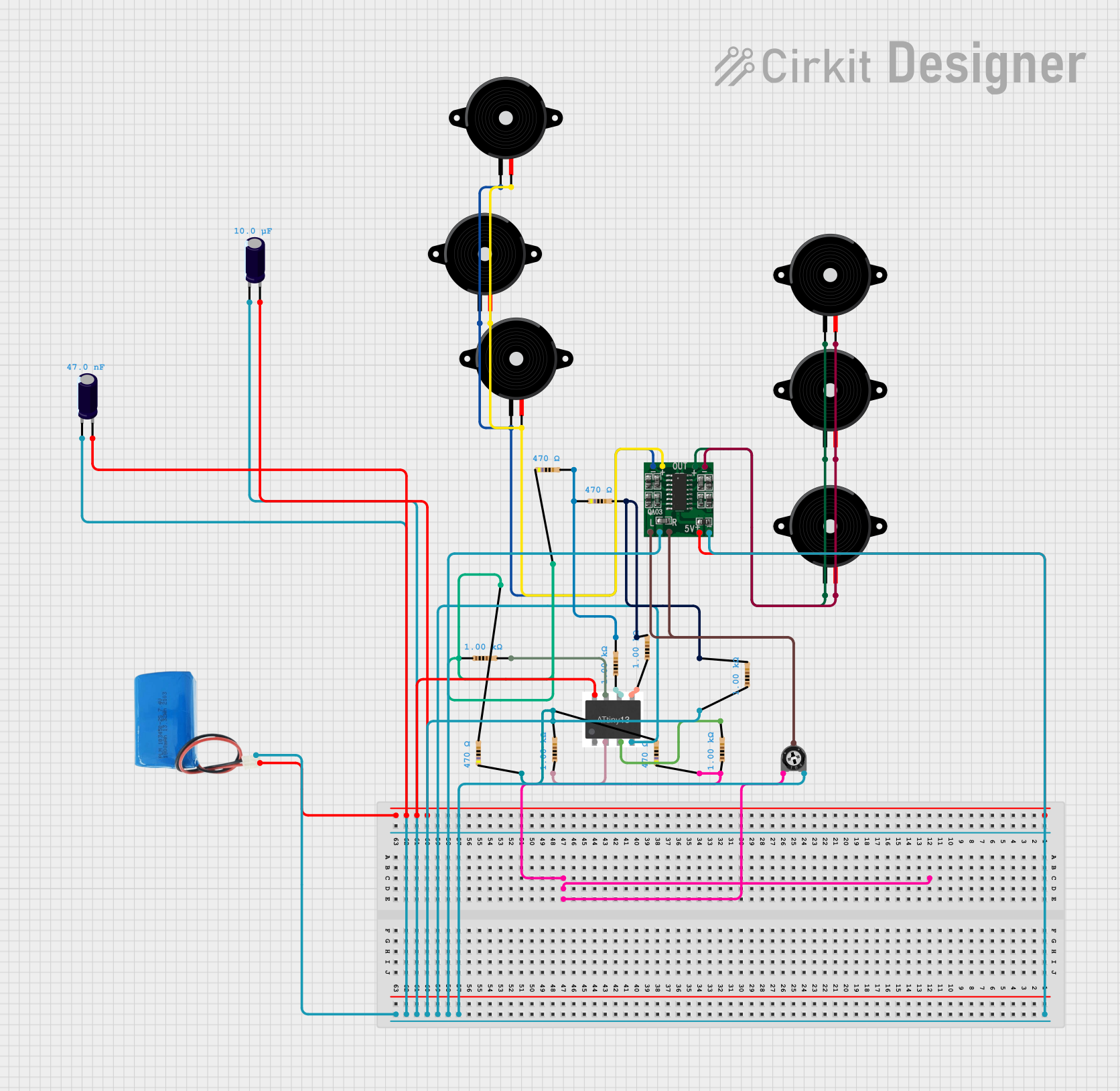 Open Project in Cirkit Designer
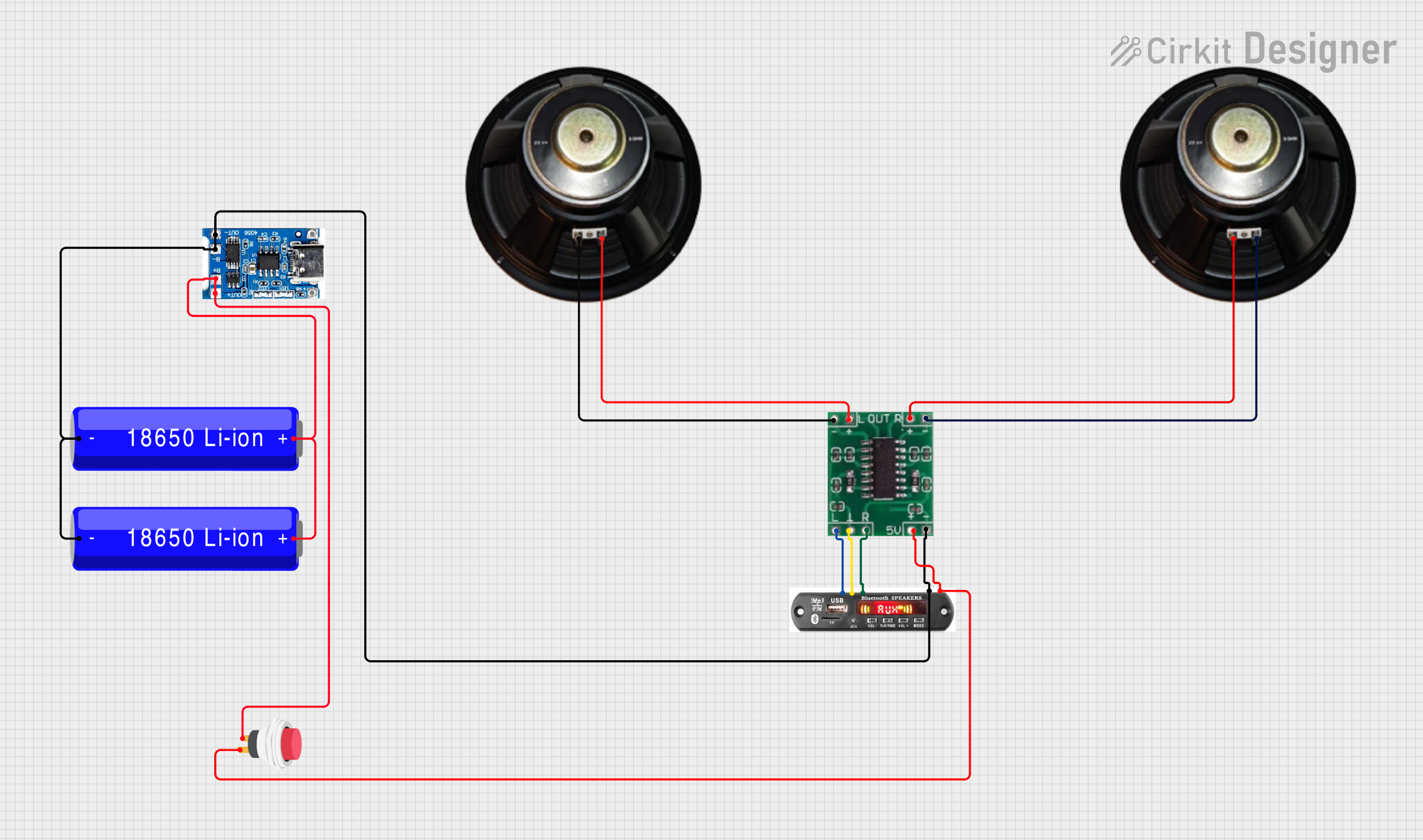 Open Project in Cirkit Designer
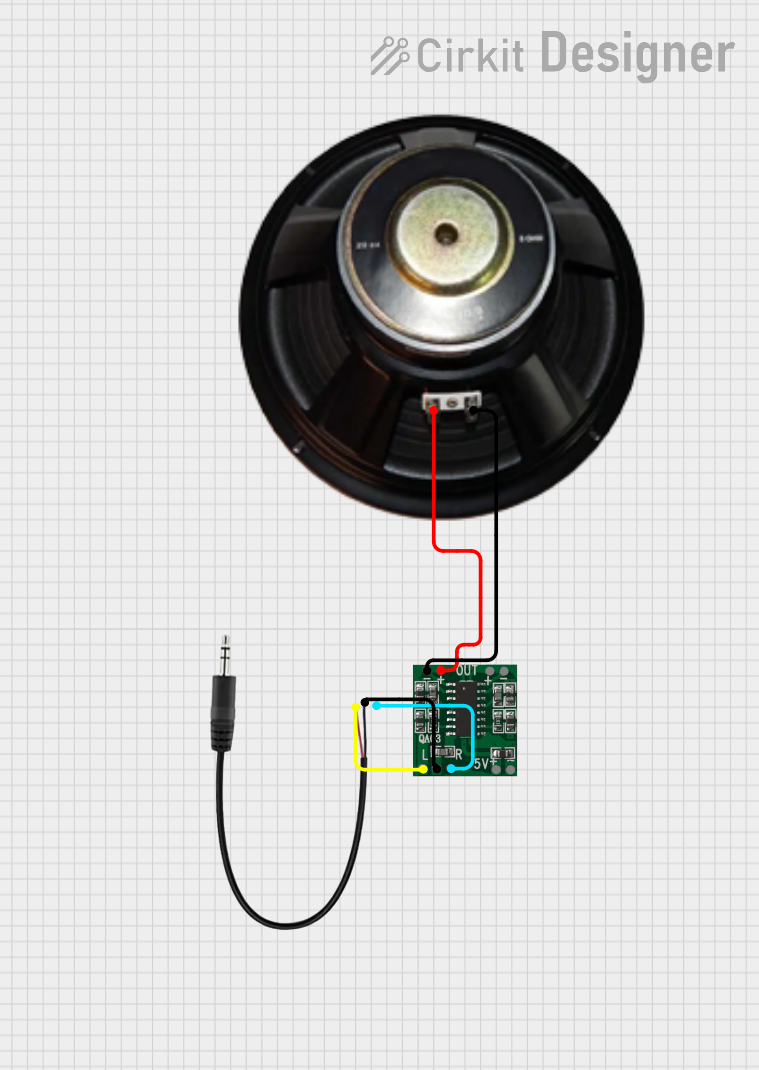 Open Project in Cirkit Designer
Explore Projects Built with TPA2000D1 Audio Amplifier
Open Project in Cirkit DesignerOpen Project in Cirkit DesignerOpen Project in Cirkit DesignerOpen Project in Cirkit DesignerCommon Applications
- Portable speakers
- Battery-powered audio devices
- Smartphones and tablets
- Personal audio systems
- Embedded systems requiring audio amplification
Technical Specifications
The TPA2000D1 is designed to deliver high-quality audio amplification with minimal power loss. Below are its key technical specifications:
| Parameter | Value |
|---|---|
| Supply Voltage Range | 2.5V to 5.5V |
| Output Power | 1.4W at 8Ω, 5V supply |
| Efficiency | Up to 88% |
| Total Harmonic Distortion (THD+N) | 0.1% at 1kHz, 1W, 8Ω load |
| Signal-to-Noise Ratio (SNR) | 95 dB |
| Shutdown Current | 0.5 µA |
| Operating Temperature Range | -40°C to +85°C |
| Package Type | 8-pin SOIC or MSOP |
Pin Configuration and Descriptions
The TPA2000D1 features an 8-pin configuration. Below is the pinout and description:
| Pin Number | Pin Name | Description |
|---|---|---|
| 1 | IN+ | Non-inverting audio input |
| 2 | IN- | Inverting audio input |
| 3 | SHUTDOWN | Active-low shutdown pin to disable the amplifier |
| 4 | GND | Ground connection |
| 5 | VDD | Power supply input (2.5V to 5.5V) |
| 6 | OUT+ | Positive differential audio output |
| 7 | OUT- | Negative differential audio output |
| 8 | BYPASS | Bypass capacitor connection for internal biasing |
Usage Instructions
How to Use the TPA2000D1 in a Circuit
- Power Supply: Connect the VDD pin to a stable power supply within the range of 2.5V to 5.5V. Ensure proper decoupling by placing a 0.1 µF ceramic capacitor close to the VDD pin.
- Audio Input: Feed the audio signal to the IN+ and IN- pins. For single-ended input, connect IN- to ground through a capacitor.
- Output Load: Connect the OUT+ and OUT- pins to the speaker. The TPA2000D1 supports differential output, which improves noise immunity and efficiency.
- Shutdown Control: To enable the amplifier, ensure the SHUTDOWN pin is pulled high. Pull it low to disable the amplifier and reduce power consumption.
- Bypass Capacitor: Connect a capacitor (typically 0.47 µF) to the BYPASS pin to stabilize the internal bias voltage.
Important Considerations
- Use low-ESR capacitors for power supply decoupling to minimize noise.
- Ensure proper grounding to avoid ground loops and noise interference.
- Avoid exceeding the maximum supply voltage (5.5V) to prevent damage to the device.
- For optimal performance, use a speaker impedance of 8Ω or higher.
Example: Connecting TPA2000D1 to an Arduino UNO
The TPA2000D1 can be used with an Arduino UNO to amplify audio signals. Below is an example of how to connect and control the amplifier:
Circuit Connections
- Connect the VDD pin of the TPA2000D1 to the 5V pin of the Arduino.
- Connect the GND pin of the TPA2000D1 to the GND pin of the Arduino.
- Feed the audio signal from the Arduino's PWM output (e.g., pin 9) to the IN+ pin of the TPA2000D1 through a coupling capacitor (e.g., 1 µF).
- Connect the IN- pin to ground through a capacitor (e.g., 1 µF).
- Connect the SHUTDOWN pin to a digital pin on the Arduino (e.g., pin 8) for control.
Arduino Code Example
// Example code to control the TPA2000D1 Audio Amplifier with Arduino UNO

#define SHUTDOWN_PIN 8  // Pin connected to the SHUTDOWN pin of TPA2000D1
#define AUDIO_PIN 9     // PWM pin for audio signal output

void setup() {
  pinMode(SHUTDOWN_PIN, OUTPUT);
  digitalWrite(SHUTDOWN_PIN, HIGH); // Enable the amplifier by pulling SHUTDOWN high

  // Configure the AUDIO_PIN for PWM output
  pinMode(AUDIO_PIN, OUTPUT);
}

void loop() {
  // Generate a simple audio tone on AUDIO_PIN
  tone(AUDIO_PIN, 1000); // Output a 1kHz tone
  delay(5000);           // Play the tone for 5 seconds

  // Disable the amplifier
  digitalWrite(SHUTDOWN_PIN, LOW);
  delay(2000);           // Wait for 2 seconds before re-enabling

  // Re-enable the amplifier
  digitalWrite(SHUTDOWN_PIN, HIGH);
}
Troubleshooting and FAQs
Common Issues and Solutions
No Output Sound
- Ensure the SHUTDOWN pin is pulled high to enable the amplifier.
- Verify that the audio input signal is present and properly connected.
- Check the speaker connections to the OUT+ and OUT- pins.
Distorted Audio
- Ensure the input signal amplitude does not exceed the recommended range.
- Verify that the power supply voltage is stable and within the specified range.
- Check for proper grounding and minimize noise in the circuit.
Excessive Heat
- Ensure the speaker impedance is not too low (use 8Ω or higher).
- Verify that the supply voltage does not exceed 5.5V.
Amplifier Not Powering On
- Check the power supply connections and ensure VDD is within the specified range.
- Verify that the SHUTDOWN pin is not floating; it should be pulled high to enable the amplifier.
FAQs
Q: Can the TPA2000D1 drive a 4Ω speaker?
A: While the TPA2000D1 can drive a 4Ω speaker, it may result in higher power dissipation and reduced efficiency. It is recommended to use an 8Ω speaker for optimal performance.
Q: What type of capacitor should be used for the BYPASS pin?
A: A low-ESR ceramic capacitor with a value of 0.47 µF is recommended for the BYPASS pin to ensure stable internal biasing.
Q: Is the TPA2000D1 suitable for stereo audio applications?
A: The TPA2000D1 is a mono amplifier. For stereo applications, you will need two TPA2000D1 amplifiers, one for each channel.
Q: How can I reduce noise in my circuit?
A: Use proper grounding techniques, low-ESR capacitors for decoupling, and shielded cables for audio input to minimize noise.
This concludes the documentation for the TPA2000D1 Audio Amplifier.