Introduction
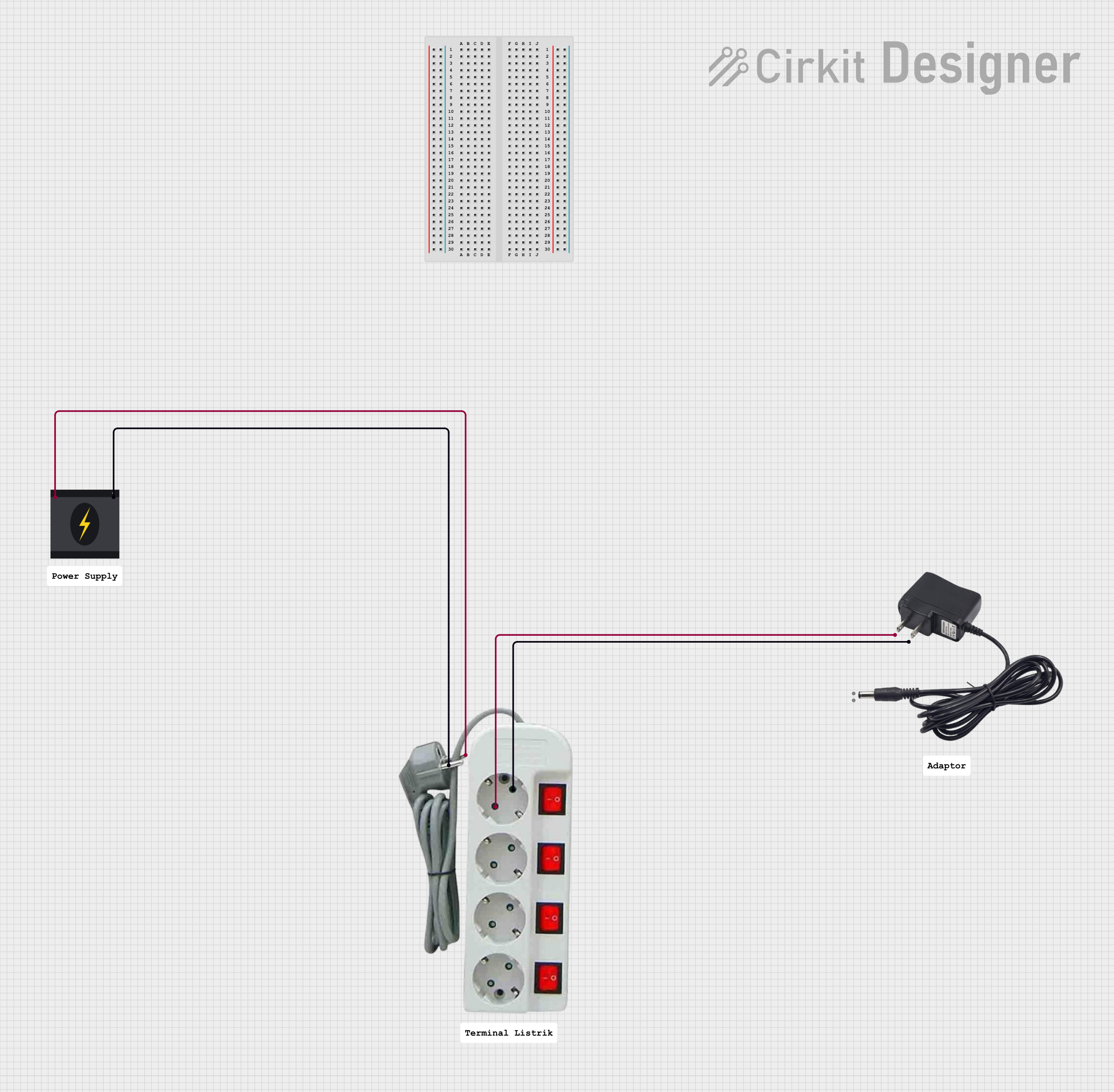
The Adaptor 12V by Power (Manufacturer Part ID: Power) is a versatile device designed to convert electrical power from a standard wall outlet (typically 110V or 220V AC) to a stable 12V DC output. This adaptor is commonly used to power a wide range of electronic devices, including routers, LED strips, small appliances, and DIY electronics projects.
Common Applications and Use Cases
- Powering home networking equipment such as routers and modems.
- Supplying power to LED lighting systems.
- Driving small DC motors or actuators in hobbyist projects.
- Providing a stable power source for Arduino or Raspberry Pi projects.
- Charging or powering portable devices that require 12V DC input.
Technical Specifications
The following table outlines the key technical details of the Adaptor 12V:
Pin Configuration and Descriptions
The Adaptor 12V typically uses a barrel jack connector. The pin configuration is as follows:
Usage Instructions
How to Use the Adaptor in a Circuit
- Verify Compatibility: Ensure the device you are powering requires a 12V DC input and does not exceed the adaptor's current rating.
- Connect the Barrel Jack: Insert the barrel jack into the power input port of your device. Ensure the polarity matches (center positive).
- Plug into Wall Outlet: Connect the adaptor to a standard AC wall outlet.
- Power On: Turn on the connected device, if applicable.
Important Considerations and Best Practices
- Check Polarity: Always confirm that the device's power input matches the adaptor's polarity (center positive).
- Avoid Overloading: Do not connect devices that draw more current than the adaptor's maximum rating (e.g., 1A, 2A, or 5A).
- Ventilation: Ensure proper ventilation around the adaptor to prevent overheating.
- Use with Arduino UNO: The Adaptor 12V can be used to power an Arduino UNO via the DC barrel jack. Ensure the Arduino's onboard voltage regulator is functioning properly.
Example: Using the Adaptor 12V with Arduino UNO
// This example demonstrates how to blink an LED using an Arduino UNO
// powered by the Adaptor 12V connected to the DC barrel jack.

// Pin configuration
const int ledPin = 13; // Built-in LED pin on Arduino UNO

void setup() {
  pinMode(ledPin, OUTPUT); // Set the LED pin as an output
}

void loop() {
  digitalWrite(ledPin, HIGH); // Turn the LED on
  delay(1000);               // Wait for 1 second
  digitalWrite(ledPin, LOW);  // Turn the LED off
  delay(1000);               // Wait for 1 second
}
Additional Notes
- If using the adaptor with a breadboard or custom circuit, you may need a barrel jack to terminal block adapter for easy connections.
- For devices requiring less than 12V, consider using a DC-DC step-down converter.
Troubleshooting and FAQs
Common Issues and Solutions
FAQs
Can I use this adaptor with a 9V device?
- No, using a 12V adaptor with a 9V device may damage the device. Use a 9V adaptor instead.
What happens if I exceed the current rating?
- The adaptor may overheat, shut down, or fail. Always ensure the connected device's current draw is within the adaptor's rated capacity.
Is the adaptor waterproof?
- No, the Adaptor 12V is not waterproof. Avoid exposing it to moisture or liquids.
Can I use this adaptor internationally?
- Yes, the adaptor supports a wide input voltage range (100-240V AC). However, you may need a plug adapter for different outlet types.
By following this documentation, you can safely and effectively use the Adaptor 12V by Power for your electronic projects and devices.


 Open Project in Cirkit Designer