
How to Use Servo (PWM/V/G): Examples, Pinouts, and Specs
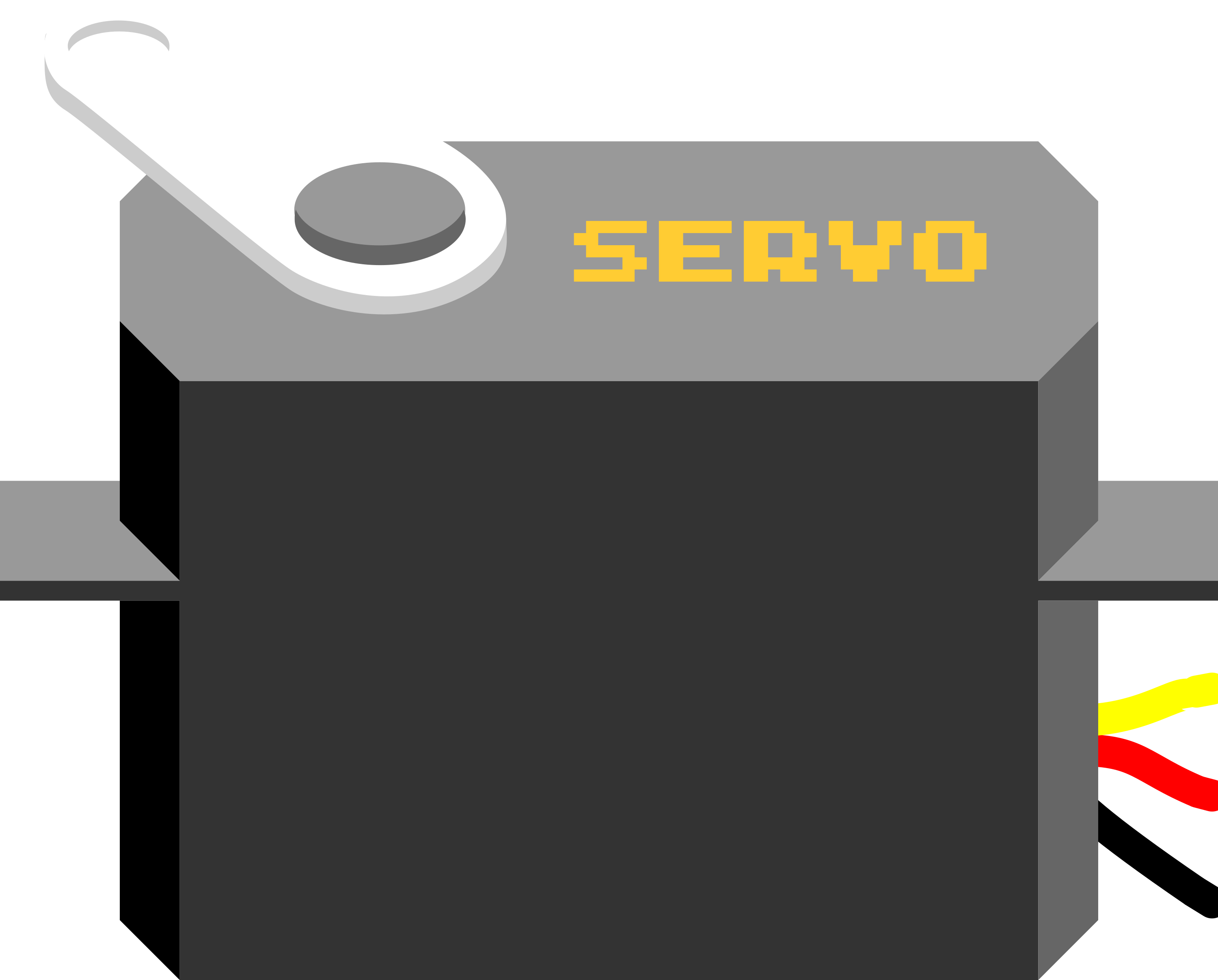
 Design with Servo (PWM/V/G) in Cirkit Designer
Introduction
A servo motor is a compact and versatile electromechanical device designed for precise angular positioning. The Servo (PWM/V/G) operates using Pulse Width Modulation (PWM) signals, voltage (V), or current (G) signals to control its movement. It is widely used in robotics, automation, and hobbyist projects due to its reliability and ease of use.
Explore Projects Built with Servo (PWM/V/G)
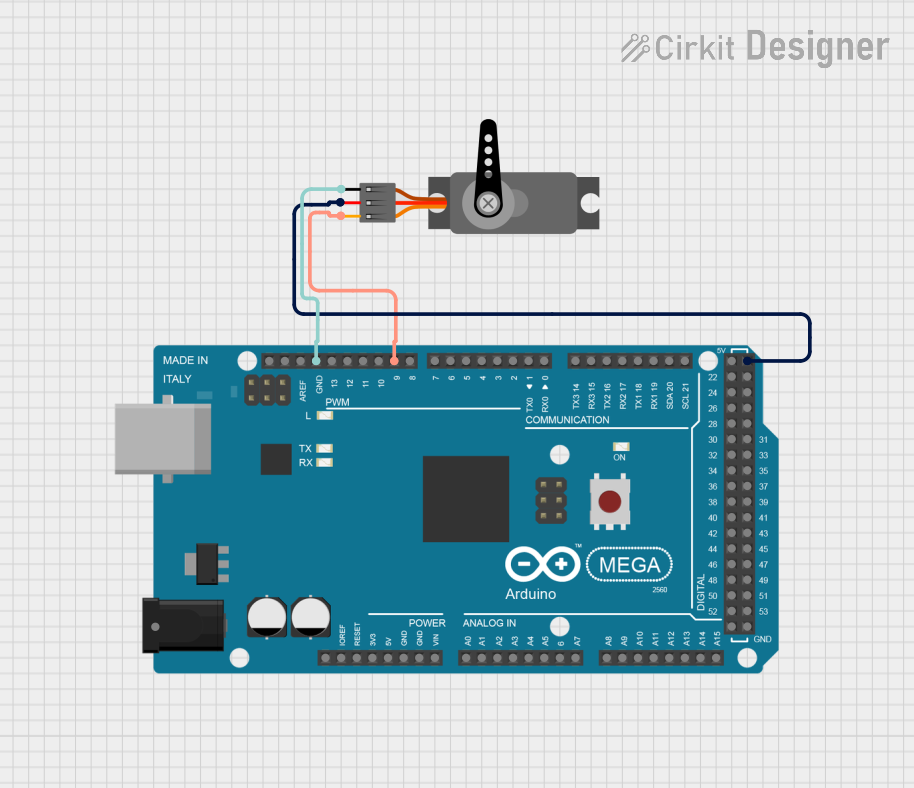 Open Project in Cirkit Designer
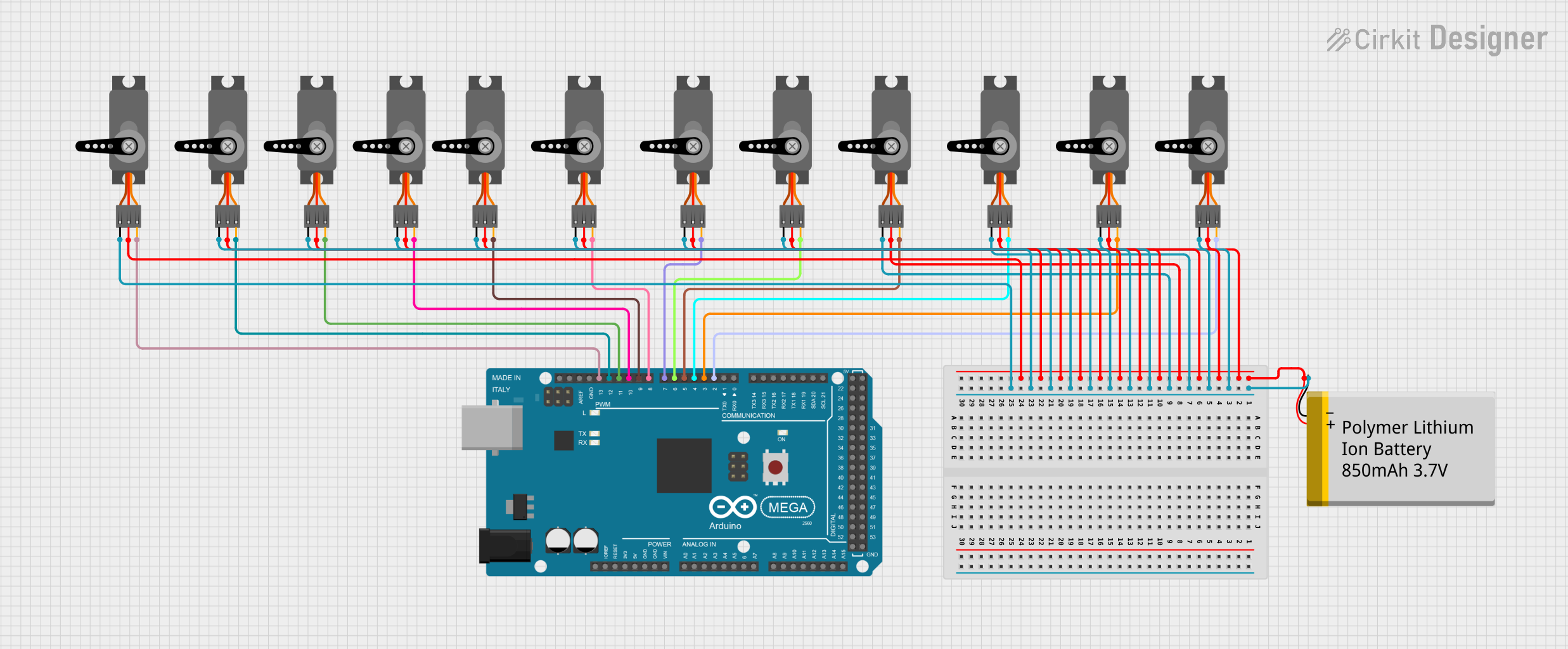 Open Project in Cirkit Designer
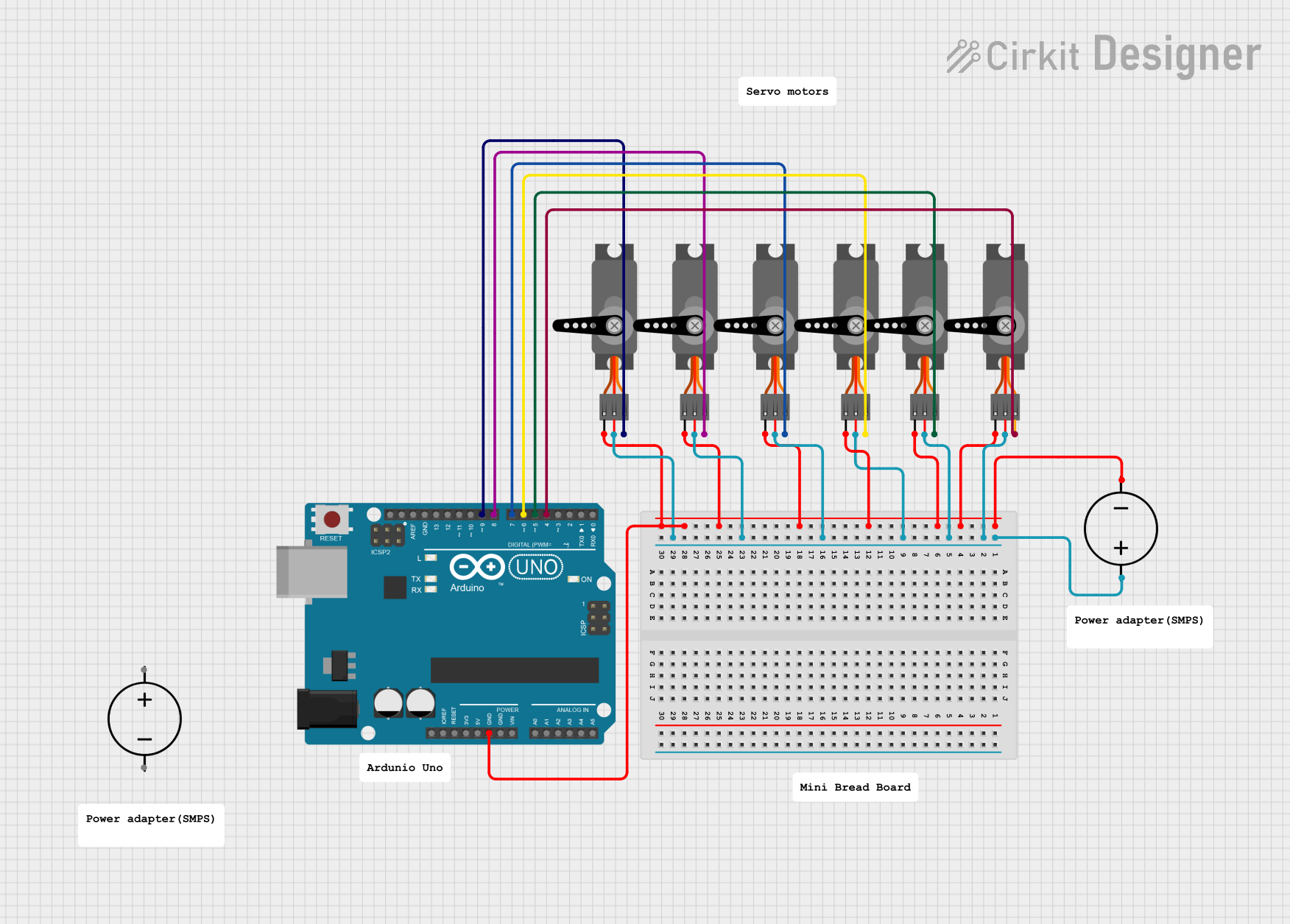 Open Project in Cirkit Designer
 Open Project in Cirkit Designer
Explore Projects Built with Servo (PWM/V/G)
Open Project in Cirkit DesignerOpen Project in Cirkit DesignerOpen Project in Cirkit DesignerOpen Project in Cirkit DesignerCommon Applications
- Robotic arms and grippers
- RC vehicles (cars, boats, planes)
- Automated camera gimbals
- Industrial automation systems
- DIY electronics and Arduino projects
Technical Specifications
Key Technical Details
| Parameter | Value |
|---|---|
| Operating Voltage | 4.8V to 6.0V |
| Stall Torque | 1.5 kg·cm to 2.5 kg·cm (varies by model) |
| Operating Speed | 0.1 to 0.2 seconds per 60° (at 6V) |
| Control Signal | PWM (Pulse Width Modulation) |
| PWM Frequency | 50 Hz |
| PWM Duty Cycle Range | 1 ms (0°) to 2 ms (180°) |
| Idle Current | ~10 mA |
| Maximum Current | ~1 A (under load) |
| Angular Range | 0° to 180° |
| Connector Type | 3-pin (PWM, V, G) |
Pin Configuration
The Servo (PWM/V/G) has a standard 3-pin connector. Below is the pinout description:
| Pin Number | Pin Name | Description |
|---|---|---|
| 1 | PWM | Signal pin for PWM control |
| 2 | V | Positive voltage supply (4.8V–6.0V) |
| 3 | G | Ground (0V) |
Usage Instructions
How to Use the Servo in a Circuit
- Power Supply: Connect the
Vpin to a 5V or 6V power source and theGpin to ground. Ensure the power supply can handle the servo's current requirements, especially under load. - PWM Signal: Connect the
PWMpin to a microcontroller or PWM signal generator. The PWM signal controls the servo's angular position:- A 1 ms pulse corresponds to 0°.
- A 1.5 ms pulse corresponds to 90° (neutral position).
- A 2 ms pulse corresponds to 180°.
- Load Considerations: Avoid overloading the servo beyond its torque rating to prevent overheating or damage.
Best Practices
- Use a dedicated power supply for the servo to avoid voltage drops that could affect other components.
- Add a decoupling capacitor (e.g., 100 µF) across the power supply to stabilize voltage.
- Avoid sending PWM signals outside the specified range (1 ms to 2 ms) to prevent mechanical strain.
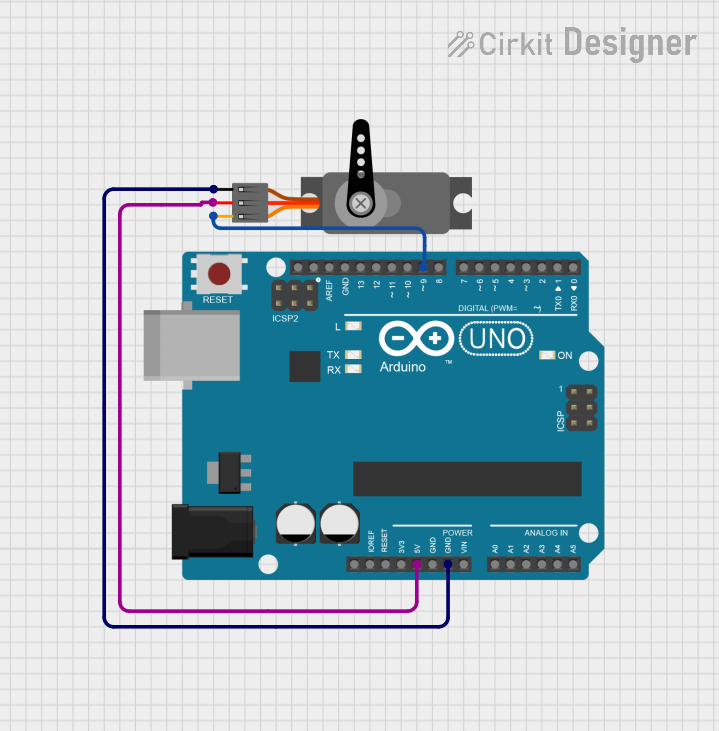
Example: Connecting to an Arduino UNO
Below is an example of how to control the Servo (PWM/V/G) using an Arduino UNO:
#include <Servo.h> // Include the Servo library

Servo myServo; // Create a Servo object

void setup() {
  myServo.attach(9); // Attach the servo to pin 9 on the Arduino
}

void loop() {
  myServo.write(0); // Move servo to 0 degrees
  delay(1000);      // Wait for 1 second

  myServo.write(90); // Move servo to 90 degrees
  delay(1000);       // Wait for 1 second

  myServo.write(180); // Move servo to 180 degrees
  delay(1000);        // Wait for 1 second
}
Notes:
- Ensure the servo is connected to a pin capable of PWM output (e.g., pin 9 on Arduino UNO).
- Use an external power source if the servo draws more current than the Arduino can supply.
Troubleshooting and FAQs
Common Issues and Solutions
Servo Not Moving
- Cause: Incorrect wiring or insufficient power supply.
- Solution: Double-check the connections and ensure the power supply meets the servo's voltage and current requirements.
Servo Jittering
- Cause: Electrical noise or unstable PWM signal.
- Solution: Add a decoupling capacitor across the power supply and ensure the PWM signal is stable.
Servo Overheating
- Cause: Overloading the servo or continuous operation at high torque.
- Solution: Reduce the load on the servo or allow it to rest periodically.
Limited Angular Movement
- Cause: PWM signal out of range or mechanical obstruction.
- Solution: Verify the PWM signal is within the 1 ms to 2 ms range and check for physical obstructions.
FAQs
Q: Can I power the servo directly from the Arduino?
A: While possible for small servos, it is not recommended for larger servos due to current limitations. Use an external power supply.
Q: What happens if I send a PWM signal outside the specified range?
A: The servo may attempt to move beyond its mechanical limits, potentially causing damage.
Q: Can I control multiple servos with one Arduino?
A: Yes, you can control multiple servos using different PWM-capable pins. Use the Servo library to manage multiple servos efficiently.
Q: How do I know if my servo is compatible with my project?
A: Check the servo's voltage, torque, and speed specifications to ensure they meet your project's requirements.