
How to Use EarnMee MPPT: Examples, Pinouts, and Specs
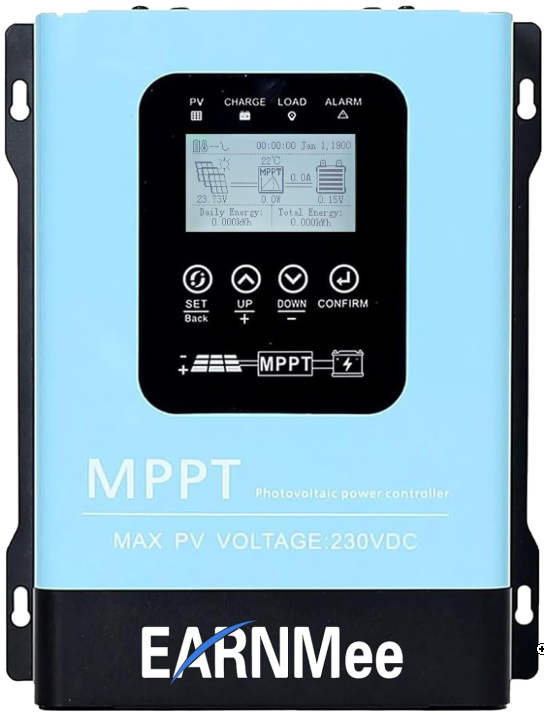
 Design with EarnMee MPPT in Cirkit Designer
Introduction
The EarnMee MPPT (Maximum Power Point Tracking) is a solar charge controller designed to optimize the power output from solar panels. By dynamically adjusting the electrical operating point of the solar modules, it ensures maximum energy harvest, significantly improving the efficiency of solar power systems. The EarnMee MPPT is particularly effective in varying weather conditions, where sunlight intensity fluctuates, and it ensures efficient battery charging performance.
Explore Projects Built with EarnMee MPPT
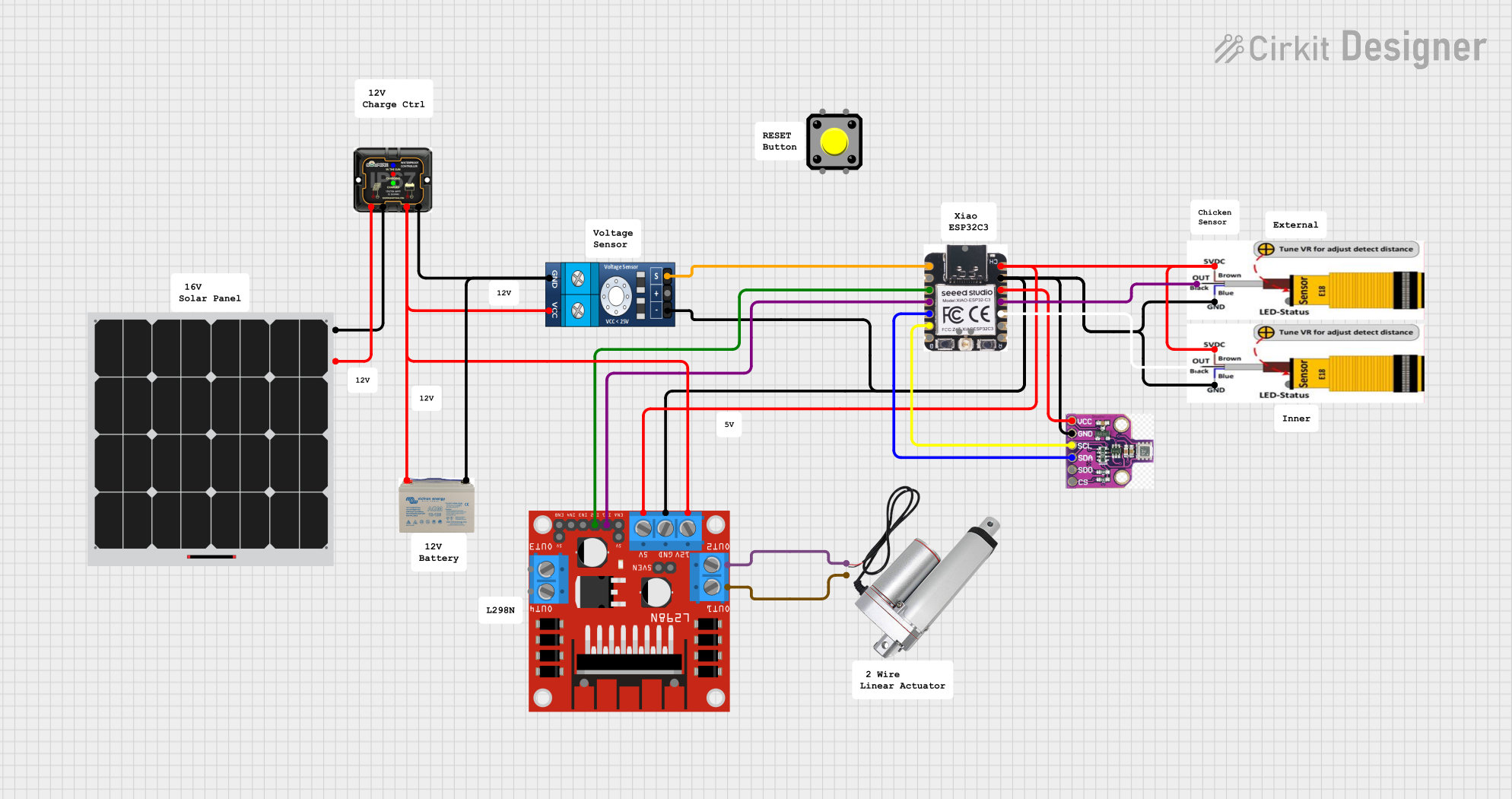 Open Project in Cirkit Designer
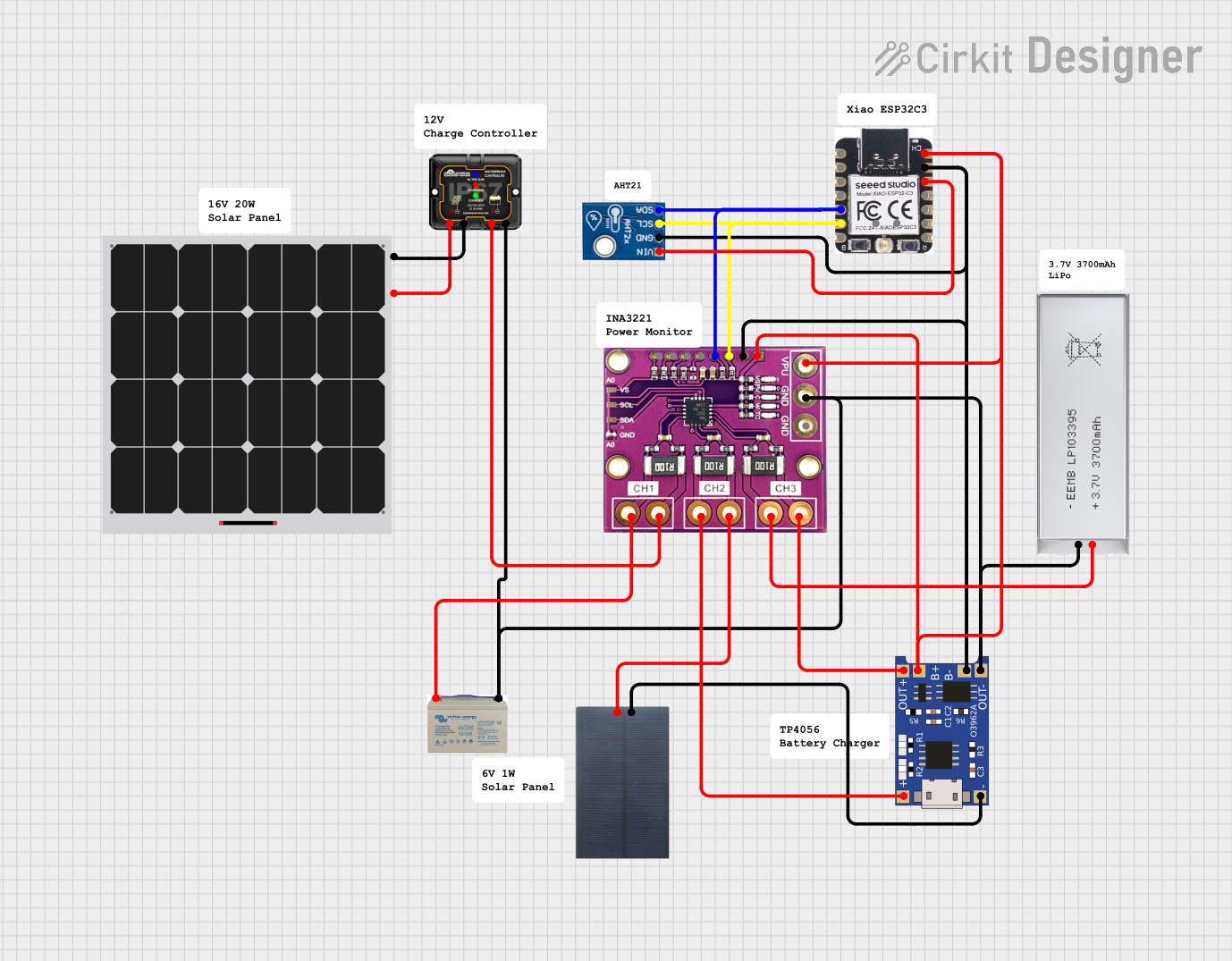 Open Project in Cirkit Designer
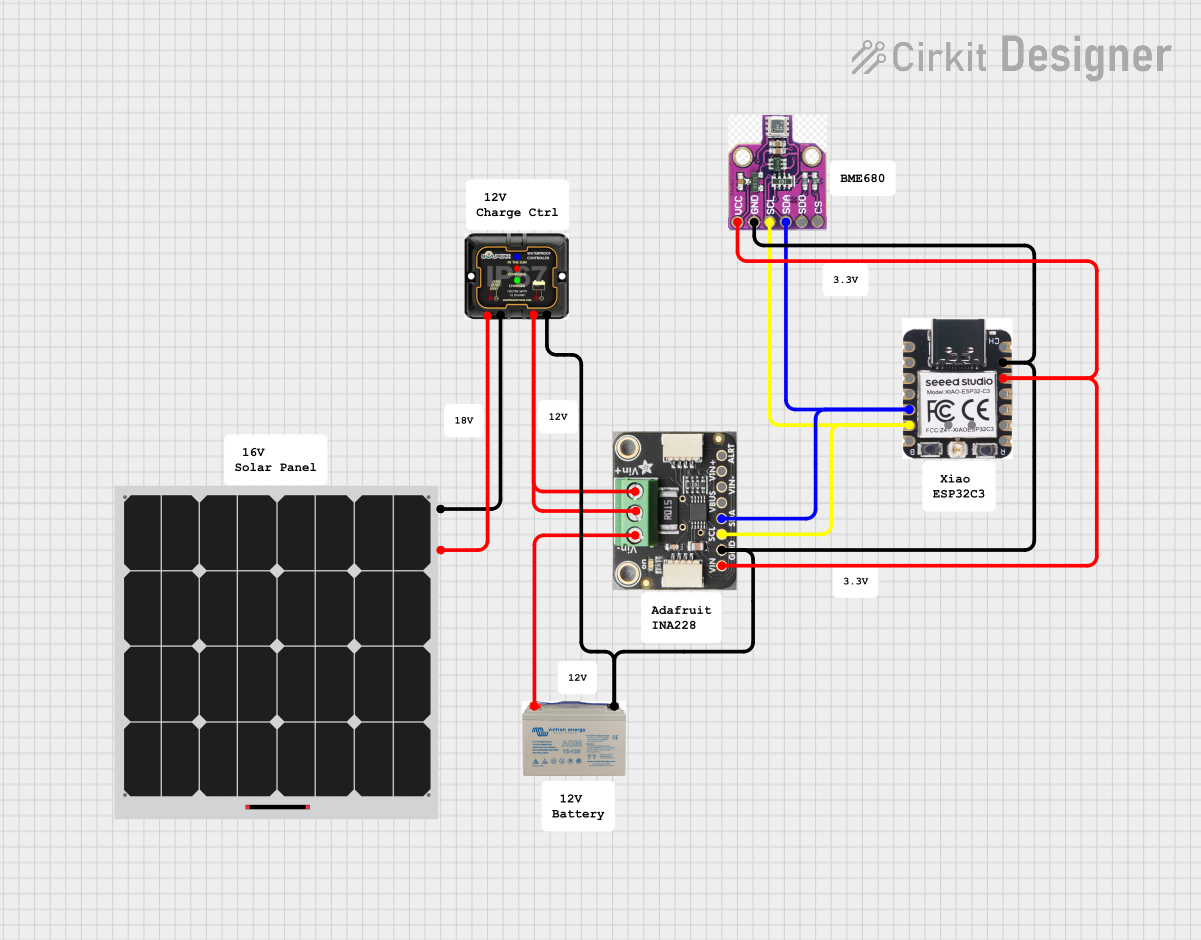 Open Project in Cirkit Designer
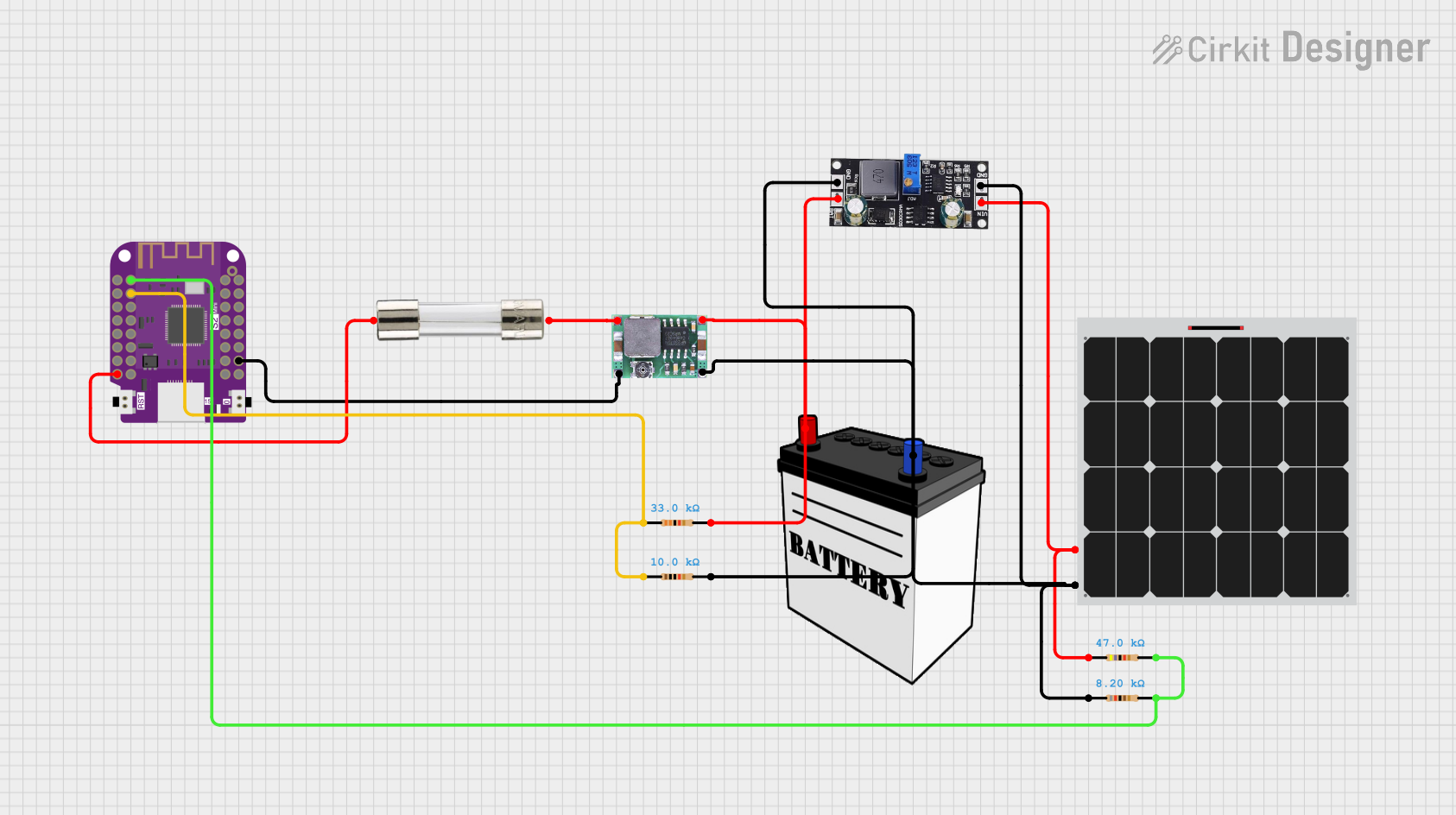 Open Project in Cirkit Designer
Explore Projects Built with EarnMee MPPT
Open Project in Cirkit DesignerOpen Project in Cirkit DesignerOpen Project in Cirkit DesignerOpen Project in Cirkit DesignerCommon Applications and Use Cases
- Solar-powered residential and commercial systems
- Off-grid solar installations
- Solar-powered battery charging for RVs, boats, and remote locations
- Renewable energy research and development projects
- Integration with IoT systems for energy monitoring
Technical Specifications
Key Technical Details
| Parameter | Value |
|---|---|
| Input Voltage Range | 12V to 100V DC |
| Maximum Output Current | 20A |
| Maximum Power Output | 260W (12V system), 520W (24V system) |
| Efficiency | Up to 98% |
| Battery Voltage Support | 12V / 24V (auto-detect) |
| Operating Temperature Range | -20°C to 60°C |
| Communication Interface | RS485, UART |
| Protection Features | Overcharge, Overcurrent, Reverse Polarity, Overtemperature |
Pin Configuration and Descriptions
| Pin Name | Description |
|---|---|
| PV+ | Positive terminal for solar panel input |
| PV- | Negative terminal for solar panel input |
| BAT+ | Positive terminal for battery connection |
| BAT- | Negative terminal for battery connection |
| LOAD+ | Positive terminal for DC load output |
| LOAD- | Negative terminal for DC load output |
| RS485 A/B | Communication interface for monitoring and control (A = Data+, B = Data-) |
| TEMP | Input for external temperature sensor |
Usage Instructions
How to Use the EarnMee MPPT in a Circuit
Connect the Solar Panel:
- Connect the positive terminal of the solar panel to the
PV+pin and the negative terminal to thePV-pin. - Ensure the solar panel's voltage is within the supported input range (12V to 100V DC).
- Connect the positive terminal of the solar panel to the
Connect the Battery:
- Attach the battery's positive terminal to the
BAT+pin and the negative terminal to theBAT-pin. - The MPPT will automatically detect whether the battery is 12V or 24V.
- Attach the battery's positive terminal to the
Connect the Load (Optional):
- If you wish to power a DC load directly, connect the load's positive terminal to
LOAD+and the negative terminal toLOAD-.
- If you wish to power a DC load directly, connect the load's positive terminal to
Monitor and Control:
- Use the RS485 or UART interface to connect the MPPT to a monitoring system or microcontroller for real-time data and control.
Power On:
- Once all connections are secure, the MPPT will automatically start operating and track the maximum power point of the solar panel.
Important Considerations and Best Practices
- Safety First: Always ensure the system is powered off before making any connections.
- Proper Sizing: Verify that the solar panel and battery specifications are compatible with the MPPT's input and output ratings.
- Ventilation: Install the MPPT in a well-ventilated area to prevent overheating.
- Firmware Updates: Check for firmware updates from the manufacturer to ensure optimal performance.
- Temperature Sensor: Use the external temperature sensor for accurate battery charging in varying environmental conditions.
Arduino UNO Integration Example
The EarnMee MPPT can be monitored using an Arduino UNO via the RS485 interface. Below is an example code snippet to read data from the MPPT:
#include <SoftwareSerial.h>

// Define RS485 communication pins
#define RS485_RX 10  // Arduino pin connected to RS485 receiver
#define RS485_TX 11  // Arduino pin connected to RS485 transmitter

SoftwareSerial rs485(RS485_RX, RS485_TX);

void setup() {
  Serial.begin(9600); // Initialize Serial Monitor
  rs485.begin(9600);  // Initialize RS485 communication

  Serial.println("EarnMee MPPT Monitoring Started");
}

void loop() {
  // Request data from MPPT
  rs485.write("READ"); // Replace with actual command for your MPPT

  // Wait for response
  delay(100);

  // Check if data is available
  while (rs485.available()) {
    char c = rs485.read(); // Read a byte from RS485
    Serial.print(c);       // Print the received data to Serial Monitor
  }

  delay(1000); // Wait 1 second before the next request
}
Note: Replace
"READ"with the actual command supported by the EarnMee MPPT for data retrieval. Refer to the manufacturer's communication protocol documentation for details.
Troubleshooting and FAQs
Common Issues and Solutions
| Issue | Possible Cause | Solution |
|---|---|---|
| MPPT not powering on | Incorrect wiring or loose connections | Verify all connections and ensure proper polarity. |
| Low charging efficiency | Solar panel not operating at MPP | Ensure the solar panel is clean and properly oriented. |
| Overheating | Poor ventilation or high ambient temperature | Install the MPPT in a well-ventilated area. |
| Communication failure with RS485 | Incorrect wiring or baud rate mismatch | Check RS485 connections and ensure the baud rate matches the MPPT settings. |
| Battery not charging | Battery voltage mismatch or damaged battery | Verify battery compatibility and check for faults. |
Frequently Asked Questions
Can the EarnMee MPPT handle multiple solar panels?
- Yes, as long as the combined voltage and current of the panels are within the MPPT's input range.
Does the MPPT support lithium-ion batteries?
- Yes, the MPPT supports various battery chemistries, including lithium-ion, lead-acid, and AGM. Ensure the correct battery type is selected in the settings.
How do I update the firmware?
- Firmware updates can be performed via the RS485 interface. Refer to the manufacturer's instructions for detailed steps.
What happens if the input voltage exceeds 100V?
- The MPPT includes overvoltage protection and will shut down to prevent damage. However, ensure the solar panel's voltage is within the specified range to avoid triggering this protection.
By following this documentation, users can effectively integrate and operate the EarnMee MPPT in their solar power systems, ensuring optimal performance and reliability.