
How to Use 12V 15A Power Supply: Examples, Pinouts, and Specs
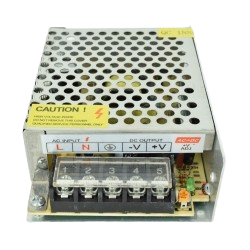
 Design with 12V 15A Power Supply in Cirkit Designer
Introduction
The 12V 15A Power Supply (Manufacturer: AC, Part ID: Power Supply) is a robust and reliable device designed to convert electrical energy from an AC source into a stable 12V DC output. With a maximum current capacity of 15A, this power supply is ideal for powering a wide range of electronic devices and circuits, including LED strips, motors, microcontrollers, and other high-current applications.
Explore Projects Built with 12V 15A Power Supply
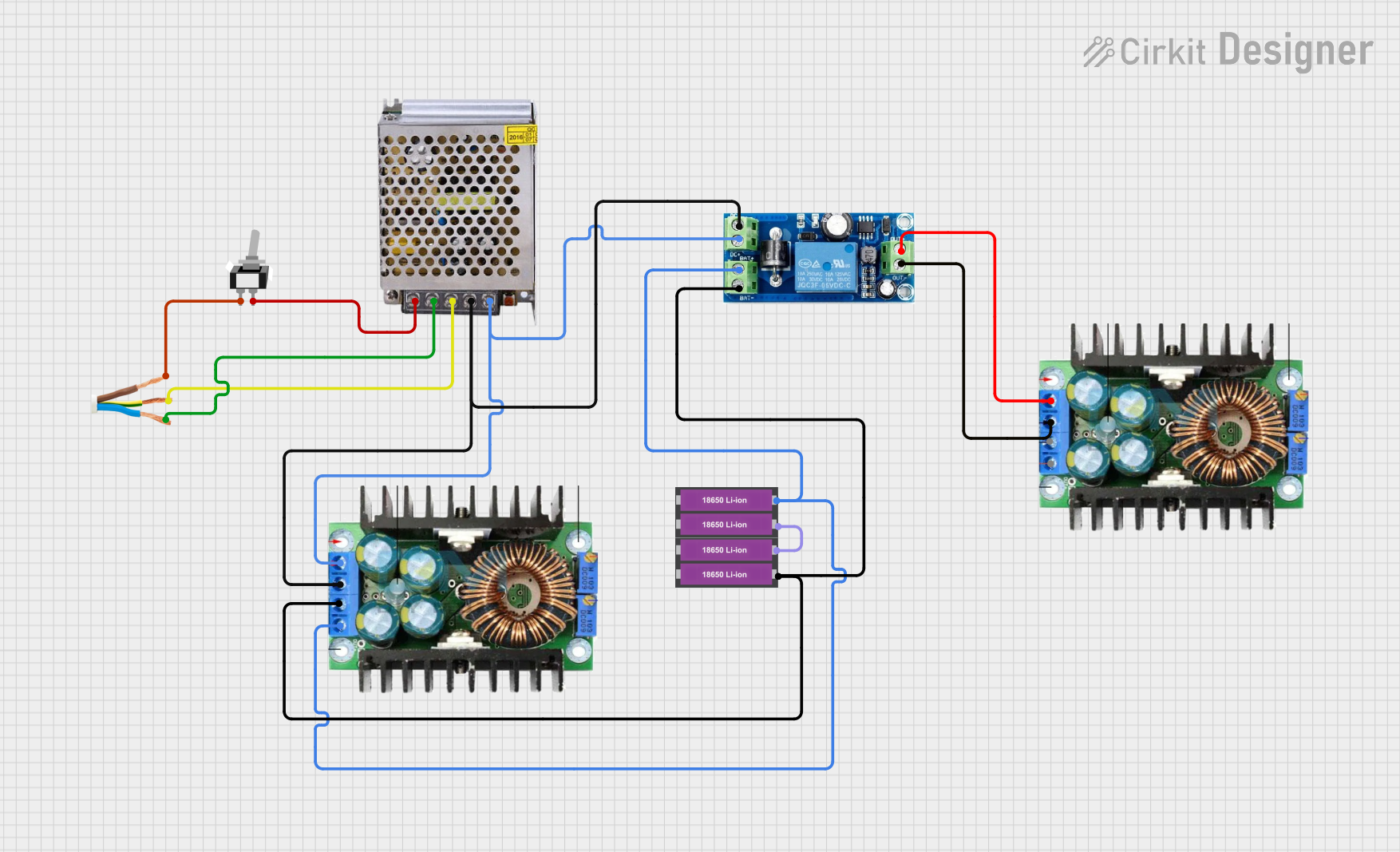 Open Project in Cirkit Designer
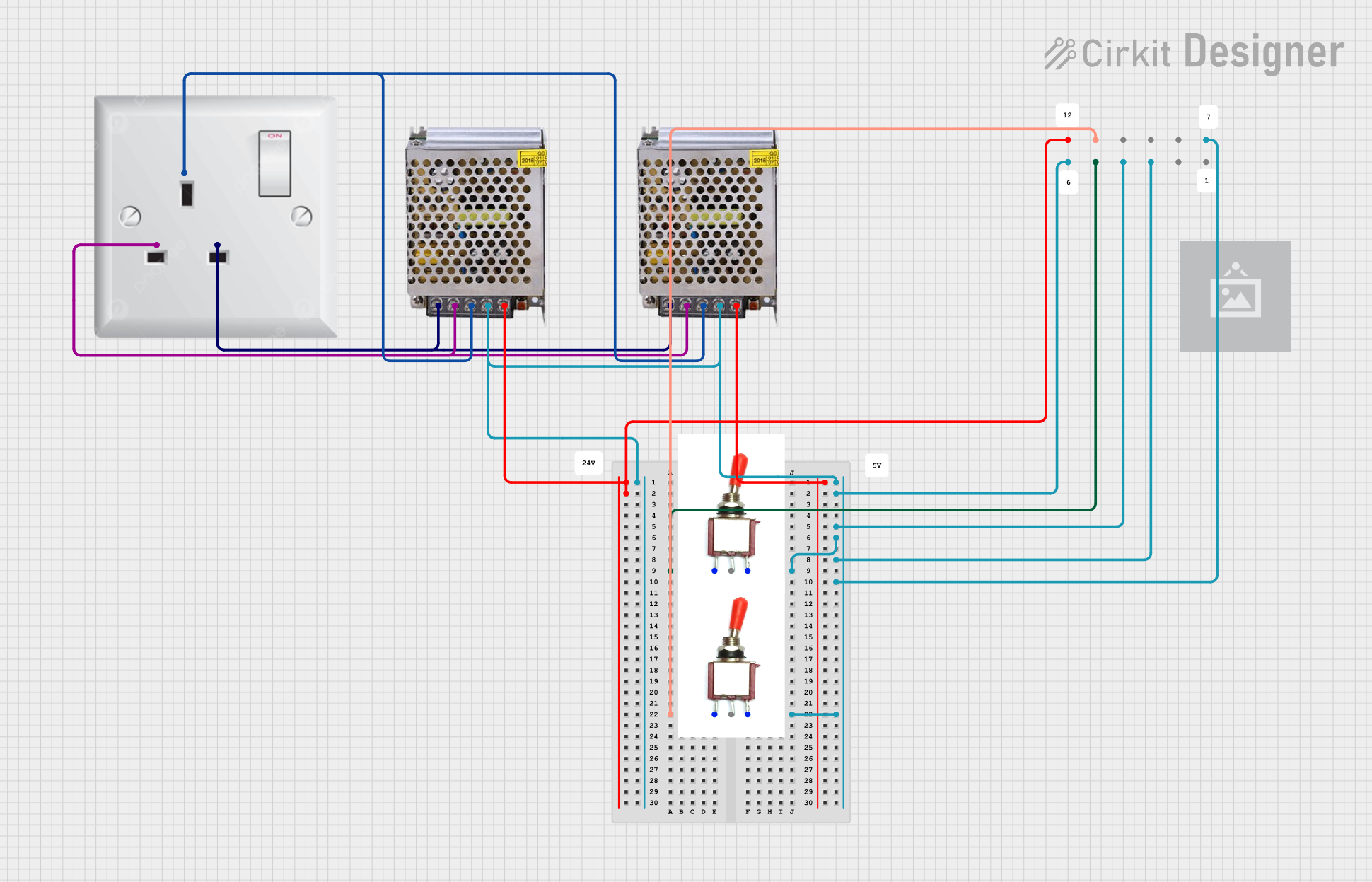 Open Project in Cirkit Designer
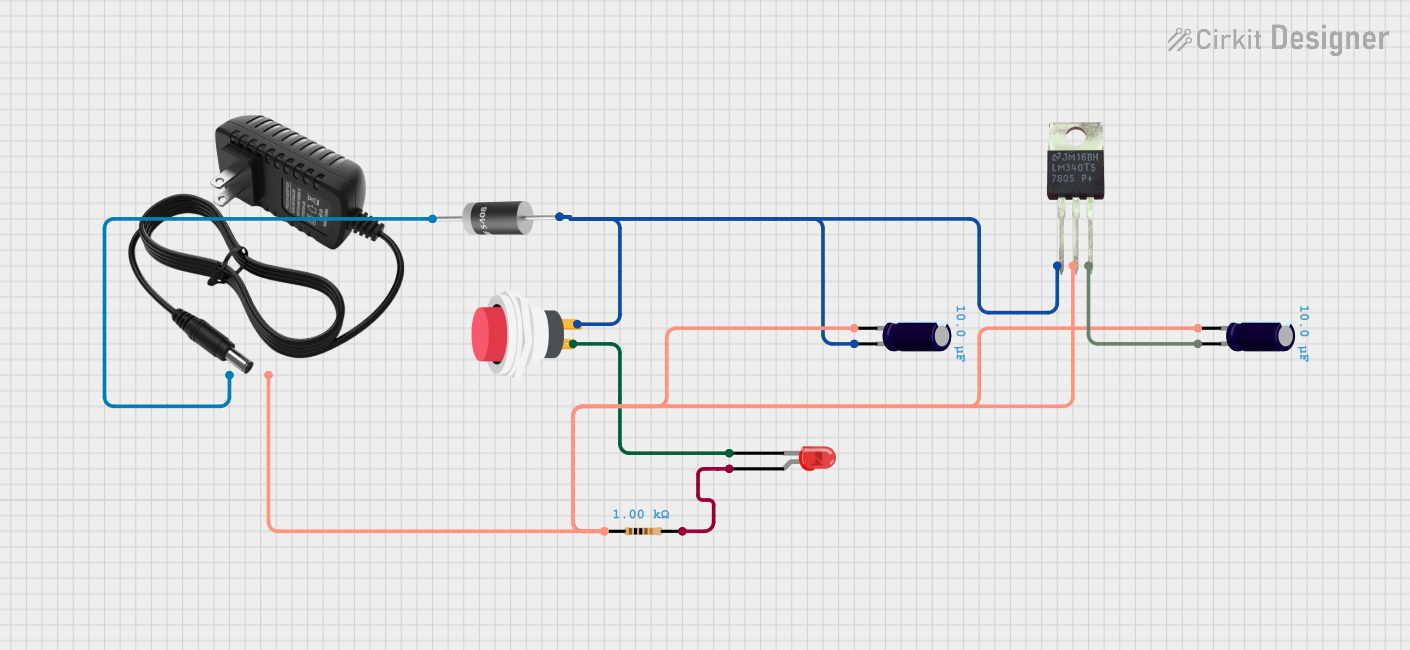 Open Project in Cirkit Designer
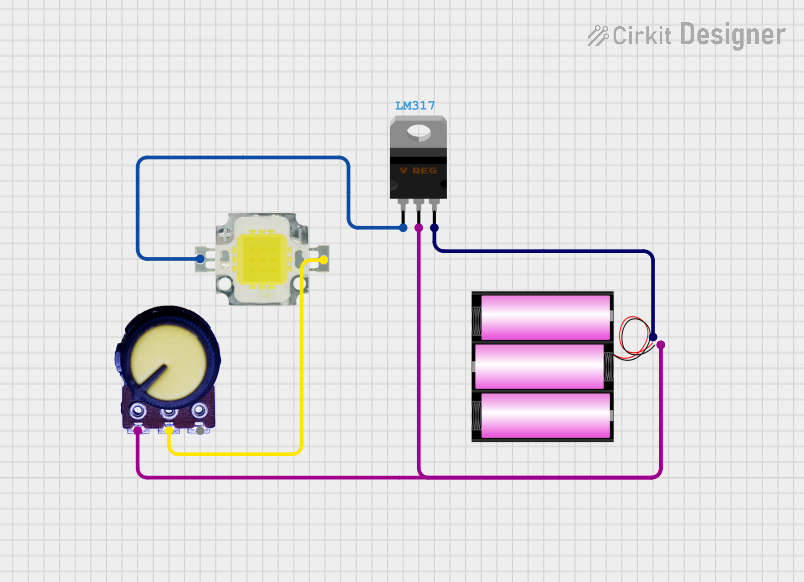 Open Project in Cirkit Designer
Explore Projects Built with 12V 15A Power Supply
Open Project in Cirkit DesignerOpen Project in Cirkit DesignerOpen Project in Cirkit DesignerOpen Project in Cirkit DesignerCommon Applications and Use Cases
- Powering LED lighting systems, such as LED strips or panels.
- Supplying power to DC motors in robotics and automation projects.
- Providing a stable power source for microcontroller-based systems (e.g., Arduino, Raspberry Pi).
- Charging 12V batteries or powering 12V DC appliances.
- Use in laboratory setups for testing and prototyping circuits.
Technical Specifications
Below are the key technical details of the 12V 15A Power Supply:
| Parameter | Specification |
|---|---|
| Input Voltage | 100-240V AC, 50/60Hz |
| Output Voltage | 12V DC |
| Maximum Output Current | 15A |
| Power Output | 180W |
| Efficiency | ≥85% |
| Operating Temperature | -10°C to +50°C |
| Protection Features | Overload, Overvoltage, Short Circuit |
| Dimensions | Varies by model (e.g., 200mm x 100mm x 50mm) |
| Weight | ~1.2kg |
Pin Configuration and Descriptions
The power supply typically has the following input and output terminals:
Input Terminals
| Pin | Label | Description |
|---|---|---|
| 1 | L | Live wire (AC input) |
| 2 | N | Neutral wire (AC input) |
| 3 | GND | Ground connection for safety |
Output Terminals
| Pin | Label | Description |
|---|---|---|
| 1 | +V | Positive DC output (12V) |
| 2 | -V | Negative DC output (Ground) |
Usage Instructions
How to Use the Component in a Circuit
Connect the Input Terminals:
- Ensure the power supply is disconnected from the AC source before wiring.
- Connect the live (L) and neutral (N) wires from the AC mains to the corresponding input terminals.
- Attach the ground (GND) terminal to a proper earth ground for safety.
Connect the Output Terminals:
- Use the +V and -V terminals to connect the power supply to your load (e.g., LED strip, motor, or circuit).
- Ensure the load does not exceed the maximum current rating of 15A.
Power On:
- After verifying all connections, plug the power supply into the AC source and switch it on.
- Use a multimeter to confirm the output voltage is 12V DC before connecting sensitive devices.
Important Considerations and Best Practices
- Load Capacity: Ensure the total current draw of connected devices does not exceed 15A to avoid overloading the power supply.
- Ventilation: Place the power supply in a well-ventilated area to prevent overheating.
- Safety: Always disconnect the power supply from the AC source before making any wiring changes.
- Polarity: Double-check the polarity of the output connections to avoid damaging connected devices.
- Fuse Protection: Consider adding a fuse or circuit breaker on the input side for additional safety.
Example: Using with an Arduino UNO
The 12V 15A power supply can be used to power an Arduino UNO via its barrel jack or VIN pin. Below is an example of how to connect the power supply to an Arduino UNO:
- Connect the +V terminal of the power supply to the VIN pin of the Arduino.
- Connect the -V terminal of the power supply to the GND pin of the Arduino.
- Ensure the output voltage is stable at 12V before powering the Arduino.
Sample Arduino Code
// Example code to blink an LED connected to pin 13 of the Arduino UNO
// Ensure the Arduino is powered by the 12V 15A power supply via VIN and GND.

void setup() {
  pinMode(13, OUTPUT); // Set pin 13 as an output
}

void loop() {
  digitalWrite(13, HIGH); // Turn the LED on
  delay(1000);            // Wait for 1 second
  digitalWrite(13, LOW);  // Turn the LED off
  delay(1000);            // Wait for 1 second
}
Troubleshooting and FAQs
Common Issues and Solutions
No Output Voltage:
- Cause: The power supply is not receiving AC input.
- Solution: Check the AC input connections and ensure the power source is active.
Overheating:
- Cause: Insufficient ventilation or excessive load.
- Solution: Reduce the load or improve airflow around the power supply.
Output Voltage Fluctuations:
- Cause: Unstable AC input or overloaded output.
- Solution: Verify the AC input voltage is within the specified range and reduce the load.
Short Circuit Protection Triggered:
- Cause: A short circuit in the connected load.
- Solution: Disconnect the load, identify the short circuit, and fix it before reconnecting.
FAQs
Q1: Can I use this power supply to charge a 12V battery?
A1: Yes, but ensure the battery charging current does not exceed 15A. Use a charge controller for optimal charging.
Q2: Is this power supply waterproof?
A2: No, this power supply is not waterproof. Use it in a dry environment or within a protective enclosure.
Q3: Can I connect multiple devices to this power supply?
A3: Yes, as long as the total current draw of all devices does not exceed 15A.
Q4: What happens if I exceed the 15A limit?
A4: The power supply's overload protection will activate, shutting down the output to prevent damage.
By following this documentation, you can safely and effectively use the 12V 15A Power Supply in your projects.