
How to Use COIN VIBRATION MOTOR: Examples, Pinouts, and Specs

 Design with COIN VIBRATION MOTOR in Cirkit Designer
Introduction
The Coin Vibration Motor is a compact, coin-shaped motor designed to produce vibrations when powered. It is widely used in applications requiring haptic feedback, such as mobile devices, gaming controllers, wearable devices, and medical equipment. Its small size and low power consumption make it ideal for portable and battery-powered devices.
Common applications include:
- Haptic feedback in smartphones and gaming controllers
- Notifications in wearable devices
- Tactile feedback in medical devices
- Silent alarms in pagers and personal devices
Explore Projects Built with COIN VIBRATION MOTOR
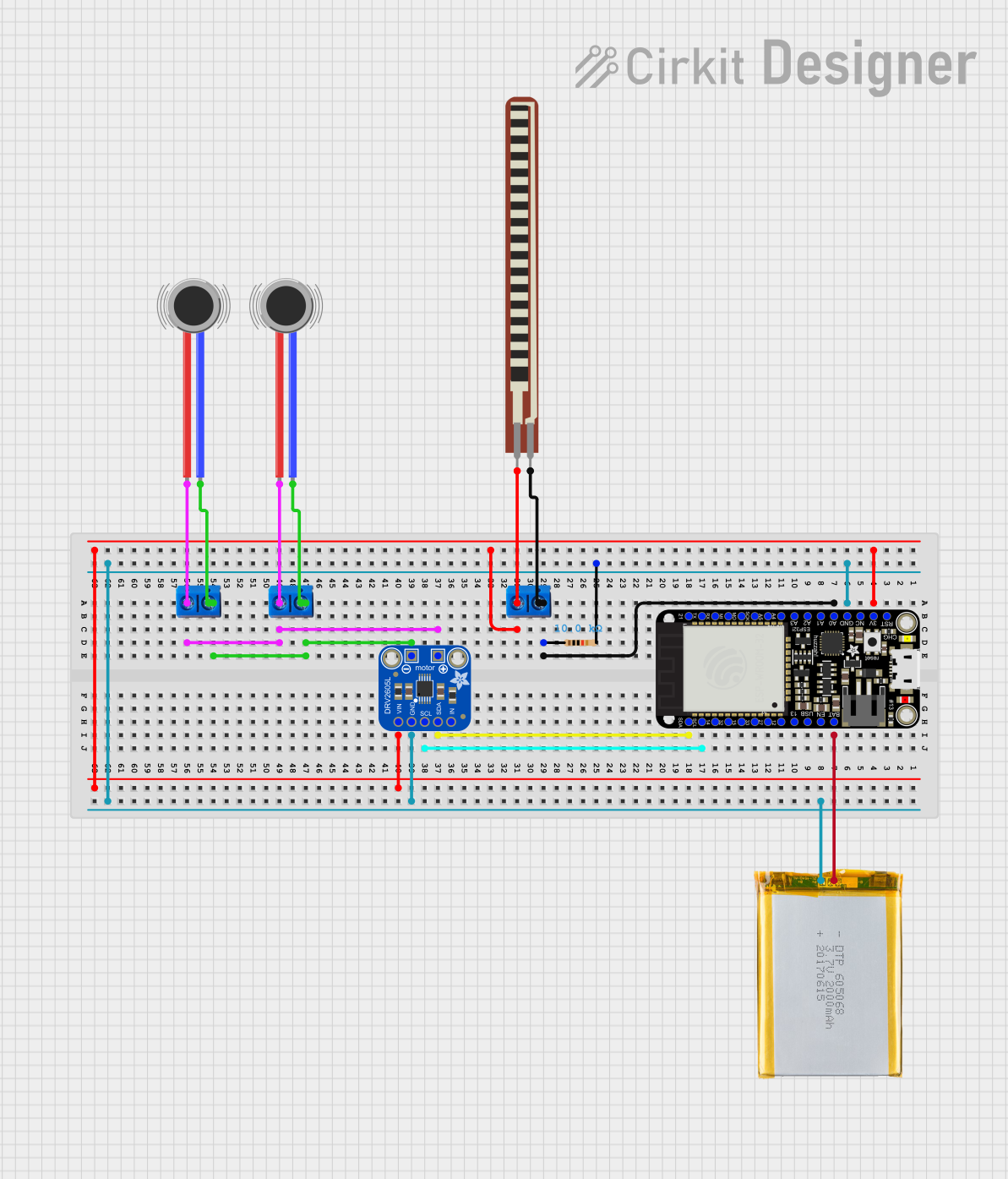 Open Project in Cirkit Designer
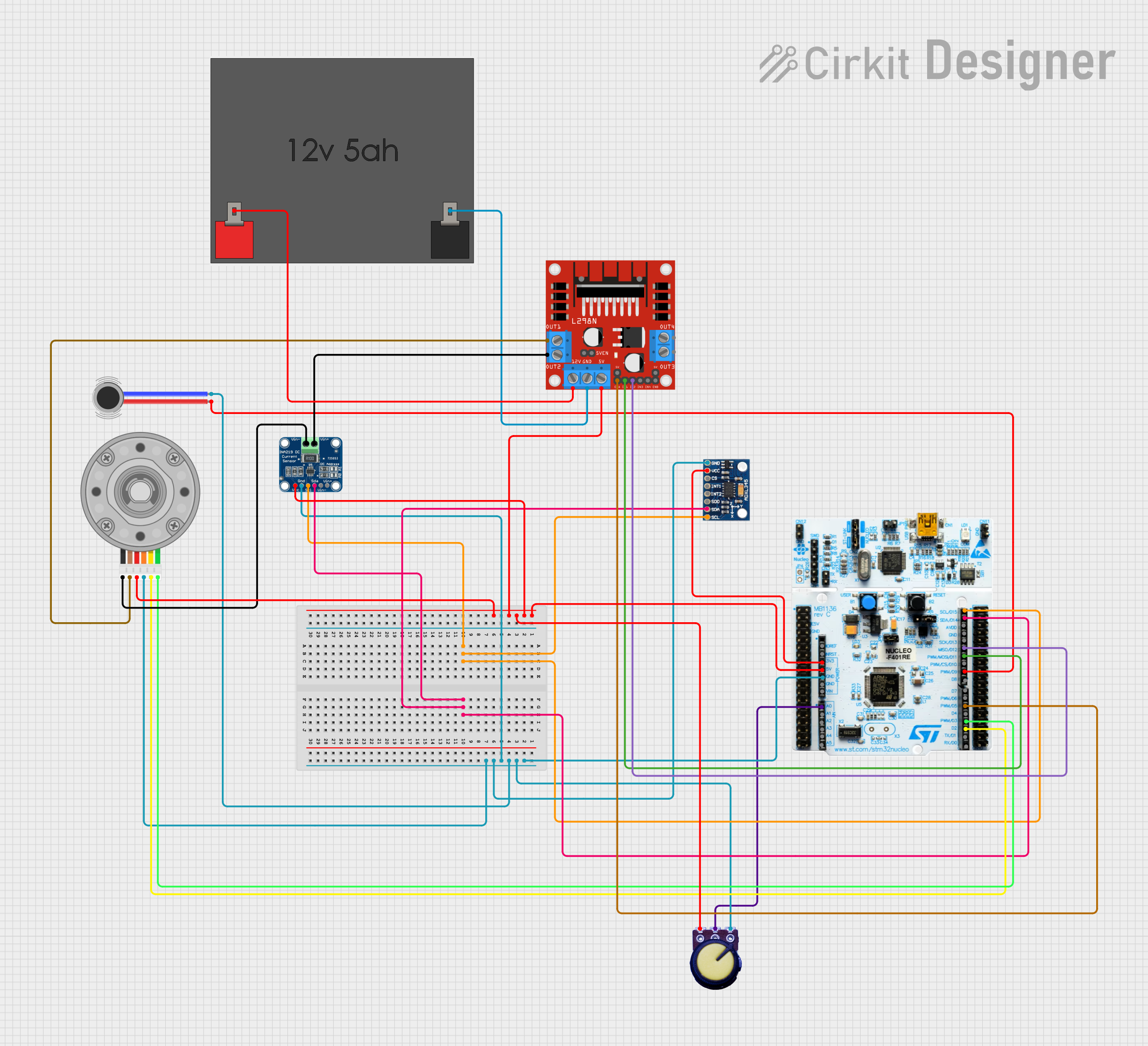 Open Project in Cirkit Designer
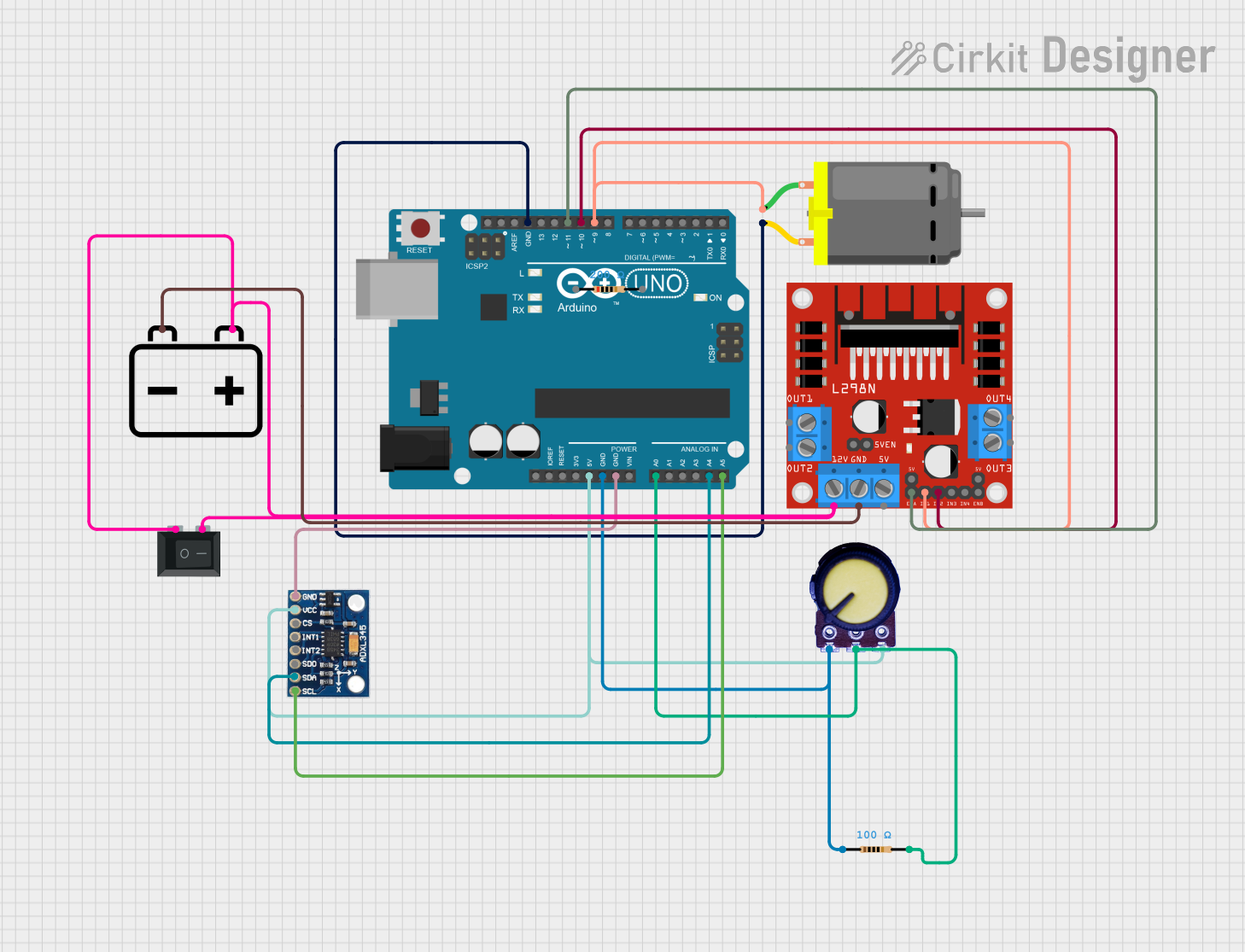 Open Project in Cirkit Designer
 Open Project in Cirkit Designer
Explore Projects Built with COIN VIBRATION MOTOR
Open Project in Cirkit DesignerOpen Project in Cirkit DesignerOpen Project in Cirkit DesignerOpen Project in Cirkit DesignerTechnical Specifications
Below are the key technical details of the Coin Vibration Motor:
| Parameter | Value |
|---|---|
| Operating Voltage | 2.5V to 3.7V |
| Rated Voltage | 3.0V |
| Operating Current | 80mA (typical at 3.0V) |
| Starting Voltage | 2.3V (minimum) |
| Vibration Frequency | 100-150 Hz |
| Dimensions | Diameter: 10mm, Height: 3mm |
| Weight | ~1.2g |
| Connection Type | Wire leads (red: positive, black: negative) |
Pin Configuration and Descriptions
The Coin Vibration Motor typically has two wire leads for connection:
| Wire Color | Description |
|---|---|
| Red | Positive terminal (connect to VCC) |
| Black | Negative terminal (connect to GND) |
Usage Instructions
How to Use the Coin Vibration Motor in a Circuit
- Power Supply: Connect the red wire to a positive voltage source (e.g., 3.0V) and the black wire to ground (GND). Ensure the voltage is within the operating range (2.5V to 3.7V).
- Control with a Microcontroller: Use a transistor or MOSFET to control the motor with a microcontroller, as the motor may draw more current than the microcontroller can supply directly.
- PWM Control: To adjust the vibration intensity, use Pulse Width Modulation (PWM) to vary the average voltage supplied to the motor.
Circuit Example with Arduino UNO
Below is an example of how to connect and control the Coin Vibration Motor using an Arduino UNO:
Circuit Diagram
- Connect the red wire of the motor to the collector of an NPN transistor (e.g., 2N2222).
- Connect the black wire of the motor to GND.
- Connect the emitter of the transistor to GND.
- Connect a 1kΩ resistor between the base of the transistor and a PWM-capable pin on the Arduino (e.g., pin 9).
- Connect a diode (e.g., 1N4007) across the motor terminals to protect against back EMF (cathode to red wire, anode to black wire).
Arduino Code
// Coin Vibration Motor Control with Arduino UNO
// Connect the motor control circuit to pin 9 (PWM-capable pin)

const int motorPin = 9; // Pin connected to the transistor base

void setup() {
  pinMode(motorPin, OUTPUT); // Set motorPin as an output
}

void loop() {
  analogWrite(motorPin, 128); // Set motor to 50% intensity (PWM value: 128)
  delay(1000);                // Run motor for 1 second
  analogWrite(motorPin, 0);   // Turn off motor
  delay(1000);                // Wait for 1 second
}
Important Considerations and Best Practices
- Voltage Limits: Do not exceed the rated voltage (3.7V maximum) to avoid damaging the motor.
- Current Handling: Use a transistor or MOSFET to handle the motor's current requirements.
- Back EMF Protection: Always include a flyback diode across the motor terminals to protect the circuit from voltage spikes caused by the motor's inductive load.
- Mounting: Secure the motor firmly to the device to ensure effective vibration transfer.
Troubleshooting and FAQs
Common Issues and Solutions
Motor Does Not Vibrate:
- Check the power supply voltage and ensure it is within the operating range (2.5V to 3.7V).
- Verify the connections (red wire to VCC, black wire to GND).
- Ensure the transistor or MOSFET is functioning correctly if used for control.
Weak Vibration:
- Confirm the power supply can provide sufficient current (80mA typical).
- Check for loose connections or poor solder joints.
- If using PWM, increase the duty cycle to provide more power to the motor.
Overheating:
- Ensure the motor is not being overdriven with excessive voltage or current.
- Verify the flyback diode is installed correctly to prevent voltage spikes.
Noise or Irregular Vibration:
- Inspect the motor for physical damage or debris.
- Ensure the motor is securely mounted to avoid resonance or rattling.
FAQs
Q: Can I power the motor directly from an Arduino pin?
A: No, the motor's current requirements (80mA typical) exceed the maximum current an Arduino pin can supply. Use a transistor or MOSFET for control.
Q: How can I adjust the vibration intensity?
A: Use PWM to vary the average voltage supplied to the motor. Higher duty cycles result in stronger vibrations.
Q: Is the motor polarity-sensitive?
A: Yes, connect the red wire to the positive voltage source and the black wire to ground. Reversing the polarity may damage the motor.
Q: Can I use the motor with a 5V power supply?
A: No, the motor is designed for a maximum voltage of 3.7V. Use a voltage regulator or resistor to step down the voltage if necessary.