
How to Use ZTW Beatles G2 40A Brushless ESC 2-6S: Examples, Pinouts, and Specs
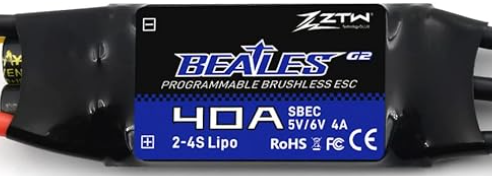
 Design with ZTW Beatles G2 40A Brushless ESC 2-6S in Cirkit Designer
Introduction
The ZTW Beatles G2 40A Brushless ESC 2-6S is a high-performance electronic speed controller (ESC) designed for use with brushless motors. Manufactured by ZTW, this ESC is capable of handling up to 40A of continuous current and supports 2 to 6 cell LiPo batteries. It is widely used in remote-controlled (RC) vehicles, drones, boats, and other hobbyist applications requiring precise motor control and high efficiency.
Explore Projects Built with ZTW Beatles G2 40A Brushless ESC 2-6S
 Open Project in Cirkit Designer
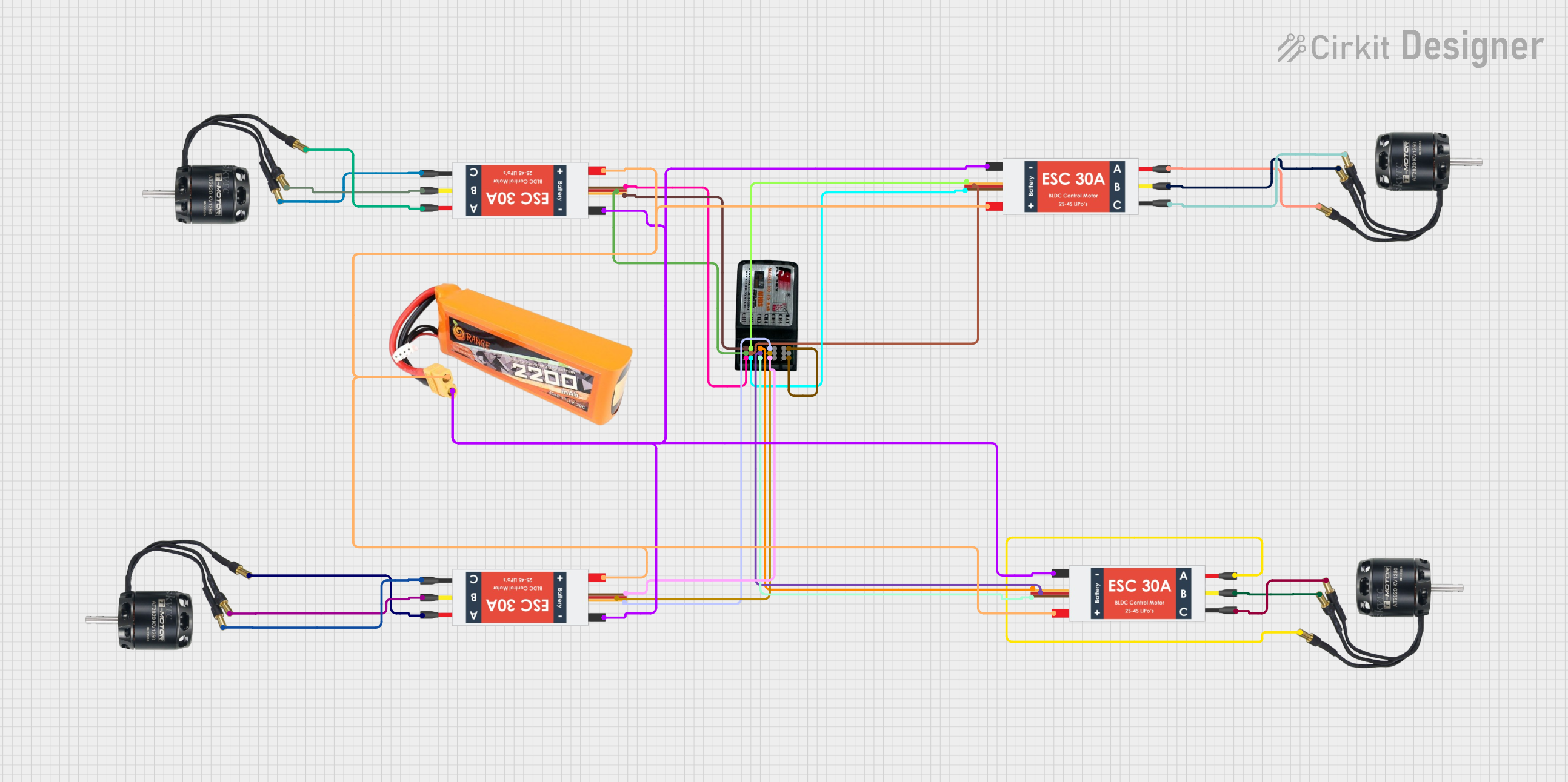 Open Project in Cirkit Designer
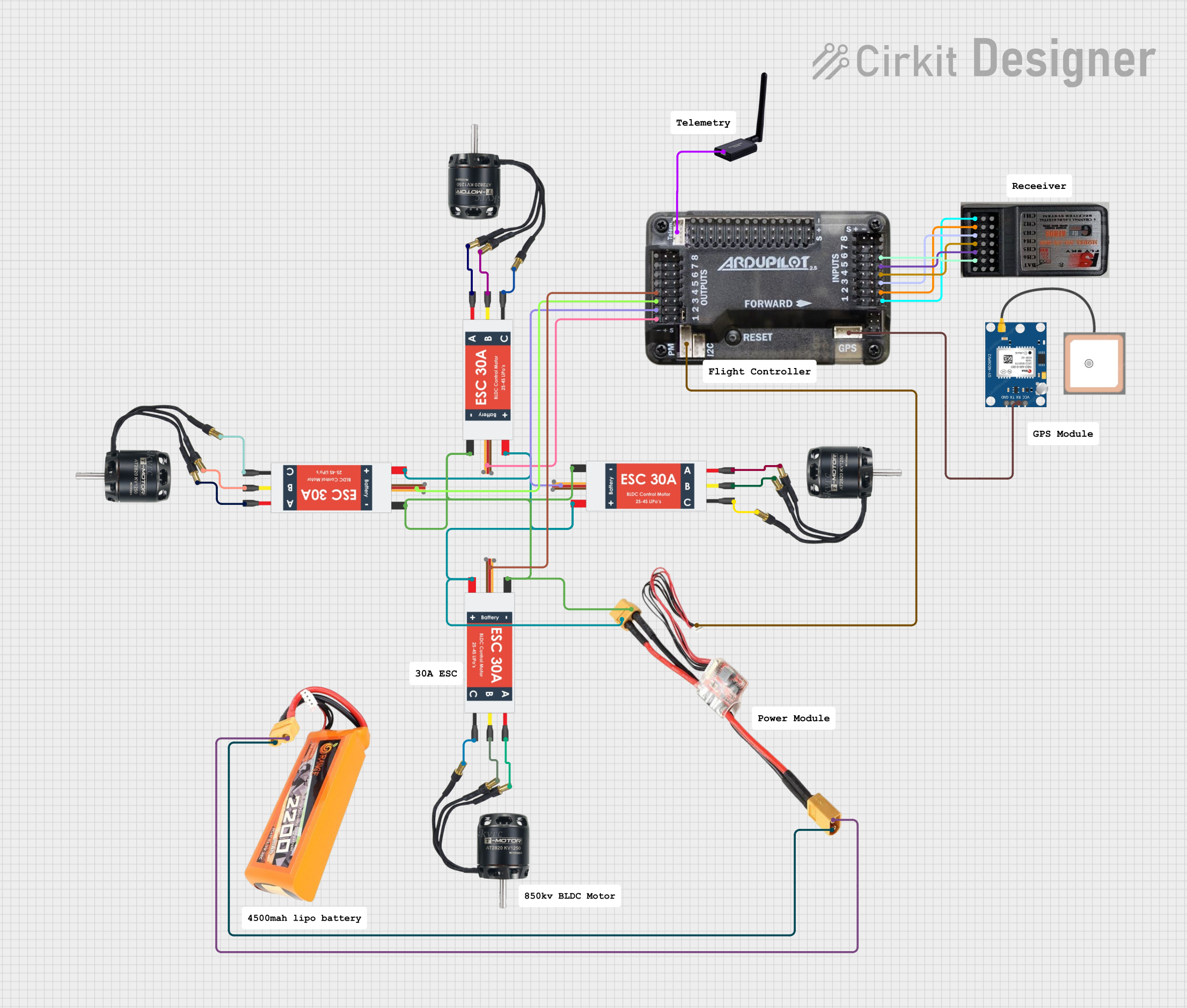 Open Project in Cirkit Designer
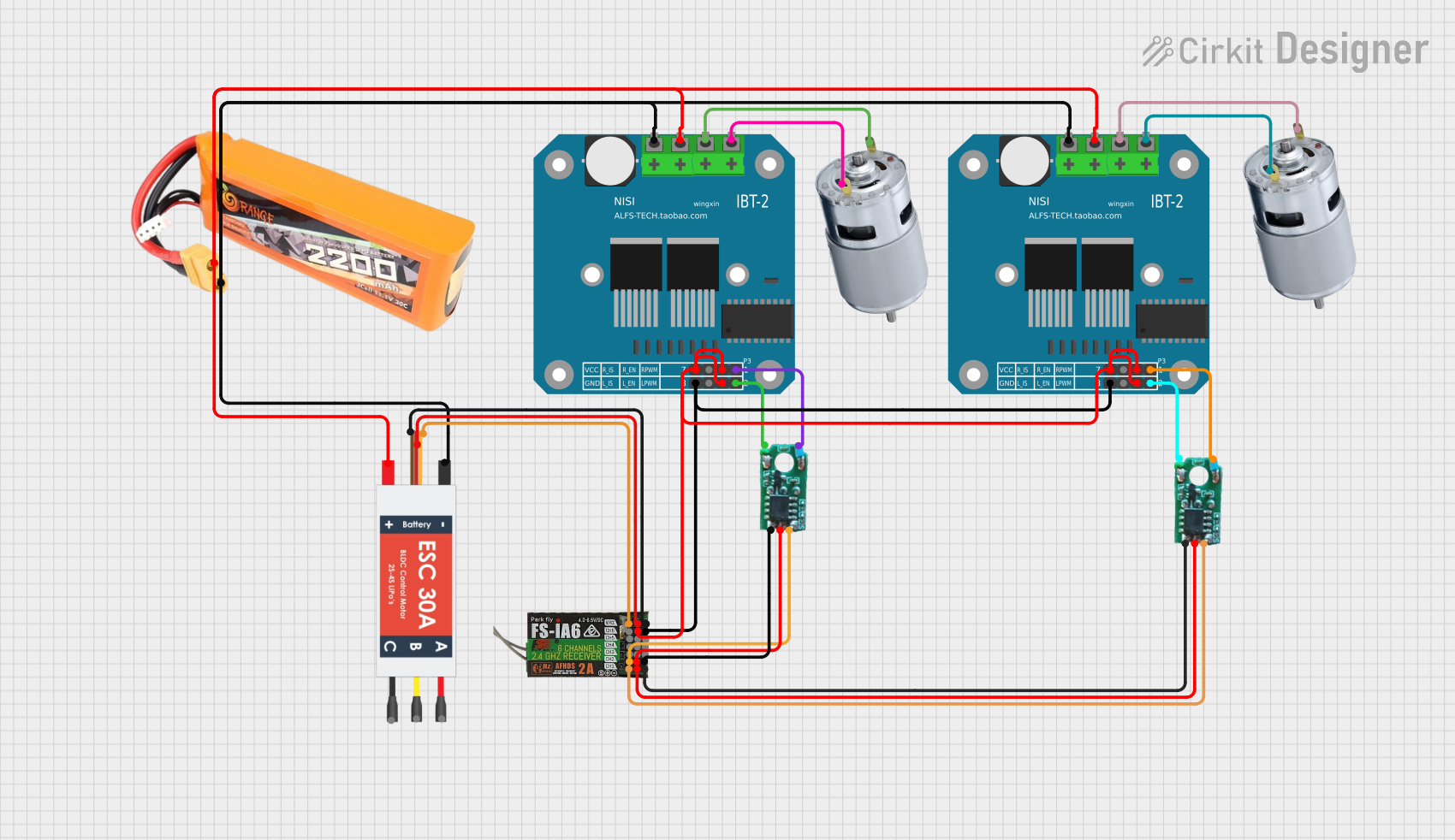 Open Project in Cirkit Designer
Explore Projects Built with ZTW Beatles G2 40A Brushless ESC 2-6S
Open Project in Cirkit DesignerOpen Project in Cirkit DesignerOpen Project in Cirkit DesignerOpen Project in Cirkit DesignerCommon Applications and Use Cases
- RC drones and quadcopters
- RC cars and trucks
- RC boats
- Robotics projects requiring brushless motor control
- DIY hobbyist projects involving high-performance motors
Technical Specifications
The following table outlines the key technical specifications of the ZTW Beatles G2 40A Brushless ESC:
| Parameter | Specification |
|---|---|
| Manufacturer | ZTW |
| Part ID | 40A Brushless ESC 2-6S |
| Continuous Current | 40A |
| Peak Current | 60A (for 10 seconds) |
| Input Voltage | 2-6S LiPo (7.4V to 22.2V) |
| BEC Output | 5V/3A (Linear BEC) |
| Motor Compatibility | Brushless motors |
| Weight | 28g |
| Dimensions | 45mm x 25mm x 11mm |
| Operating Temperature | -10°C to 85°C |
| Signal Frequency | 20-500Hz |
| Throttle Calibration | Supported |
| Protection Features | Overheat, overcurrent, and low-voltage cutoff |
Pin Configuration and Descriptions
The ZTW Beatles G2 40A Brushless ESC has the following connections:
| Pin/Connector | Description |
|---|---|
| Battery Input | Two wires (red and black) for connecting to the LiPo battery. |
| Motor Output | Three wires (typically yellow, blue, and black) for connecting to the motor. |
| Signal Input | 3-pin servo connector for receiving throttle signals from the RC receiver. |
| BEC Output | Provides 5V/3A power to the receiver or other low-power devices. |
Usage Instructions
How to Use the Component in a Circuit
- Connect the Battery: Attach the red and black wires of the ESC to the positive and negative terminals of your LiPo battery, respectively.
- Connect the Motor: Connect the three motor wires to the ESC. If the motor spins in the wrong direction, swap any two of the motor wires.
- Connect the Signal Input: Plug the 3-pin servo connector into the throttle channel of your RC receiver or microcontroller (e.g., Arduino).
- Power On: Turn on the transmitter first, then connect the battery to the ESC. The ESC will emit a series of beeps to indicate initialization.
- Throttle Calibration (if needed):
- Set the transmitter throttle to maximum.
- Power on the ESC and wait for a confirmation beep.
- Move the throttle to the minimum position and wait for another confirmation beep.
- The ESC is now calibrated.
Important Considerations and Best Practices
- Battery Compatibility: Ensure the LiPo battery voltage is within the supported range (2-6S).
- Cooling: Avoid overheating by ensuring proper airflow around the ESC during operation.
- Wiring: Use appropriate wire gauges for the battery and motor connections to handle the current safely.
- Signal Input: Ensure the throttle signal is within the supported frequency range (20-500Hz).
- Mounting: Secure the ESC in your vehicle or drone using double-sided tape or zip ties to prevent vibrations.
Example Code for Arduino UNO
The ZTW Beatles G2 40A ESC can be controlled using an Arduino UNO. Below is an example code snippet to control the ESC using the Servo library:
#include <Servo.h>

// Create a Servo object to control the ESC
Servo esc;

void setup() {
  esc.attach(9); // Attach ESC signal wire to pin 9
  esc.writeMicroseconds(1000); // Send minimum throttle signal
  delay(2000); // Wait for ESC initialization
}

void loop() {
  esc.writeMicroseconds(1500); // Set throttle to mid-range (adjust as needed)
  delay(5000); // Run motor for 5 seconds

  esc.writeMicroseconds(1000); // Stop the motor
  delay(5000); // Wait for 5 seconds
}
Note: Ensure the ESC is properly calibrated before running the code. Adjust the throttle values (
1000for minimum,2000for maximum) based on your specific setup.
Troubleshooting and FAQs
Common Issues and Solutions
Motor Does Not Spin:
- Cause: Incorrect wiring or throttle signal.
- Solution: Verify motor and signal connections. Ensure the throttle signal is within the supported range.
ESC Overheats:
- Cause: Insufficient cooling or excessive current draw.
- Solution: Improve airflow around the ESC and ensure the motor and propeller are not overloaded.
Beeping Sounds:
- Cause: Low voltage, no signal, or throttle not at minimum during startup.
- Solution: Check the battery voltage, ensure the signal wire is connected, and set the throttle to minimum before powering on.
Motor Spins in the Wrong Direction:
- Cause: Incorrect motor wiring.
- Solution: Swap any two of the three motor wires to reverse the direction.
FAQs
Can I use this ESC with a brushed motor? No, this ESC is designed specifically for brushless motors.
What happens if I exceed the 40A current limit? The ESC has built-in overcurrent protection, but exceeding the limit may cause overheating or damage.
Can I use this ESC with a 7S LiPo battery? No, the maximum supported input voltage is 6S (22.2V). Using a higher voltage may damage the ESC.
How do I reset the ESC to factory settings? Refer to the manufacturer's manual for detailed instructions on resetting the ESC.
By following this documentation, you can effectively integrate the ZTW Beatles G2 40A Brushless ESC into your projects and troubleshoot common issues with ease.