
How to Use TMC2209: Examples, Pinouts, and Specs
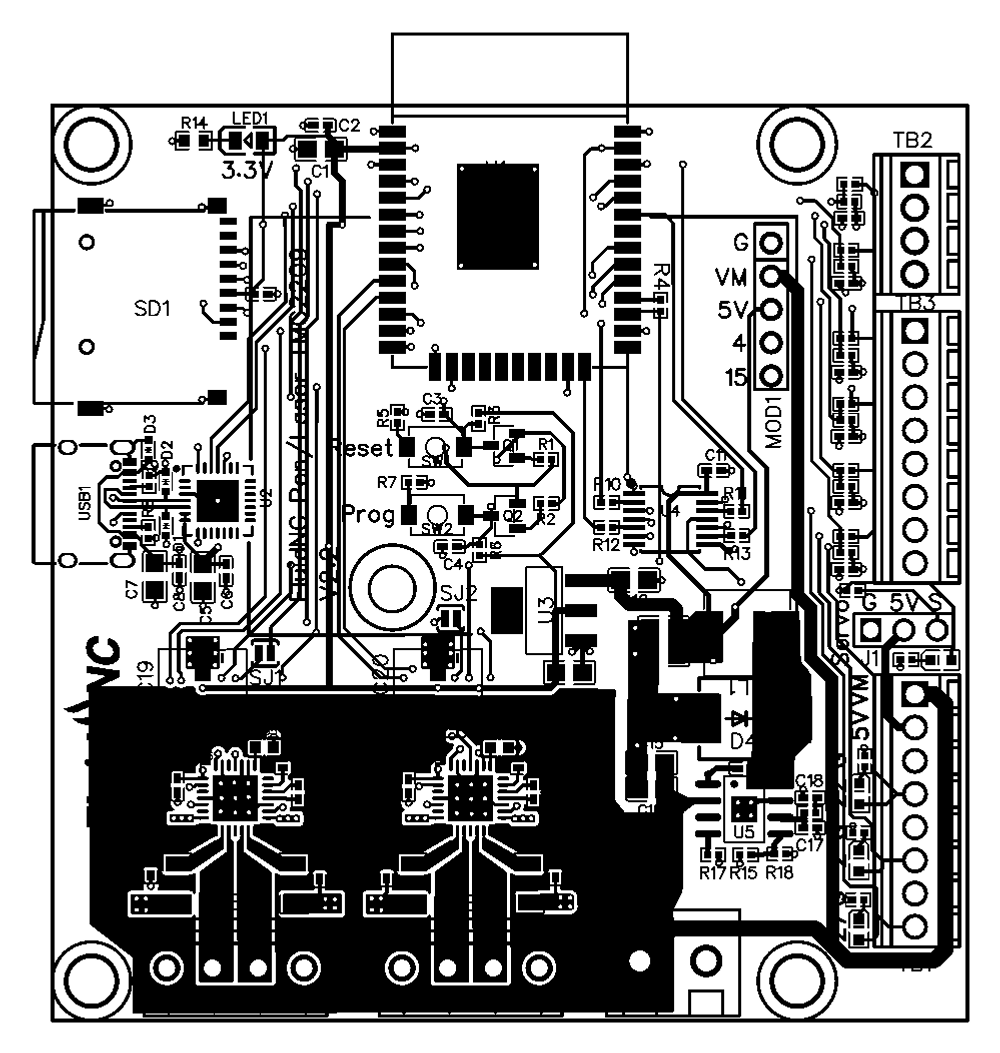
 Design with TMC2209 in Cirkit Designer
Introduction
The TMC2209 is a high-performance stepper motor driver designed for smooth and precise motor control. It features advanced technologies such as microstepping, adjustable current control, and stealthChop2 for ultra-quiet operation. This component is widely used in 3D printers, CNC machines, and other applications requiring precise motor control with minimal noise.
Explore Projects Built with TMC2209
 Open Project in Cirkit Designer
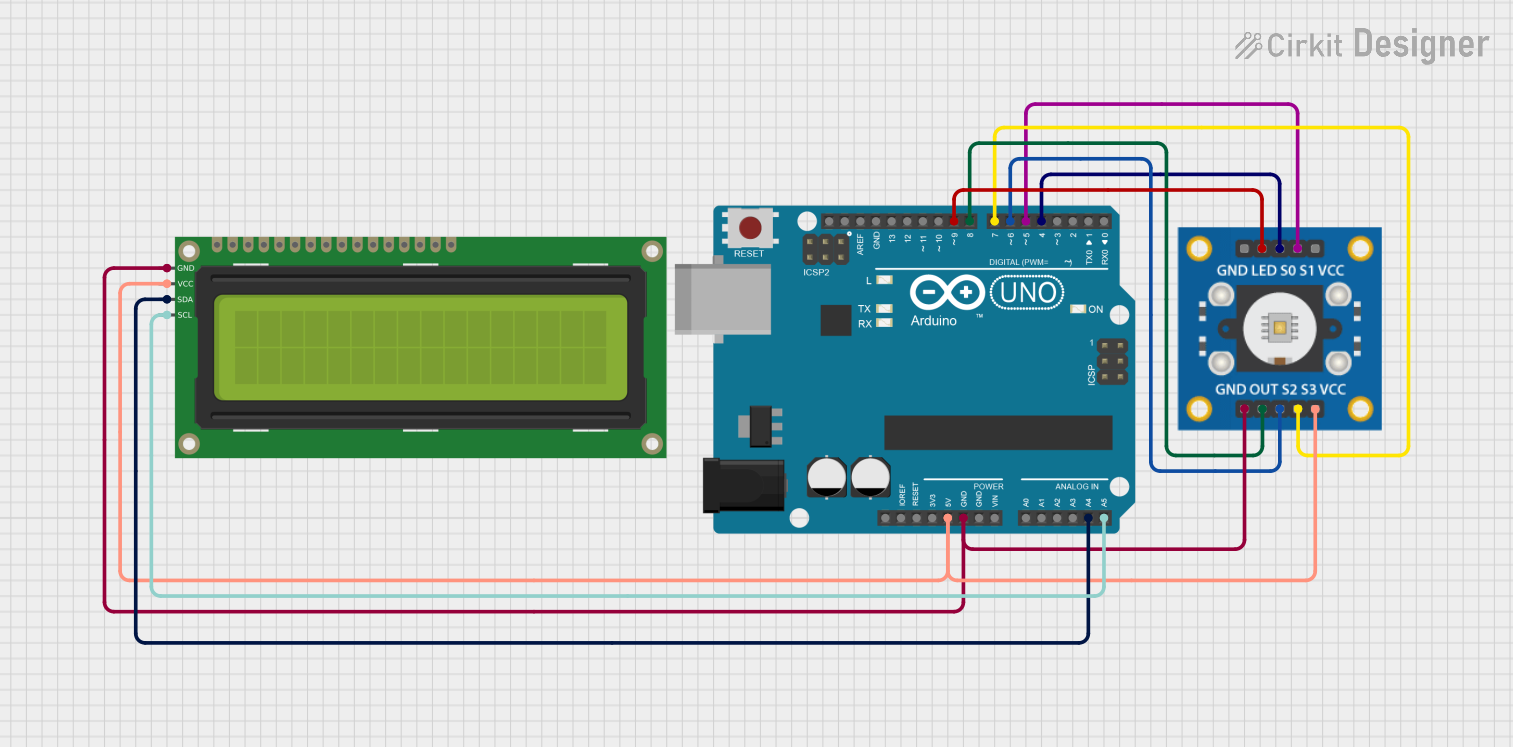 Open Project in Cirkit Designer
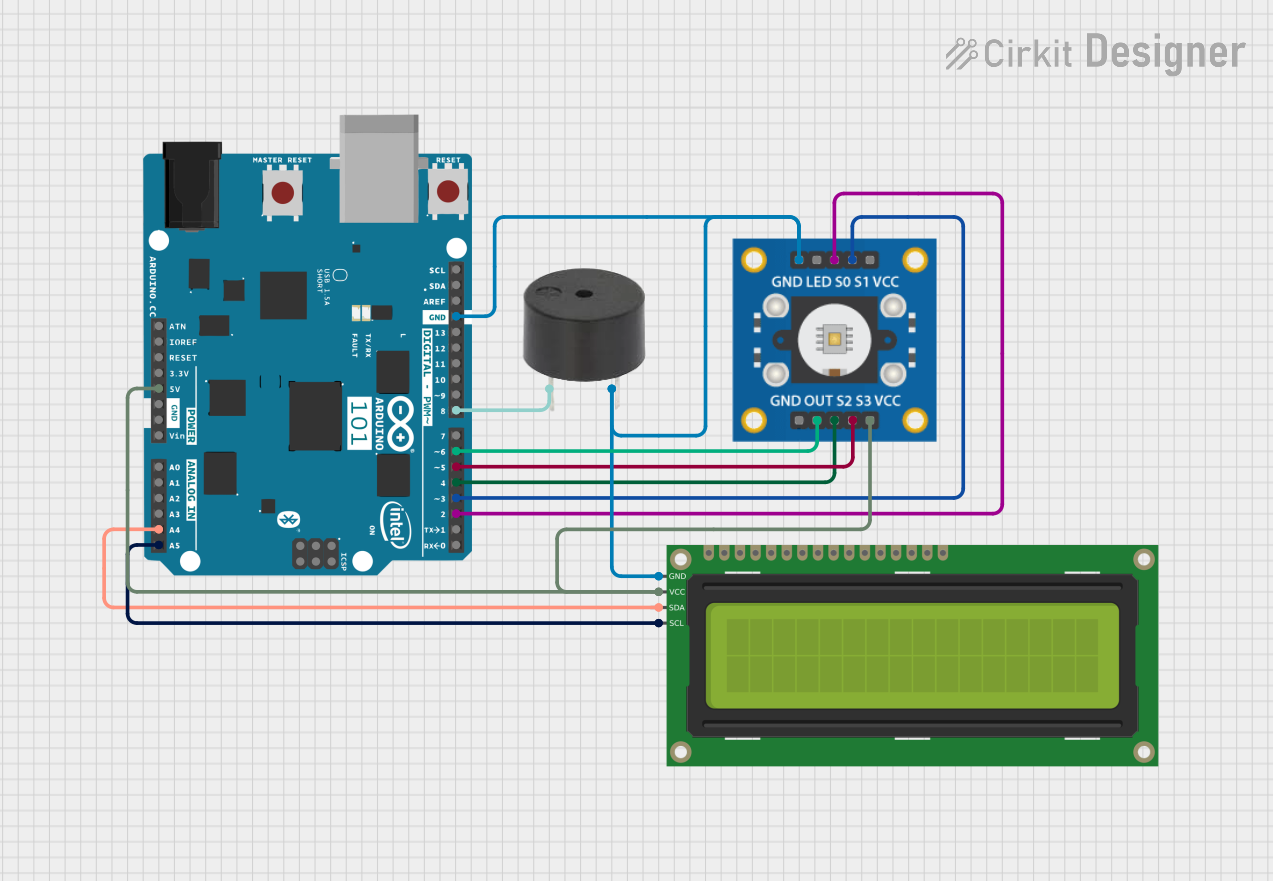 Open Project in Cirkit Designer
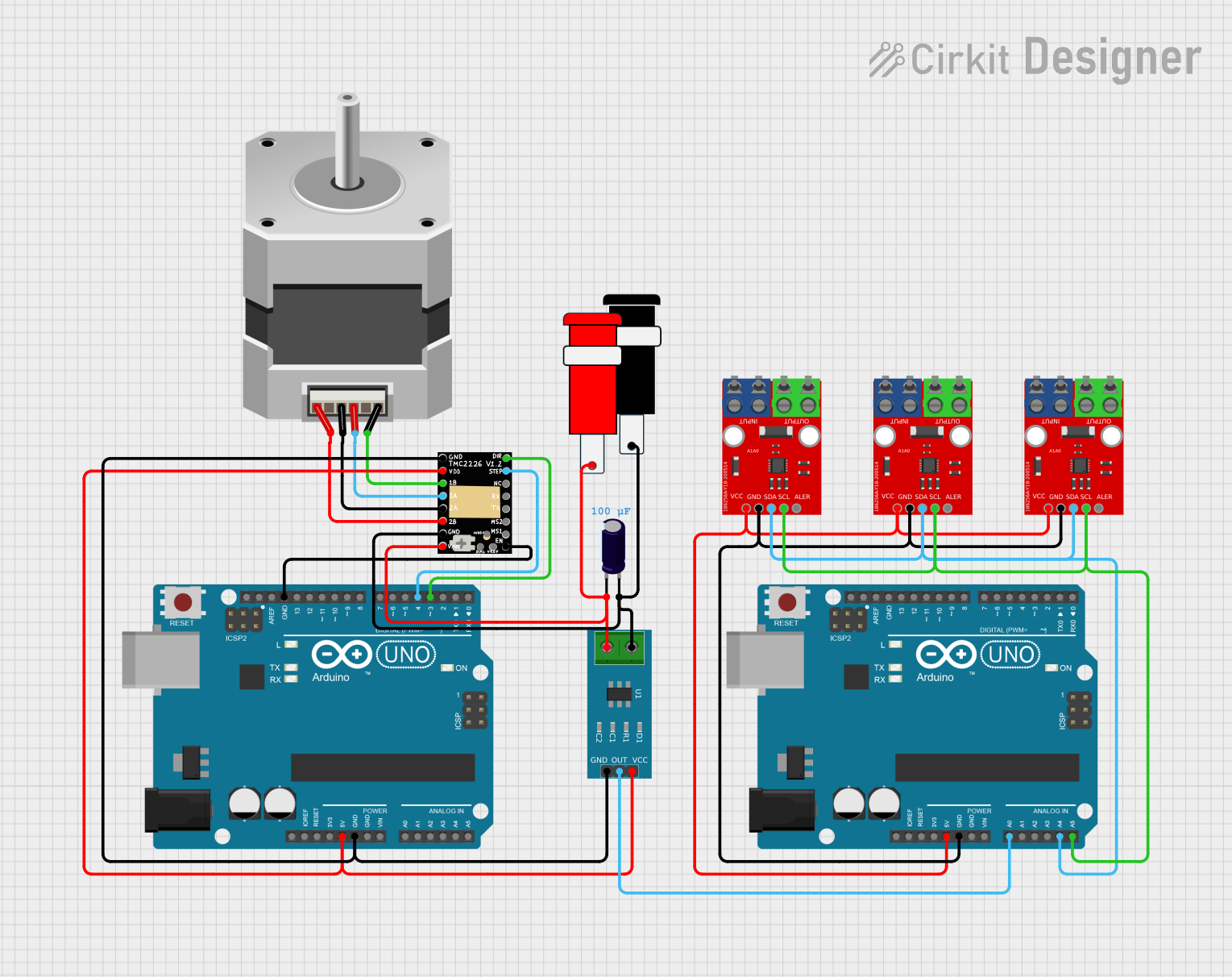 Open Project in Cirkit Designer
Explore Projects Built with TMC2209
Open Project in Cirkit DesignerOpen Project in Cirkit DesignerOpen Project in Cirkit DesignerOpen Project in Cirkit DesignerCommon Applications
- 3D printers for precise and quiet motor operation
- CNC machines for accurate positioning
- Robotics and automation systems
- Laser cutters and engravers
- Any application requiring low-noise stepper motor control
Technical Specifications
The TMC2209 offers a range of features and specifications that make it ideal for high-performance stepper motor control.
Key Technical Details
| Parameter | Value |
|---|---|
| Operating Voltage (V_M) | 4.75V to 29V |
| Logic Voltage (V_IO) | 3.3V or 5V |
| Maximum Motor Current (I_RMS) | Up to 2A (RMS), 2.8A (peak) |
| Microstepping Resolution | Up to 256 microsteps per step |
| Communication Interface | UART |
| Features | stealthChop2, spreadCycle, CoolStep, StallGuard4 |
| Package Type | QFN28 |
Pin Configuration and Descriptions
The TMC2209 comes in a QFN28 package with the following pin configuration:
| Pin Number | Pin Name | Description |
|---|---|---|
| 1 | V_M | Motor power supply (4.75V to 29V) |
| 2 | GND | Ground connection |
| 3 | EN | Enable input (active low) |
| 4 | DIR | Direction input |
| 5 | STEP | Step pulse input |
| 6 | UART_TX | UART transmit pin for communication |
| 7 | UART_RX | UART receive pin for communication |
| 8 | V_IO | Logic voltage input (3.3V or 5V) |
| 9-28 | Other Pins | Various pins for motor phases, diagnostics, and configuration (refer to datasheet) |
Usage Instructions
The TMC2209 is designed to be easy to integrate into motor control systems. Below are the steps and considerations for using the component effectively.
How to Use the TMC2209 in a Circuit
- Power Supply: Connect the motor power supply (V_M) to a voltage source between 4.75V and 29V. Ensure the power supply can handle the current requirements of your motor.
- Logic Voltage: Provide a logic voltage (V_IO) of 3.3V or 5V, depending on your microcontroller.
- Motor Connections: Connect the stepper motor's two coils to the appropriate motor phase pins (A1, A2, B1, B2).
- Control Pins: Use the STEP and DIR pins to control the motor's movement and direction. Optionally, use the UART interface for advanced configuration and diagnostics.
- Cooling: Ensure proper cooling, as the TMC2209 can generate heat during operation. Use a heatsink or active cooling if necessary.
Important Considerations and Best Practices
- Microstepping: Configure the microstepping resolution using the UART interface or external resistors for smoother motor operation.
- Current Limiting: Adjust the motor current using the onboard potentiometer or UART to prevent overheating and ensure efficient operation.
- Noise Reduction: Enable stealthChop2 mode for ultra-quiet operation, especially in noise-sensitive applications like 3D printing.
- Stall Detection: Use StallGuard4 for sensorless homing and stall detection, reducing the need for limit switches.
Example Code for Arduino UNO
Below is an example of how to control the TMC2209 using an Arduino UNO:
#include <TMCStepper.h>

// Define TMC2209 pins
#define EN_PIN 8    // Enable pin
#define DIR_PIN 5   // Direction pin
#define STEP_PIN 2  // Step pin
#define SERIAL_PORT Serial  // UART communication port

// Define TMC2209 parameters
#define R_SENSE 0.11f  // Sense resistor value
TMC2209Stepper driver(&SERIAL_PORT, R_SENSE);  // Initialize driver

void setup() {
  pinMode(EN_PIN, OUTPUT);
  digitalWrite(EN_PIN, LOW);  // Enable the driver

  driver.begin();  // Initialize TMC2209
  driver.toff(5);  // Enable driver with a short off time
  driver.rms_current(800);  // Set motor current to 800mA
  driver.microsteps(16);  // Set microstepping to 1/16
}

void loop() {
  digitalWrite(DIR_PIN, HIGH);  // Set direction
  for (int i = 0; i < 200; i++) {  // Move 200 steps
    digitalWrite(STEP_PIN, HIGH);
    delayMicroseconds(500);  // Step pulse width
    digitalWrite(STEP_PIN, LOW);
    delayMicroseconds(500);
  }
  delay(1000);  // Wait for 1 second
}
Troubleshooting and FAQs
Common Issues and Solutions
Motor Not Moving:
- Check the power supply connections (V_M and GND).
- Ensure the STEP and DIR signals are being sent correctly.
- Verify that the motor current is set appropriately for your motor.
Overheating:
- Ensure proper cooling with a heatsink or fan.
- Reduce the motor current using the UART interface or potentiometer.
Noisy Operation:
- Enable stealthChop2 mode for quieter operation.
- Check for loose connections or mechanical issues with the motor.
Stall Detection Not Working:
- Ensure StallGuard4 is enabled via UART.
- Verify that the motor is not overloaded or improperly connected.
FAQs
Q: Can the TMC2209 be used with 12V or 24V power supplies?
A: Yes, the TMC2209 supports motor power supply voltages between 4.75V and 29V, making it compatible with 12V and 24V systems.
Q: How do I configure microstepping?
A: Microstepping can be configured via the UART interface or by setting the appropriate pins (MS1, MS2) if available.
Q: Is the TMC2209 compatible with 5V logic?
A: Yes, the TMC2209 supports both 3.3V and 5V logic levels for communication and control.
Q: Can I use the TMC2209 for sensorless homing?
A: Yes, the TMC2209 supports sensorless homing using StallGuard4 technology. Ensure proper configuration via UART.
By following this documentation, you can effectively integrate the TMC2209 into your projects for precise and quiet stepper motor control.