
How to Use Seeed Studio XIAO ESP32-C5: Examples, Pinouts, and Specs
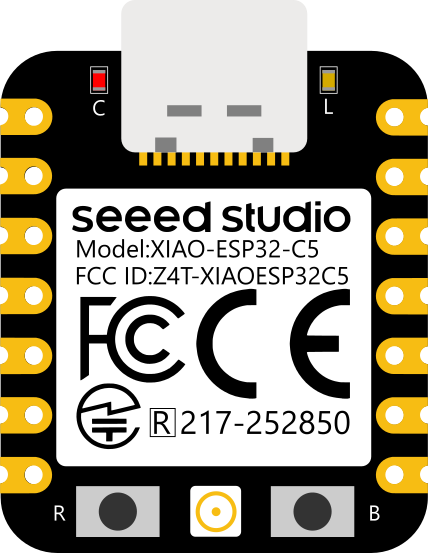
 Design with Seeed Studio XIAO ESP32-C5 in Cirkit Designer
Introduction
The Seeed Studio XIAO ESP32-C5 is a compact and powerful microcontroller board based on the ESP32-C5 chip. It is specifically designed for IoT (Internet of Things) applications, offering built-in Wi-Fi 6 and Bluetooth 5.0 capabilities. With its small form factor and robust wireless connectivity, the XIAO ESP32-C5 is ideal for projects requiring efficient communication, low power consumption, and high performance.
Explore Projects Built with Seeed Studio XIAO ESP32-C5
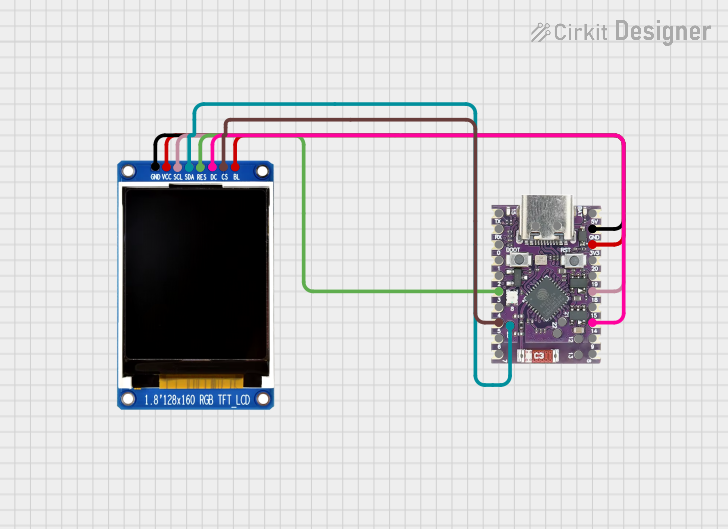 Open Project in Cirkit Designer
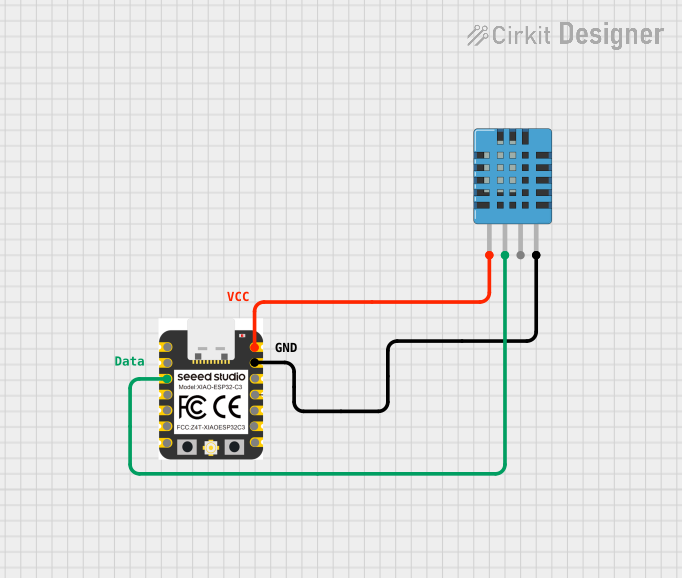 Open Project in Cirkit Designer
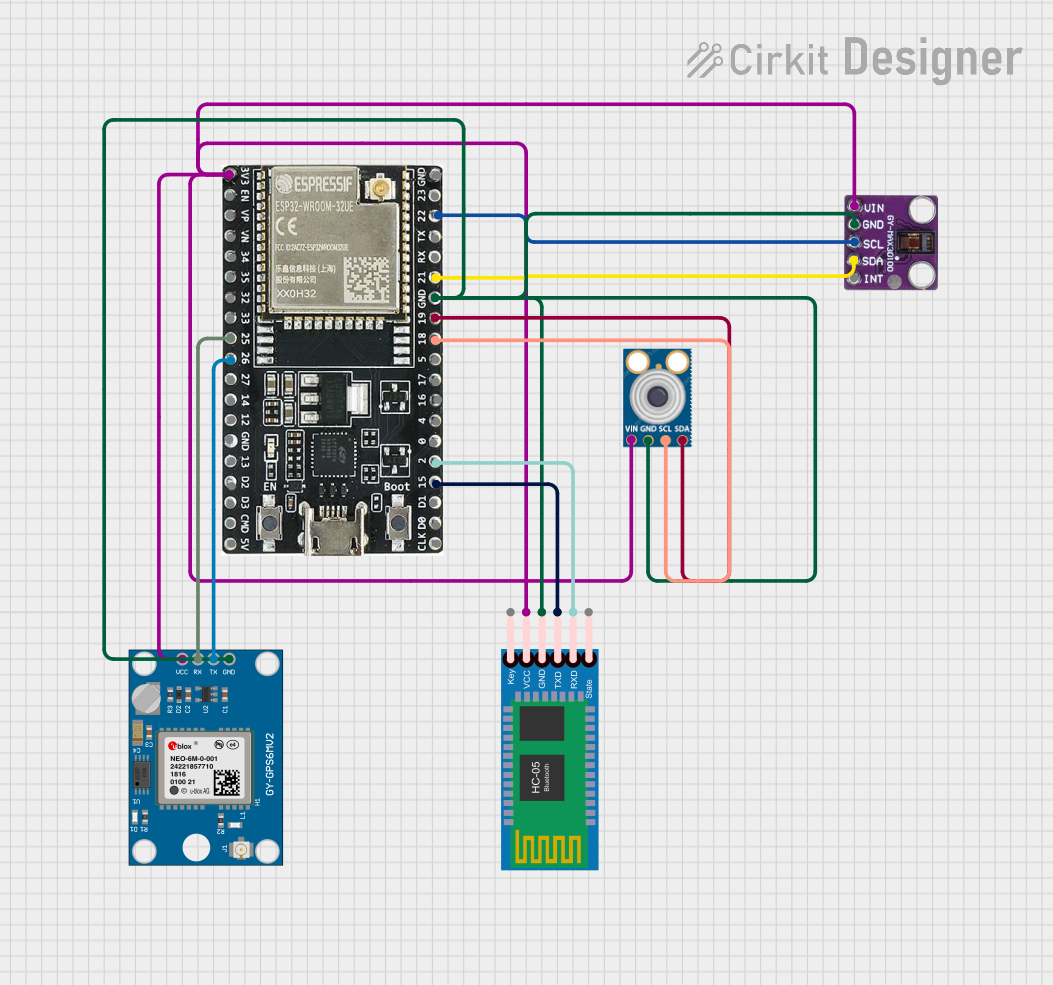 Open Project in Cirkit Designer
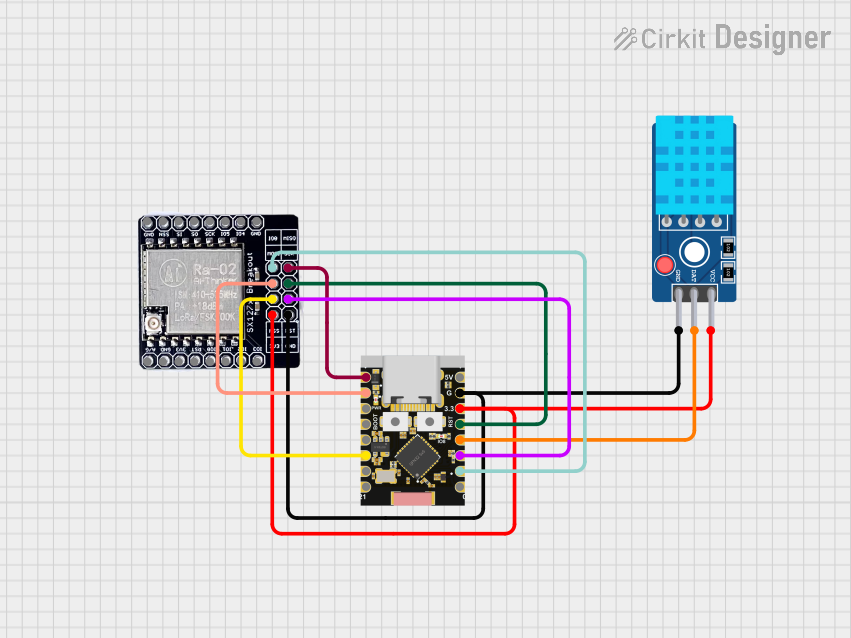 Open Project in Cirkit Designer
Explore Projects Built with Seeed Studio XIAO ESP32-C5
Open Project in Cirkit DesignerOpen Project in Cirkit DesignerOpen Project in Cirkit DesignerOpen Project in Cirkit DesignerCommon Applications and Use Cases
- IoT devices and smart home automation
- Wireless sensor networks
- Wearable technology
- Robotics and drones
- Prototyping and educational projects
- Low-power data logging and monitoring systems
Technical Specifications
The following table outlines the key technical details of the Seeed Studio XIAO ESP32-C5:
| Specification | Details |
|---|---|
| Microcontroller | ESP32-C5 (RISC-V architecture) |
| Wireless Connectivity | Wi-Fi 6 (802.11ax), Bluetooth 5.0 |
| Operating Voltage | 3.3V |
| Input Voltage | 5V (via USB-C) |
| Flash Memory | 4MB |
| SRAM | 400KB |
| GPIO Pins | 11 (including ADC, I2C, SPI, UART, PWM) |
| USB Interface | USB-C (supports programming and power supply) |
| Dimensions | 21 x 17.5 mm |
| Power Consumption | Ultra-low power consumption in deep sleep mode |
| Operating Temperature | -40°C to 85°C |
Pin Configuration and Descriptions
The XIAO ESP32-C5 features a total of 11 GPIO pins, which are multifunctional and can be configured for various purposes. Below is the pinout description:
| Pin | Name | Function | Notes |
|---|---|---|---|
| 1 | 3.3V | Power Supply | Provides 3.3V output |
| 2 | GND | Ground | Common ground |
| 3 | GPIO0 | Digital I/O, ADC, PWM | Configurable as input or output |
| 4 | GPIO1 | Digital I/O, ADC, PWM | Configurable as input or output |
| 5 | GPIO2 | Digital I/O, ADC, PWM, I2C (SDA) | Configurable as input or output |
| 6 | GPIO3 | Digital I/O, ADC, PWM, I2C (SCL) | Configurable as input or output |
| 7 | GPIO4 | Digital I/O, UART TX, SPI (MOSI) | Configurable as input or output |
| 8 | GPIO5 | Digital I/O, UART RX, SPI (MISO) | Configurable as input or output |
| 9 | GPIO6 | Digital I/O, SPI (SCK) | Configurable as input or output |
| 10 | GPIO7 | Digital I/O, SPI (CS) | Configurable as input or output |
| 11 | RST | Reset | Resets the microcontroller |
Usage Instructions
How to Use the Component in a Circuit
- Powering the Board: Connect the XIAO ESP32-C5 to a 5V power source using the USB-C port. The onboard voltage regulator will step down the voltage to 3.3V.
- Programming: Use the Arduino IDE or other compatible development environments to program the board. Install the necessary ESP32 board support package in the IDE.
- Connecting Peripherals: Use the GPIO pins to connect sensors, actuators, or other peripherals. Ensure that the voltage levels of connected devices are compatible with the 3.3V logic of the board.
- Wireless Communication: Configure the Wi-Fi or Bluetooth settings in your code to enable wireless communication.
Important Considerations and Best Practices
- Voltage Levels: Ensure that all connected peripherals operate at 3.3V logic levels to avoid damaging the board.
- Deep Sleep Mode: Utilize the deep sleep mode for battery-powered applications to minimize power consumption.
- Pin Multiplexing: Be aware that some pins have multiple functions (e.g., GPIO, ADC, I2C). Configure them appropriately in your code.
- Heat Management: While the board is designed for efficient operation, ensure proper ventilation if used in high-temperature environments.
Example Code for Arduino UNO Integration
Below is an example of how to use the XIAO ESP32-C5 to connect to a Wi-Fi network and send data to a server:
#include <WiFi.h> // Include the Wi-Fi library

// Replace with your network credentials
const char* ssid = "Your_SSID";
const char* password = "Your_PASSWORD";

void setup() {
  Serial.begin(115200); // Initialize serial communication
  delay(1000);

  // Connect to Wi-Fi
  Serial.print("Connecting to Wi-Fi");
  WiFi.begin(ssid, password);
  while (WiFi.status() != WL_CONNECTED) {
    delay(500);
    Serial.print(".");
  }
  Serial.println("\nConnected to Wi-Fi");
}

void loop() {
  // Example: Print the IP address
  Serial.print("IP Address: ");
  Serial.println(WiFi.localIP());
  delay(5000); // Wait for 5 seconds before repeating
}
Troubleshooting and FAQs
Common Issues and Solutions
Board Not Detected by IDE:
- Ensure that the correct board and port are selected in the Arduino IDE.
- Install the ESP32 board support package if not already installed.
- Check the USB cable for proper data transfer capability (some cables are power-only).
Wi-Fi Connection Fails:
- Double-check the SSID and password in your code.
- Ensure that the Wi-Fi network is within range and operational.
- Restart the board and router if necessary.
Peripherals Not Responding:
- Verify the wiring and connections to the GPIO pins.
- Ensure that the peripherals are compatible with 3.3V logic levels.
- Check for pin conflicts if multiple peripherals are connected.
FAQs
Q: Can I power the XIAO ESP32-C5 with a battery?
A: Yes, you can power the board using a 3.7V LiPo battery connected to the 3.3V and GND pins. Ensure proper voltage regulation.
Q: Does the board support OTA (Over-The-Air) updates?
A: Yes, the ESP32-C5 supports OTA updates. You can implement this feature in your code for wireless firmware updates.
Q: How do I reset the board?
A: Press the RST pin or use the reset button (if available) to reset the microcontroller.
Q: Can I use the XIAO ESP32-C5 with MicroPython?
A: Yes, the board is compatible with MicroPython. You can flash the MicroPython firmware and use it for development.
This concludes the documentation for the Seeed Studio XIAO ESP32-C5.