
How to Use Battery: Examples, Pinouts, and Specs
 Design with Battery in Cirkit Designer
Introduction
A battery is a device that stores electrical energy in chemical form and converts it into electrical energy to power electronic circuits. Batteries are widely used in various applications, ranging from small electronic devices like remote controls and smartphones to large systems such as electric vehicles and renewable energy storage. They are essential for providing portable and reliable power.
Common applications of batteries include:
- Powering portable electronic devices (e.g., smartphones, laptops, cameras)
- Backup power for critical systems (e.g., UPS systems, emergency lighting)
- Energy storage in renewable energy systems (e.g., solar panels, wind turbines)
- Electric vehicles and robotics
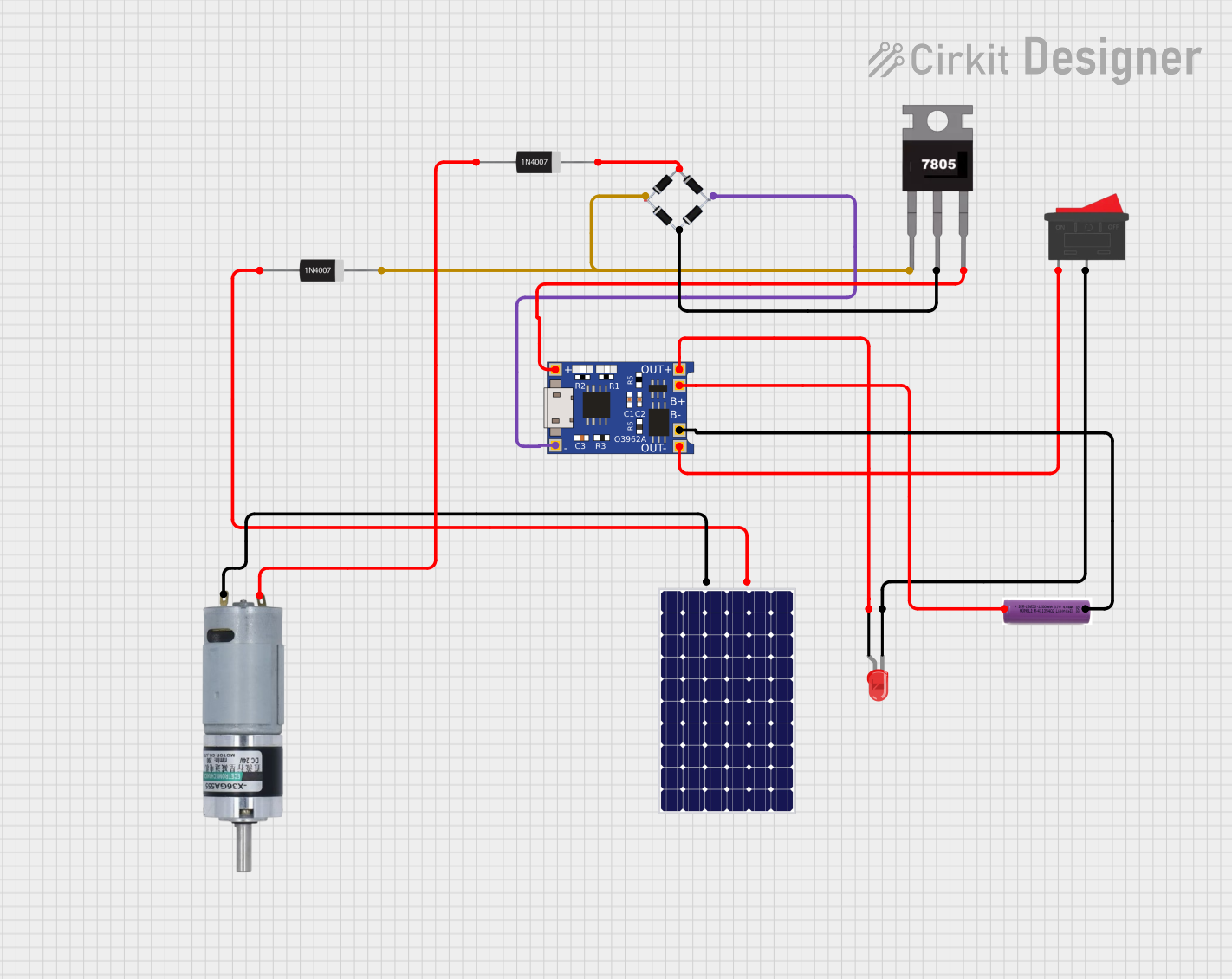
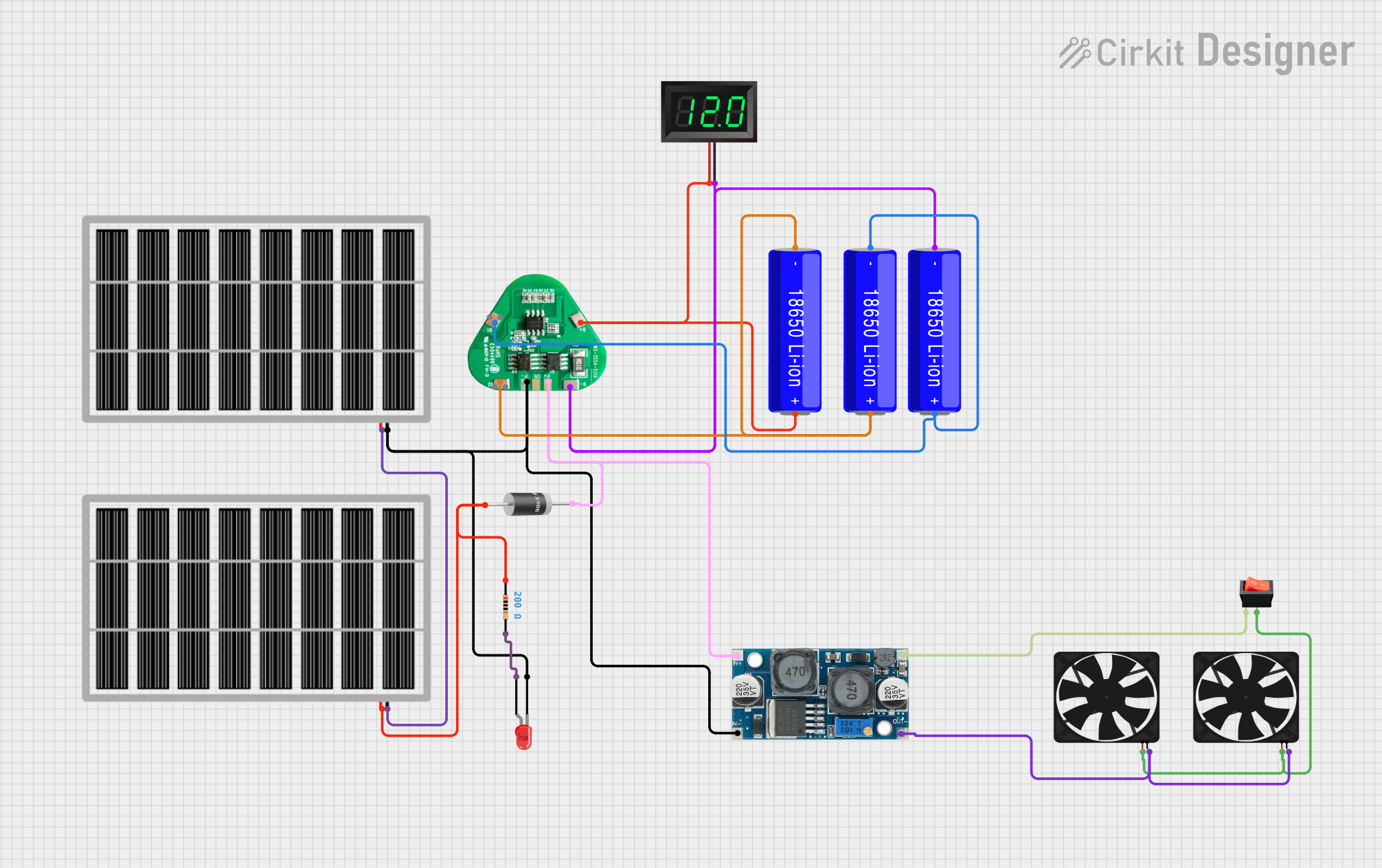
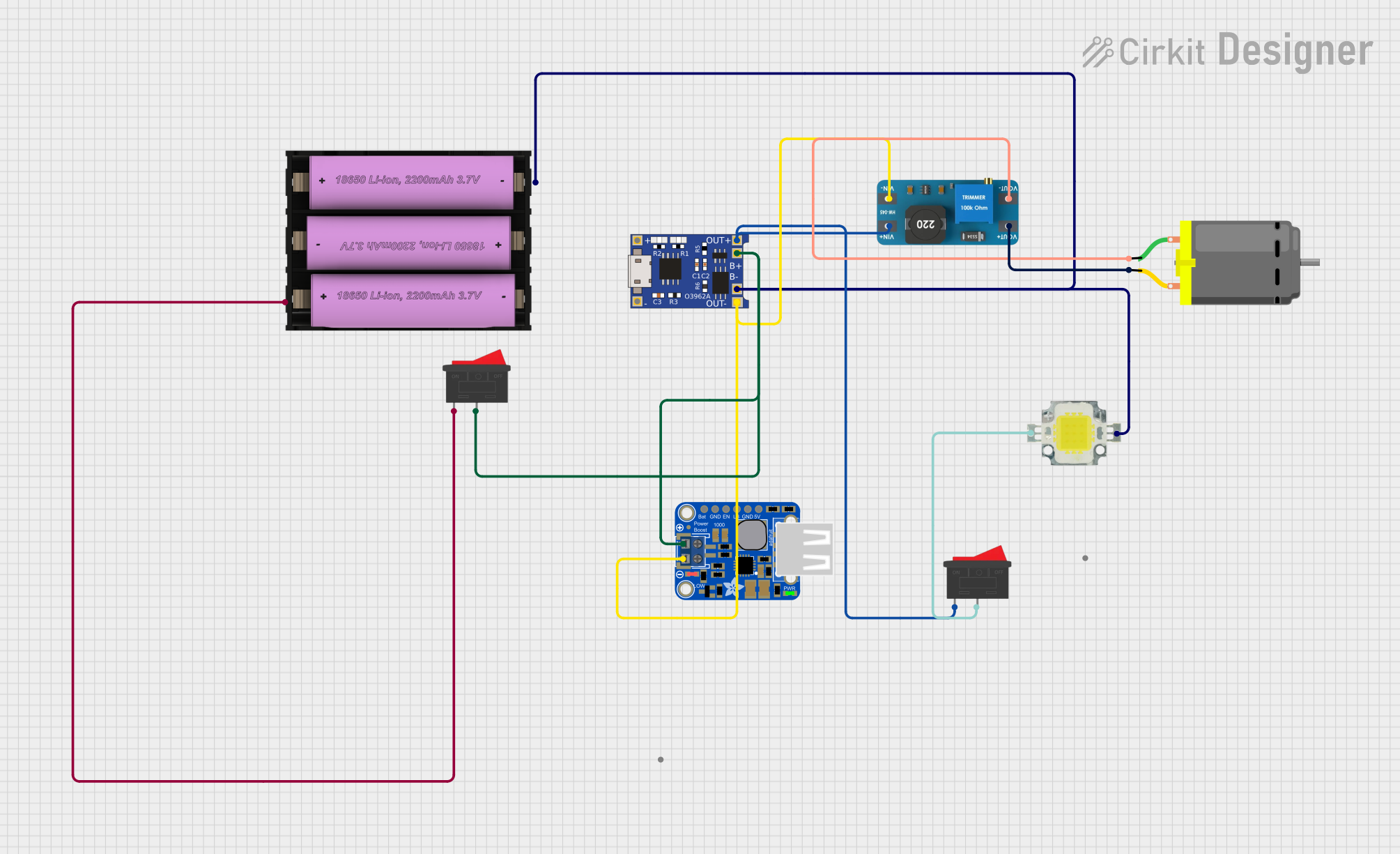
Explore Projects Built with Battery
 Open Project in Cirkit Designer
 Open Project in Cirkit Designer
 Open Project in Cirkit Designer
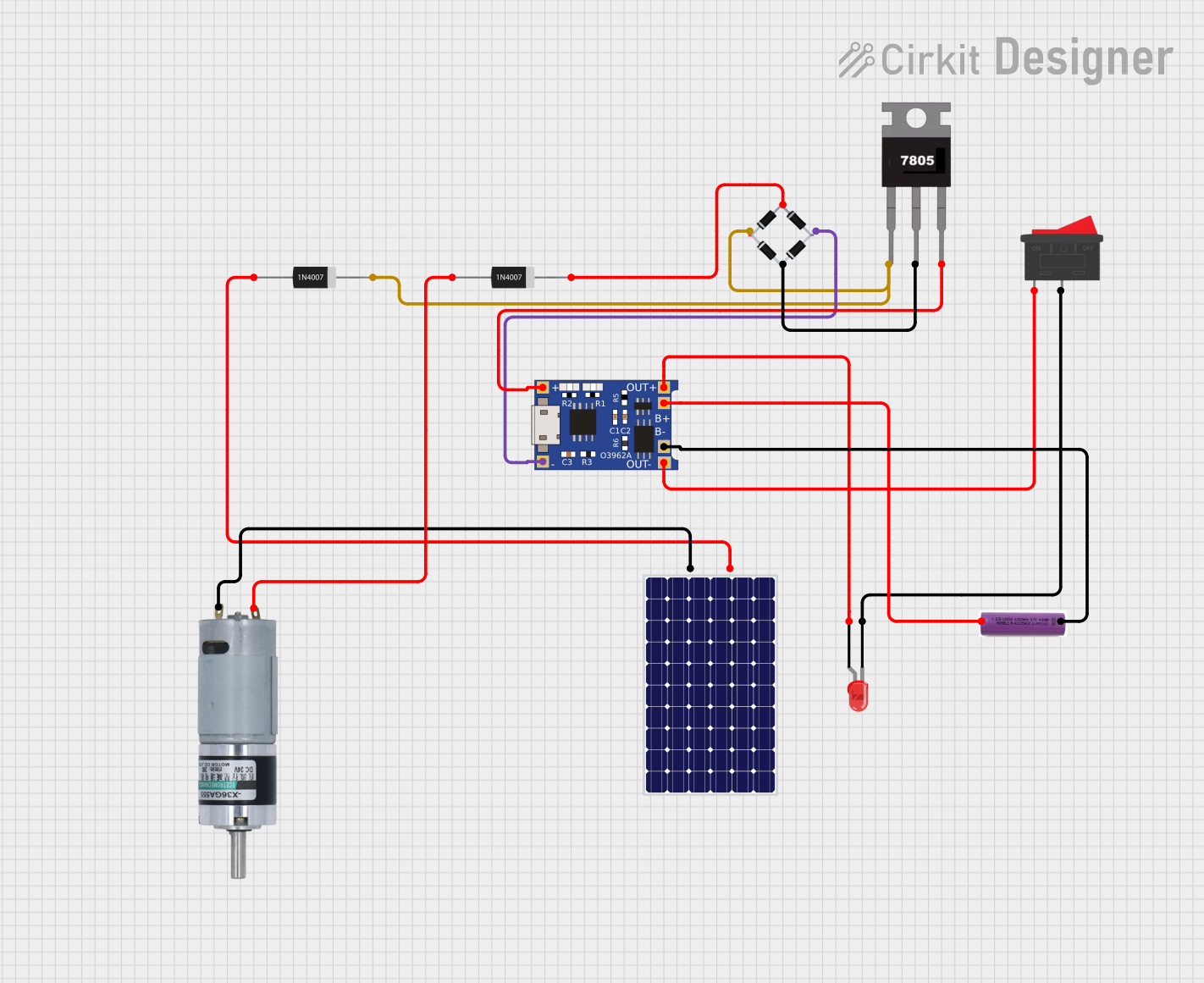 Open Project in Cirkit Designer
Explore Projects Built with Battery
Open Project in Cirkit DesignerOpen Project in Cirkit DesignerOpen Project in Cirkit DesignerOpen Project in Cirkit DesignerTechnical Specifications
The specifications of a battery vary depending on its type (e.g., alkaline, lithium-ion, lead-acid). Below are general technical details for a typical lithium-ion battery:
| Parameter | Specification |
|---|---|
| Nominal Voltage | 3.7V (single cell) |
| Capacity | 1000mAh to 5000mAh (varies by model) |
| Maximum Discharge Rate | 1C to 3C (varies by model) |
| Charging Voltage | 4.2V (single cell) |
| Operating Temperature | -20°C to 60°C |
| Cycle Life | 300 to 1000 cycles |
Pin Configuration and Descriptions
For a typical rechargeable lithium-ion battery with a protection circuit, the pin configuration is as follows:
| Pin | Name | Description |
|---|---|---|
| 1 | Positive (+) | The positive terminal of the battery, used to supply power to the circuit. |
| 2 | Negative (-) | The negative terminal of the battery, used as the return path for the circuit. |
| 3 | Thermistor (optional) | Monitors the battery temperature for safety during charging/discharging. |
Usage Instructions
How to Use the Battery in a Circuit
- Connect the Terminals Properly: Ensure the positive terminal of the battery is connected to the positive rail of the circuit and the negative terminal to the ground.
- Use a Battery Holder: For safety and convenience, use a battery holder or connector that matches the battery type.
- Include a Protection Circuit: Use a battery management system (BMS) or protection circuit to prevent overcharging, over-discharging, and short circuits.
- Charge Safely: Use a charger specifically designed for the battery type (e.g., a lithium-ion charger for lithium-ion batteries).
Important Considerations and Best Practices
- Avoid Overcharging: Overcharging can damage the battery and reduce its lifespan. Always use a charger with proper voltage and current limits.
- Prevent Deep Discharge: Discharging a battery below its minimum voltage can cause irreversible damage.
- Monitor Temperature: Avoid using the battery in extreme temperatures, as this can affect performance and safety.
- Store Properly: Store batteries in a cool, dry place when not in use. For long-term storage, maintain a charge level of around 40-60%.
Example: Connecting a Battery to an Arduino UNO
To power an Arduino UNO with a 9V battery, follow these steps:
- Connect the positive terminal of the 9V battery to the VIN pin on the Arduino.
- Connect the negative terminal of the battery to the GND pin on the Arduino.
Here is an example Arduino sketch to read the battery voltage using an analog pin:
// Define the analog pin connected to the battery voltage divider
const int batteryPin = A0;

// Define the voltage divider ratio (adjust based on your resistor values)
const float voltageDividerRatio = 2.0;

// Define the reference voltage of the Arduino (5V for most boards)
const float referenceVoltage = 5.0;

void setup() {
  Serial.begin(9600); // Initialize serial communication
}

void loop() {
  int analogValue = analogRead(batteryPin); // Read the analog value
  // Calculate the battery voltage using the voltage divider ratio
  float batteryVoltage = (analogValue / 1023.0) * referenceVoltage * voltageDividerRatio;

  // Print the battery voltage to the Serial Monitor
  Serial.print("Battery Voltage: ");
  Serial.print(batteryVoltage);
  Serial.println(" V");

  delay(1000); // Wait for 1 second before the next reading
}
Note: Use a voltage divider circuit to step down the battery voltage if it exceeds the Arduino's input voltage range.
Troubleshooting and FAQs
Common Issues
Battery Drains Quickly
- Cause: High current draw or an old battery with reduced capacity.
- Solution: Check the circuit's power consumption and replace the battery if necessary.
Battery Overheats
- Cause: Overcharging, short circuit, or excessive current draw.
- Solution: Use a proper charger and ensure the circuit does not exceed the battery's rated current.
Battery Does Not Charge
- Cause: Faulty charger, damaged battery, or poor connections.
- Solution: Verify the charger and connections. Replace the battery if it is damaged.
Voltage Drops Under Load
- Cause: High internal resistance or low charge level.
- Solution: Replace the battery or recharge it to full capacity.
FAQs
Q: Can I use any charger for my battery?
A: No, always use a charger designed for your specific battery type to ensure safety and optimal performance.
Q: How do I know when my battery is fully charged?
A: Most chargers have an indicator light or display to show when charging is complete. For lithium-ion batteries, the voltage should reach 4.2V per cell.
Q: Can I connect batteries in series or parallel?
A: Yes, you can connect batteries in series to increase voltage or in parallel to increase capacity. Ensure all batteries are of the same type, capacity, and charge level.
Q: How do I dispose of old batteries?
A: Dispose of batteries at designated recycling centers to prevent environmental harm. Do not throw them in regular trash.