
How to Use 74HC4053: Examples, Pinouts, and Specs
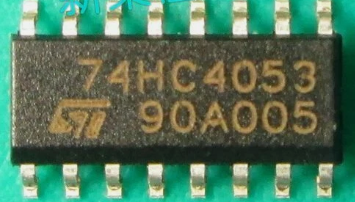
 Design with 74HC4053 in Cirkit Designer
Introduction
The 74HC4053 is a triple 2-channel analog multiplexer/demultiplexer with independent enable inputs. It is a versatile quad bilateral switch that can control analog signals, allowing both positive and negative voltages to pass through. The component is designed with low on-resistance, making it ideal for applications requiring minimal signal distortion.
Explore Projects Built with 74HC4053
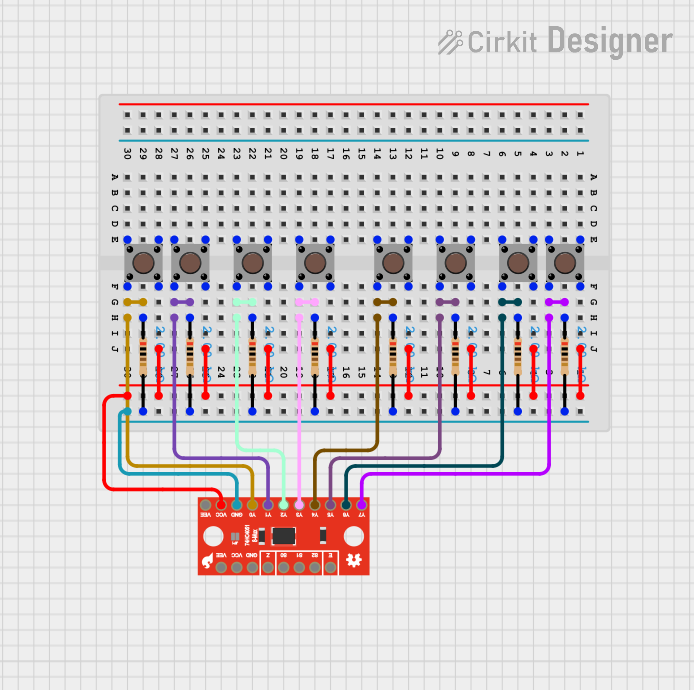 Open Project in Cirkit Designer
 Open Project in Cirkit Designer
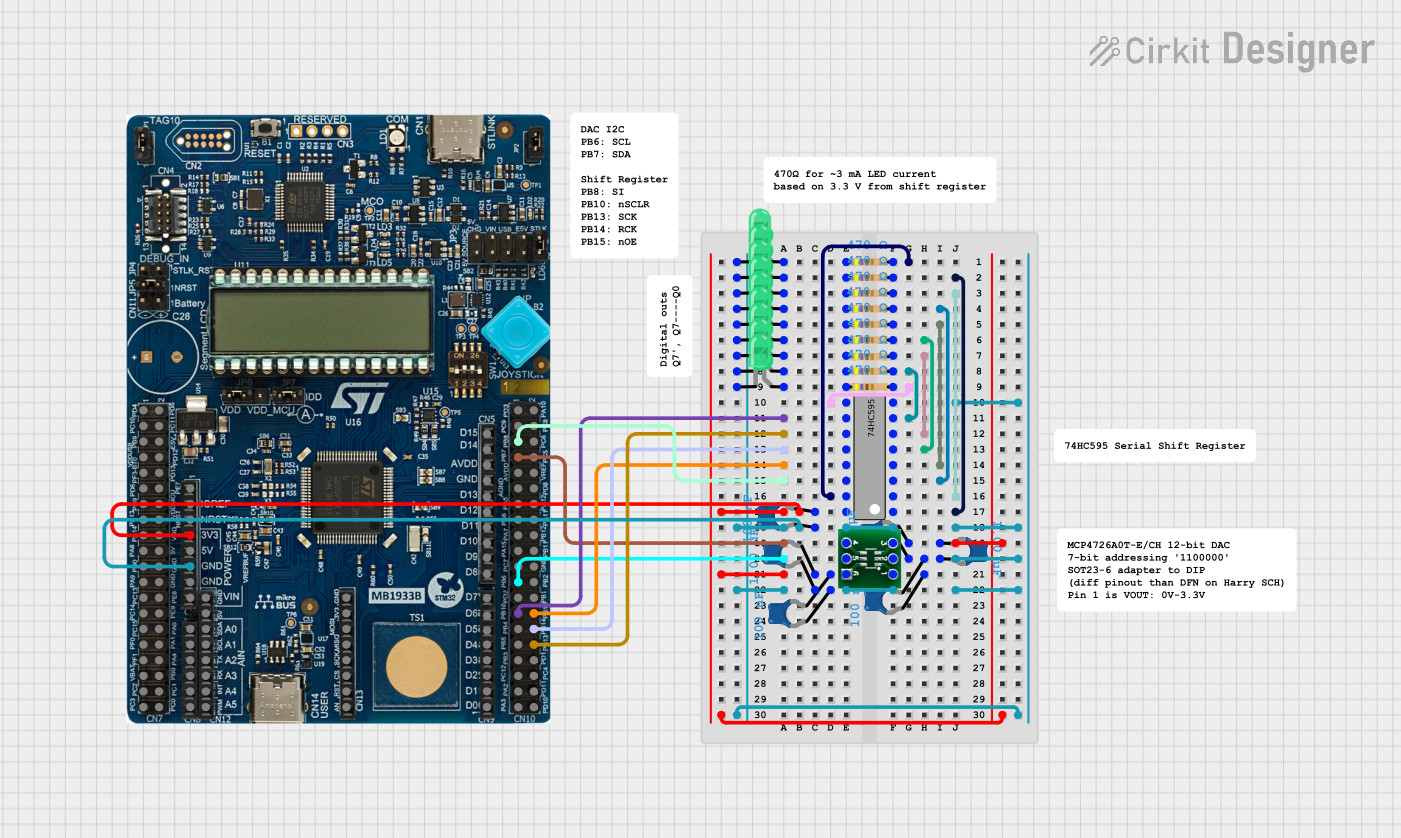 Open Project in Cirkit Designer
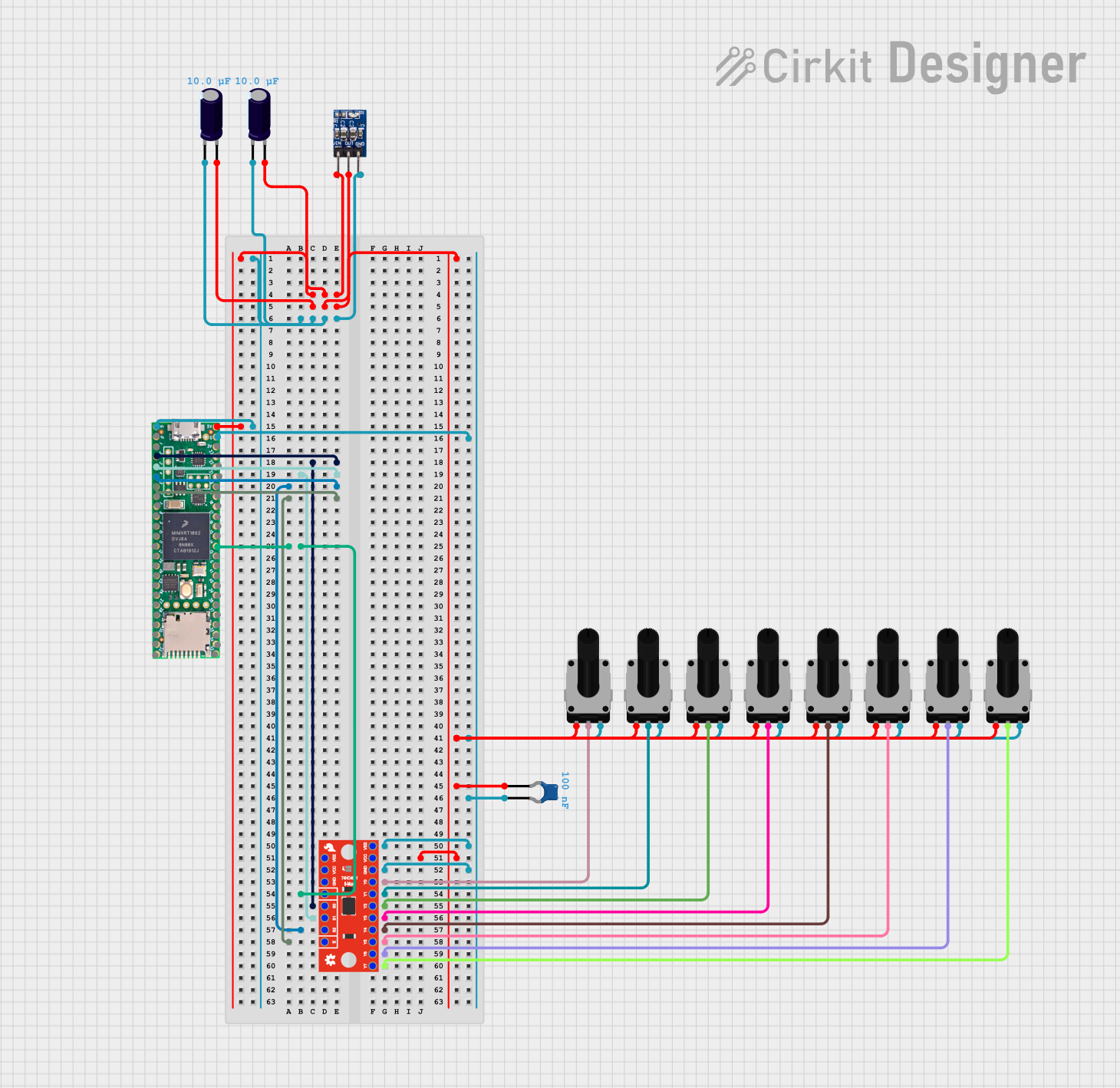 Open Project in Cirkit Designer
Explore Projects Built with 74HC4053
Open Project in Cirkit DesignerOpen Project in Cirkit DesignerOpen Project in Cirkit DesignerOpen Project in Cirkit DesignerCommon Applications:
- Audio signal routing
- Analog multiplexing and demultiplexing
- Signal gating and switching
- Data acquisition systems
- Sensor signal selection
Technical Specifications
The 74HC4053 operates as a triple 2-channel switch, where each switch can independently connect one of two inputs to a common output. Below are the key technical details:
Key Specifications:
- Supply Voltage (Vcc): 2V to 6V
- Control Input Voltage Range: 0V to Vcc
- Analog Signal Range: -6V to +6V (with Vcc = 6V)
- On-Resistance (Ron): ~70Ω (typical at Vcc = 4.5V)
- Propagation Delay: ~10ns (typical at Vcc = 5V)
- Maximum Switching Frequency: 6 MHz
- Operating Temperature Range: -40°C to +85°C
- Package Types: DIP-16, SOIC-16, TSSOP-16
Pin Configuration and Descriptions:
The 74HC4053 comes in a 16-pin package. Below is the pinout and description:
| Pin Number | Pin Name | Description |
|---|---|---|
| 1 | VEE | Negative supply voltage (connect to GND for single-supply operation) |
| 2 | C1 | Control input for switch 1 |
| 3 | B1 | Control input for switch 2 |
| 4 | A1 | Control input for switch 3 |
| 5 | IN1A | Input A for switch 1 |
| 6 | IN1B | Input B for switch 1 |
| 7 | OUT1 | Common output for switch 1 |
| 8 | GND | Ground |
| 9 | OUT2 | Common output for switch 2 |
| 10 | IN2B | Input B for switch 2 |
| 11 | IN2A | Input A for switch 2 |
| 12 | OUT3 | Common output for switch 3 |
| 13 | IN3B | Input B for switch 3 |
| 14 | IN3A | Input A for switch 3 |
| 15 | VCC | Positive supply voltage |
| 16 | ENABLE | Enable pin (active LOW) |
Usage Instructions
The 74HC4053 is straightforward to use in analog switching and multiplexing applications. Below are the steps and considerations for using the component:
Basic Circuit Connection:
Power Supply:
- Connect the VCC pin to a positive voltage source (e.g., 5V).
- Connect the VEE pin to GND for single-supply operation or to a negative voltage for dual-supply operation.
- Connect the GND pin to the circuit ground.
Control Inputs:
- Use the A1, B1, and C1 pins to control the switches. A HIGH or LOW signal on these pins determines which input (A or B) is connected to the output.
Enable Pin:
- The ENABLE pin must be set LOW to activate the switches. If set HIGH, all switches are disabled.
Signal Connections:
- Connect the analog signals to the INxA and INxB pins.
- The selected signal will appear on the corresponding OUTx pin.
Example Circuit:
Below is an example of using the 74HC4053 to switch between two audio signals:
/*
 * Example: Controlling the 74HC4053 with an Arduino UNO
 * This code demonstrates how to toggle between two analog signals
 * using the control pins of the 74HC4053.
 */

const int controlPinA = 2; // Connect to A1 pin of 74HC4053
const int controlPinB = 3; // Connect to B1 pin of 74HC4053
const int enablePin = 4;   // Connect to ENABLE pin of 74HC4053

void setup() {
  pinMode(controlPinA, OUTPUT); // Set control pin A as output
  pinMode(controlPinB, OUTPUT); // Set control pin B as output
  pinMode(enablePin, OUTPUT);   // Set enable pin as output

  digitalWrite(enablePin, LOW); // Enable the 74HC4053
}

void loop() {
  // Switch to Input A
  digitalWrite(controlPinA, LOW);
  digitalWrite(controlPinB, LOW);
  delay(1000); // Wait for 1 second

  // Switch to Input B
  digitalWrite(controlPinA, HIGH);
  digitalWrite(controlPinB, LOW);
  delay(1000); // Wait for 1 second
}
Important Considerations:
- Ensure the analog signal voltage does not exceed the supply voltage range.
- For dual-supply operation, connect VEE to a negative voltage (e.g., -5V) to handle negative analog signals.
- Use decoupling capacitors (e.g., 0.1µF) near the power supply pins to reduce noise.
Troubleshooting and FAQs
Common Issues:
No Signal Output:
- Ensure the ENABLE pin is set LOW.
- Verify the control pins (A1, B1, C1) are receiving the correct logic levels.
Signal Distortion:
- Check if the analog signal voltage exceeds the supply voltage range.
- Verify the on-resistance (Ron) is acceptable for your application.
Switching Noise:
- Add bypass capacitors near the power supply pins.
- Use proper grounding techniques to minimize noise.
FAQs:
Q1: Can the 74HC4053 handle digital signals?
A1: Yes, the 74HC4053 can switch digital signals as well as analog signals.
Q2: What happens if the ENABLE pin is left floating?
A2: The behavior is undefined. Always connect the ENABLE pin to a defined logic level (HIGH or LOW).
Q3: Can I use the 74HC4053 with a single power supply?
A3: Yes, connect VEE to GND for single-supply operation. However, this limits the analog signal range to 0V to VCC.
By following these guidelines, the 74HC4053 can be effectively used in a variety of analog and digital switching applications.