
How to Use LIPO Battery: Examples, Pinouts, and Specs
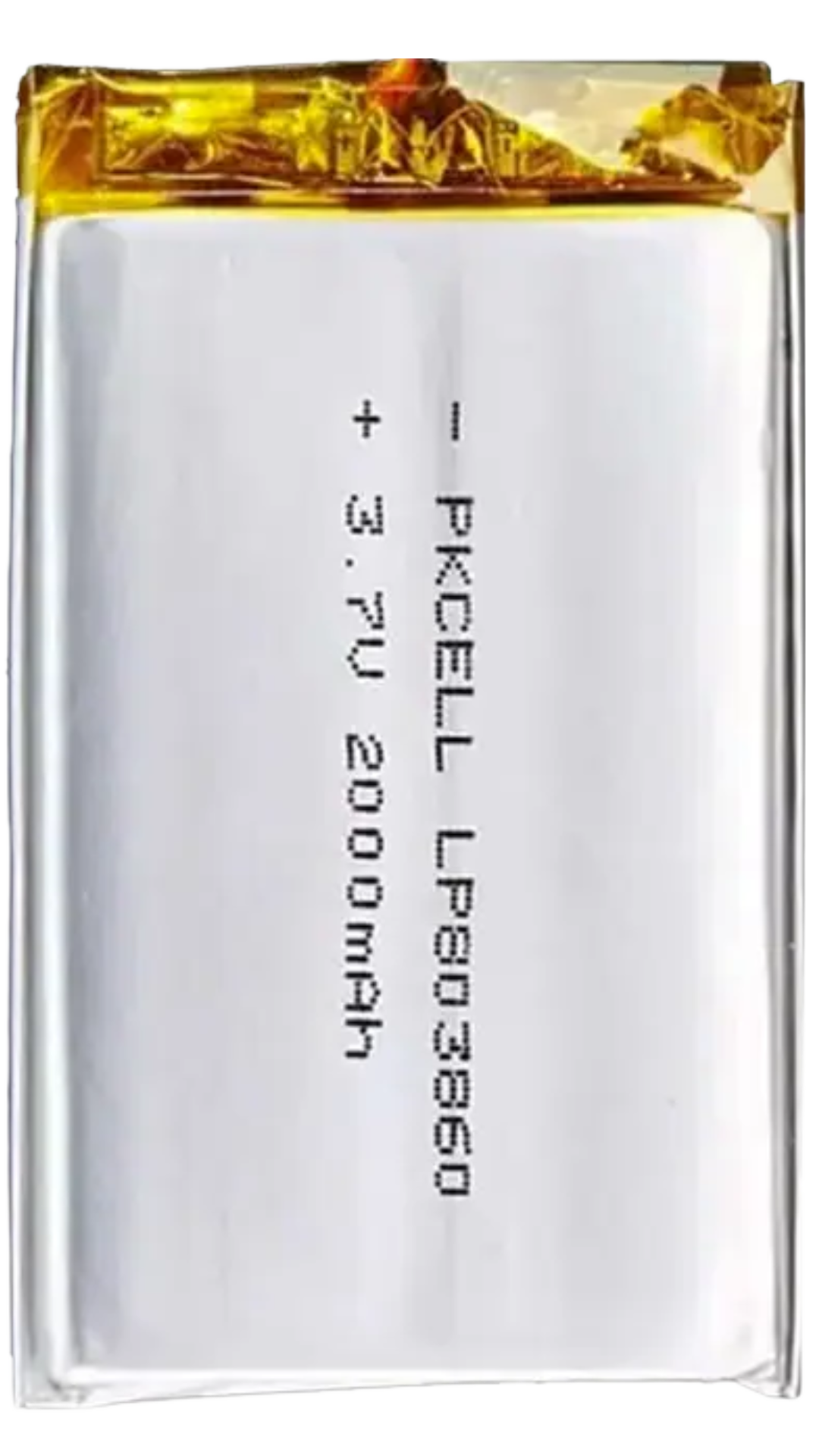
 Design with LIPO Battery in Cirkit Designer
Introduction
The PKEnergy LIPO Battery (Part ID: LIPO) is a high-performance rechargeable Lithium Polymer battery designed for applications requiring lightweight, compact, and high-energy-density power sources. Unlike traditional batteries, the LiPo battery uses a polymer electrolyte, which allows for flexible form factors and improved safety. This makes it an ideal choice for portable electronics, drones, RC vehicles, and other devices where weight and size are critical considerations.
Explore Projects Built with LIPO Battery
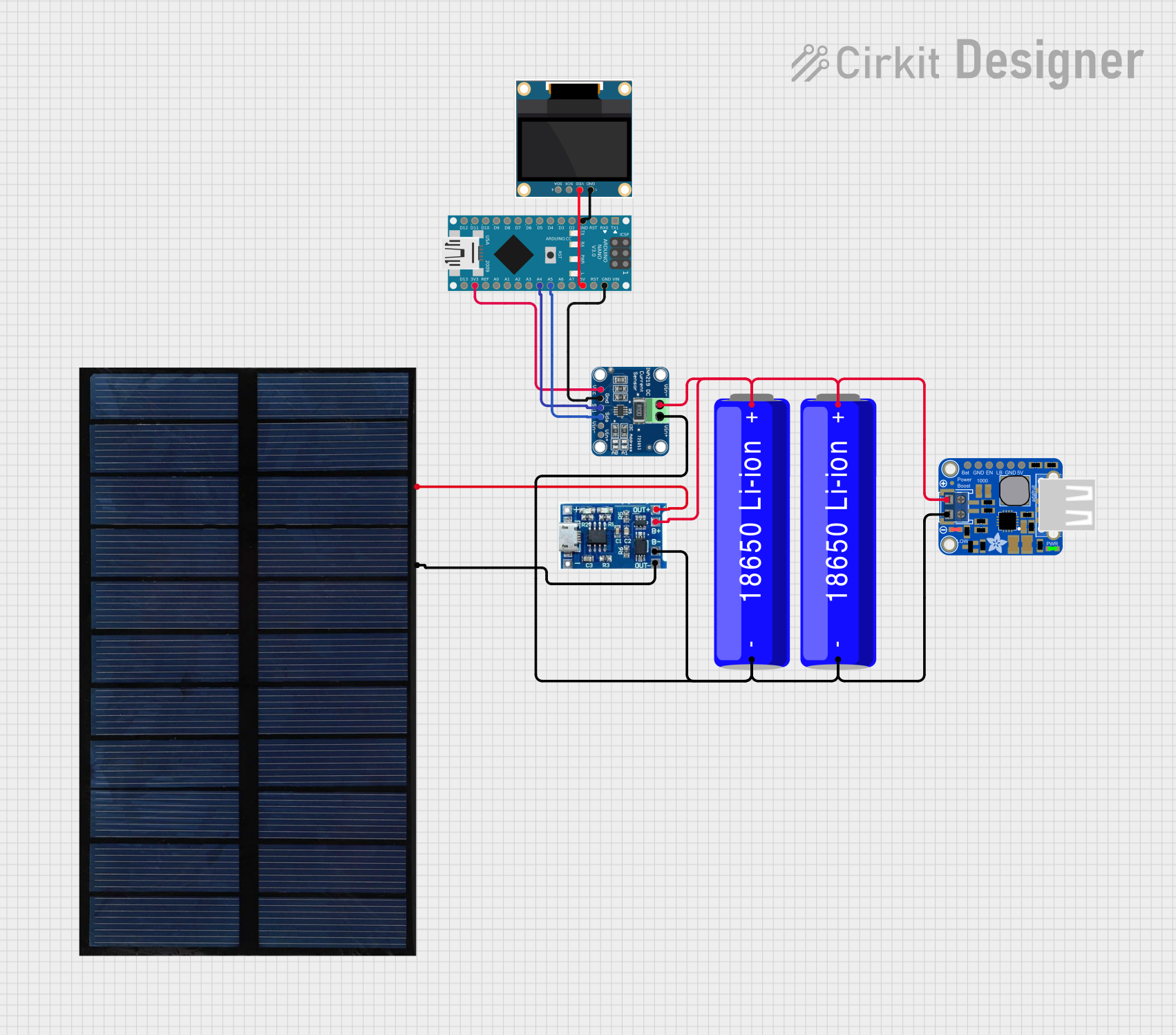 Open Project in Cirkit Designer
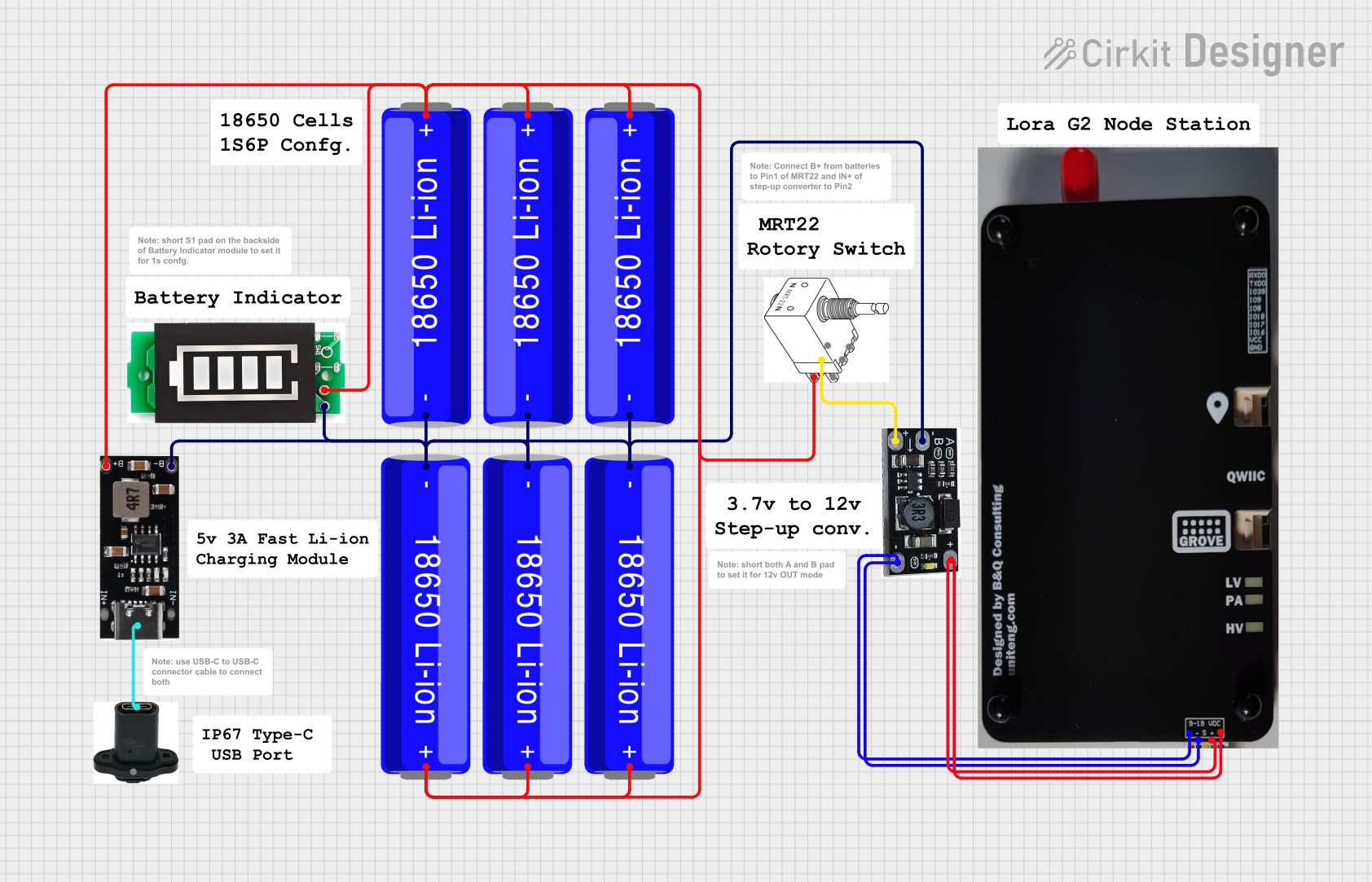 Open Project in Cirkit Designer
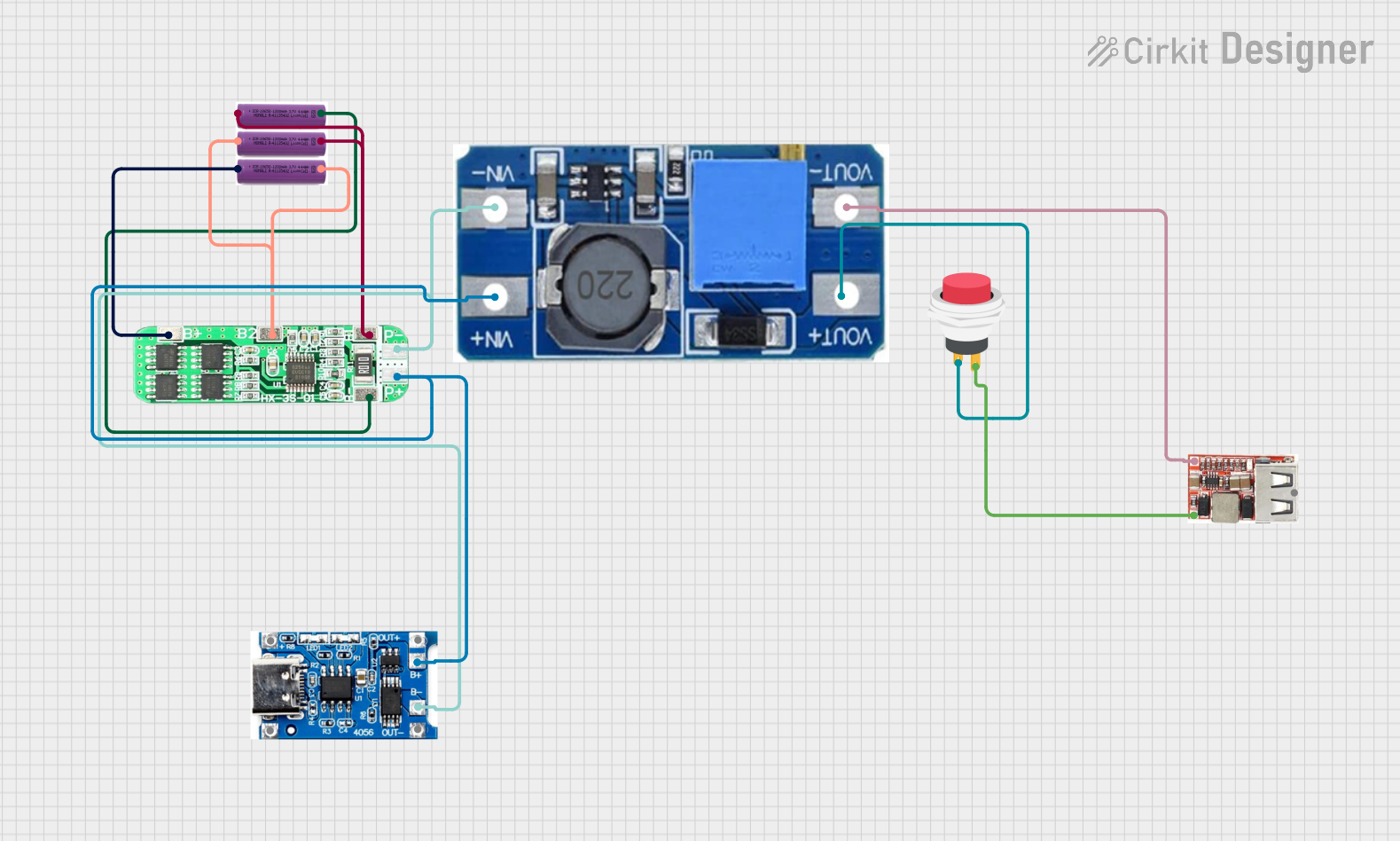 Open Project in Cirkit Designer
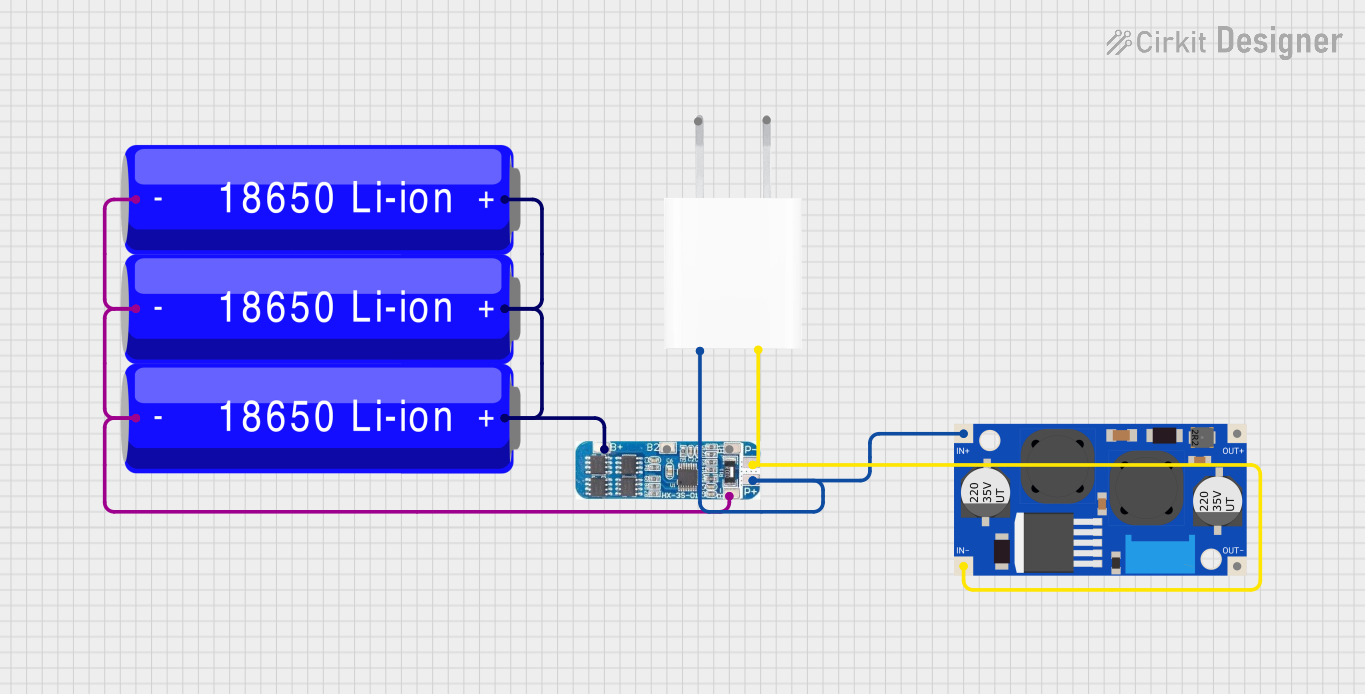 Open Project in Cirkit Designer
Explore Projects Built with LIPO Battery
Open Project in Cirkit DesignerOpen Project in Cirkit DesignerOpen Project in Cirkit DesignerOpen Project in Cirkit DesignerCommon Applications
- Remote-controlled (RC) vehicles, drones, and aircraft
- Portable electronic devices (e.g., smartphones, tablets, and wearables)
- Robotics and IoT devices
- Backup power supplies and energy storage systems
Technical Specifications
The following table outlines the key technical specifications of the PKEnergy LIPO Battery:
| Parameter | Value |
|---|---|
| Nominal Voltage | 3.7V |
| Capacity Range | 500mAh to 5000mAh (varies by model) |
| Maximum Discharge Rate | 20C to 50C (depending on model) |
| Charging Voltage | 4.2V (maximum) |
| Charging Current | 1C (recommended), 2C (maximum) |
| Operating Temperature | -20°C to 60°C |
| Weight | Varies by capacity (e.g., ~25g for 1000mAh) |
| Dimensions | Customizable (varies by model) |
Pin Configuration and Descriptions
LiPo batteries typically have two or three wires for connection. The pin configuration is as follows:
| Pin | Wire Color | Description |
|---|---|---|
| 1 | Red | Positive terminal (+) for power output |
| 2 | Black | Negative terminal (-) for power output |
| 3 | Yellow/White | Balance lead for monitoring and charging (optional) |
Usage Instructions
How to Use the LIPO Battery in a Circuit
- Connection: Connect the red wire to the positive terminal of your circuit and the black wire to the negative terminal. If your battery includes a balance lead (yellow/white wire), connect it to a compatible LiPo charger or battery management system (BMS) for safe charging.
- Charging: Use a dedicated LiPo charger to charge the battery. Ensure the charger is set to the correct voltage (4.2V per cell) and current (1C recommended).
- Discharging: Avoid discharging the battery below 3.0V per cell to prevent damage. Use a low-voltage alarm or cutoff circuit to monitor the voltage during use.
Important Considerations and Best Practices
- Safety: Never puncture, crush, or short-circuit the battery. LiPo batteries can catch fire or explode if mishandled.
- Storage: Store the battery at a voltage of 3.7V to 3.85V per cell in a cool, dry place. Avoid storing fully charged or fully discharged batteries for extended periods.
- Balancing: Use a balance charger to ensure all cells in the battery pack are charged evenly, which extends the battery's lifespan.
- Temperature: Avoid charging or discharging the battery outside the specified temperature range (-20°C to 60°C).
Example: Using a LiPo Battery with an Arduino UNO
Below is an example of connecting a LiPo battery to an Arduino UNO using a voltage regulator to step down the voltage to 5V:
/* Example: Reading battery voltage with Arduino UNO
   This code reads the voltage of a LiPo battery connected to an analog pin.
   Ensure the battery voltage is stepped down to a safe range (0-5V) using
   a voltage divider circuit.
*/

const int batteryPin = A0; // Analog pin connected to the voltage divider
const float voltageDividerRatio = 2.0; // Adjust based on your resistor values
const float referenceVoltage = 5.0; // Arduino's reference voltage (5V)

void setup() {
  Serial.begin(9600); // Initialize serial communication
}

void loop() {
  int rawValue = analogRead(batteryPin); // Read the analog value
  float batteryVoltage = (rawValue / 1023.0) * referenceVoltage * voltageDividerRatio;

  // Print the battery voltage to the Serial Monitor
  Serial.print("Battery Voltage: ");
  Serial.print(batteryVoltage);
  Serial.println(" V");

  delay(1000); // Wait for 1 second before the next reading
}
Troubleshooting and FAQs
Common Issues and Solutions
| Issue | Possible Cause | Solution |
|---|---|---|
| Battery not charging | Incorrect charger or damaged battery | Use a compatible LiPo charger and check the battery for physical damage. |
| Battery heats up during use or charging | Overcurrent or overvoltage | Ensure the load or charger is within the specified current and voltage limits. |
| Swollen or puffed battery | Overcharging or aging | Stop using the battery immediately and dispose of it safely. |
| Low runtime | Battery capacity degraded | Replace the battery if it no longer holds sufficient charge. |
FAQs
Can I use a LiPo battery without a balance charger?
- It is not recommended. A balance charger ensures all cells are charged evenly, preventing overcharging or undercharging of individual cells.
What happens if I over-discharge a LiPo battery?
- Over-discharging can permanently damage the battery and reduce its capacity. Use a low-voltage cutoff to prevent this.
How do I safely dispose of a LiPo battery?
- Discharge the battery completely, then take it to a certified e-waste recycling facility.
Can I use a LiPo battery directly with an Arduino UNO?
- No, the Arduino UNO operates at 5V. Use a voltage regulator or step-down converter to safely power the Arduino.
This concludes the documentation for the PKEnergy LIPO Battery (Part ID: LIPO). Always follow safety guidelines and manufacturer recommendations when using LiPo batteries.