
How to Use Yukon: Examples, Pinouts, and Specs
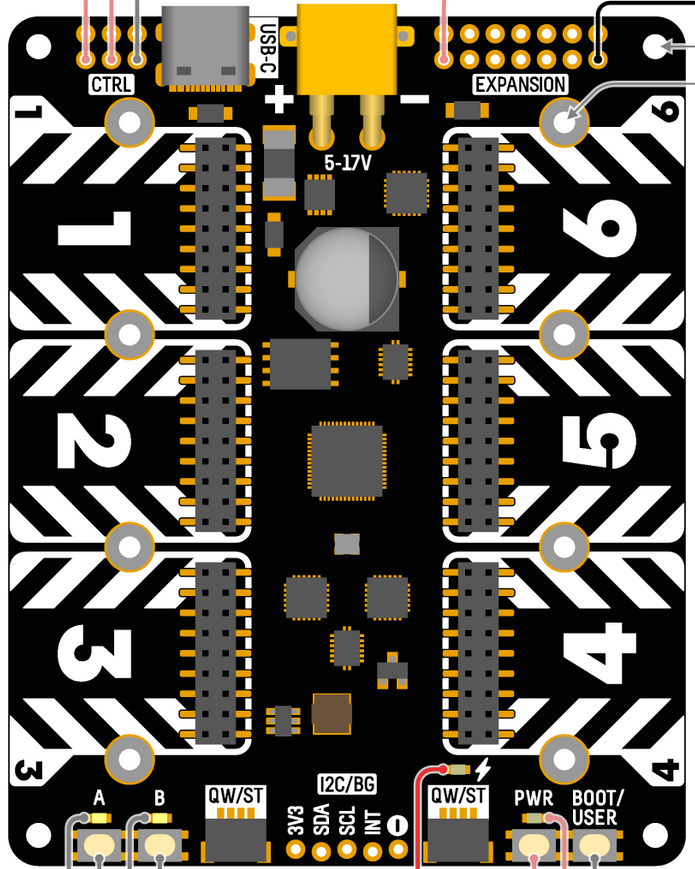
 Design with Yukon in Cirkit Designer
Introduction
The Yukon, manufactured by Pimoroni, is a versatile integrated circuit (IC) or microcontroller designed for a wide range of electronic applications. Known for its efficiency and high performance, the Yukon is ideal for processing tasks in embedded systems, IoT devices, robotics, and automation projects. Its robust architecture and ease of integration make it a popular choice among hobbyists and professionals alike.
Explore Projects Built with Yukon
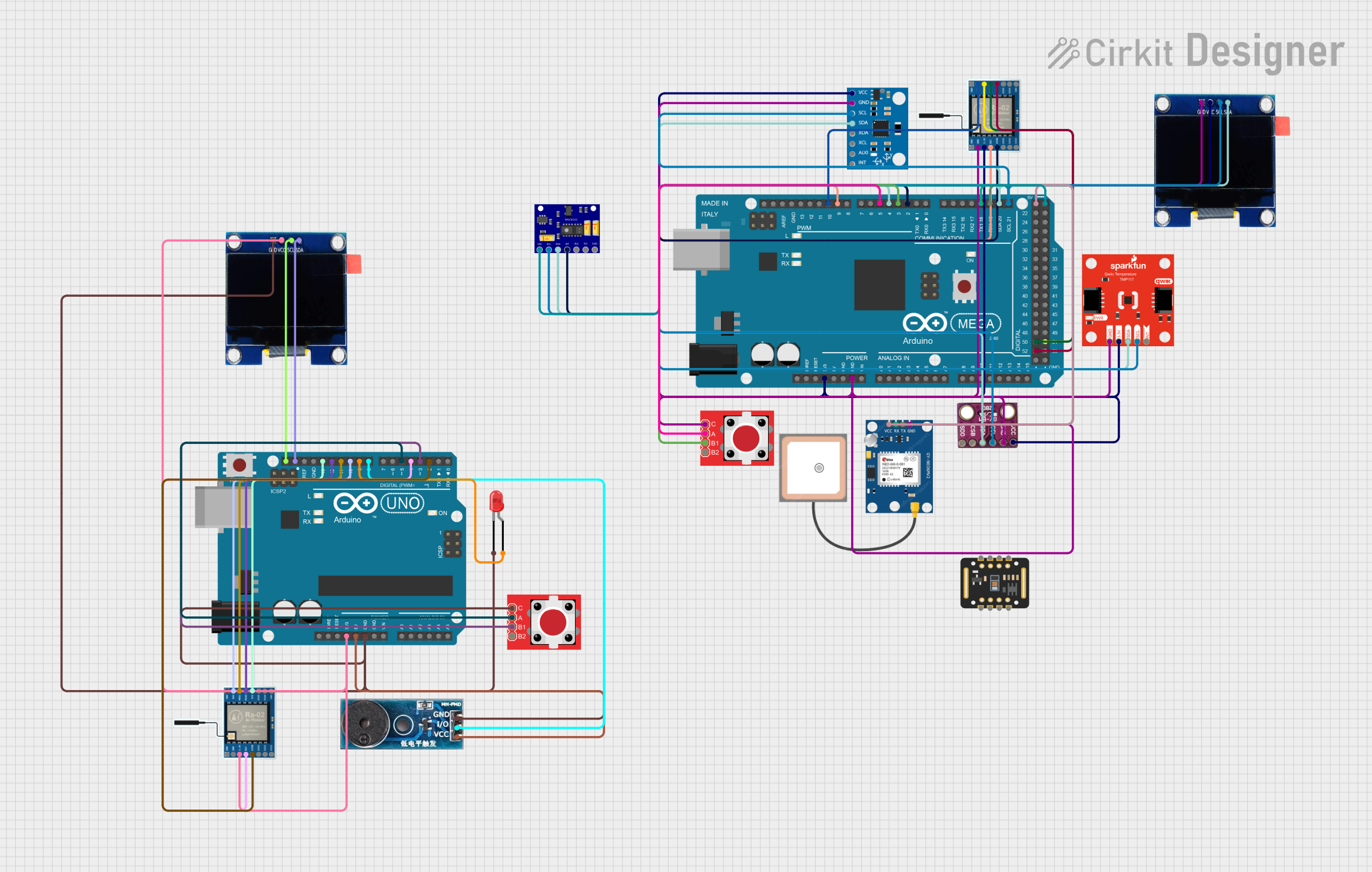 Open Project in Cirkit Designer
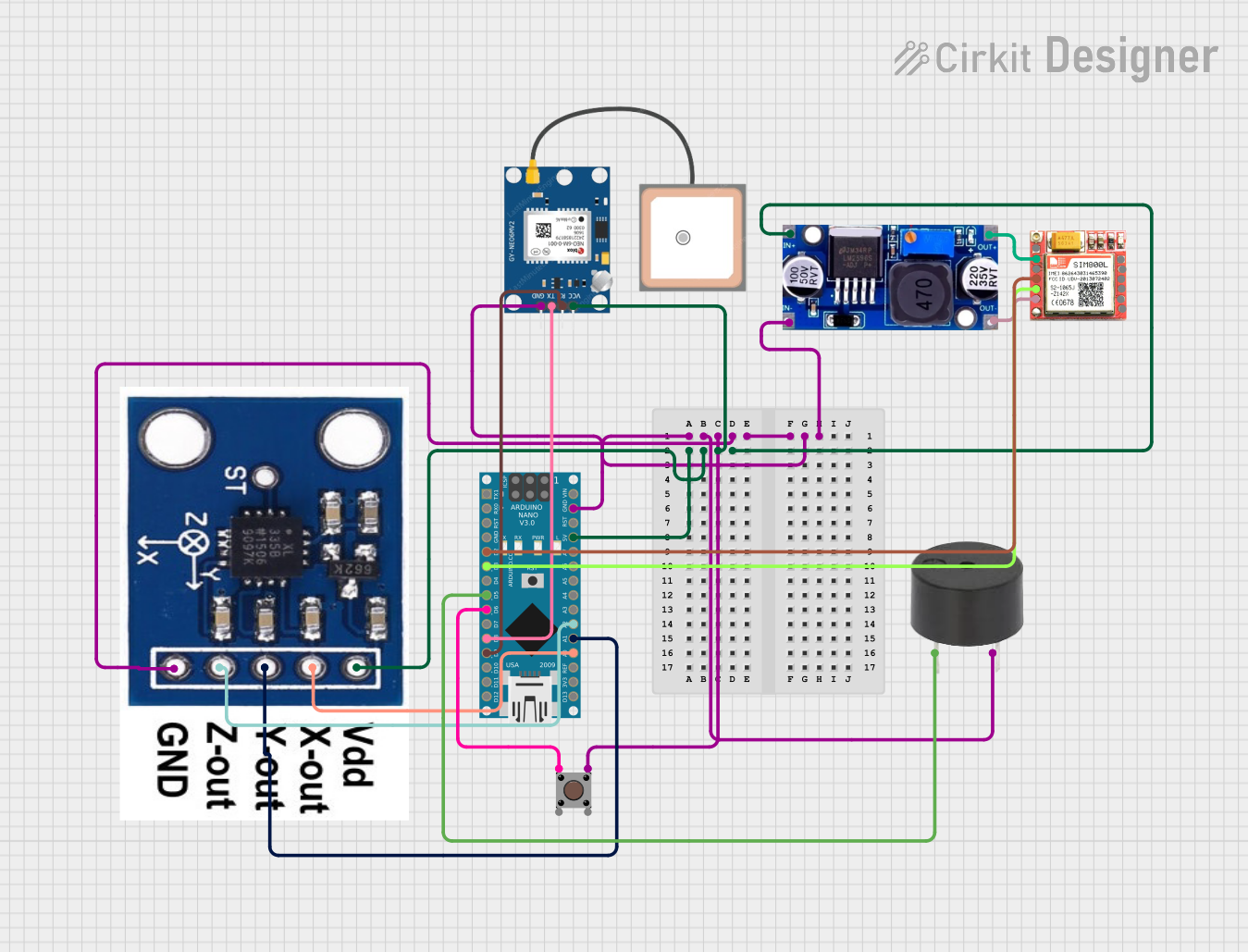 Open Project in Cirkit Designer
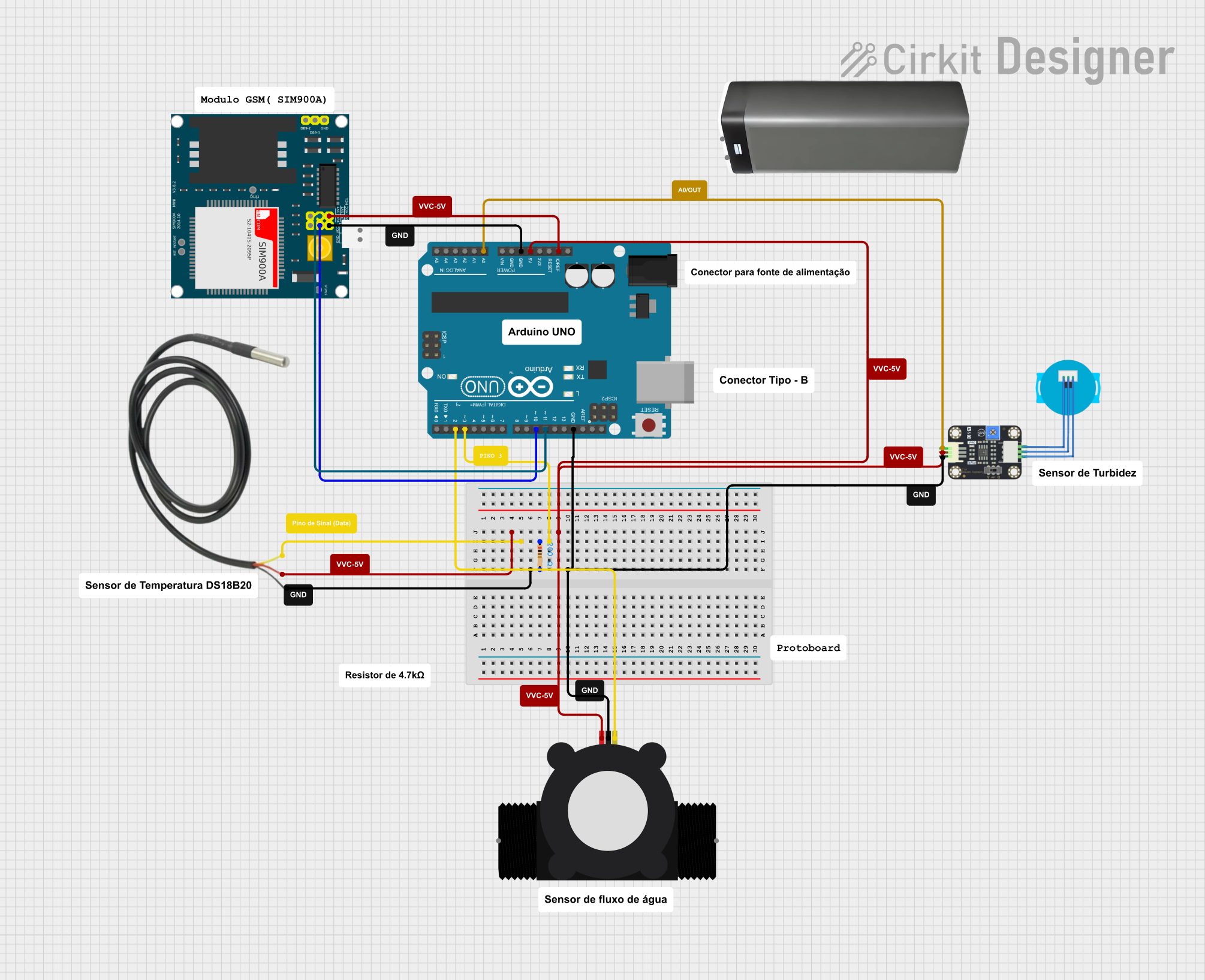 Open Project in Cirkit Designer
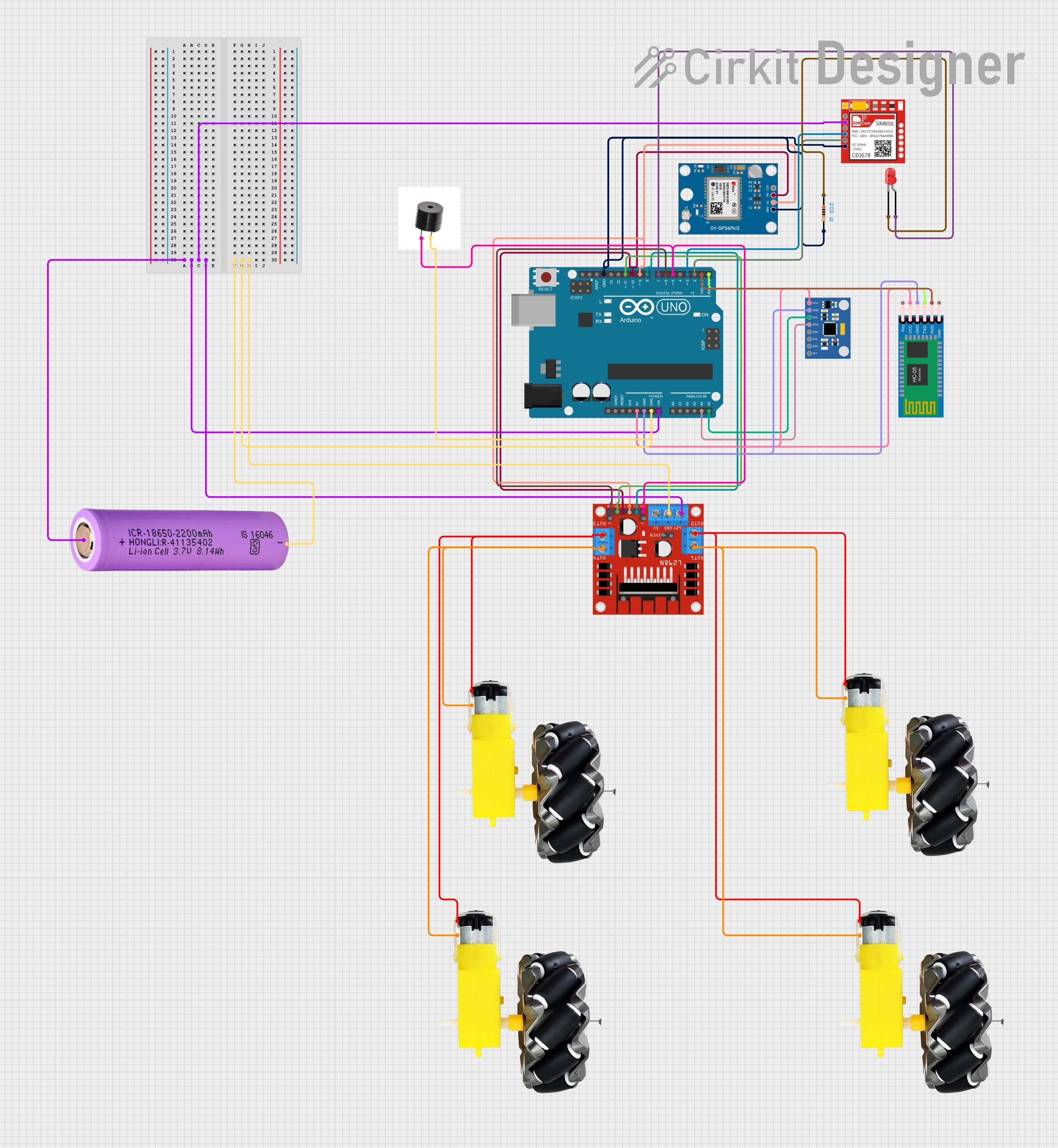 Open Project in Cirkit Designer
Explore Projects Built with Yukon
Open Project in Cirkit DesignerOpen Project in Cirkit DesignerOpen Project in Cirkit DesignerOpen Project in Cirkit DesignerCommon Applications:
- IoT (Internet of Things) devices
- Robotics and automation systems
- Data acquisition and processing
- Home automation projects
- Wearable technology
- Educational electronics and prototyping
Technical Specifications
The Yukon microcontroller is designed to deliver reliable performance while maintaining low power consumption. Below are its key technical specifications:
General Specifications:
| Parameter | Value |
|---|---|
| Manufacturer | Pimoroni |
| Operating Voltage | 3.3V |
| Input Voltage Range | 3.0V - 5.5V |
| Clock Speed | 48 MHz |
| Flash Memory | 256 KB |
| SRAM | 64 KB |
| GPIO Pins | 20 |
| Communication Protocols | I2C, SPI, UART |
| Power Consumption | Low Power (Sleep Mode: <1mA) |
| Package Type | QFN-32 |
Pin Configuration:
The Yukon microcontroller features a 32-pin QFN package. Below is the pinout description:
| Pin Number | Pin Name | Function Description |
|---|---|---|
| 1 | VDD | Power supply (3.3V) |
| 2 | GND | Ground |
| 3 | GPIO1 | General-purpose I/O pin |
| 4 | GPIO2 | General-purpose I/O pin |
| 5 | UART_TX | UART Transmit |
| 6 | UART_RX | UART Receive |
| 7 | I2C_SCL | I2C Clock Line |
| 8 | I2C_SDA | I2C Data Line |
| 9 | SPI_MOSI | SPI Master Out Slave In |
| 10 | SPI_MISO | SPI Master In Slave Out |
| 11 | SPI_SCK | SPI Clock |
| 12 | SPI_CS | SPI Chip Select |
| 13-20 | GPIO3-10 | General-purpose I/O pins |
| 21 | ADC_IN1 | Analog-to-Digital Converter Input 1 |
| 22 | ADC_IN2 | Analog-to-Digital Converter Input 2 |
| 23 | PWM_OUT1 | Pulse Width Modulation Output 1 |
| 24 | PWM_OUT2 | Pulse Width Modulation Output 2 |
| 25-32 | Reserved | Reserved for future use or custom pins |
Usage Instructions
The Yukon microcontroller is straightforward to use in a variety of circuits. Below are the steps and best practices for integrating it into your project:
Basic Setup:
- Power Supply: Connect the VDD pin to a 3.3V power source and the GND pin to ground.
- GPIO Configuration: Use the GPIO pins for digital input/output. Configure them as needed in your code.
- Communication Protocols: Utilize I2C, SPI, or UART for interfacing with other devices like sensors, displays, or modules.
- Analog Inputs: Connect analog sensors to the ADC_IN pins for data acquisition.
- PWM Outputs: Use the PWM_OUT pins to control devices like motors or LEDs.
Example: Connecting Yukon to an Arduino UNO
The Yukon can be interfaced with an Arduino UNO via I2C. Below is an example Arduino sketch to communicate with the Yukon:
#include <Wire.h> // Include the Wire library for I2C communication

#define YUKON_I2C_ADDRESS 0x42 // Replace with the actual I2C address of Yukon

void setup() {
  Wire.begin(); // Initialize I2C communication
  Serial.begin(9600); // Start serial communication for debugging

  // Send a test message to Yukon
  Wire.beginTransmission(YUKON_I2C_ADDRESS);
  Wire.write("Hello Yukon!"); // Send a string to the Yukon
  Wire.endTransmission();

  Serial.println("Message sent to Yukon.");
}

void loop() {
  // Request data from Yukon
  Wire.requestFrom(YUKON_I2C_ADDRESS, 10); // Request 10 bytes of data

  while (Wire.available()) {
    char c = Wire.read(); // Read each byte
    Serial.print(c); // Print the received data to the Serial Monitor
  }

  delay(1000); // Wait for 1 second before the next request
}
Best Practices:
- Use decoupling capacitors (e.g., 0.1 µF) near the VDD pin to stabilize the power supply.
- Avoid exceeding the maximum voltage ratings to prevent damage.
- Use pull-up resistors (typically 4.7 kΩ) on the I2C lines (SCL and SDA) if not already present.
- Ensure proper grounding to minimize noise and interference.
Troubleshooting and FAQs
Common Issues:
No Response from Yukon:
- Cause: Incorrect I2C address or wiring.
- Solution: Double-check the I2C address and ensure proper connections.
Overheating:
- Cause: Exceeding voltage or current limits.
- Solution: Verify the power supply voltage and current requirements.
Unstable Operation:
- Cause: Insufficient decoupling or noisy power supply.
- Solution: Add decoupling capacitors near the power pins.
Analog Readings Are Inaccurate:
- Cause: Improper grounding or noisy input signals.
- Solution: Use shielded cables for analog inputs and ensure a clean ground connection.
FAQs:
Q: Can the Yukon operate at 5V?
A: No, the Yukon is designed to operate at 3.3V. Applying 5V may damage the IC.
Q: How many PWM channels does the Yukon support?
A: The Yukon supports two PWM output channels (PWM_OUT1 and PWM_OUT2).
Q: Is the Yukon compatible with Arduino libraries?
A: Yes, the Yukon can be interfaced with Arduino using standard communication protocols like I2C, SPI, or UART.
Q: Can I program the Yukon directly?
A: Yes, the Yukon can be programmed using compatible IDEs and tools, depending on its architecture.
By following this documentation, you can effectively integrate and utilize the Yukon microcontroller in your projects.