
How to Use Lampholder: Examples, Pinouts, and Specs
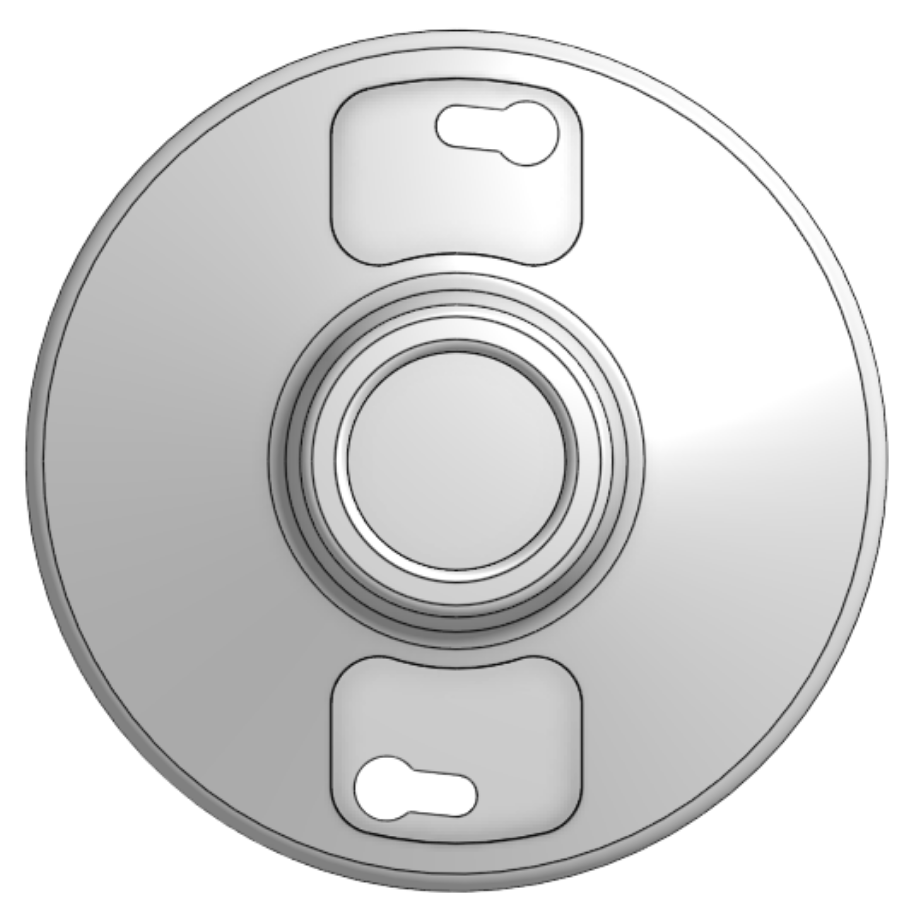
 Design with Lampholder in Cirkit Designer
Introduction
A lampholder is a device designed to securely hold a light bulb in place while providing the necessary electrical connections to the bulb's base. It ensures that the bulb receives power and can function effectively in various lighting applications. Lampholders are essential components in lighting systems and are available in various types to accommodate different bulb designs, such as screw-type, bayonet, or pin-based bulbs.
Explore Projects Built with Lampholder
 Open Project in Cirkit Designer
 Open Project in Cirkit Designer
 Open Project in Cirkit Designer
 Open Project in Cirkit Designer
Explore Projects Built with Lampholder
Open Project in Cirkit DesignerOpen Project in Cirkit DesignerOpen Project in Cirkit DesignerOpen Project in Cirkit DesignerCommon Applications and Use Cases
- Residential and commercial lighting fixtures
- Table lamps, ceiling lights, and wall-mounted fixtures
- Industrial and outdoor lighting systems
- Automotive and specialty lighting
- Temporary lighting setups for events or construction sites
Technical Specifications
Key Technical Details
- Voltage Rating: Typically 110V to 250V AC (varies by model)
- Current Rating: Commonly 2A to 5A
- Material: Heat-resistant plastic, ceramic, or metal
- Bulb Compatibility: E26/E27 (screw type), B22 (bayonet type), GU10, MR16, etc.
- Mounting Options: Screw-mount, clip-on, or free-hanging
- Temperature Resistance: Up to 200°C for ceramic models
Pin Configuration and Descriptions
Lampholders do not have traditional "pins" like electronic components but instead have terminals for electrical connections. Below is a table describing the typical terminal configuration:
| Terminal Name | Description |
|---|---|
| Live (L) | Connects to the live wire of the AC supply. |
| Neutral (N) | Connects to the neutral wire of the AC supply. |
| Ground (G) | Optional; connects to the ground wire for safety (available in some models). |
Usage Instructions
How to Use the Lampholder in a Circuit
- Select the Appropriate Lampholder: Choose a lampholder compatible with your bulb type (e.g., E27 for standard screw-type bulbs).
- Prepare the Wires: Strip the insulation from the live and neutral wires (and ground wire, if applicable) to expose about 1 cm of copper.
- Connect the Wires:
- Loosen the terminal screws on the lampholder.
- Insert the live wire into the "L" terminal and tighten the screw.
- Insert the neutral wire into the "N" terminal and tighten the screw.
- If the lampholder has a ground terminal, connect the ground wire to the "G" terminal.
- Secure the Lampholder: Mount the lampholder to a fixture or surface using screws or clips, as applicable.
- Install the Bulb: Screw or insert the bulb into the lampholder until it is securely in place.
- Test the Circuit: Turn on the power supply and verify that the bulb lights up.
Important Considerations and Best Practices
- Always disconnect the power supply before working with electrical components.
- Use a lampholder rated for the voltage and current of your application.
- Ensure proper insulation of wires to prevent short circuits or electric shocks.
- For high-temperature environments, use ceramic lampholders instead of plastic ones.
- If using the lampholder with an Arduino or other microcontroller, ensure the bulb is powered through a relay or transistor circuit to handle the high voltage.
Example: Controlling a Lamp with an Arduino UNO
Below is an example of how to control a lamp connected to a lampholder using an Arduino UNO and a relay module:
// This code demonstrates how to control a lamp using an Arduino and a relay module.
// The lamp is connected to the relay, which is controlled by pin 7 on the Arduino.

const int relayPin = 7; // Pin connected to the relay module

void setup() {
  pinMode(relayPin, OUTPUT); // Set the relay pin as an output
  digitalWrite(relayPin, LOW); // Ensure the relay is off at startup
}

void loop() {
  digitalWrite(relayPin, HIGH); // Turn the lamp ON
  delay(5000); // Keep the lamp ON for 5 seconds
  digitalWrite(relayPin, LOW); // Turn the lamp OFF
  delay(5000); // Keep the lamp OFF for 5 seconds
}
Note: Ensure the relay module is rated for the voltage and current of the lamp. The relay should isolate the high-voltage AC circuit from the low-voltage Arduino circuit.
Troubleshooting and FAQs
Common Issues and Solutions
The bulb does not light up:
- Check the power supply and ensure it is turned on.
- Verify that the live and neutral wires are securely connected to the lampholder terminals.
- Ensure the bulb is functional by testing it in another lampholder.
Sparks or overheating at the lampholder:
- Ensure the wires are properly insulated and not touching each other.
- Use a lampholder rated for the bulb's wattage and operating temperature.
- Replace the lampholder if it shows signs of damage or wear.
Loose bulb connection:
- Ensure the bulb is screwed in or inserted fully into the lampholder.
- Check for dirt or corrosion on the lampholder contacts and clean them if necessary.
FAQs
Can I use a plastic lampholder for high-wattage bulbs?
- Plastic lampholders are suitable for low to medium wattage bulbs. For high-wattage or high-temperature applications, use a ceramic lampholder.
Is it safe to use a lampholder without a ground connection?
- While some lampholders do not require a ground connection, using a grounded lampholder adds an extra layer of safety, especially in metal fixtures.
Can I connect a lampholder directly to a microcontroller?
- No, microcontrollers cannot handle the high voltage and current required by a lamp. Use a relay or transistor circuit to control the lamp safely.
By following this documentation, you can safely and effectively use a lampholder in your lighting projects.