
How to Use Wifi module ESP8266-01: Examples, Pinouts, and Specs
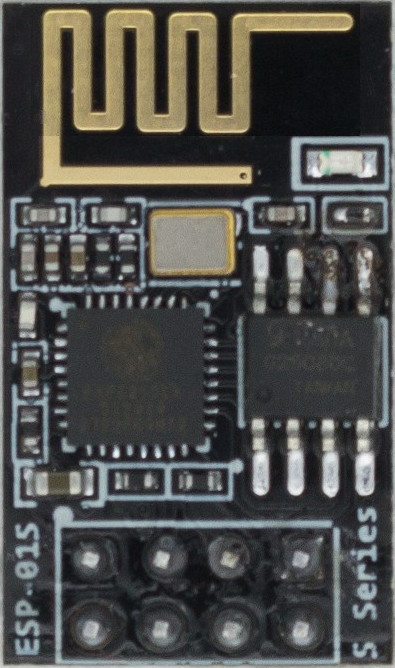
 Design with Wifi module ESP8266-01 in Cirkit Designer
Introduction
The ESP8266-01, manufactured by AZDelivery, is a low-cost Wi-Fi microchip with a full TCP/IP stack and microcontroller capability. It is widely used in Internet of Things (IoT) applications to enable wireless connectivity for devices. This module is compact, versatile, and supports a wide range of applications, including home automation, wireless sensor networks, and smart devices.
Explore Projects Built with Wifi module ESP8266-01
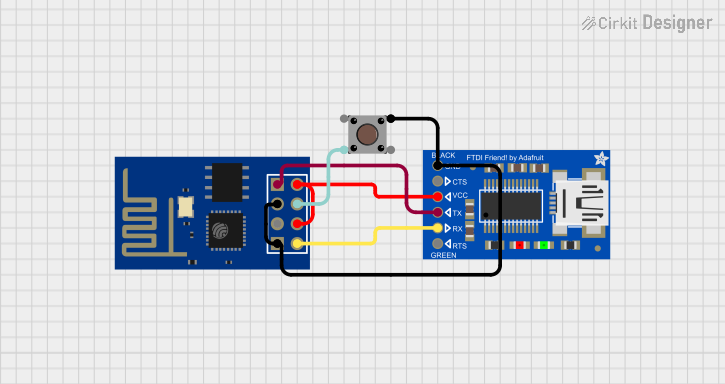 Open Project in Cirkit Designer
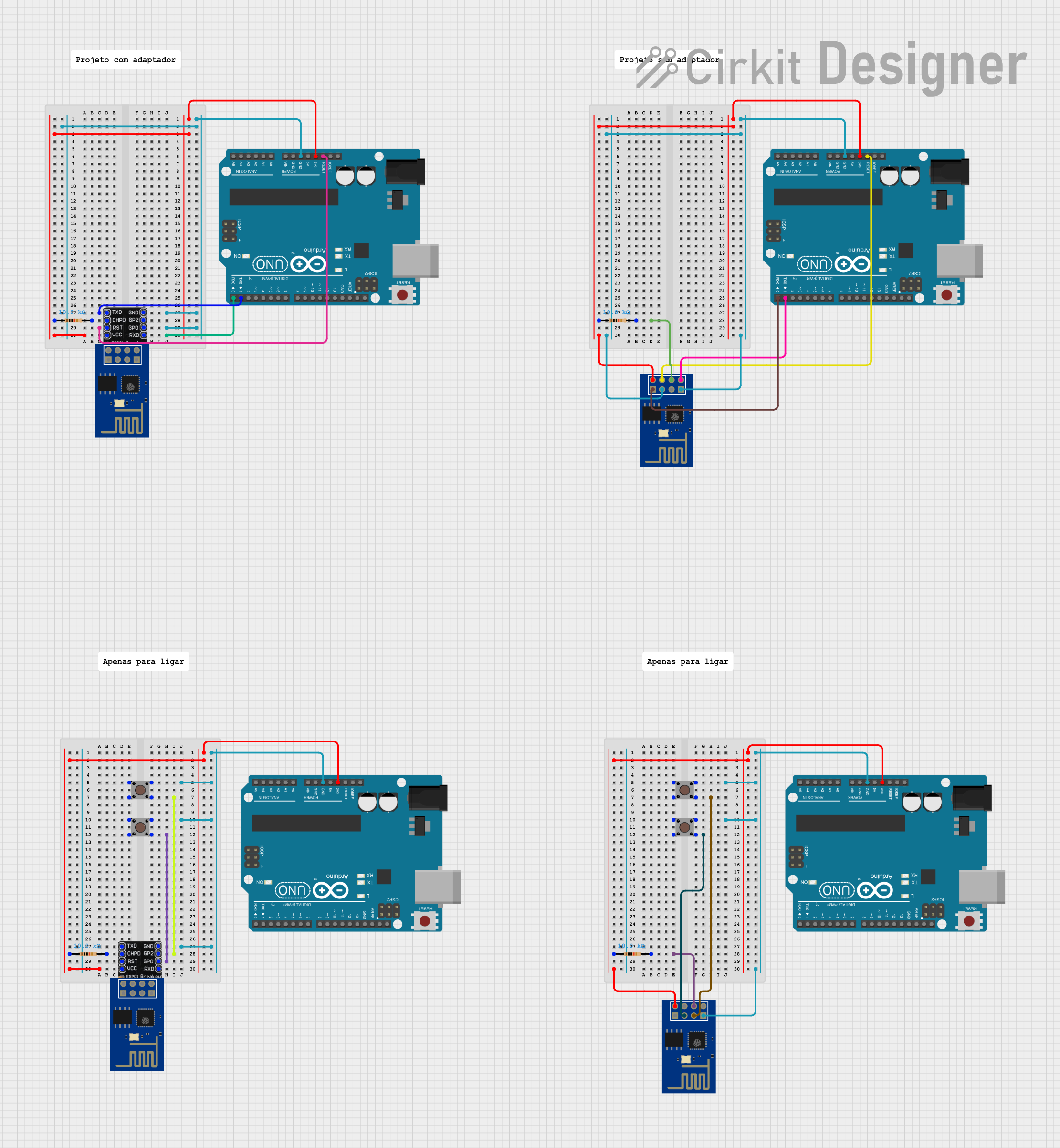 Open Project in Cirkit Designer
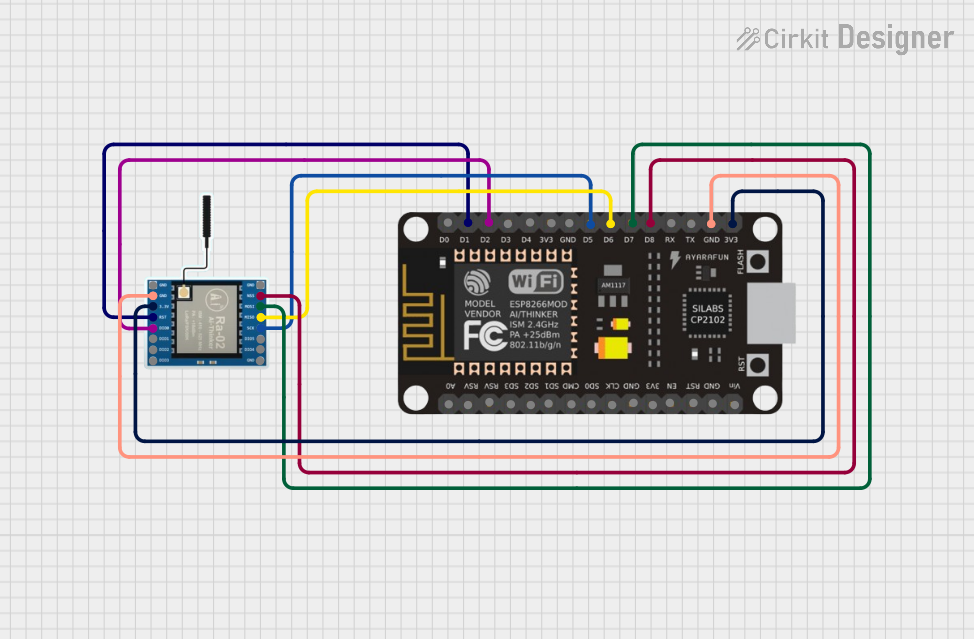 Open Project in Cirkit Designer
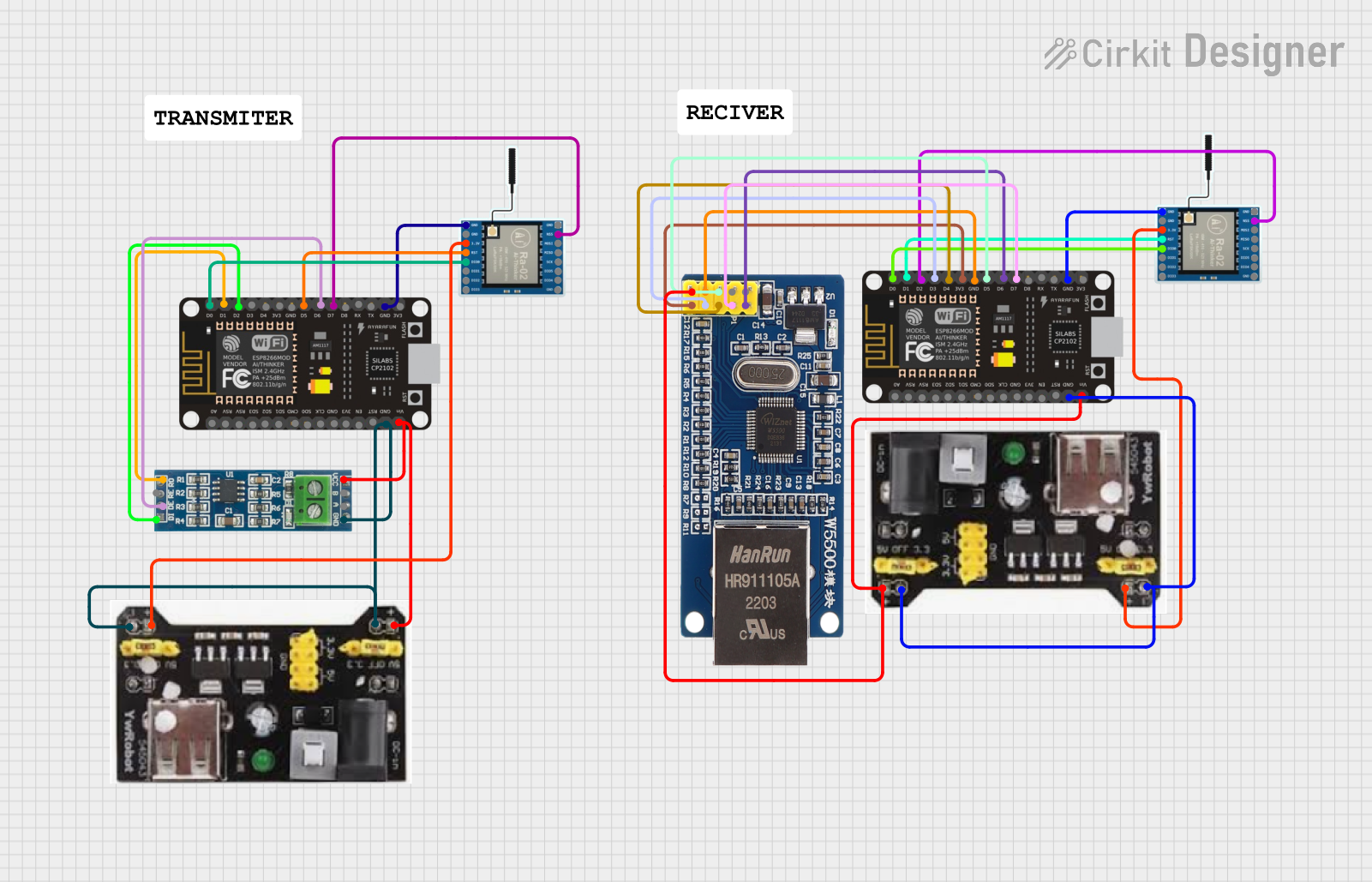 Open Project in Cirkit Designer
Explore Projects Built with Wifi module ESP8266-01
Open Project in Cirkit DesignerOpen Project in Cirkit DesignerOpen Project in Cirkit DesignerOpen Project in Cirkit DesignerCommon Applications
- IoT devices and smart home systems
- Wireless data logging and monitoring
- Remote control of appliances
- Wireless communication between microcontrollers
- Integration with cloud services for data storage and processing
Technical Specifications
Key Technical Details
| Parameter | Specification |
|---|---|
| Manufacturer | AZDelivery |
| Part ID | ESP8266-01 |
| Operating Voltage | 3.0V - 3.6V |
| Operating Current | 70mA (average), up to 200mA (peak) |
| Wi-Fi Standard | IEEE 802.11 b/g/n |
| Frequency Range | 2.4 GHz |
| Flash Memory | 1 MB |
| GPIO Pins | 2 (GPIO0, GPIO2) |
| Communication Protocols | UART, SPI, I2C |
| Baud Rate (Default) | 115200 bps |
| Dimensions | 24.8mm x 14.3mm |
Pin Configuration and Descriptions
| Pin Name | Pin Number | Description |
|---|---|---|
| VCC | 1 | Power supply input (3.3V). Do not exceed 3.6V to avoid damaging the module. |
| GND | 2 | Ground connection. |
| TX | 3 | UART Transmit pin. Used for serial communication. |
| RX | 4 | UART Receive pin. Used for serial communication. |
| CH_PD | 5 | Chip Enable pin. Must be connected to 3.3V for normal operation. |
| GPIO0 | 6 | General-purpose I/O pin. Used for programming or as an input/output pin. |
| GPIO2 | 7 | General-purpose I/O pin. Used as an input/output pin. |
| RST | 8 | Reset pin. Pull low to reset the module. |
Usage Instructions
How to Use the ESP8266-01 in a Circuit
- Power Supply: Ensure the module is powered with a stable 3.3V supply. Use a voltage regulator if your power source exceeds 3.6V.
- Connections:
- Connect the VCC pin to a 3.3V power source.
- Connect the GND pin to the ground of your circuit.
- Connect the TX and RX pins to the UART pins of your microcontroller (e.g., Arduino UNO). Use a voltage divider or level shifter if the microcontroller operates at 5V logic.
- Pull the CH_PD pin high (to 3.3V) to enable the module.
- For programming, connect GPIO0 to GND and reset the module.
- Programming: Use a USB-to-serial adapter or an Arduino UNO to upload firmware or communicate with the module.
Important Considerations and Best Practices
- Voltage Levels: The ESP8266-01 operates at 3.3V logic. Avoid connecting it directly to 5V logic devices without level shifting.
- Power Supply: Ensure the power supply can handle the module's peak current of up to 200mA.
- Antenna Placement: Avoid placing the module near metal objects or inside enclosures that may block the Wi-Fi signal.
- Firmware Updates: Update the firmware to the latest version for improved performance and bug fixes.
Example: Connecting ESP8266-01 to Arduino UNO
Below is an example of how to connect the ESP8266-01 to an Arduino UNO and send AT commands to test the module.
Circuit Diagram
- ESP8266-01 Connections:
- VCC → 3.3V
- GND → GND
- TX → Arduino RX (via voltage divider)
- RX → Arduino TX
- CH_PD → 3.3V
- GPIO0 → Floating (not connected)
Arduino Code
#include <SoftwareSerial.h>

// Define RX and TX pins for SoftwareSerial
SoftwareSerial esp8266(2, 3); // RX = Pin 2, TX = Pin 3

void setup() {
  Serial.begin(9600); // Start Serial Monitor at 9600 baud
  esp8266.begin(115200); // Start ESP8266 communication at 115200 baud

  Serial.println("ESP8266 Test");
  delay(2000);

  // Send AT command to test communication
  esp8266.println("AT");
}

void loop() {
  // Check if ESP8266 has sent data
  if (esp8266.available()) {
    while (esp8266.available()) {
      char c = esp8266.read(); // Read each character
      Serial.write(c); // Forward to Serial Monitor
    }
  }

  // Check if user has sent data from Serial Monitor
  if (Serial.available()) {
    while (Serial.available()) {
      char c = Serial.read(); // Read each character
      esp8266.write(c); // Forward to ESP8266
    }
  }
}
Troubleshooting and FAQs
Common Issues and Solutions
Module Not Responding to AT Commands:
- Ensure the CH_PD pin is connected to 3.3V.
- Verify the baud rate of the module (default is 115200 bps).
- Check the power supply for stability and sufficient current.
Wi-Fi Connection Fails:
- Verify the SSID and password are correct.
- Ensure the router is operating on the 2.4 GHz band (not 5 GHz).
- Check for interference from other devices.
Overheating:
- Ensure the module is not exposed to excessive voltage or current.
- Use a heat sink or improve ventilation if necessary.
Module Resets Randomly:
- Check the power supply for voltage drops during peak current usage.
- Use capacitors (e.g., 10µF and 0.1µF) near the VCC and GND pins to stabilize the power.
FAQs
Q: Can the ESP8266-01 be programmed directly without an external microcontroller?
A: Yes, the ESP8266-01 has a built-in microcontroller and can be programmed using the Arduino IDE or other tools. However, its limited GPIO pins may restrict its standalone use.
Q: What is the maximum range of the ESP8266-01?
A: The module typically has a range of up to 100 meters in open space, but this may vary depending on environmental factors and antenna placement.
Q: Can the ESP8266-01 connect to cloud services?
A: Yes, the module supports HTTP, MQTT, and other protocols, making it suitable for connecting to cloud platforms like AWS, Google Cloud, and ThingSpeak.