
How to Use 18650 Li-ion Battery: Examples, Pinouts, and Specs
 Design with 18650 Li-ion Battery in Cirkit Designer
Introduction
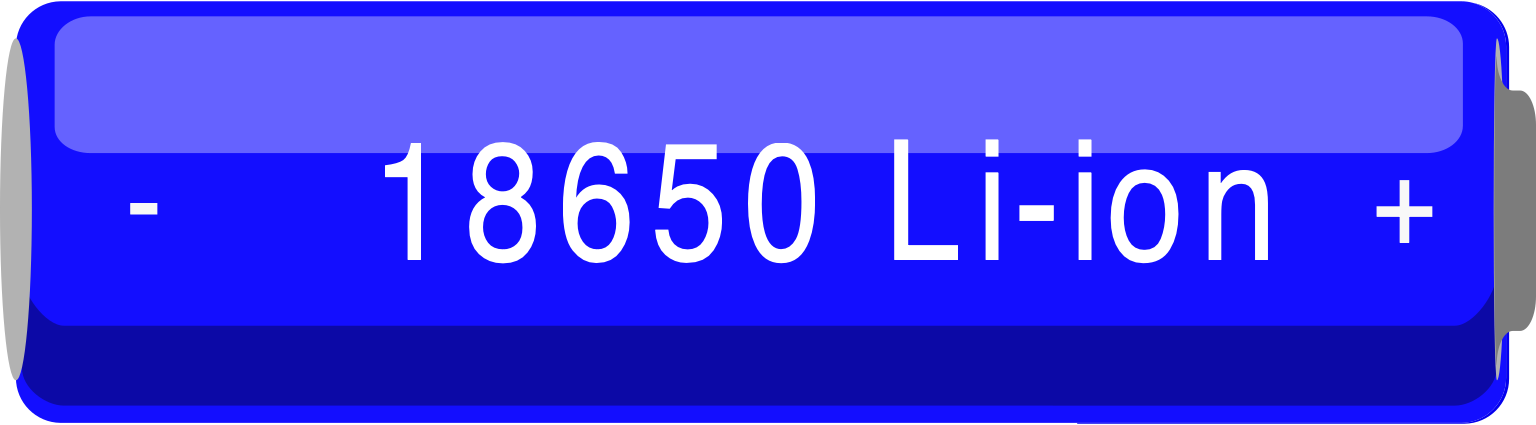
The 18650 Li-ion battery is a rechargeable lithium-ion battery cell with a cylindrical shape, measuring 18mm in diameter and 65mm in length. It is widely recognized for its high energy density, long cycle life, and reliability. These batteries are commonly used in portable electronics, power tools, flashlights, laptops, and electric vehicles. Their versatility and performance make them a popular choice for both consumer and industrial applications.
Explore Projects Built with 18650 Li-ion Battery
 Open Project in Cirkit Designer
 Open Project in Cirkit Designer
 Open Project in Cirkit Designer
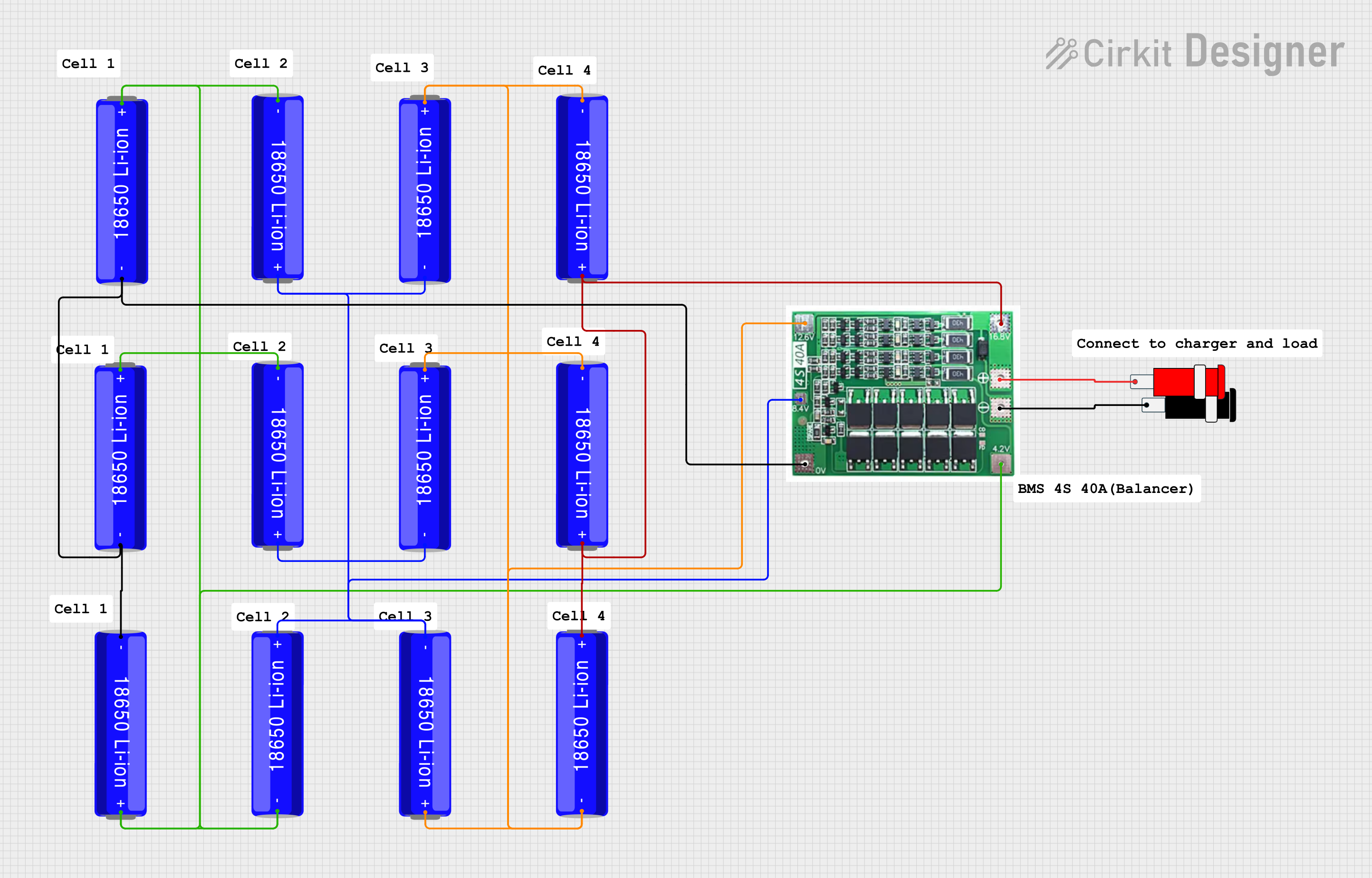 Open Project in Cirkit Designer
Explore Projects Built with 18650 Li-ion Battery
Open Project in Cirkit DesignerOpen Project in Cirkit DesignerOpen Project in Cirkit DesignerOpen Project in Cirkit DesignerTechnical Specifications
The following table outlines the key technical specifications of a standard 18650 Li-ion battery. Note that specific values may vary depending on the manufacturer and model.
| Parameter | Specification |
|---|---|
| Nominal Voltage | 3.6V - 3.7V |
| Fully Charged Voltage | 4.2V |
| Cut-off Voltage | 2.5V - 3.0V |
| Capacity | 2000mAh - 3500mAh (varies by model) |
| Maximum Discharge Current | 5A - 35A (depending on the type) |
| Charging Current | Standard: 0.5C, Maximum: 1C |
| Cycle Life | 300 - 500 cycles (typical) |
| Operating Temperature | -20°C to 60°C |
| Dimensions | 18mm (diameter) x 65mm (length) |
| Weight | ~45g |
Pin Configuration and Descriptions
The 18650 Li-ion battery has two terminals:
| Pin Name | Description |
|---|---|
| Positive (+) | The positive terminal of the battery. Connect to the positive side of the circuit. |
| Negative (-) | The negative terminal of the battery. Connect to the ground or negative side of the circuit. |
Note: Some 18650 batteries come with built-in protection circuits (protected cells) that prevent overcharging, over-discharging, and short circuits. These may slightly increase the battery's length.
Usage Instructions
How to Use the 18650 Li-ion Battery in a Circuit
- Determine the Battery's Specifications: Check the battery's capacity, voltage, and discharge current to ensure compatibility with your circuit.
- Connect the Terminals Properly: Always connect the positive terminal to the positive side of the circuit and the negative terminal to the ground or negative side.
- Use a Battery Holder: For safety and convenience, use a battery holder designed for 18650 cells to secure the battery and prevent accidental short circuits.
- Include a Protection Circuit: If using unprotected cells, add a Battery Management System (BMS) or protection circuit to safeguard against overcharging, over-discharging, and overheating.
- Charging the Battery: Use a dedicated Li-ion battery charger with constant current (CC) and constant voltage (CV) charging modes. Ensure the charger is compatible with the battery's voltage and current ratings.
Important Considerations and Best Practices
- Avoid Overcharging and Over-discharging: Overcharging can damage the battery, while over-discharging can reduce its capacity and lifespan.
- Monitor Temperature: Do not use the battery in environments exceeding its operating temperature range.
- Handle with Care: Avoid puncturing, crushing, or exposing the battery to water or fire.
- Store Safely: Store the battery in a cool, dry place away from direct sunlight and flammable materials.
- Recycle Properly: Dispose of the battery at a certified recycling facility when it reaches the end of its life.
Example: Using an 18650 Battery with an Arduino UNO
To power an Arduino UNO with an 18650 battery, you can use a DC-DC step-up converter to boost the battery's voltage to 5V. Below is an example circuit and code:
Circuit:
- Connect the positive terminal of the 18650 battery to the input (+) of the step-up converter.
- Connect the negative terminal of the battery to the input (-) of the step-up converter.
- Adjust the step-up converter to output 5V.
- Connect the output (+) of the step-up converter to the Arduino's VIN pin.
- Connect the output (-) of the step-up converter to the Arduino's GND pin.
Code:
// Example code to blink an LED on pin 13 of the Arduino UNO
// This demonstrates powering the Arduino with an 18650 battery

void setup() {
  pinMode(13, OUTPUT); // Set pin 13 as an output
}

void loop() {
  digitalWrite(13, HIGH); // Turn the LED on
  delay(1000);            // Wait for 1 second
  digitalWrite(13, LOW);  // Turn the LED off
  delay(1000);            // Wait for 1 second
}
Troubleshooting and FAQs
Common Issues and Solutions
Battery Not Charging:
- Cause: Faulty charger or damaged battery.
- Solution: Verify the charger is functioning correctly and compatible with the battery. Replace the battery if necessary.
Battery Drains Quickly:
- Cause: Over-discharging or aging battery.
- Solution: Avoid discharging below the cut-off voltage. Replace the battery if it has reached the end of its cycle life.
Battery Overheats During Use:
- Cause: Excessive current draw or environmental temperature.
- Solution: Ensure the load does not exceed the battery's maximum discharge current. Use the battery within its specified temperature range.
Arduino Not Powering On:
- Cause: Incorrect voltage or loose connections.
- Solution: Verify the step-up converter is outputting 5V and check all connections.
FAQs
Can I use an 18650 battery without a protection circuit?
- Yes, but it is highly recommended to use a protection circuit or BMS to ensure safety and prolong battery life.
How do I know when the battery is fully charged?
- A fully charged 18650 battery will have a voltage of approximately 4.2V.
Can I connect multiple 18650 batteries in series or parallel?
- Yes, you can connect them in series to increase voltage or in parallel to increase capacity. Ensure all batteries are of the same type and charge level.
What is the difference between protected and unprotected 18650 batteries?
- Protected batteries have built-in circuits to prevent overcharging, over-discharging, and short circuits. Unprotected batteries lack these features and require external protection.