
How to Use MEMS CH4 Sensor: Examples, Pinouts, and Specs
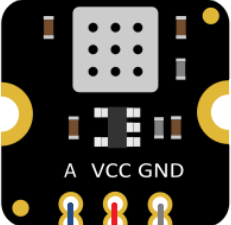
 Design with MEMS CH4 Sensor in Cirkit Designer
Introduction
The MEMS CH4 Sensor (DFRobot SEN0565) is a compact and highly sensitive gas sensor designed to detect methane (CH4) concentrations in the environment. Utilizing Micro-Electro-Mechanical System (MEMS) technology, this sensor offers high accuracy, low power consumption, and a fast response time. It is ideal for applications such as environmental monitoring, industrial safety, and smart home systems.
Explore Projects Built with MEMS CH4 Sensor
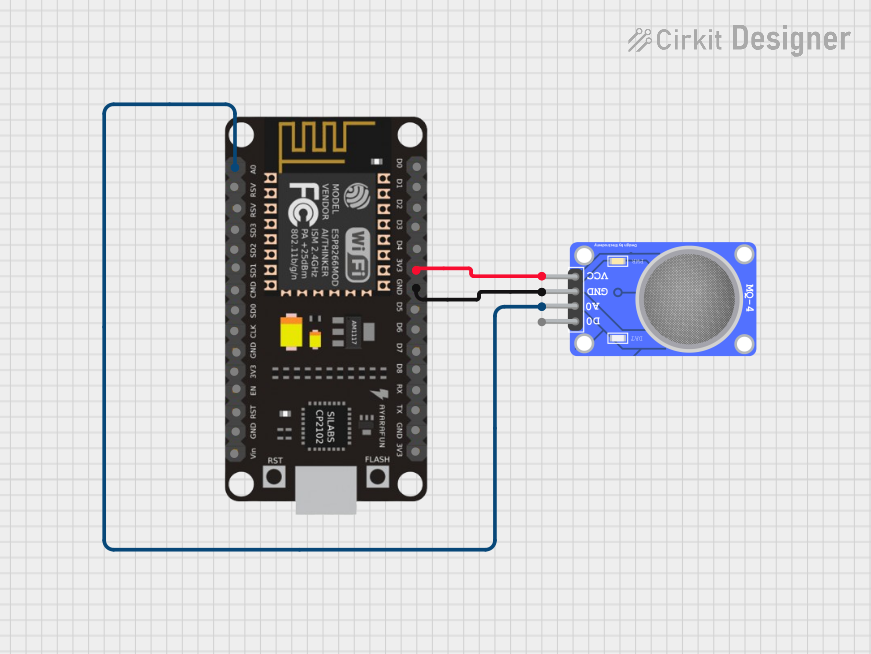 Open Project in Cirkit Designer
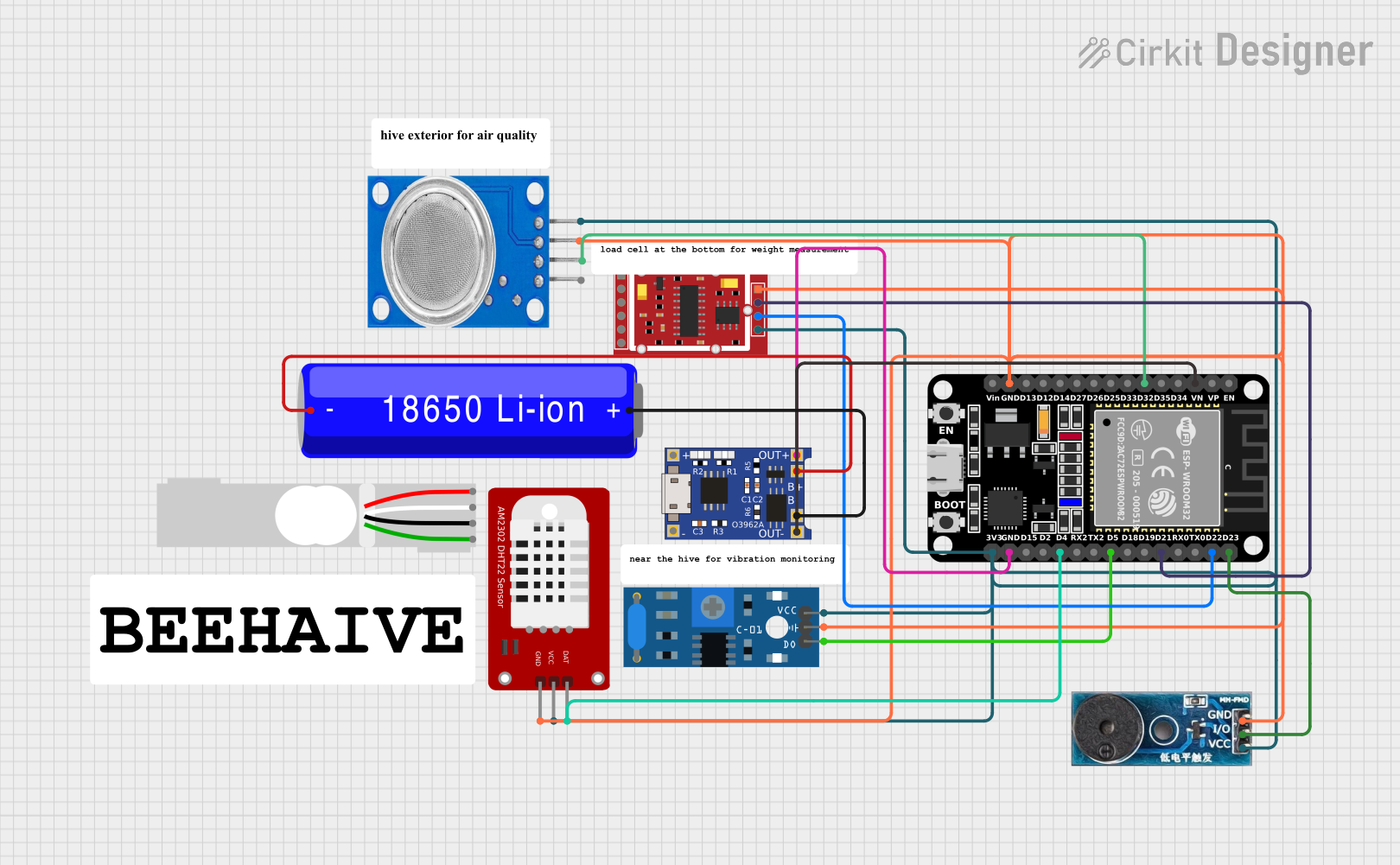 Open Project in Cirkit Designer
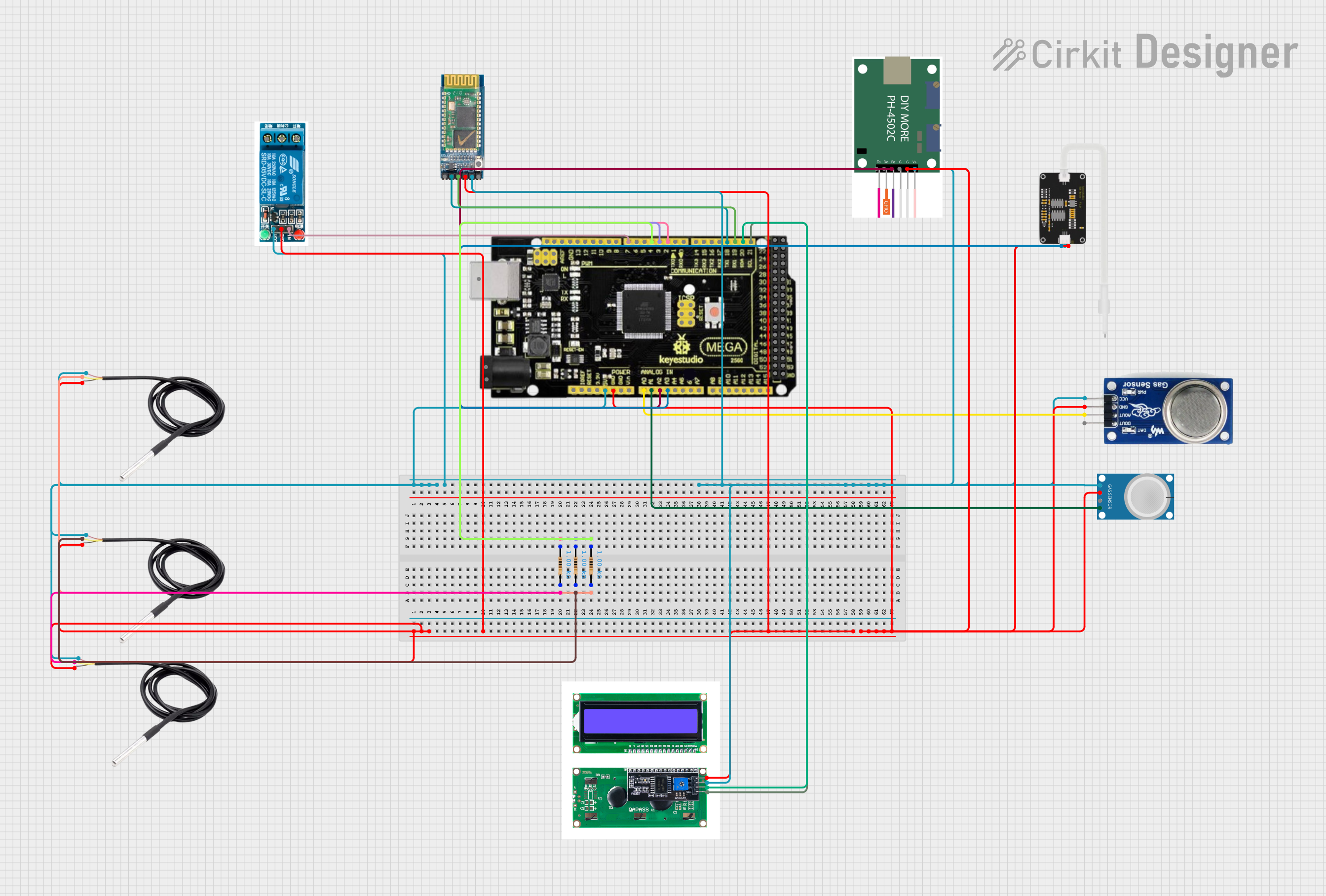 Open Project in Cirkit Designer
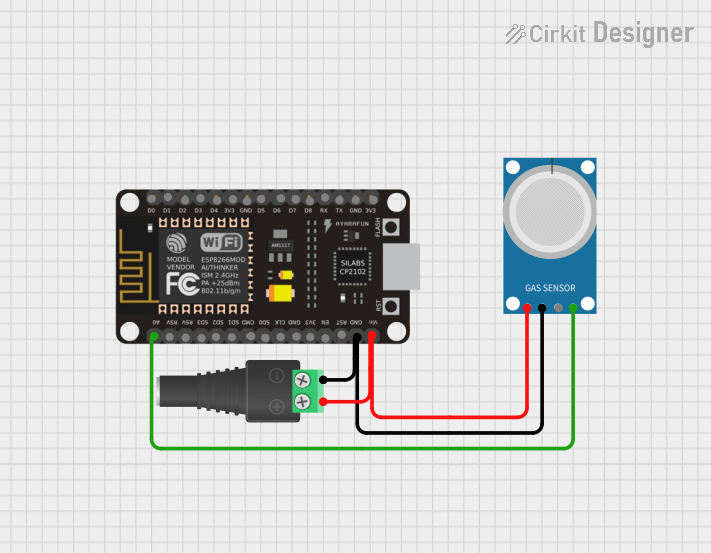 Open Project in Cirkit Designer
Explore Projects Built with MEMS CH4 Sensor
Open Project in Cirkit DesignerOpen Project in Cirkit DesignerOpen Project in Cirkit DesignerOpen Project in Cirkit DesignerCommon Applications
- Methane gas leak detection in industrial environments
- Air quality monitoring systems
- Smart home safety devices
- Agricultural methane emission monitoring
- Portable gas detection equipment
Technical Specifications
The following table outlines the key technical specifications of the MEMS CH4 Sensor:
| Parameter | Value |
|---|---|
| Manufacturer | DFRobot |
| Part Number | SEN0565 |
| Detection Gas | Methane (CH4) |
| Detection Range | 0 - 100% LEL (Lower Explosive Limit) |
| Operating Voltage | 3.3V - 5V |
| Output Signal | Analog voltage |
| Response Time | < 10 seconds |
| Operating Temperature | -20°C to 50°C |
| Power Consumption | < 0.5W |
| Dimensions | 32mm x 22mm x 10mm |
Pin Configuration and Descriptions
The MEMS CH4 Sensor has a 4-pin interface. The pin configuration is as follows:
| Pin | Name | Description |
|---|---|---|
| 1 | VCC | Power supply input (3.3V - 5V) |
| 2 | GND | Ground connection |
| 3 | AOUT | Analog output signal proportional to CH4 concentration |
| 4 | NC | Not connected (leave unconnected) |
Usage Instructions
How to Use the MEMS CH4 Sensor in a Circuit
- Power Supply: Connect the VCC pin to a 3.3V or 5V power source and the GND pin to the ground of your circuit.
- Signal Output: Connect the AOUT pin to an analog input pin of a microcontroller (e.g., Arduino UNO) to read the methane concentration as an analog voltage.
- Calibration: Allow the sensor to warm up for 2-3 minutes after powering it on to ensure accurate readings.
- Reading Data: The analog output voltage is proportional to the methane concentration. Use an ADC (Analog-to-Digital Converter) to interpret the signal.
Important Considerations and Best Practices
- Ventilation: Ensure the sensor is placed in a well-ventilated area for accurate gas detection.
- Avoid Contaminants: Keep the sensor away from dust, oil, and other contaminants that may affect its performance.
- Temperature Range: Operate the sensor within the specified temperature range (-20°C to 50°C) to avoid damage or inaccurate readings.
- Power Supply Stability: Use a stable power supply to prevent fluctuations in the sensor's output signal.
Example Code for Arduino UNO
Below is an example of how to interface the MEMS CH4 Sensor with an Arduino UNO to read methane concentration:
// Define the analog pin connected to the AOUT pin of the MEMS CH4 Sensor
const int sensorPin = A0;

void setup() {
  // Initialize serial communication for debugging
  Serial.begin(9600);
}

void loop() {
  // Read the analog value from the sensor
  int sensorValue = analogRead(sensorPin);

  // Convert the analog value to a voltage (assuming 5V reference)
  float voltage = sensorValue * (5.0 / 1023.0);

  // Print the voltage to the Serial Monitor
  Serial.print("Sensor Voltage: ");
  Serial.print(voltage);
  Serial.println(" V");

  // Add a delay for stability
  delay(1000);
}
Note: The output voltage can be mapped to methane concentration using the sensor's datasheet or calibration data provided by the manufacturer.
Troubleshooting and FAQs
Common Issues and Solutions
No Output Signal:
- Cause: Incorrect wiring or power supply issues.
- Solution: Double-check the connections and ensure the VCC and GND pins are properly connected.
Inaccurate Readings:
- Cause: Insufficient warm-up time or environmental interference.
- Solution: Allow the sensor to warm up for 2-3 minutes and ensure it is placed in a clean, ventilated area.
Fluctuating Output:
- Cause: Unstable power supply or electrical noise.
- Solution: Use a regulated power supply and add decoupling capacitors near the sensor.
Sensor Not Responding to Methane:
- Cause: Sensor may be damaged or exposed to contaminants.
- Solution: Inspect the sensor for physical damage and clean it if necessary. Replace the sensor if the issue persists.
FAQs
Q1: Can this sensor detect gases other than methane?
A1: No, the MEMS CH4 Sensor is specifically calibrated for methane (CH4) detection and may not provide accurate readings for other gases.
Q2: How do I convert the analog output to methane concentration?
A2: Refer to the sensor's datasheet for the voltage-to-concentration mapping or perform a calibration using known methane concentrations.
Q3: Is the sensor suitable for outdoor use?
A3: The sensor can be used outdoors, but it should be protected from extreme weather conditions and contaminants.
Q4: Can I use this sensor with a 3.3V microcontroller?
A4: Yes, the sensor operates at 3.3V and is compatible with 3.3V microcontrollers like the ESP32 or Arduino Nano 33 IoT.