
How to Use Servo: Examples, Pinouts, and Specs
 Design with Servo in Cirkit Designer
Introduction
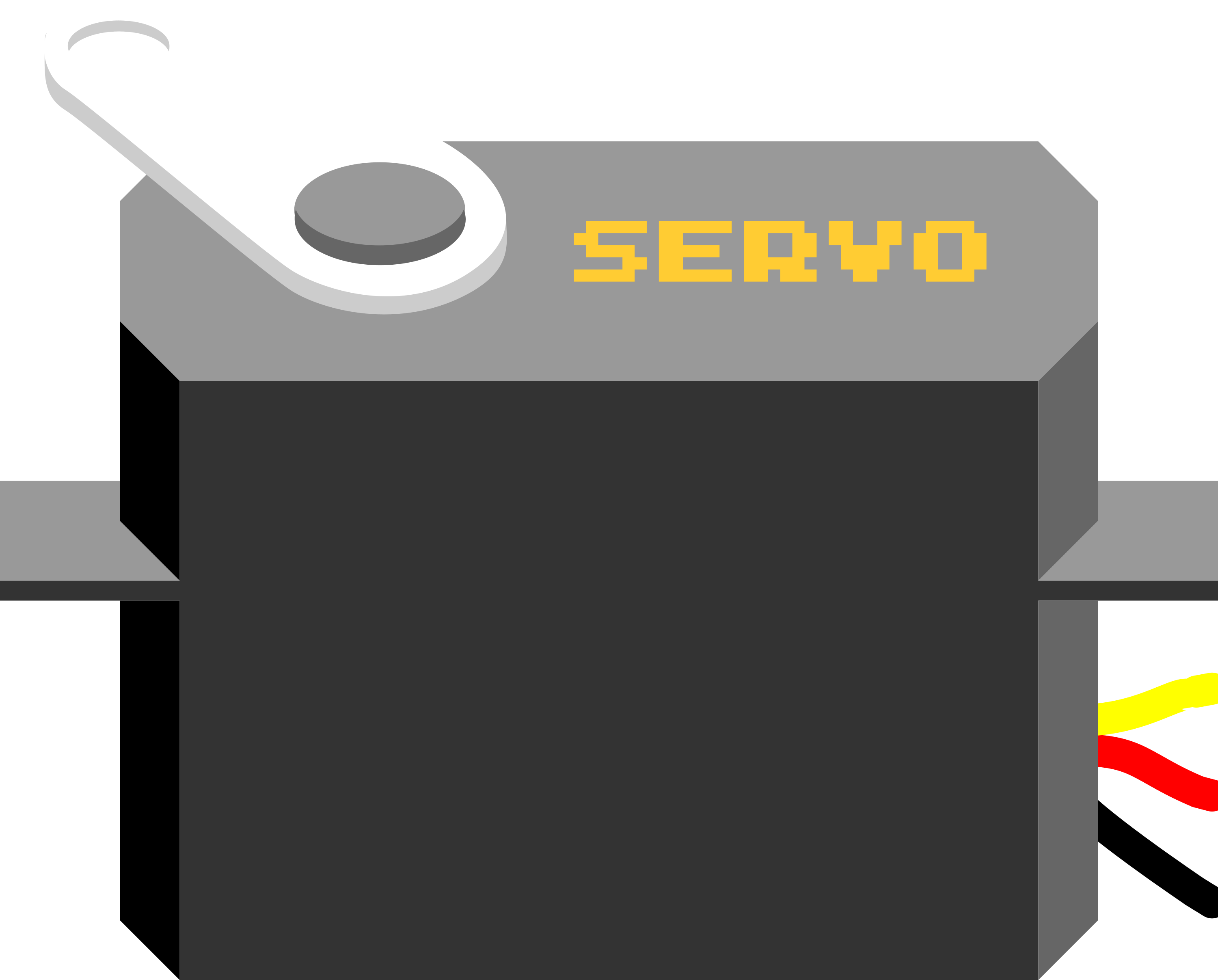
A servo is a rotary actuator that allows for precise control of angular position, velocity, and acceleration. It consists of a motor coupled to a sensor for position feedback, along with a control circuit. Servos are widely used in robotics, automation, remote-controlled vehicles, and other applications requiring precise movement and positioning.
Explore Projects Built with Servo
 Open Project in Cirkit Designer
 Open Project in Cirkit Designer
 Open Project in Cirkit Designer
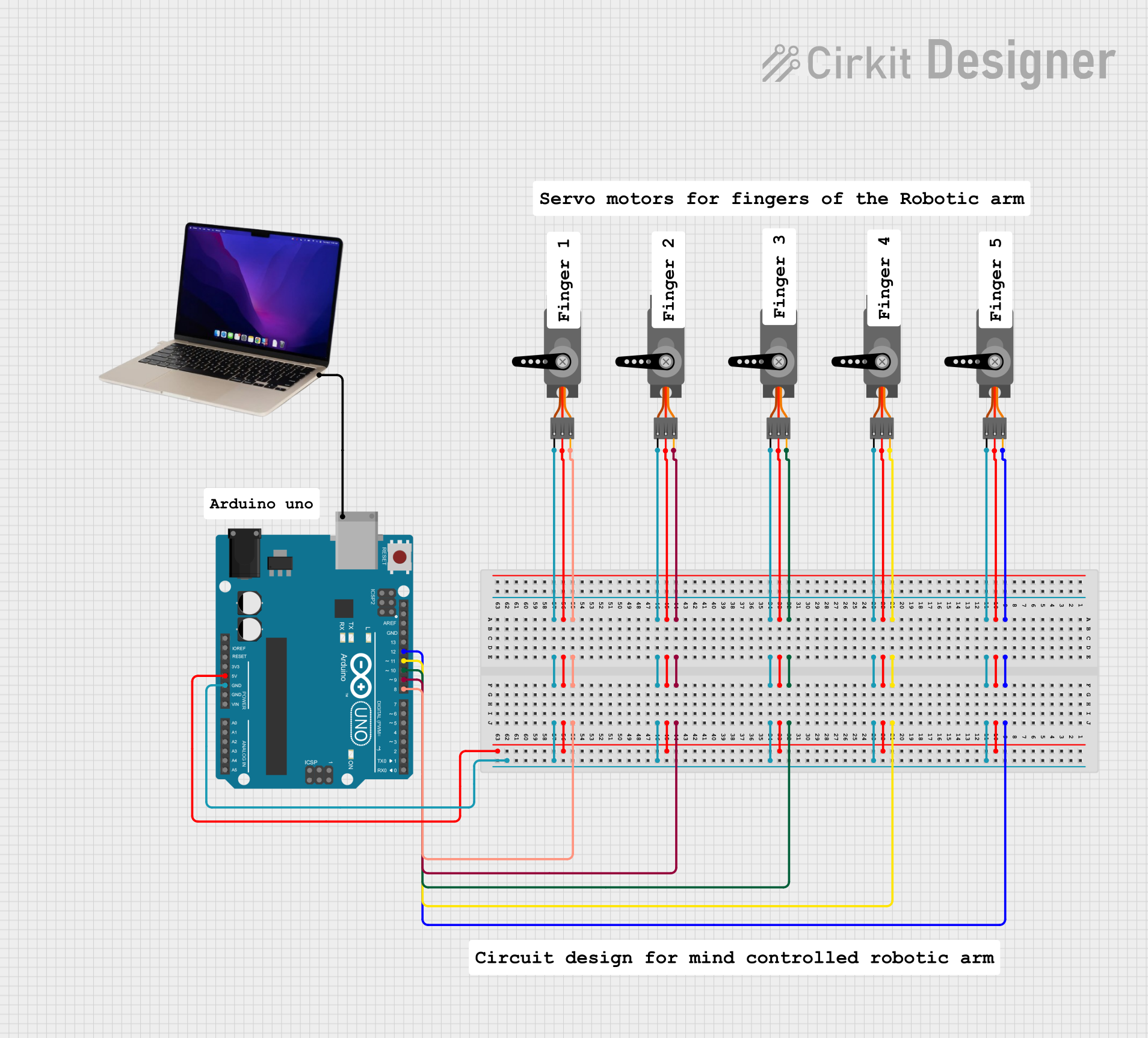 Open Project in Cirkit Designer
Explore Projects Built with Servo
Open Project in Cirkit DesignerOpen Project in Cirkit DesignerOpen Project in Cirkit DesignerOpen Project in Cirkit DesignerCommon Applications and Use Cases
- Robotics: For controlling robotic arms, grippers, and joints.
- Remote-controlled vehicles: Steering mechanisms and throttle control.
- Automation: Conveyor belts, sorting systems, and industrial machinery.
- Hobby projects: Model airplanes, boats, and cars.
- Camera gimbals: For stabilizing and positioning cameras.
Technical Specifications
Below are the general technical specifications for a standard hobby servo. Note that specifications may vary depending on the specific model and manufacturer.
| Parameter | Value |
|---|---|
| Operating Voltage | 4.8V to 6V |
| Stall Torque | ~1.5 kg.cm to 20 kg.cm (varies) |
| Operating Speed | ~0.1s to 0.2s per 60° (varies) |
| Control Signal | PWM (Pulse Width Modulation) |
| PWM Signal Range | 1ms to 2ms (typical) |
| Angle Range | 0° to 180° (typical) |
| Idle Current | ~10mA to 20mA |
| Stall Current | ~1A to 2A (varies) |
Pin Configuration
Servos typically have three wires for connection. The pinout is as follows:
| Wire Color | Function | Description |
|---|---|---|
| Red | VCC (Power) | Connect to a 5V or 6V power supply. |
| Black/Brown | GND (Ground) | Connect to the ground of the circuit. |
| Yellow/Orange | Signal (PWM Input) | Receives the PWM signal for control. |
Usage Instructions
How to Use a Servo in a Circuit
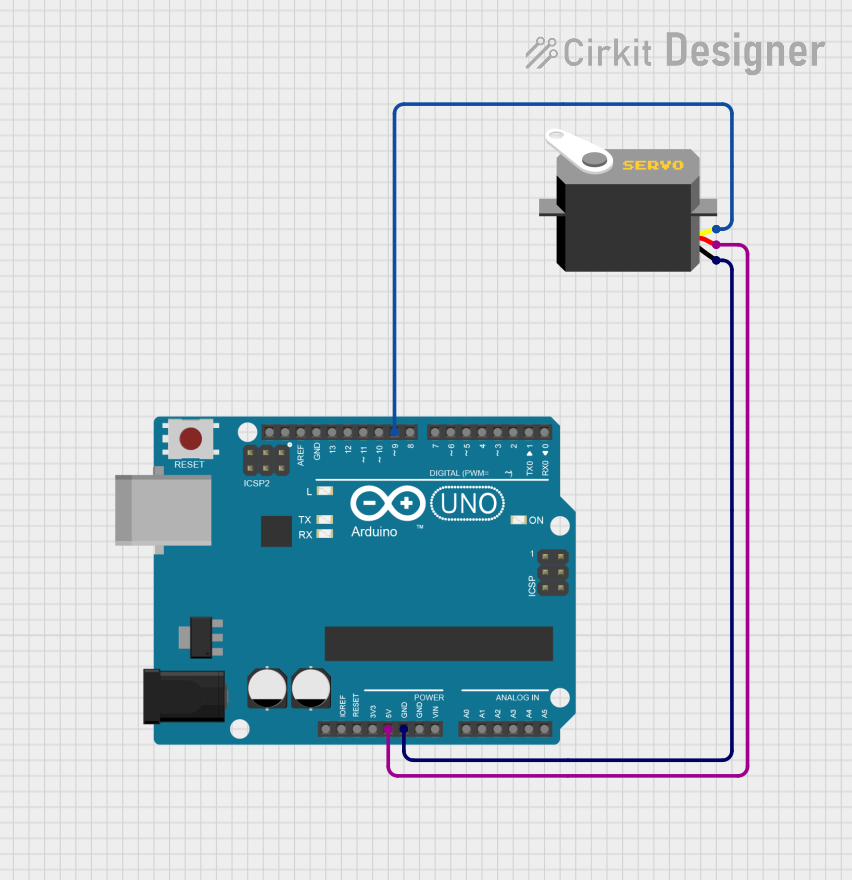
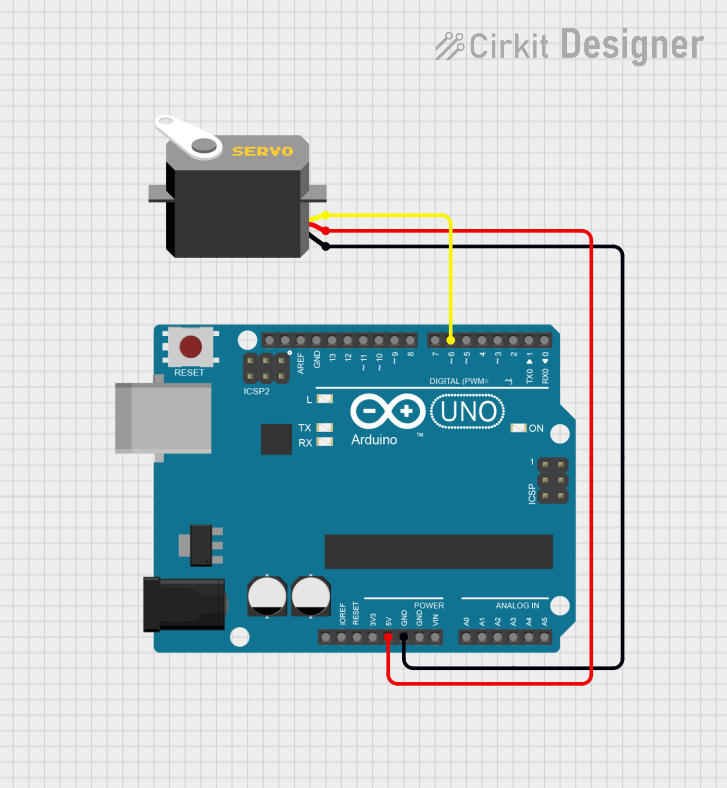
- Power the Servo: Connect the red wire to a 5V or 6V power source and the black/brown wire to ground.
- Control Signal: Connect the yellow/orange wire to a PWM-capable pin on your microcontroller (e.g., Arduino).
- Generate PWM Signal: Use a PWM signal to control the servo's position. A pulse width of 1ms typically moves the servo to 0°, 1.5ms to 90°, and 2ms to 180°.
Important Considerations and Best Practices
- Power Supply: Ensure the power supply can handle the servo's stall current to avoid voltage drops.
- Decoupling Capacitor: Add a capacitor (e.g., 100µF) across the power supply to stabilize voltage.
- Avoid Overloading: Do not exceed the servo's torque rating to prevent damage.
- PWM Frequency: Use a PWM frequency of 50Hz (20ms period) for standard servos.
- Mechanical Limits: Avoid forcing the servo beyond its physical limits to prevent damage.
Example: Controlling a Servo with Arduino UNO
Below is an example code to control a servo using an Arduino UNO:
#include <Servo.h> // Include the Servo library

Servo myServo; // Create a Servo object

void setup() {
  myServo.attach(9); // Attach the servo to pin 9
}

void loop() {
  myServo.write(0); // Move servo to 0 degrees
  delay(1000);      // Wait for 1 second

  myServo.write(90); // Move servo to 90 degrees
  delay(1000);       // Wait for 1 second

  myServo.write(180); // Move servo to 180 degrees
  delay(1000);        // Wait for 1 second
}
Code Explanation
- The
Servolibrary simplifies servo control. - The
attach()function links the servo to a specific PWM pin. - The
write()function sets the servo's position in degrees (0° to 180°). - Delays are used to allow the servo to reach the desired position.
Troubleshooting and FAQs
Common Issues and Solutions
Servo Not Moving
- Cause: Incorrect wiring or insufficient power supply.
- Solution: Double-check connections and ensure the power supply meets the servo's requirements.
Jittery Movement
- Cause: Electrical noise or unstable power supply.
- Solution: Add a decoupling capacitor across the power supply and ensure proper grounding.
Overheating
- Cause: Prolonged stalling or overloading.
- Solution: Avoid exceeding the servo's torque rating and ensure it is not mechanically blocked.
Limited Range of Motion
- Cause: PWM signal out of range or mechanical limits.
- Solution: Verify the PWM signal range (1ms to 2ms) and ensure the servo is not obstructed.
FAQs
Q: Can I power a servo directly from the Arduino?
A: It is not recommended, as the Arduino's 5V pin cannot supply enough current for most servos. Use an external power supply.
Q: How do I control multiple servos with an Arduino?
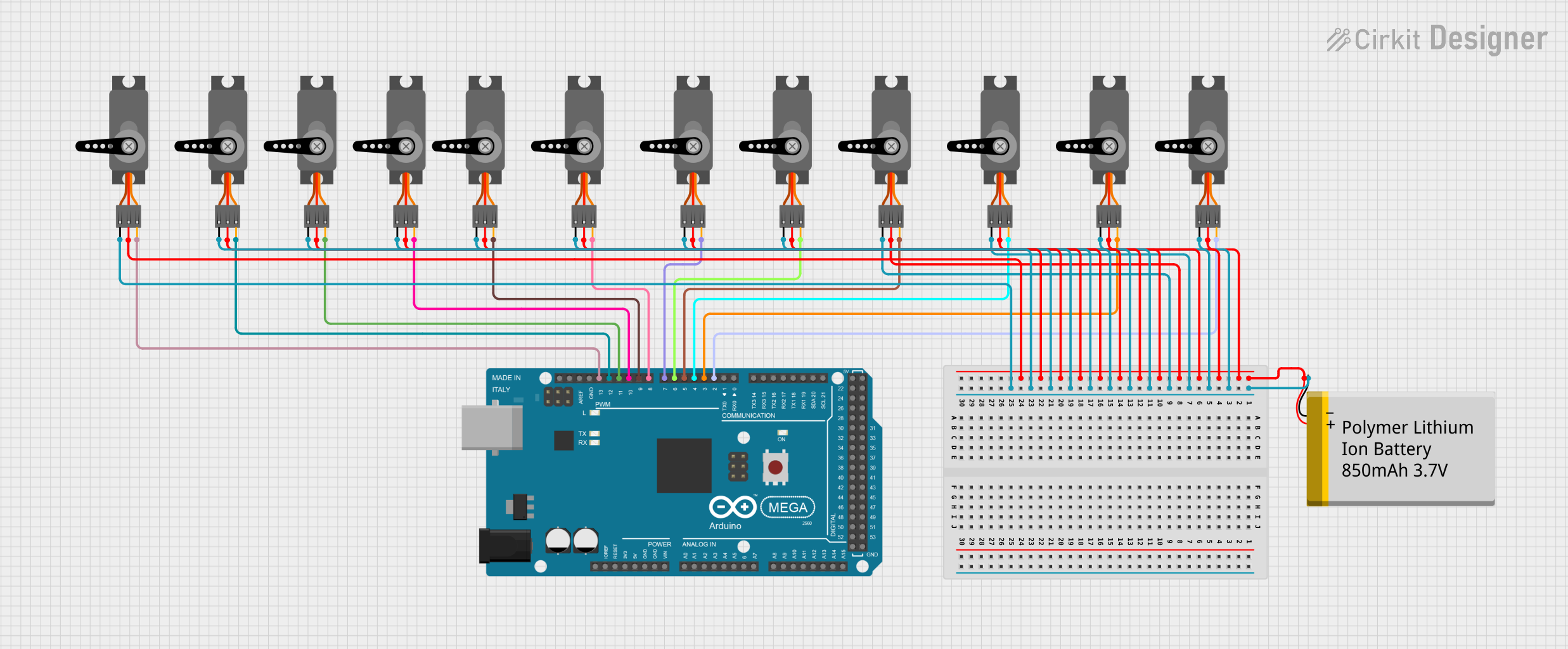
A: Use the Servo library to create multiple Servo objects and attach each to a different PWM pin.
Q: Can I rotate a servo continuously?
A: Standard servos have a limited range (0° to 180°). For continuous rotation, use a continuous rotation servo.
Q: What happens if I send a PWM signal outside the 1ms to 2ms range?
A: The servo may attempt to move beyond its physical limits, potentially causing damage. Always stay within the specified range.