
How to Use esp32-wroom-32e dev board: Examples, Pinouts, and Specs
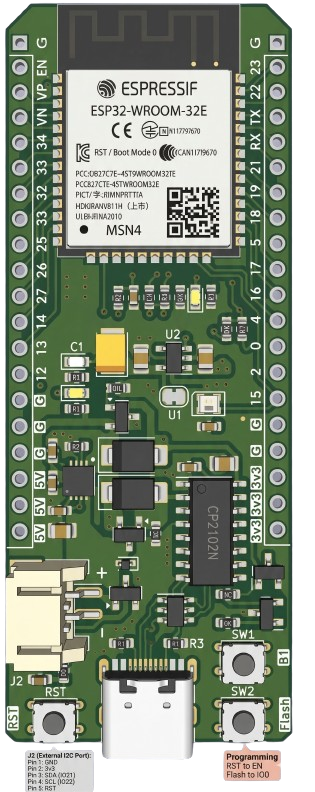
 Design with esp32-wroom-32e dev board in Cirkit Designer
Introduction
The ESP32-WROOM-32E Dev Board by Pandabyte (Part ID: esp32wroom32e) is a versatile development board built around the ESP32-WROOM-32E module. This module integrates a powerful dual-core Xtensa® 32-bit LX6 microprocessor, Wi-Fi, and Bluetooth capabilities, making it an excellent choice for IoT applications, smart devices, and rapid prototyping.
Explore Projects Built with esp32-wroom-32e dev board
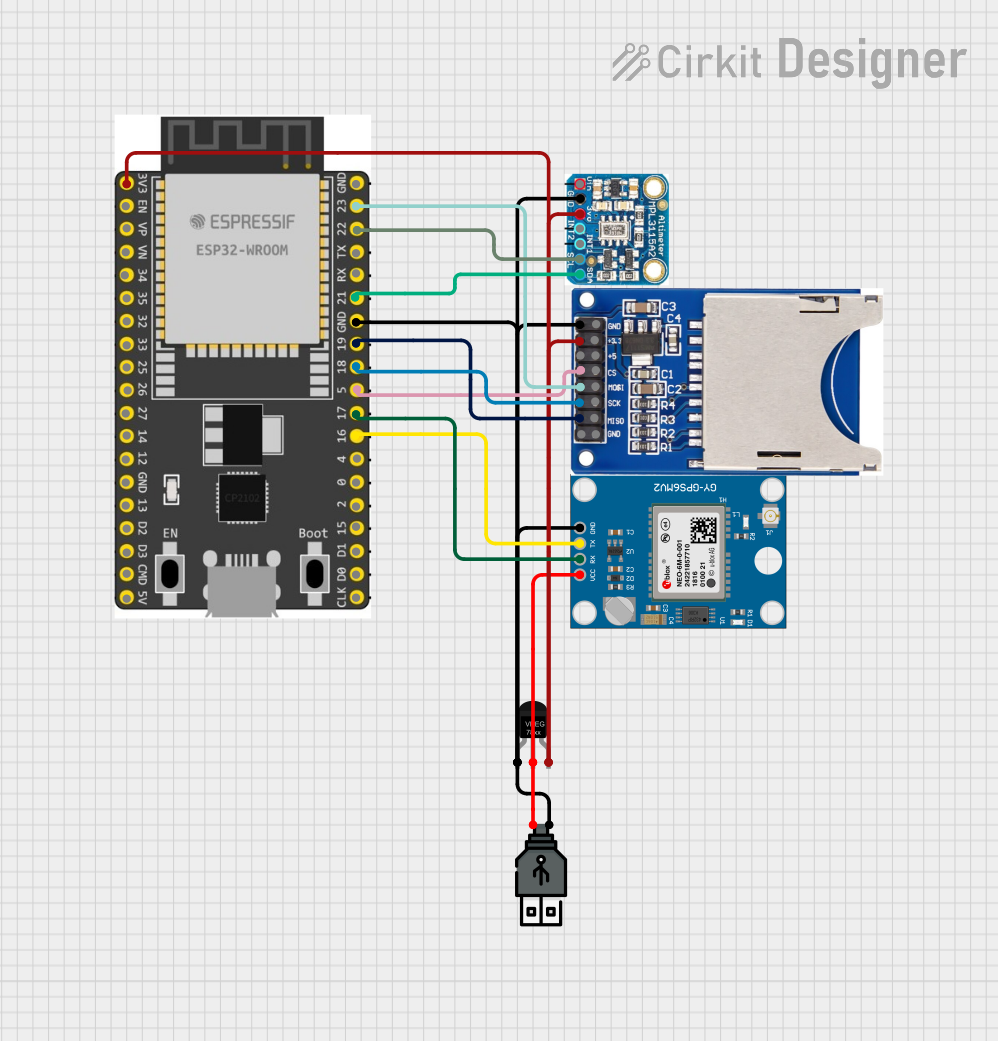 Open Project in Cirkit Designer
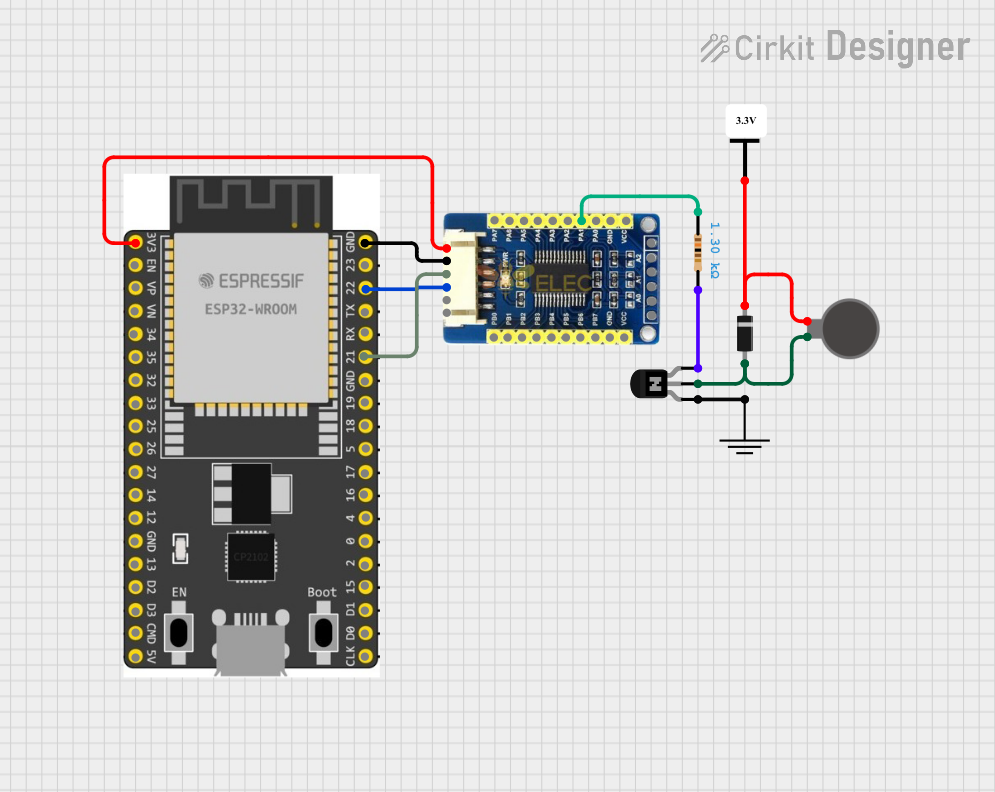 Open Project in Cirkit Designer
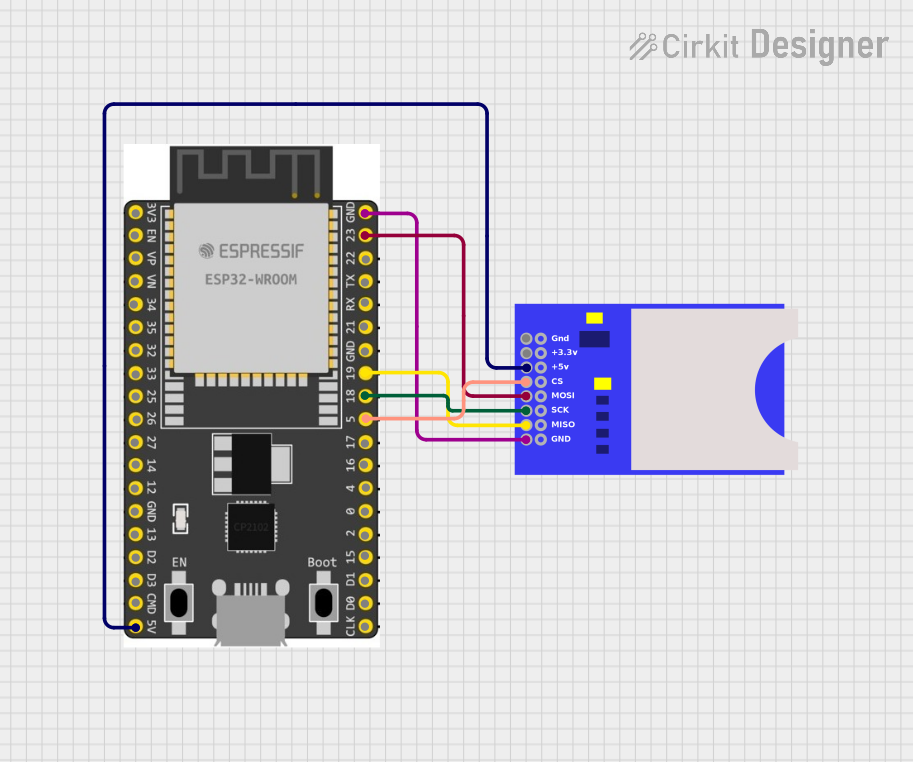 Open Project in Cirkit Designer
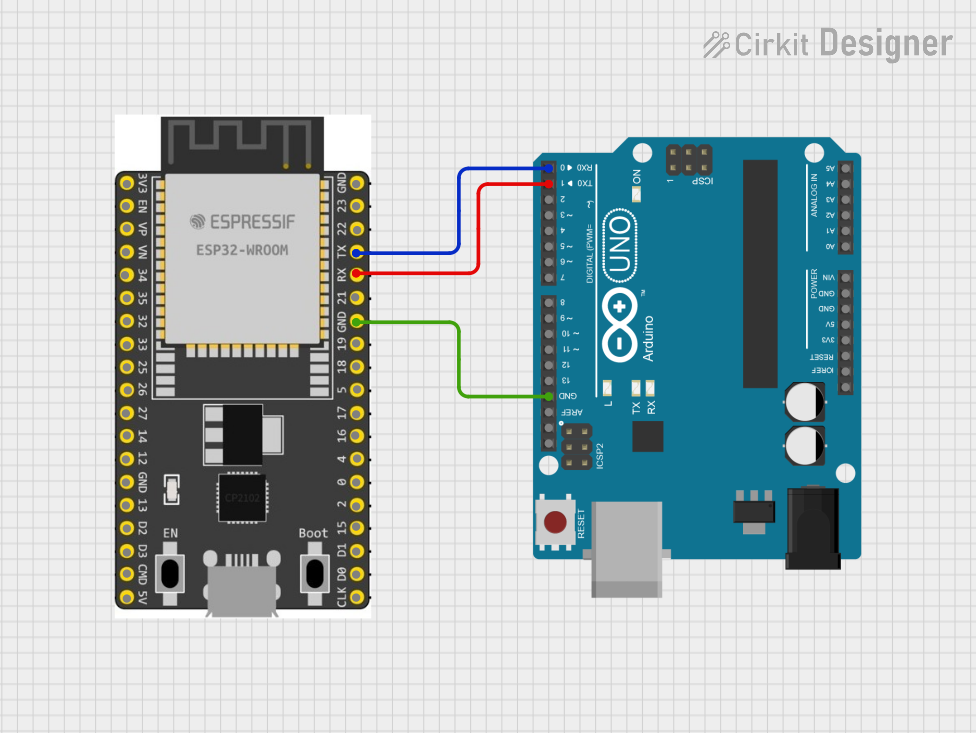 Open Project in Cirkit Designer
Explore Projects Built with esp32-wroom-32e dev board
Open Project in Cirkit DesignerOpen Project in Cirkit DesignerOpen Project in Cirkit DesignerOpen Project in Cirkit DesignerCommon Applications and Use Cases
- IoT devices and smart home automation
- Wireless sensor networks
- Wearable technology
- Industrial automation
- Prototyping for Wi-Fi and Bluetooth-enabled projects
- Educational and hobbyist projects
Technical Specifications
The ESP32-WROOM-32E Dev Board is designed to provide robust performance and flexibility for a wide range of applications. Below are the key technical specifications:
General Specifications
| Parameter | Value |
|---|---|
| Microcontroller | ESP32-WROOM-32E |
| Processor | Dual-core Xtensa® 32-bit LX6 @ 240 MHz |
| Flash Memory | 4 MB (embedded in module) |
| SRAM | 520 KB |
| Wireless Connectivity | Wi-Fi 802.11 b/g/n, Bluetooth v4.2 BR/EDR |
| Operating Voltage | 3.3V |
| Input Voltage (VIN) | 5V (via USB or external power supply) |
| GPIO Pins | 34 (multipurpose, including ADC, DAC, PWM) |
| Communication Interfaces | UART, SPI, I2C, I2S, CAN, PWM |
| Dimensions | 25.5 mm x 51 mm |
Pin Configuration and Descriptions
The ESP32-WROOM-32E Dev Board features a 38-pin layout. Below is the pin configuration:
| Pin Number | Pin Name | Description |
|---|---|---|
| 1 | EN | Reset pin (active high) |
| 2 | IO0 | GPIO0, used for boot mode selection |
| 3 | IO1 (TX0) | UART0 TX, GPIO1 |
| 4 | IO3 (RX0) | UART0 RX, GPIO3 |
| 5 | IO4 | GPIO4, supports PWM, ADC |
| 6 | IO5 | GPIO5, supports PWM, ADC |
| 7 | GND | Ground |
| 8 | 3V3 | 3.3V power output |
| 9 | VIN | 5V input (via USB or external supply) |
| ... | ... | ... (Refer to the full datasheet for all pins) |
Note: Some GPIO pins have specific functions or limitations (e.g., ADC2 pins cannot be used when Wi-Fi is active). Refer to the ESP32-WROOM-32E datasheet for detailed pin functionality.
Usage Instructions
How to Use the ESP32-WROOM-32E Dev Board in a Circuit
Powering the Board:
- Connect the board to a computer or USB power supply using a micro-USB cable.
- Alternatively, supply 5V to the VIN pin and GND.
Programming the Board:
- Install the Arduino IDE or ESP-IDF (Espressif IoT Development Framework).
- Add the ESP32 board support package to the Arduino IDE via the Boards Manager.
- Select the correct board (
ESP32 Dev Module) and port in the IDE.
Connecting Peripherals:
- Use the GPIO pins to connect sensors, actuators, or other peripherals.
- Ensure proper voltage levels (3.3V logic) to avoid damaging the board.
Uploading Code:
- Write your code in the Arduino IDE or ESP-IDF.
- Press the "Upload" button in the IDE to flash the code to the board.
- If required, hold the
BOOTbutton during the upload process.
Example Code: Blinking an LED
The following example demonstrates how to blink an LED connected to GPIO2:
// Define the GPIO pin where the LED is connected
const int ledPin = 2;

void setup() {
  // Set the LED pin as an output
  pinMode(ledPin, OUTPUT);
}

void loop() {
  // Turn the LED on
  digitalWrite(ledPin, HIGH);
  delay(1000); // Wait for 1 second

  // Turn the LED off
  digitalWrite(ledPin, LOW);
  delay(1000); // Wait for 1 second
}
Important Considerations and Best Practices
- Voltage Levels: The ESP32 operates at 3.3V logic. Avoid connecting 5V signals directly to GPIO pins.
- Power Supply: Ensure a stable power supply, especially when using Wi-Fi or Bluetooth, as these features can cause current spikes.
- Boot Mode: GPIO0 must be pulled low during boot to enter programming mode.
- Wi-Fi Interference: Avoid placing the board near metal objects or other sources of interference to maintain strong Wi-Fi signals.
Troubleshooting and FAQs
Common Issues and Solutions
Problem: The board is not detected by the computer.
Solution:- Ensure the USB cable is functional and supports data transfer.
- Install the correct USB-to-serial driver (e.g., CP210x or CH340).
Problem: Code upload fails with a timeout error.
Solution:- Hold the
BOOTbutton while uploading the code. - Check that the correct board and port are selected in the IDE.
- Hold the
Problem: Wi-Fi connection is unstable.
Solution:- Ensure the board is within range of the Wi-Fi router.
- Use a stable power supply to avoid voltage drops.
Problem: GPIO pins are not functioning as expected.
Solution:- Verify that the pins are not being used by other peripherals (e.g., ADC2 pins during Wi-Fi).
- Check for short circuits or incorrect wiring.
FAQs
Q: Can I power the board with a battery?
A: Yes, you can use a 3.7V LiPo battery connected to the VIN and GND pins. Ensure proper voltage regulation.Q: How do I reset the board?
A: Press theENbutton to reset the board.Q: Can I use the ESP32-WROOM-32E for Bluetooth audio?
A: Yes, the ESP32 supports Bluetooth audio via the A2DP profile, but additional libraries may be required.Q: What is the maximum Wi-Fi range?
A: The range depends on environmental factors but typically extends up to 100 meters in open spaces.
This documentation provides a comprehensive guide to using the ESP32-WROOM-32E Dev Board effectively. For further details, refer to the official datasheet and user manual provided by Pandabyte.