
How to Use Pressure Sensor MPS20N0040D-S : Examples, Pinouts, and Specs
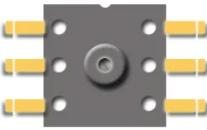
 Design with Pressure Sensor MPS20N0040D-S in Cirkit Designer
Introduction
The MPS20N0040D-S is a piezoresistive pressure sensor manufactured by Sparkfun. It is designed to measure pressure in a variety of applications, providing an analog output that is proportional to the pressure applied. This sensor is known for its high accuracy, stability, and reliability, making it suitable for industrial, automotive, and consumer electronics applications.
Explore Projects Built with Pressure Sensor MPS20N0040D-S
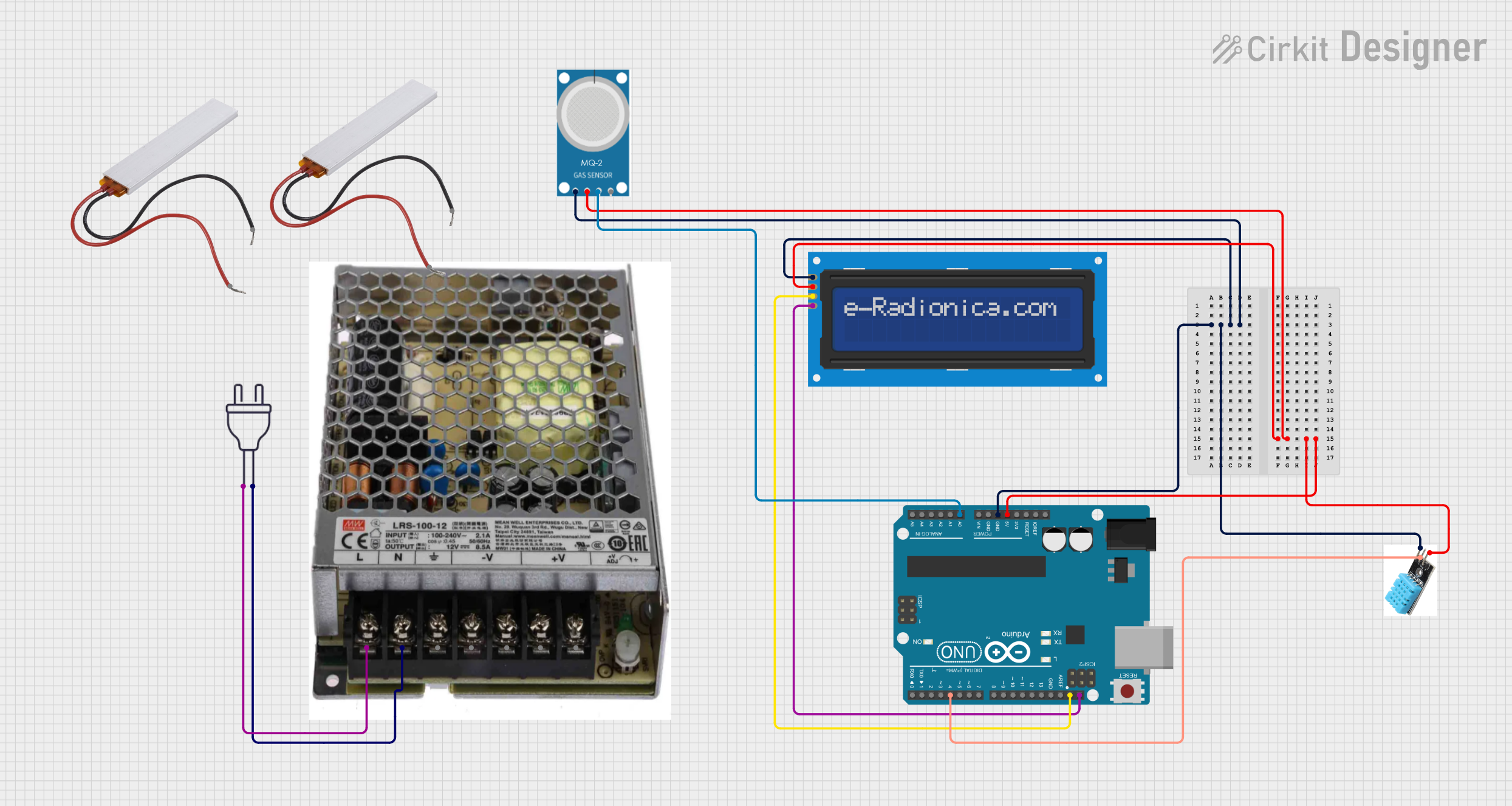 Open Project in Cirkit Designer
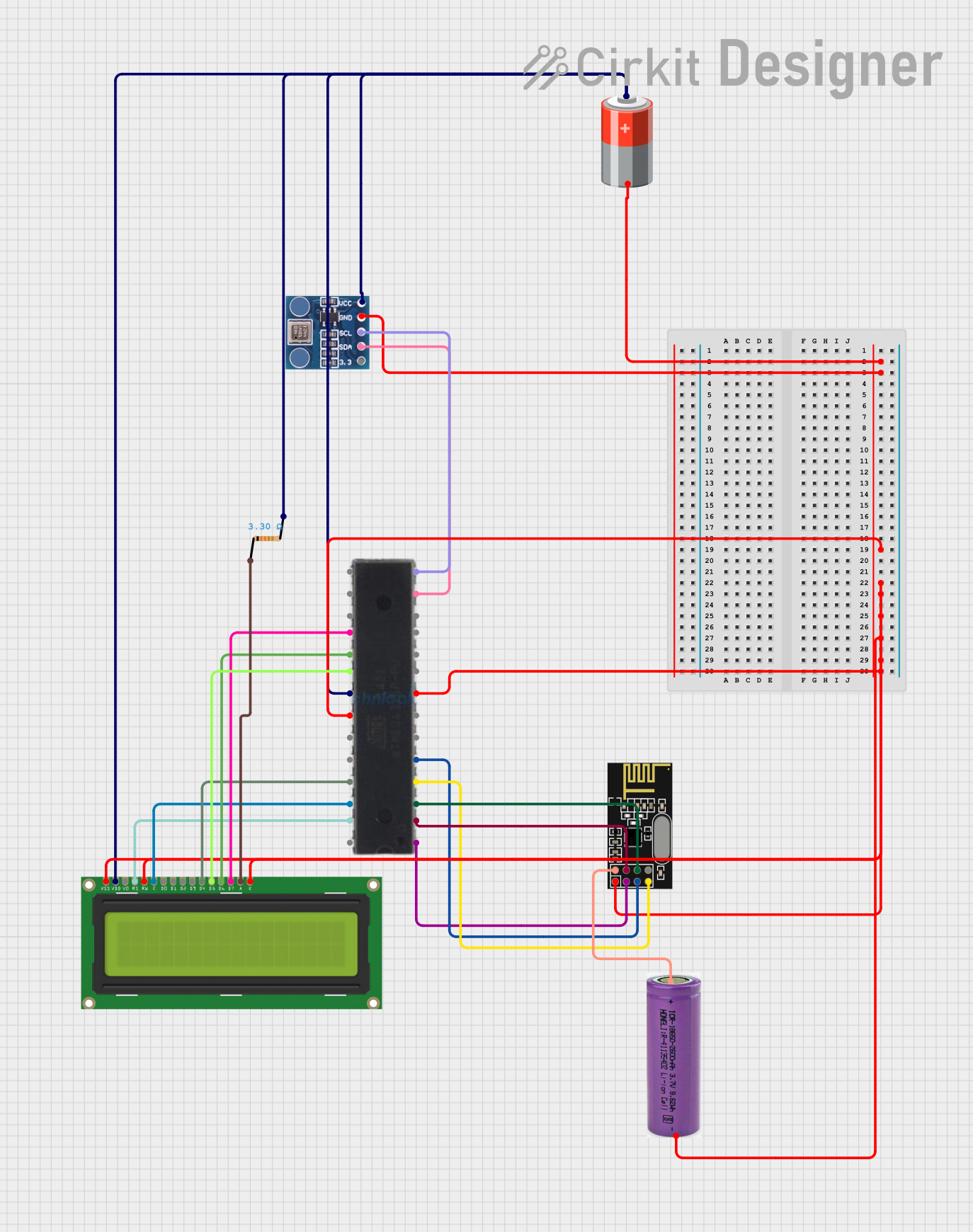 Open Project in Cirkit Designer
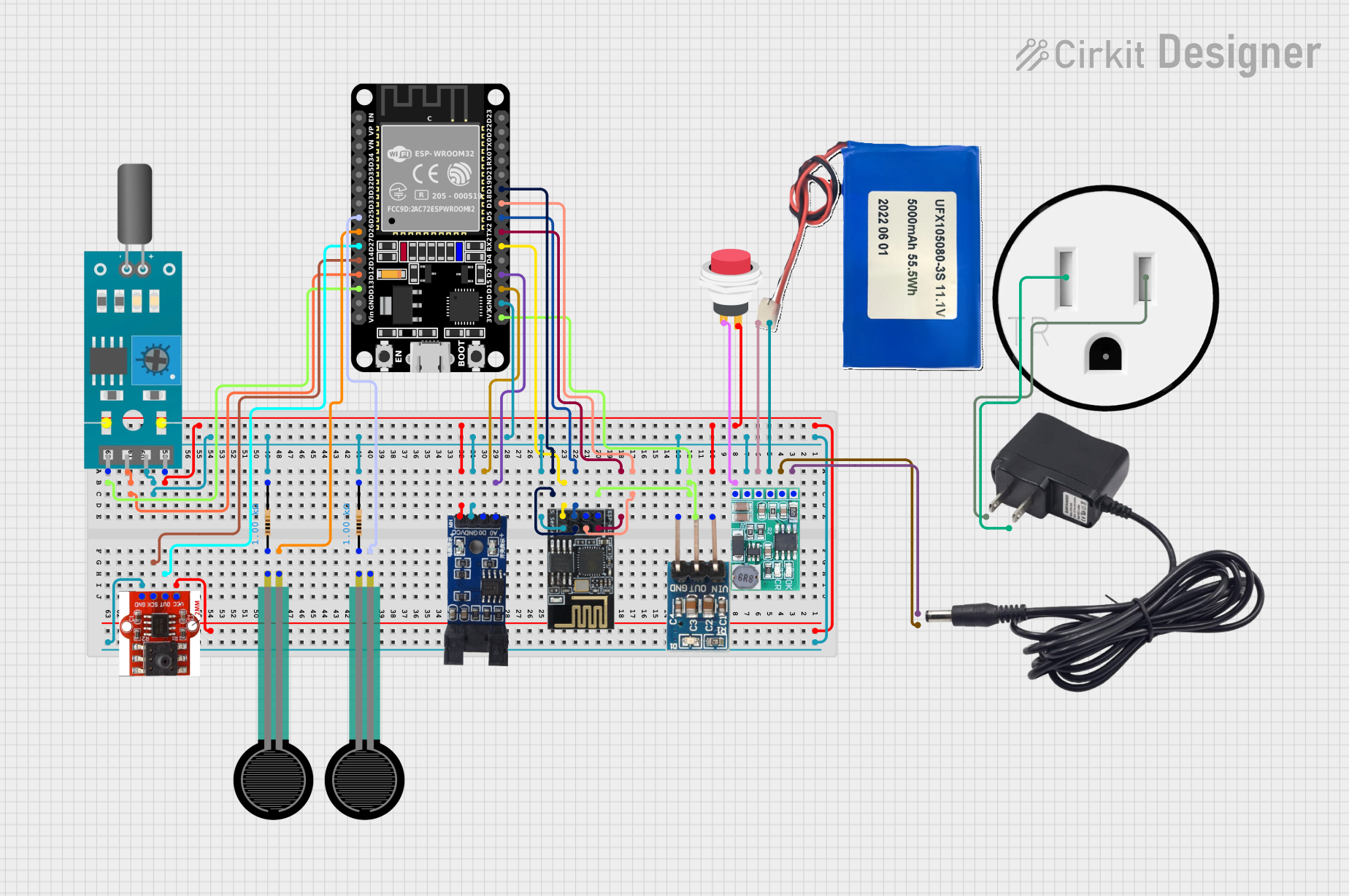 Open Project in Cirkit Designer
 Open Project in Cirkit Designer
Explore Projects Built with Pressure Sensor MPS20N0040D-S
Open Project in Cirkit DesignerOpen Project in Cirkit DesignerOpen Project in Cirkit DesignerOpen Project in Cirkit DesignerCommon Applications
- Industrial pressure monitoring systems
- Automotive pressure sensing (e.g., tire pressure monitoring)
- Weather stations and barometric pressure measurement
- Medical devices (e.g., respiratory systems)
- Altitude measurement in drones and other devices
Technical Specifications
Below are the key technical details of the MPS20N0040D-S pressure sensor:
| Parameter | Value |
|---|---|
| Pressure Range | 0 to 40 kPa |
| Supply Voltage (Vcc) | 5V DC |
| Output Voltage Range | 0.2V to 4.7V (analog output) |
| Accuracy | ±0.25% FS (Full Scale) |
| Operating Temperature | -40°C to +85°C |
| Response Time | ≤1 ms |
| Sensor Type | Piezoresistive |
| Dimensions | 18 mm x 18 mm x 8 mm |
Pin Configuration
The MPS20N0040D-S has a 4-pin interface. The pinout is as follows:
| Pin | Name | Description |
|---|---|---|
| 1 | Vcc | Power supply (5V DC) |
| 2 | GND | Ground |
| 3 | OUT+ | Positive analog output (pressure signal) |
| 4 | OUT- | Negative analog output (reference) |
Usage Instructions
How to Use the MPS20N0040D-S in a Circuit
- Power Supply: Connect the Vcc pin to a 5V DC power source and the GND pin to the ground of your circuit.
- Signal Output: The sensor provides an analog output proportional to the applied pressure. Connect the OUT+ pin to an analog input pin of your microcontroller or ADC (Analog-to-Digital Converter). The OUT- pin serves as a reference and should also be connected to the ground of your circuit.
- Pressure Measurement: Apply pressure to the sensor's diaphragm. The output voltage will vary linearly with the applied pressure, ranging from approximately 0.2V (0 kPa) to 4.7V (40 kPa).
Important Considerations
- Calibration: For accurate measurements, calibrate the sensor in your specific application environment.
- Filtering: Use a low-pass filter on the output signal to reduce noise and improve stability.
- Temperature Compensation: The sensor is temperature-sensitive. If precise measurements are required, consider implementing temperature compensation in your system.
- Avoid Overpressure: Do not exceed the maximum pressure rating of 40 kPa, as this may damage the sensor.
Example: Connecting to an Arduino UNO
Below is an example of how to connect and read data from the MPS20N0040D-S using an Arduino UNO:
Circuit Diagram
- Connect the Vcc pin of the sensor to the 5V pin on the Arduino.
- Connect the GND pin of the sensor to the GND pin on the Arduino.
- Connect the OUT+ pin of the sensor to the A0 analog input pin on the Arduino.
- Connect the OUT- pin of the sensor to the GND pin on the Arduino.
Arduino Code
// MPS20N0040D-S Pressure Sensor Example
// Reads the analog output from the sensor and converts it to pressure in kPa.

const int sensorPin = A0; // Analog pin connected to OUT+ of the sensor
const float maxVoltage = 5.0; // Arduino operating voltage
const float maxPressure = 40.0; // Maximum pressure in kPa
const float minVoltage = 0.2; // Minimum sensor output voltage
const float maxSensorVoltage = 4.7; // Maximum sensor output voltage

void setup() {
  Serial.begin(9600); // Initialize serial communication
}

void loop() {
  int sensorValue = analogRead(sensorPin); // Read the analog value (0-1023)
  float voltage = (sensorValue / 1023.0) * maxVoltage; // Convert to voltage

  // Map the voltage to pressure in kPa
  float pressure = (voltage - minVoltage) * (maxPressure /
                  (maxSensorVoltage - minVoltage));

  // Ensure pressure is within valid range
  if (pressure < 0) pressure = 0;

  // Print the pressure value to the Serial Monitor
  Serial.print("Pressure: ");
  Serial.print(pressure);
  Serial.println(" kPa");

  delay(500); // Wait for 500 ms before the next reading
}
Troubleshooting and FAQs
Common Issues
No Output Signal:
- Ensure the sensor is powered with 5V DC and properly grounded.
- Verify that the connections to the Arduino or ADC are secure.
Inaccurate Readings:
- Check for noise in the output signal. Use a low-pass filter if necessary.
- Ensure the sensor is not exposed to temperatures outside its operating range.
- Calibrate the sensor in your specific application environment.
Output Voltage Stuck at Maximum or Minimum:
- Verify that the applied pressure is within the sensor's range (0 to 40 kPa).
- Inspect the sensor for physical damage or overpressure.
FAQs
Q: Can this sensor measure negative pressure (vacuum)?
A: No, the MPS20N0040D-S is designed to measure positive pressure only, within the range of 0 to 40 kPa.
Q: Is the sensor waterproof?
A: No, the sensor is not waterproof. Avoid exposing it to liquids or high humidity environments.
Q: Can I use this sensor with a 3.3V microcontroller?
A: The sensor requires a 5V power supply for proper operation. If your microcontroller operates at 3.3V, you may need a level shifter for the output signal.
Q: How do I implement temperature compensation?
A: Use a temperature sensor to measure the ambient temperature and apply a correction factor to the pressure readings based on the sensor's temperature characteristics.
By following this documentation, you can effectively integrate the MPS20N0040D-S pressure sensor into your projects and achieve accurate pressure measurements.