Cirkit Designer LogoCirkit DesignerYour all-in-one circuit design IDE Launch Cirkit Designer App

How to Use SIM800L GSM module (with external antenna + SIM card): Examples, Pinouts, and Specs

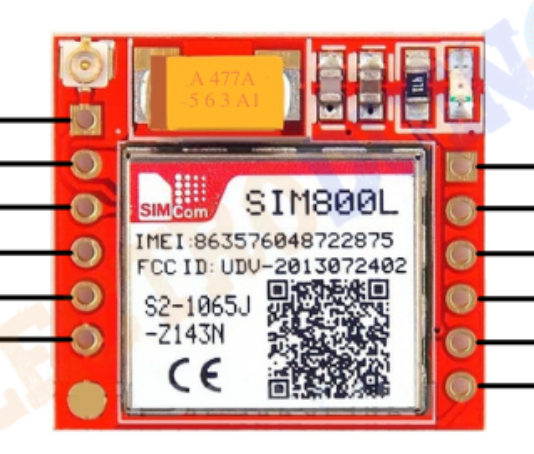
Image of SIM800L GSM module (with external antenna + SIM card)Design with SIM800L GSM module (with external antenna + SIM card) in Cirkit Designer

Introduction

The SIM800L GSM module is a compact and versatile GSM/GPRS module designed for communication over cellular networks. It supports SMS, voice calls, and data transmission, making it ideal for IoT applications, remote monitoring, and mobile communication projects. Equipped with an external antenna, the module ensures improved signal strength and reliable connectivity. A SIM card is required to access the cellular network.

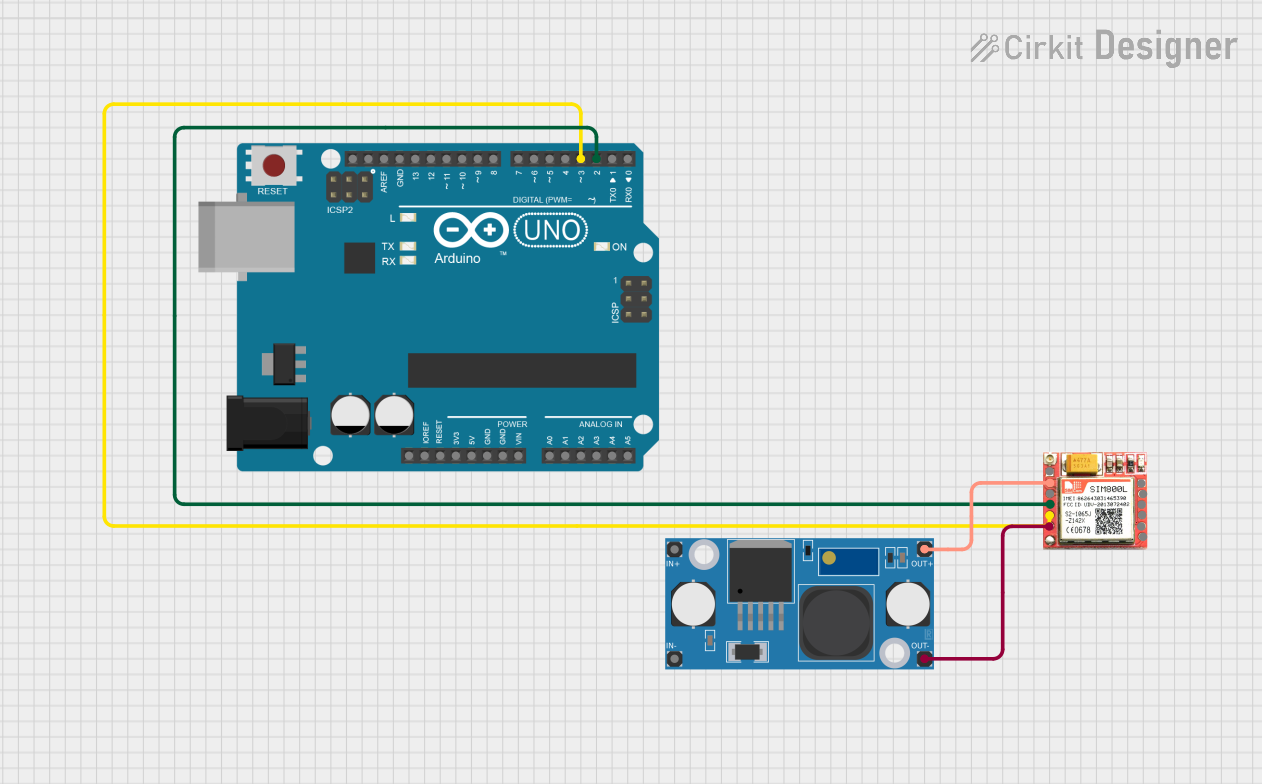
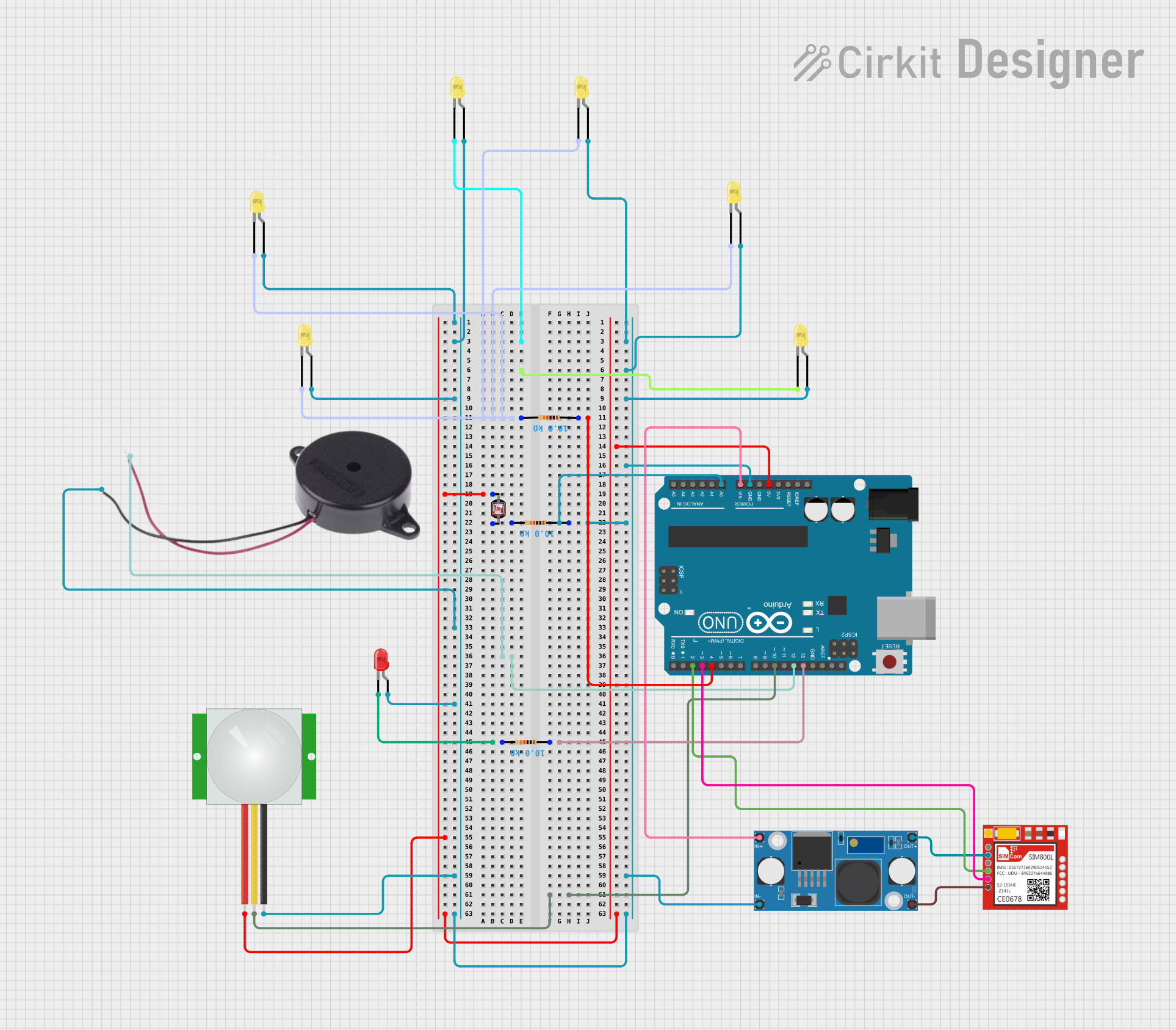
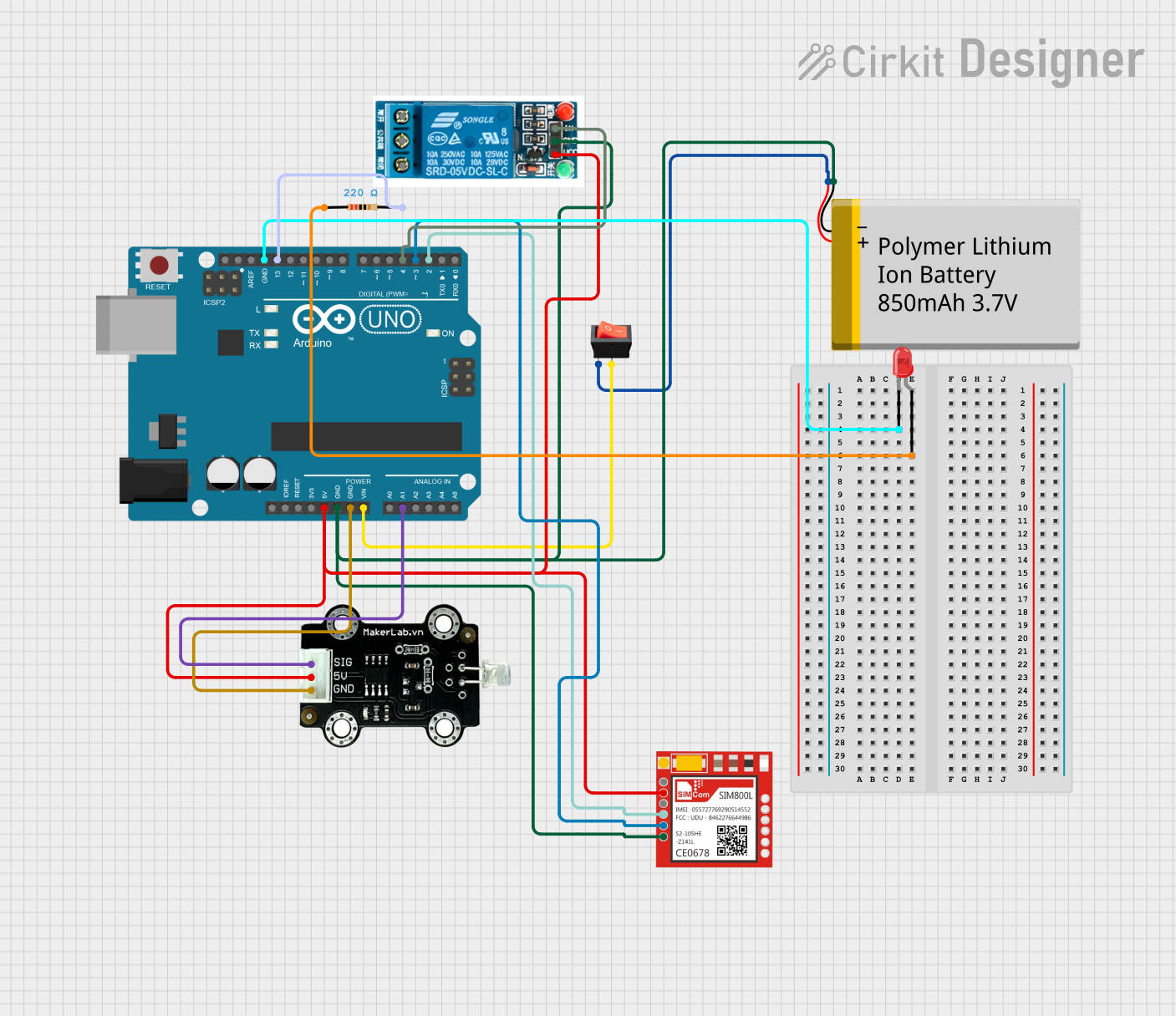
Explore Projects Built with SIM800L GSM module (with external antenna + SIM card)

Use Cirkit Designer to design, explore, and prototype these projects online. Some projects support real-time simulation. Click "Open Project" to start designing instantly!

Common Applications and Use Cases

Technical Specifications

Key Technical Details

Pin Configuration and Descriptions

The SIM800L module has 8 pins. Below is the pinout and description:

Pin Name Description
VCC Power input (3.7V to 4.2V). Ensure a stable power supply to avoid malfunctions.
GND Ground connection.
TXD Transmit data (UART output). Connect to the RX pin of the microcontroller.
RXD Receive data (UART input). Connect to the TX pin of the microcontroller.
RST Reset pin. Pull LOW for at least 100ms to reset the module.
NET Network status indicator (blinks to indicate network activity).
ANT External antenna connection.
SIM Micro SIM card slot for network access.

Usage Instructions

How to Use the SIM800L in a Circuit

  1. Power Supply:

    • Use a stable power source capable of providing 3.7V to 4.2V with at least 2A current.
    • A LiPo battery or a DC-DC buck converter is recommended. Avoid powering the module directly from a 5V source, as it may damage the module.
  2. Connections:

    • Connect the VCC and GND pins to the power supply.
    • Connect the TXD pin of the module to the RX pin of the microcontroller (e.g., Arduino).
    • Connect the RXD pin of the module to the TX pin of the microcontroller.
    • Attach the external antenna to the ANT connector.
    • Insert a micro SIM card into the SIM slot.
  3. Initialization:

    • Use AT commands to configure and control the module.
    • Ensure the baud rate of the microcontroller matches the module's default baud rate (9600 bps).
  4. Example Circuit:
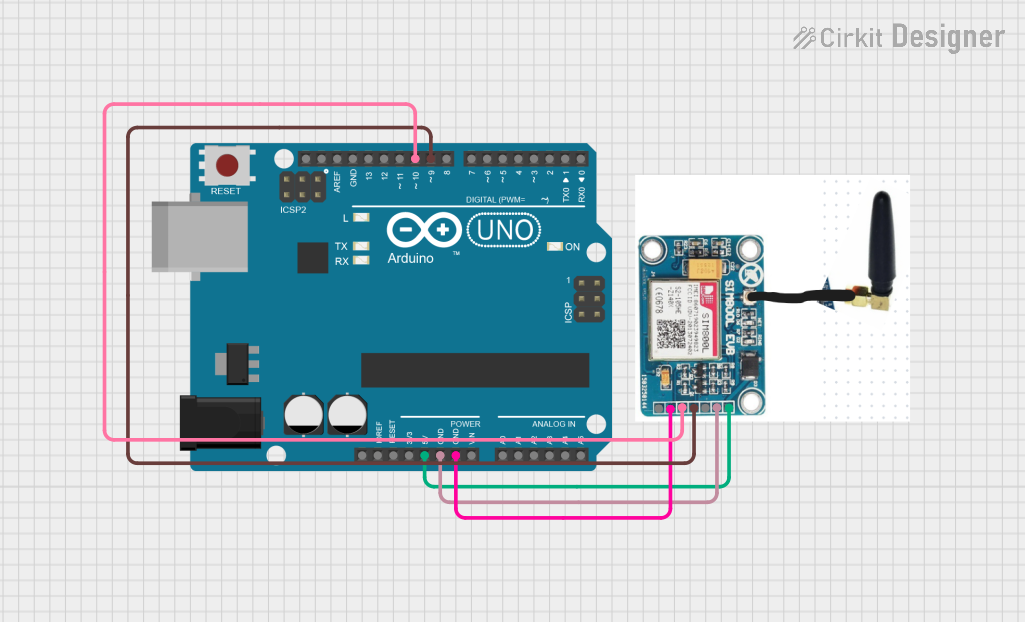
    Below is a basic connection diagram for the SIM800L module with an Arduino UNO:

    • SIM800L TXD → Arduino RX (Pin 0)
    • SIM800L RXD → Arduino TX (Pin 1)
    • SIM800L VCC → 3.7V to 4.2V power source
    • SIM800L GND → Arduino GND

Example Code for Arduino UNO

#include <SoftwareSerial.h>

// Define RX and TX pins for SoftwareSerial
SoftwareSerial SIM800L(10, 11); // RX = Pin 10, TX = Pin 11

void setup() {
  // Initialize serial communication with the SIM800L module
  SIM800L.begin(9600); // Default baud rate of SIM800L
  Serial.begin(9600);  // Serial monitor for debugging

  // Wait for the module to initialize
  delay(1000);
  Serial.println("Initializing SIM800L...");

  // Send an AT command to check communication
  SIM800L.println("AT");
  delay(1000);

  // Read and print the response from the module
  while (SIM800L.available()) {
    Serial.write(SIM800L.read());
  }
}

void loop() {
  // Example: Send an SMS
  if (Serial.available()) {
    String command = Serial.readString();

    if (command == "sendSMS") {
      SIM800L.println("AT+CMGF=1"); // Set SMS mode to text
      delay(1000);

      SIM800L.println("AT+CMGS=\"+1234567890\""); // Replace with recipient's number
      delay(1000);

      SIM800L.println("Hello, this is a test SMS from SIM800L!"); // SMS content
      delay(1000);

      SIM800L.write(26); // Send Ctrl+Z to send the SMS
      delay(5000);

      Serial.println("SMS sent!");
    }
  }
}

Important Considerations and Best Practices

Troubleshooting and FAQs

Common Issues and Solutions

  1. Module Not Responding to AT Commands:

    • Check the power supply voltage and current.
    • Verify the TX and RX connections between the module and microcontroller.
    • Ensure the baud rate matches (default: 9600 bps).
  2. Frequent Resets or Unstable Operation:

    • Use a power source capable of providing at least 2A current.
    • Add a capacitor (e.g., 1000µF) across the power supply to stabilize voltage.
  3. No Network Connection:

    • Ensure the SIM card is active and has sufficient balance.
    • Check the antenna connection and position it for better signal reception.
    • Verify that the module supports the frequency bands of your network.
  4. SMS Not Sending:

    • Confirm the recipient's phone number is in the correct format (e.g., +
    • Ensure the module is in SMS text mode (AT+CMGF=1).

FAQs