Introduction
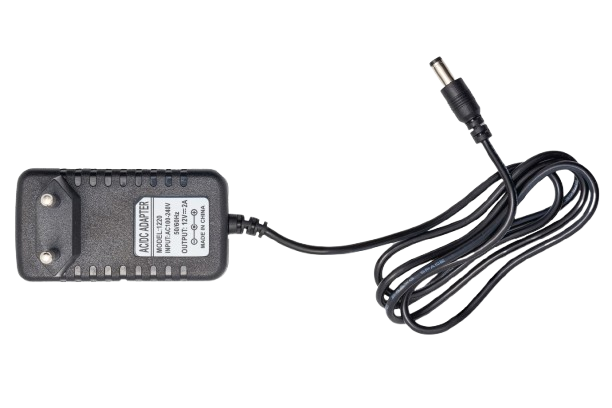
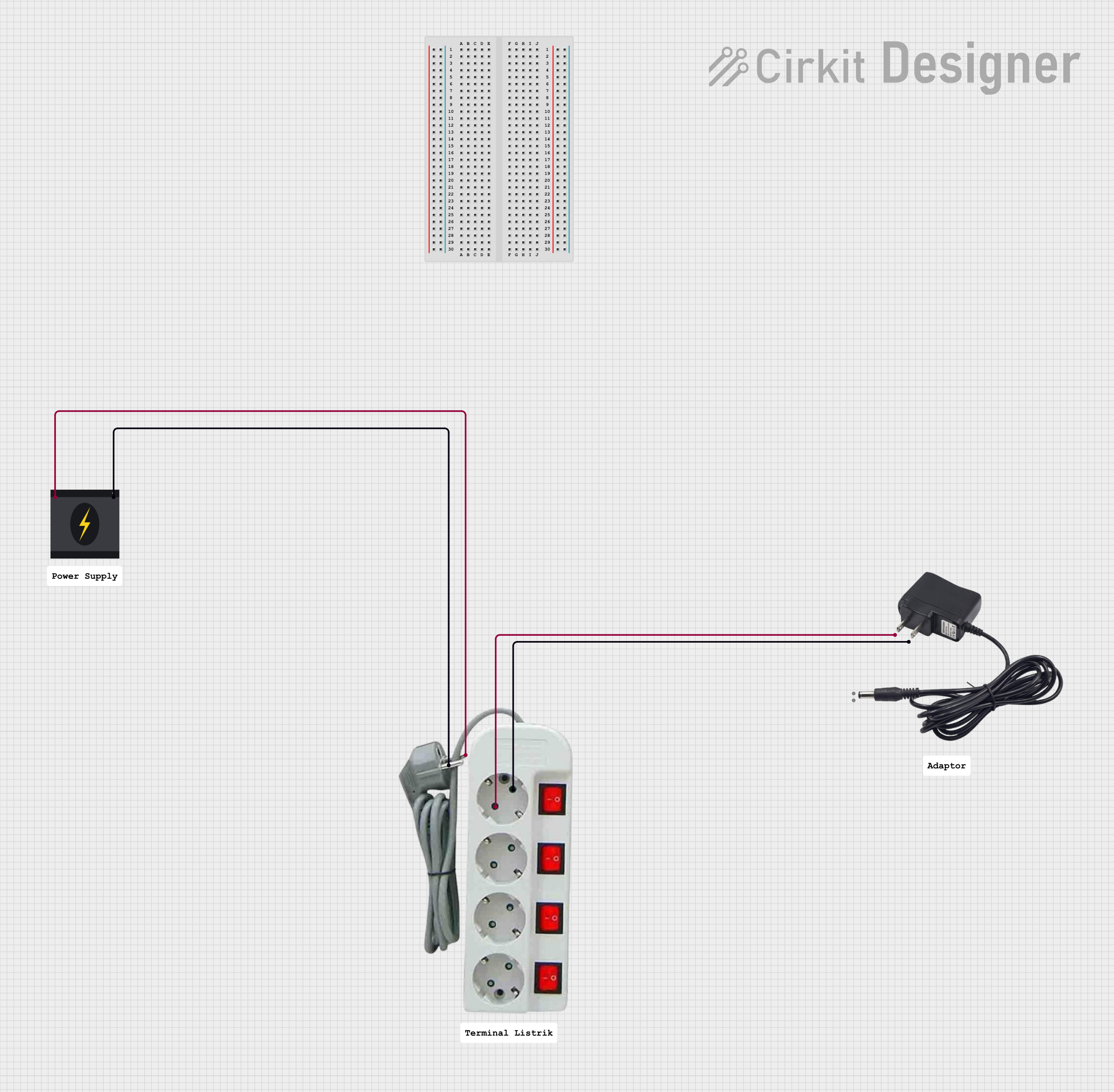
The Adaptor 12V by Power (Manufacturer Part ID: Power) is a device designed to convert electrical power from a standard AC outlet (typically 110V or 220V, depending on the region) into a stable 12-volt DC output. This adaptor is widely used to power a variety of electronic devices, including routers, LED strips, small appliances, and DIY electronics projects.
Common Applications and Use Cases
- Powering home networking equipment such as routers and modems.
- Supplying power to LED lighting systems.
- Providing a stable 12V source for Arduino or Raspberry Pi projects.
- Operating small DC motors or fans.
- Charging or powering portable devices that require a 12V input.
Technical Specifications
The following table outlines the key technical details of the Adaptor 12V:
Pin Configuration and Descriptions
The Adaptor 12V typically uses a barrel jack connector. The pin configuration is as follows:
Usage Instructions
How to Use the Adaptor in a Circuit
- Verify Compatibility: Ensure the device you are powering requires a 12V DC input and that the current rating of the adaptor (e.g., 1A, 2A, or 5A) meets or exceeds the device's requirements.
- Connect the Barrel Jack: Plug the barrel jack into the power input port of your device. Ensure the polarity matches (center positive).
- Plug into an AC Outlet: Insert the adaptor into a standard AC wall outlet.
- Power On the Device: Turn on the connected device, if applicable.
Important Considerations and Best Practices
- Check Polarity: Always confirm that the device being powered uses a center-positive configuration. Reversing polarity can damage the device.
- Avoid Overloading: Do not exceed the adaptor's maximum current rating. For example, if the adaptor is rated for 2A, ensure the connected device does not draw more than 2A.
- Ventilation: Ensure the adaptor has adequate ventilation to prevent overheating during operation.
- Use with Arduino UNO: The Adaptor 12V can be used to power an Arduino UNO via the DC barrel jack. The Arduino's onboard voltage regulator will step down the 12V to 5V for internal use.
Example: Using the Adaptor 12V with Arduino UNO
// This example demonstrates how to blink an LED on pin 13 of the Arduino UNO
// when powered by the Adaptor 12V connected to the DC barrel jack.

void setup() {
  pinMode(13, OUTPUT); // Set pin 13 as an output
}

void loop() {
  digitalWrite(13, HIGH); // Turn the LED on
  delay(1000);            // Wait for 1 second
  digitalWrite(13, LOW);  // Turn the LED off
  delay(1000);            // Wait for 1 second
}
Safety Tips
- Disconnect the adaptor from the AC outlet when not in use.
- Avoid using the adaptor in wet or humid environments.
- Inspect the adaptor regularly for damage to the cable or connector.
Troubleshooting and FAQs
Common Issues and Solutions
FAQs
Q: Can I use this adaptor to charge a 12V battery?
A: No, this adaptor is not designed for charging batteries. Use a dedicated battery charger with appropriate charging profiles.
Q: Is the adaptor compatible with all 12V devices?
A: The adaptor is compatible with devices that require 12V DC input and have a current draw within the adaptor's rated capacity.
Q: Can I extend the cable length of the adaptor?
A: Yes, but ensure the extension cable is of sufficient gauge to handle the current without significant voltage drop.
Q: What happens if I connect a device that requires more current than the adaptor can provide?
A: The adaptor may overheat, shut down, or fail. Always ensure the device's current requirements are within the adaptor's rated capacity.

 Open Project in Cirkit Designer